The first staged photograph is only part of a listing workflow. A seller may ask for different furniture, while another camera angle of the same room needs a matching layout, so editing controls and revision costs matter as much as the first result.
We ranked six staging tools for real estate agents and photographers around those practical decisions: how you make changes, how you keep room views consistent and how you calculate costs. This is a source-based comparison, so test any tool on your own listing photos before committing.
Key Takeaways
- Apply Design is our top pick for self-service staging with hands-on furniture control, consistent designs across multiple photos of the same room and fast turnaround.
- REimagineHome suits conversational refinement, with text instructions and references on Pro and above.
- Collov AI combines staging with photo editing and AI multi-angle features on Advanced and above.
- Virtual Staging AI offers defined monthly photo allowances with repeat renders of included photos.
- Pedra covers staging alongside videos, virtual tours and floor plans on a euro-priced plan.
- AI HomeDesign offers room-and-style presets with free regeneration.
How We Picked These Staging Tools
We used official product pages, pricing tables and dated release notes captured on October 15, 2026. This is desk research: we didn’t upload photographs, time processing or compare generated outputs.
We prioritized direct editing, consistency across room views, furniture removal and revision costs. We also checked watermarks, commercial-use terms and whether a quoted monthly price requires annual payment.
Listing accuracy remains your final check. Inspect windows, flooring and other permanent features after each edit, label altered images and keep the originals.
| Tool | Best-fit workflow | Editing approach | Billing basis |
| Apply Design | Self-service, multi-view listing imagery | Drag-and-drop editor plus automatic mode | From $10.50 per image; DIY from $7 |
| REimagineHome | Conversational refinement | Text instructions and references on Pro and above | Monthly credits; current dollar charges unverified |
| Collov AI | Staging plus photo editing | Regeneration; photo editing from Advanced | Annual billing: $19 to $127 monthly equivalent |
| Virtual Staging AI | Defined monthly photo allowance | Repeat renders of included photos | Annual billing: $16 to $79 monthly equivalent |
| Pedra | Wider listing media | One-credit staging, two-credit prompt edits | €29 monthly or €239 yearly |
| AI HomeDesign | Preset-led staging | Free regeneration and chat refinement | $35 to $99 monthly billing |
1. Apply Design
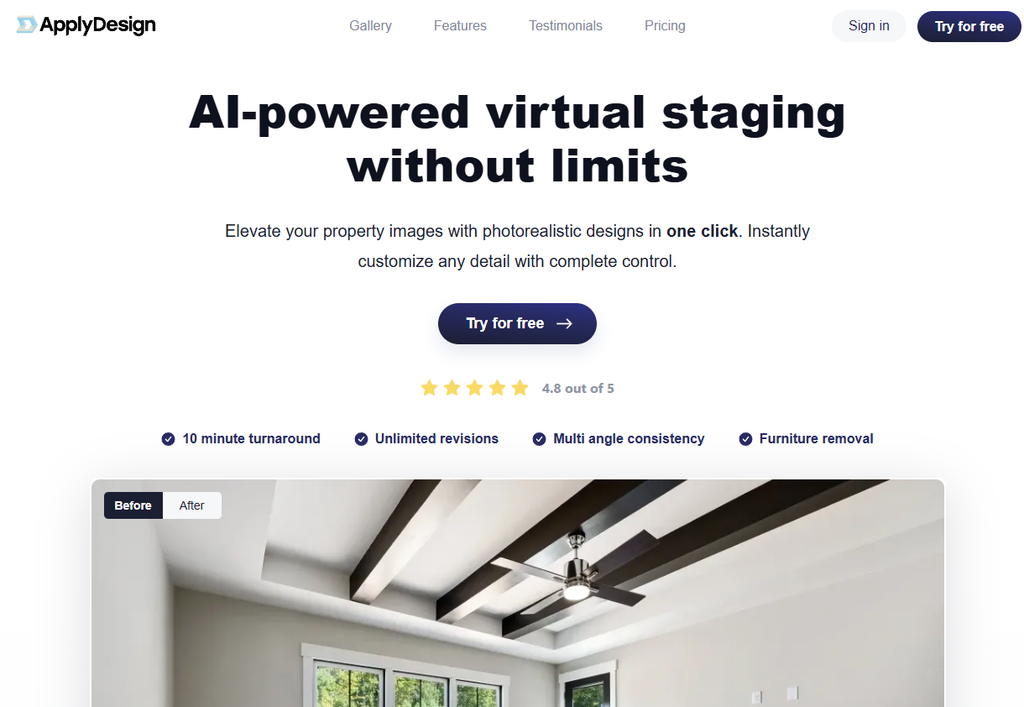
Apply Design is our first choice for agents and photographers who want self-service staging with hands-on furniture control and matching views of the same room.
Pros
- Self-service workflow with one-click automatic staging and a drag-and-drop editor.
- Designs can be replicated across multiple images of the same space for multi-angle consistency.
- Unlimited revisions, plus furniture removal for occupied rooms.
- Works with 2D and 360° images, with a catalog of 18,000+ furniture pieces.
Cons
- Per-image pricing means costs scale with photo volume.
- Automatic staging costs more per image than DIY staging.
Why we picked it
Apply Design’s AI virtual staging combines a self-service workflow with editable furniture arrangements and consistent designs across every angle of a room. Fast turnaround and on-the-spot revisions make it a strong fit when a seller asks for changes after the first result.
Pricing
Automatic staging starts at $10.50 per image with decluttering included, while DIY staging with the drag-and-drop editor costs $7 per image. A free trial is available before you buy.
2. REimagineHome
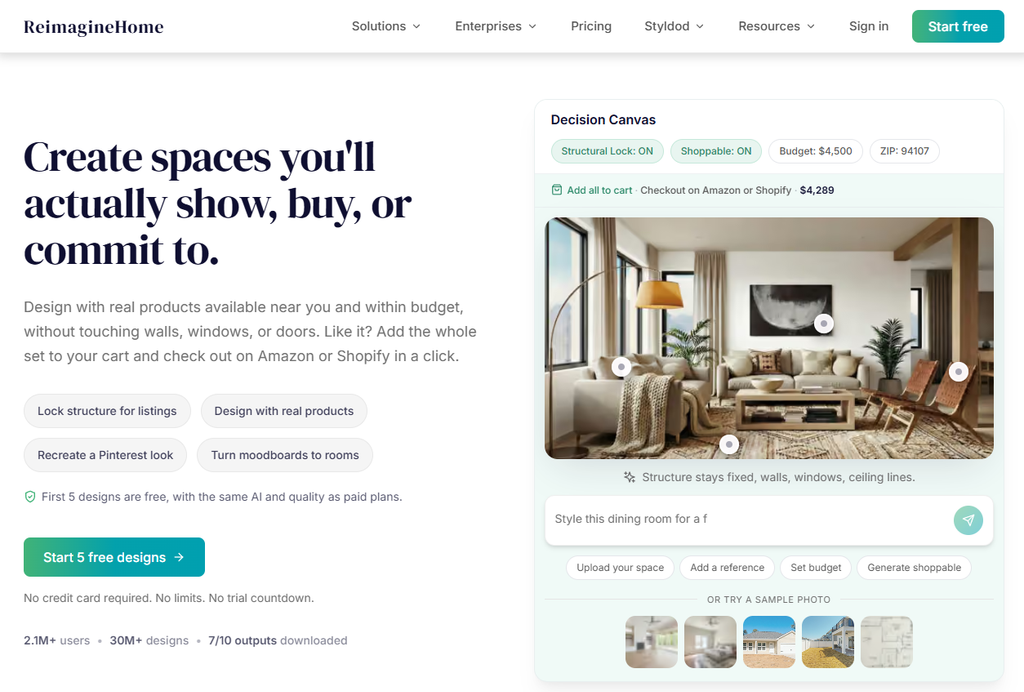
REimagineHome suits agents who prefer to describe a change in words rather than adjust furniture placement themselves.
Pros
- Follow-up text instructions, such as changing a sofa color or replacing a rug.
- Reference photos to guide designs on Pro and above.
- Single or multiple photo uploads, with listing batches on Pro and above.
- High-resolution downloads of staged images.
Cons
- Essential excludes conversational editing, references and listing batches.
- Each generated design uses a credit, so extra generations add up.
Why we picked it
Its documented text instructions let agents relay a seller’s requests without touching individual furniture pieces. Budget for additional generations rather than assuming every revision is free.
Pricing
Monthly allowances are 30 credits on Essential, 200 on Pro, 400 on Advanced and 900 on Agency, with five free introductory designs. Current dollar charges weren’t visible on the retrieved pricing page, so confirm them with the vendor.
3. Collov AI
Collov AI suits agents who want listing-photo adjustments and staging under one subscription.
Pros
- Furniture removal and watermark-free downloads on paid plans.
- Commercial licensing included with paid staging.
- A staging-disclaimer control for labeling altered images.
- Photo editing and AI multi-angle staging from Advanced upward.
Cons
- Standard excludes AI multi-angle staging and photo editing.
- The captured monthly figures require annual billing.
Why we picked it
Collov combines automatic furnishing with decluttering, enhancement and day-to-dusk conversion. Its disclaimer control helps with labeling, although it doesn’t establish compliance with listing rules.
Pricing
On annual billing, Standard is a $19 monthly equivalent for 60 credits, Advanced $49 for 150, Premium $79 for 263 and Enterprise $127 for 526. These are annual commitments, not month-to-month offers.

4. Virtual Staging AI
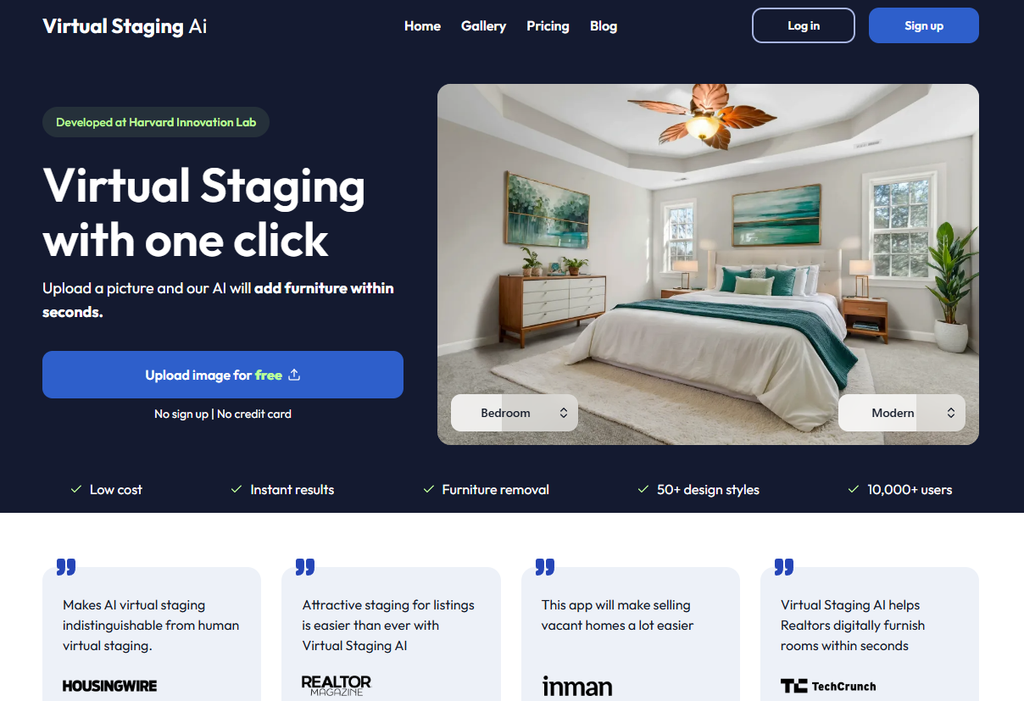
Virtual Staging AI suits agents who know roughly how many photographs they need to stage each month.
Pros
- Repeat renders of included photos without using more of the allowance.
- Furniture removal listed on plans.
- Watermark-free downloads on paid plans.
- API access on Enterprise.
Cons
- Basic covers only six photographs per month.
- Captured prices require annual payment upfront.
Why we picked it
Its photo-based allowance and repeat renders make the billing unit clear for predictable workloads. If moving a specific furniture piece is essential, confirm the available controls before subscribing.
Pricing
On annual billing, Basic is a $16 monthly equivalent for six photos, Standard $19 for 20, Professional $39 for 60 and Enterprise $79 for 150. Month-to-month prices weren’t captured, so compare annual totals.
5. Pedra
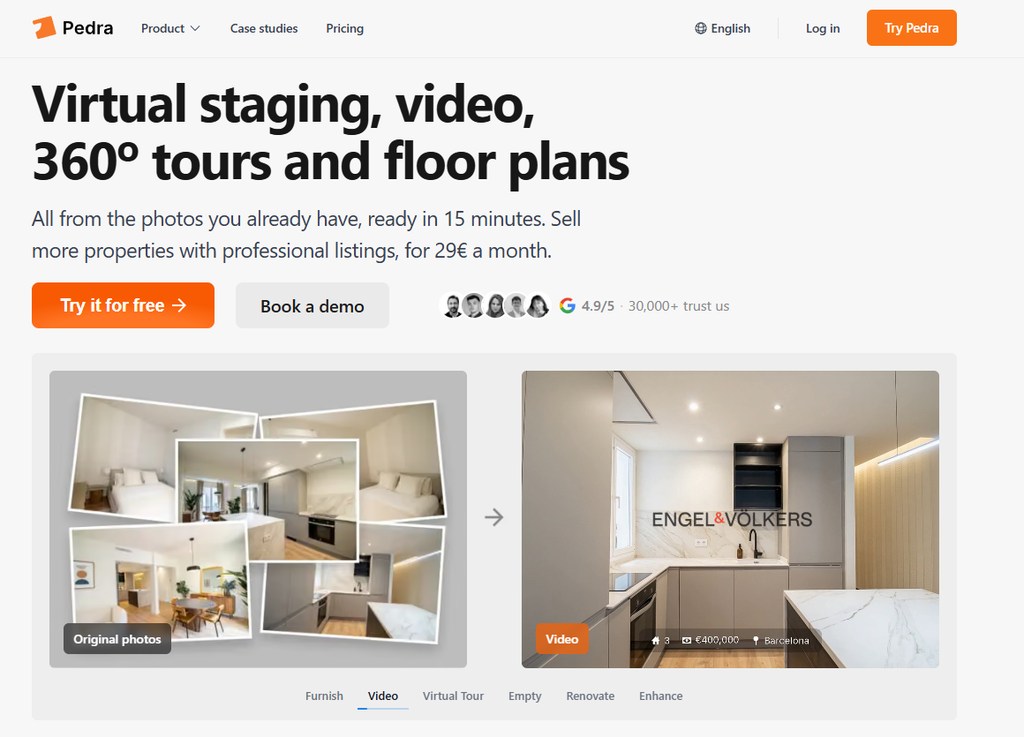
Pedra suits agents who want staging alongside videos, tours and floor plans rather than in a separate app.
Pros
- Furnishing, emptying and decluttering workflows.
- Reference-image furniture requests through prompt editing.
- Videos, virtual tours and floor-plan drawing on the same plan.
- An API option listed on Pro.
Cons
- Euro pricing needs currency conversion for other budgets.
- Different actions use different credit amounts, so credits don’t equal photo counts.
Why we picked it
Pedra combines staging with videos, tours and floor plans for broader listing media. Renovation previews show proposed changes, so label them clearly to distinguish them from the property’s current condition.
Pricing
Pedra Pro costs €29 monthly with 100 credits or €239 yearly with 1,200 credits. Standard staging uses one credit per photo and prompt edits use two.
6. AI HomeDesign
AI HomeDesign closes the list with a preset-led workflow: choose a room type and style, then refine the result.
Pros
- 15 room types and eight staging styles.
- Vacant or furnished inputs, with furniture removal.
- Free regeneration of variations.
- Chat-based refinement of staged output.
Cons
- The lowest per-photo rate requires annual Enterprise billing.
- Pro and Pro Plus list finite backup periods of six and twelve months.
Why we picked it
Its defined room and style choices suit a preset-led staging routine. Keep your own archive of originals and outputs, since backups are time-limited on lower plans.
Pricing
Billed monthly, Pro costs $35 for 30 photos, Pro Plus $59 for 80 and Enterprise $99 for 200. Annual-billing equivalents are $19, $29 and $49 per month.

Conclusion
Apply Design is our top pick for self-service staging with hands-on furniture editing, consistent designs across multiple views and fast turnaround. REimagineHome suits text-based changes on Pro and above, while Collov AI fits workflows that also need photo editing.
Virtual Staging AI offers clear photo allowances, and Pedra and AI HomeDesign suit broader listing media and preset-led staging. Presentation shapes demand across property businesses, as Blueground’s business model shows with furnished rentals.
Before paying, test representative listing photos, inspect permanent features and label altered images. Then calculate the cost of your expected photo count and revision workload, including any annual commitment.
FAQ
What is virtual staging?
Virtual staging adds digital furniture and decor to photos of empty or cluttered rooms, helping buyers picture how a space could look without physically furnishing it.
Can virtual staging keep furniture consistent across different angles?
Some tools let you replicate a design across multiple photos of the same room. Check this feature against your own gallery before committing.
Do I need to disclose virtually staged photos?
It’s good practice to label altered images and keep the originals. Check your local listing rules, since requirements vary by market and platform.
How do virtual staging tools charge?
Models include per-image pricing, monthly photo allowances and credit systems, often with discounts for annual billing. Compare costs against your expected photo count and revision needs.