

A spreadsheet is a practical place to keep a season schedule, but copying every row into a calendar gets old quickly. CSV to calendar converters offer two routes: an ICS file you import once, or a hosted link people subscribe to. My ranking favors Calfeed for changing schedules, with file-based alternatives for fixed events and offline workflows.
How I compared them
I looked at output type, column mapping, date-format tolerance, privacy, recurrence support, import steps and published pricing. For ICS details, I focused on time zones, all-day end dates and long-description formatting. Everything below comes from each tool’s own live pages.
For sensitive rows, local browser or desktop processing matters. Before sharing any result, check a small sample in the destination calendar.
What is an ICS file, and when do you want a live link?
An ICS file stores events in the iCalendar format used by Apple Calendar, Google Calendar and Outlook. Importing it creates a snapshot, not an ongoing connection.
A hosted subscription link lets the app retrieve later changes, although refresh timing varies by app. Re-importing revised files can create duplicates, so test in a separate calendar first.
1. Calfeed
Calfeed pros
- Turns a CSV or pasted spreadsheet into a hosted calendar link
- Supports subscriptions in Apple Calendar, Google Calendar and Outlook
- No account needed to try it
- Keeps the link live so later edits reach subscribers
Calfeed cons
- Subscriber updates follow the calendar app’s refresh schedule, not an instant push
- Edits happen in Calfeed rather than syncing automatically from the source spreadsheet
Why we picked Calfeed
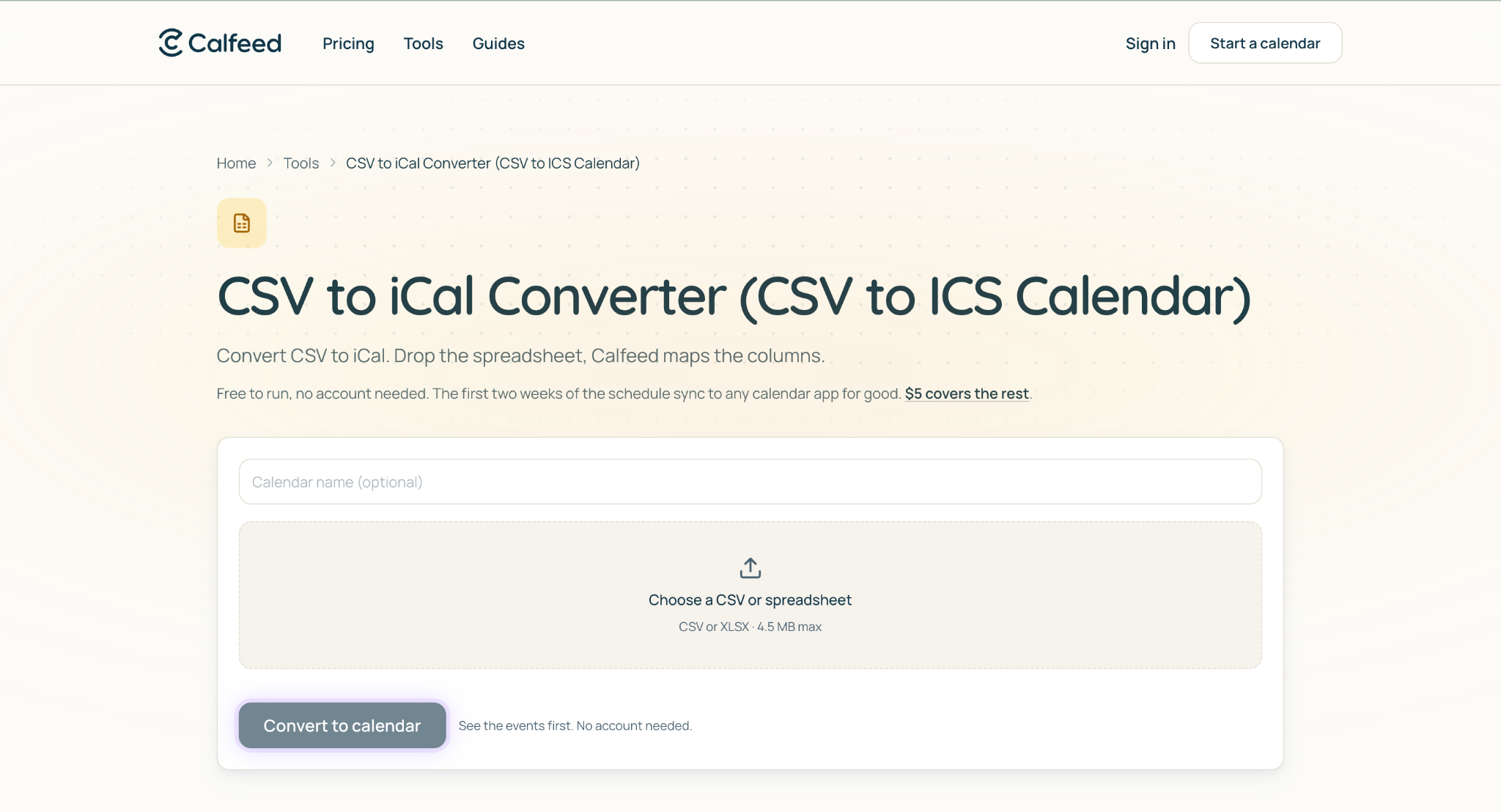
With Calfeed, you can turn a CSV into a Calendar link that people subscribe to in Apple Calendar, Google Calendar or Outlook. That’s the approach I’d choose for a season schedule that will change after publication.
Later edits reach subscribers through the same hosted link, without asking everyone to import a replacement file. The tool maps the columns itself, and the page notes it handles mixed date formats, multi-day rows and time zones implied from a location column.
I particularly like the fit for a roster kept in Google Sheets or a school timetable. You keep the familiar spreadsheet starting point and give recipients a calendar subscription they can continue using. Uploads are capped at 4.5 MB.
Calfeed pricing
Every calendar is free for its first two weeks, with no account and no card. After that, $5 or 1 credit covers the whole schedule for good, with no subscription and a share URL that never changes.
Editing is free for 7 days after you create a calendar, and another credit buys 7 more days. Credits do not expire, and packs bring the unit price down to $2.50 at ten. Confirm current terms before committing.
2. CSVtoICS.app
CSVtoICS.app pros
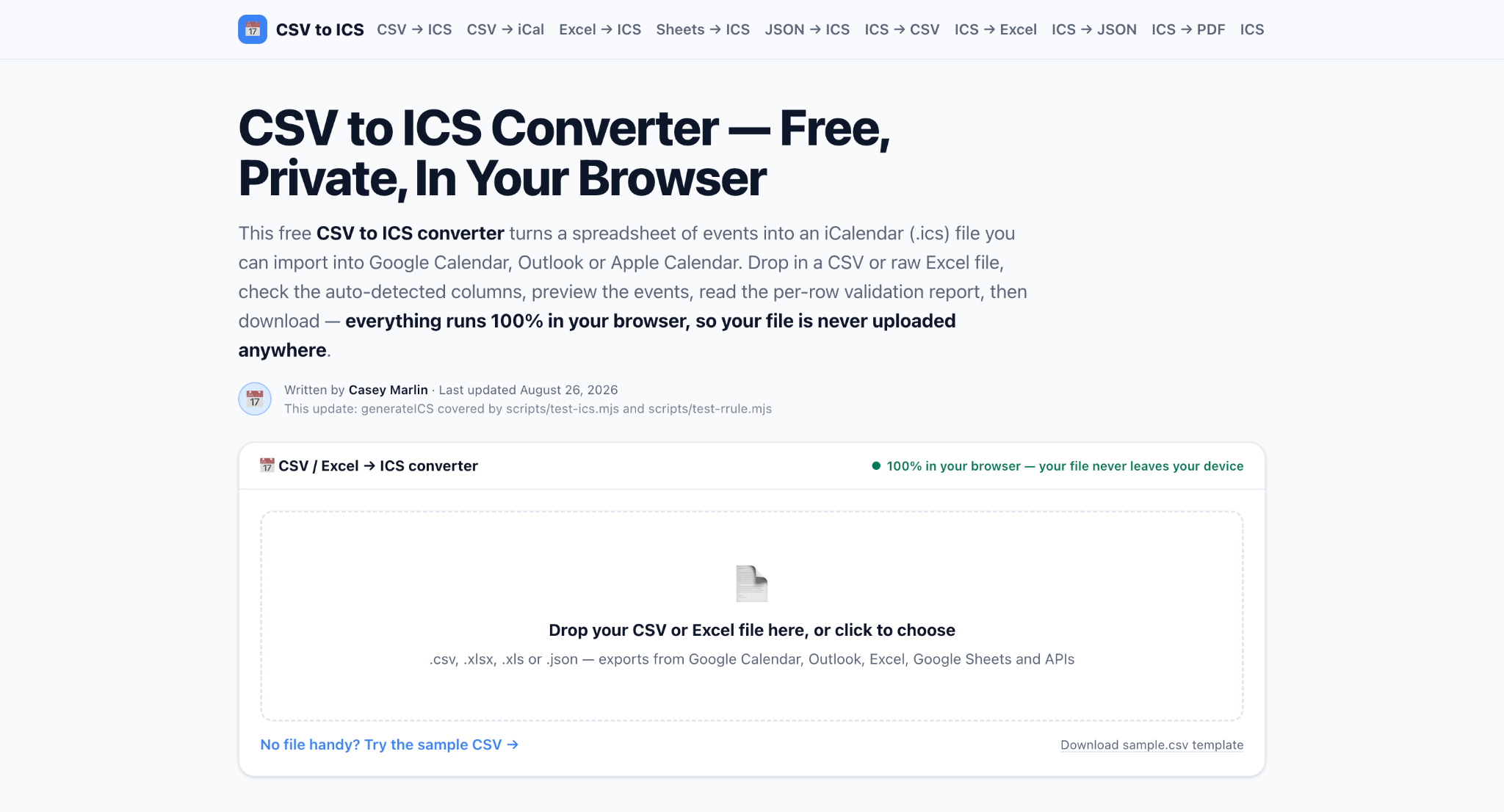
- Converts CSV, Excel and JSON files to ICS entirely in the browser
- Per-row validation report flags unreadable dates, inverted end times and missing titles
- Separate walkthroughs for Google Calendar, Outlook and Apple Calendar imports
CSVtoICS.app cons
- Static output requires another import when dates change
- The free converter creates single events; recurrence rules need the paid upgrade
- Hard caps of 10 MB, 50,000 rows, 200 columns and 1,000,000 cells
My experience with CSVtoICS.app
I’d shortlist this for a fixed schedule that only needs one import. The validation report is the standout: it lists the rows it skipped or repaired with their row numbers, which is more than Google’s own CSV import gives you.
For repeating practices on the free tier, list each occurrence as a separate row. The site is candid that CSV has no standard recurrence column.
CSVtoICS.app pricing
The core converter is free with no sign-up. A $7 one-time Pro upgrade adds a Repeat column that becomes a real RRULE, plus saved column mappings, and it stays browser-based.
3. Calendr (Apple Scoop)
Calendr pros
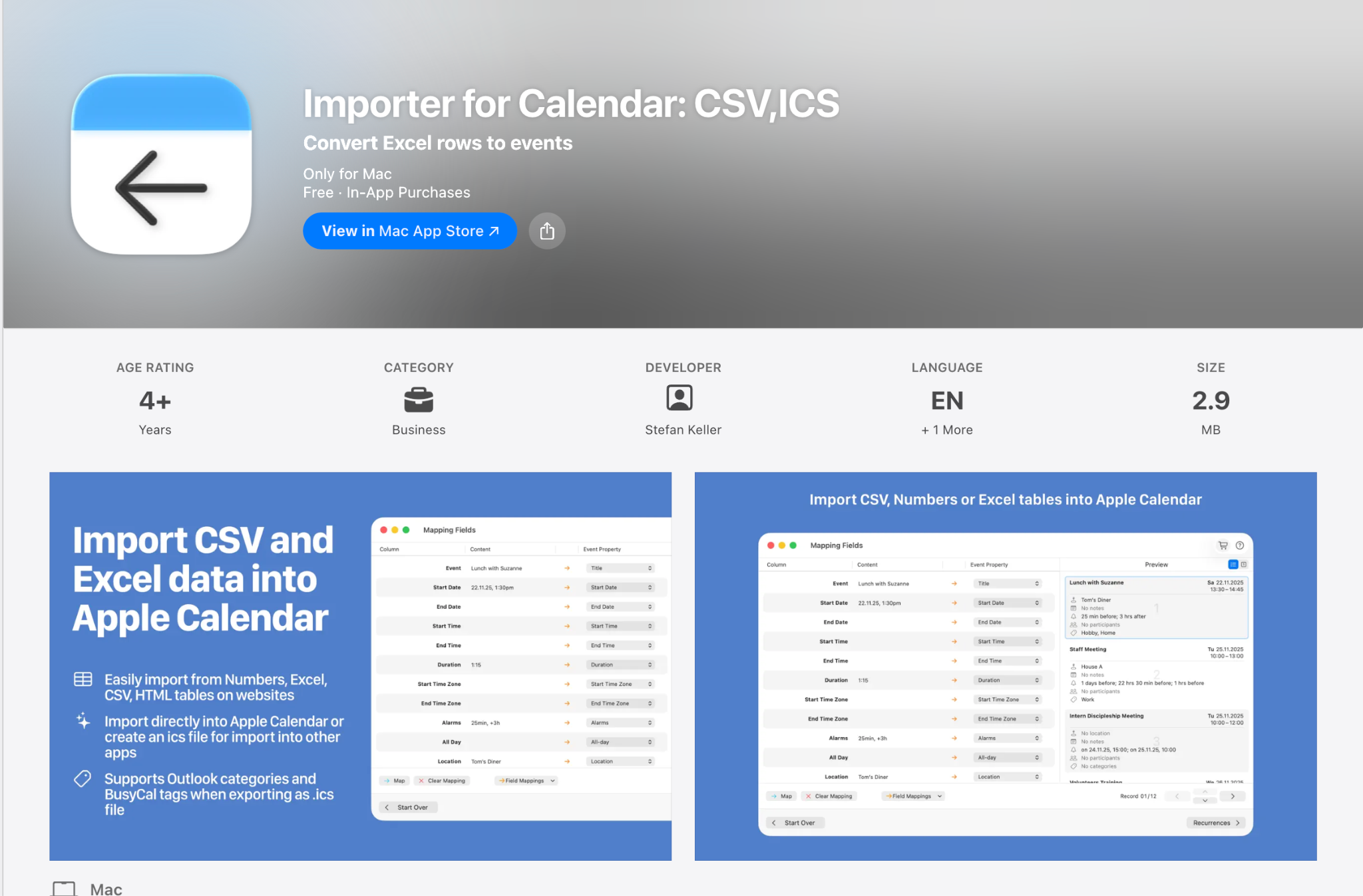
- Bulk CSV or pasted tables into one multi-event ICS
- IANA time zone selection with UTC and TZID toggles
- Local browser processing with no account
Calendr cons
- Multi-event output is a static file
- Subscription use means hosting the file yourself and sharing a webcal:// URL
My experience with Calendr
The pasted-table route appeals to me when events are already organized in a spreadsheet. Time zone controls are genuinely useful here, and time zone accuracy is where spreadsheet-to-calendar conversions most often go wrong.
I’d still inspect an imported sample before distributing the file. Its one-click Google and Outlook links only cover single events, which serves a different purpose from publishing a whole season.
Calendr pricing
The tool is free, requires no account and processes files locally. No pricing tiers or file limits are published, so test a representative sample before a large conversion.
4. CSV-to-ICS.com
CSV-to-ICS.com pros
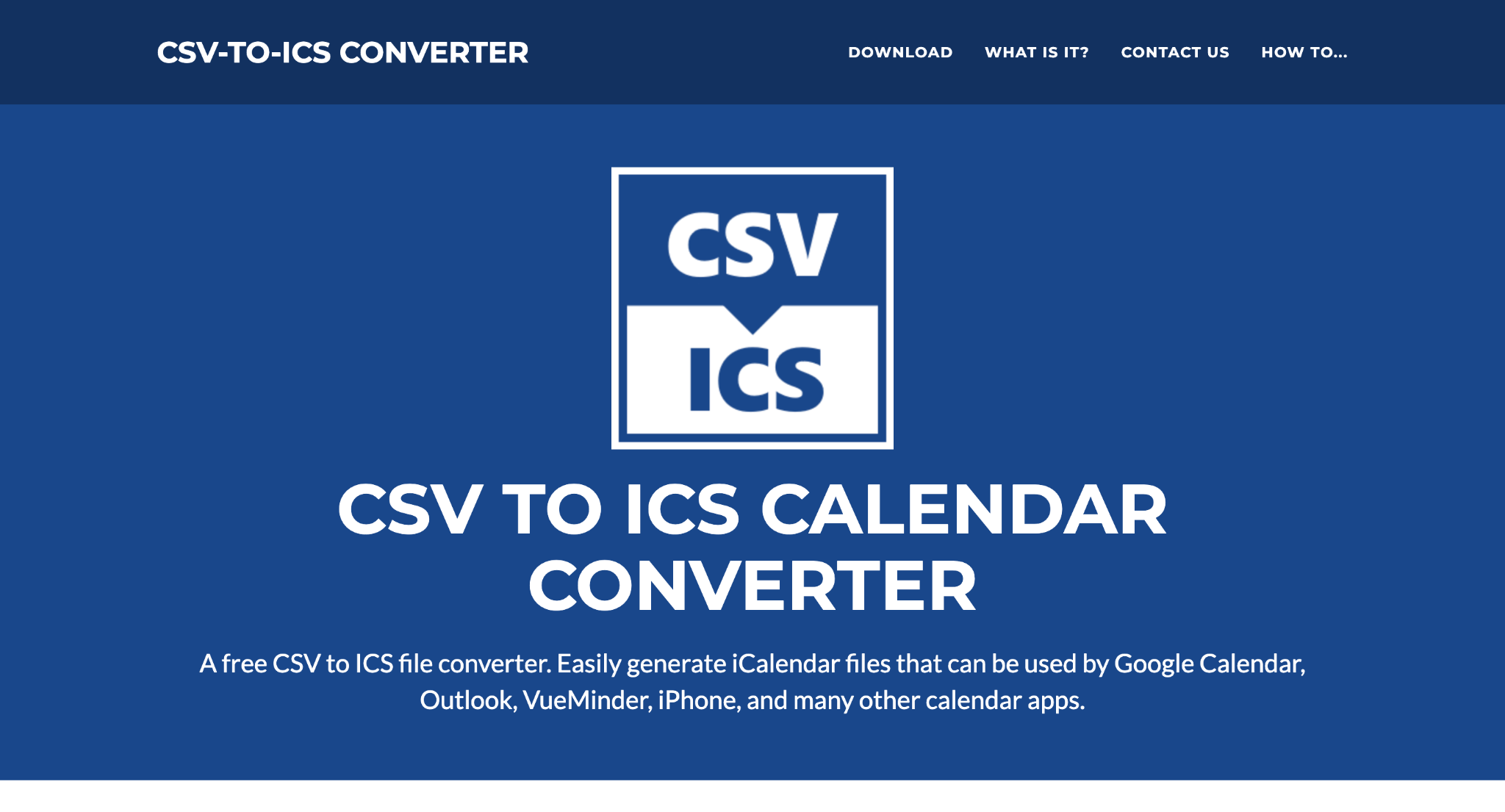
- Windows desktop conversion for CSV and TSV
- Maps column names or indexes, and works on files with no header row
- Ultimate edition adds folder watching and FTP upload
CSV-to-ICS.com cons
- Windows only, and requires installation
- A more technical interface than a browser converter
My experience with CSV-to-ICS.com
I’d consider this when conversion needs to stay on a Windows machine. Folder watching and FTP upload offer a genuine route from recurring CSV exports to a hosted ICS that others subscribe to, but that workflow needs setup and maintenance.
The column mapping is the most flexible of anything here. It’s still less approachable than a browser tool for an occasional school schedule.
CSV-to-ICS.com pricing
The base converter is described as free and runs on Windows 11, 10, 8.x and 7. The Ultimate edition carries the background service, folder monitoring and FTP features, so check which edition covers what you need.
5. iCalConverter.com
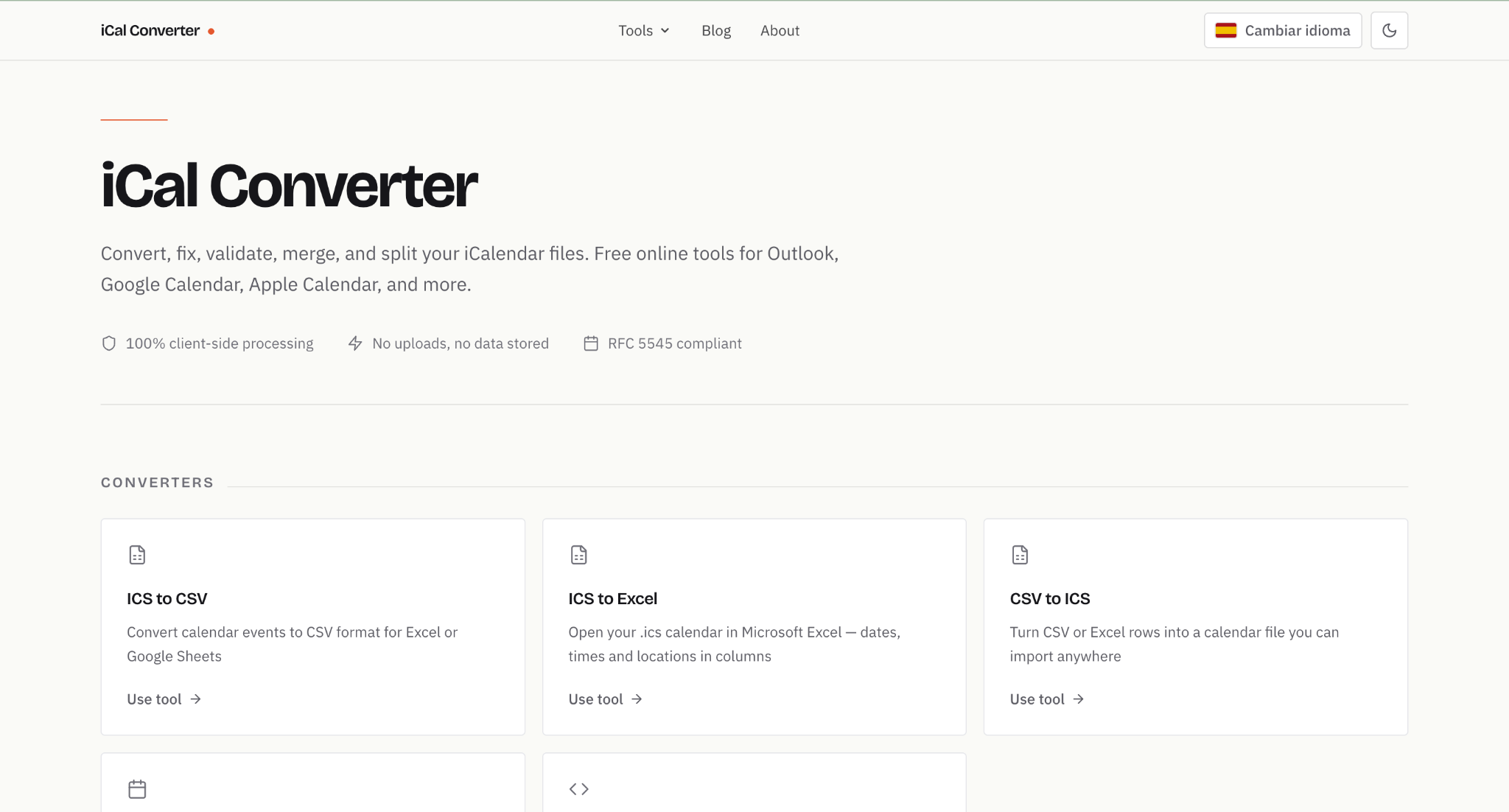
iCalConverter.com pros
- Browser-based conversion with no accounts and no uploads
- Recognizes Outlook-style headers plus Spanish equivalents
- Accepts ISO, US and European date formats with 12- or 24-hour times
iCalConverter.com cons
- Static ICS output with no recurrence generator
- Excel files must be saved as CSV first
My experience with iCalConverter.com
I like the straightforward file-conversion approach for an already tidy spreadsheet. Times are written in UTC inside the .ics, which imports cleanly but means you need a separate step if you want a specific TZID per event.
Only Subject and Start Date are strictly required, so most Outlook and Sheets exports convert without renaming anything.
iCalConverter.com pricing
The converter is free with no sign-up. There is no hard row limit, though the site suggests splitting files above roughly 50,000 rows.
6. iCal Studio
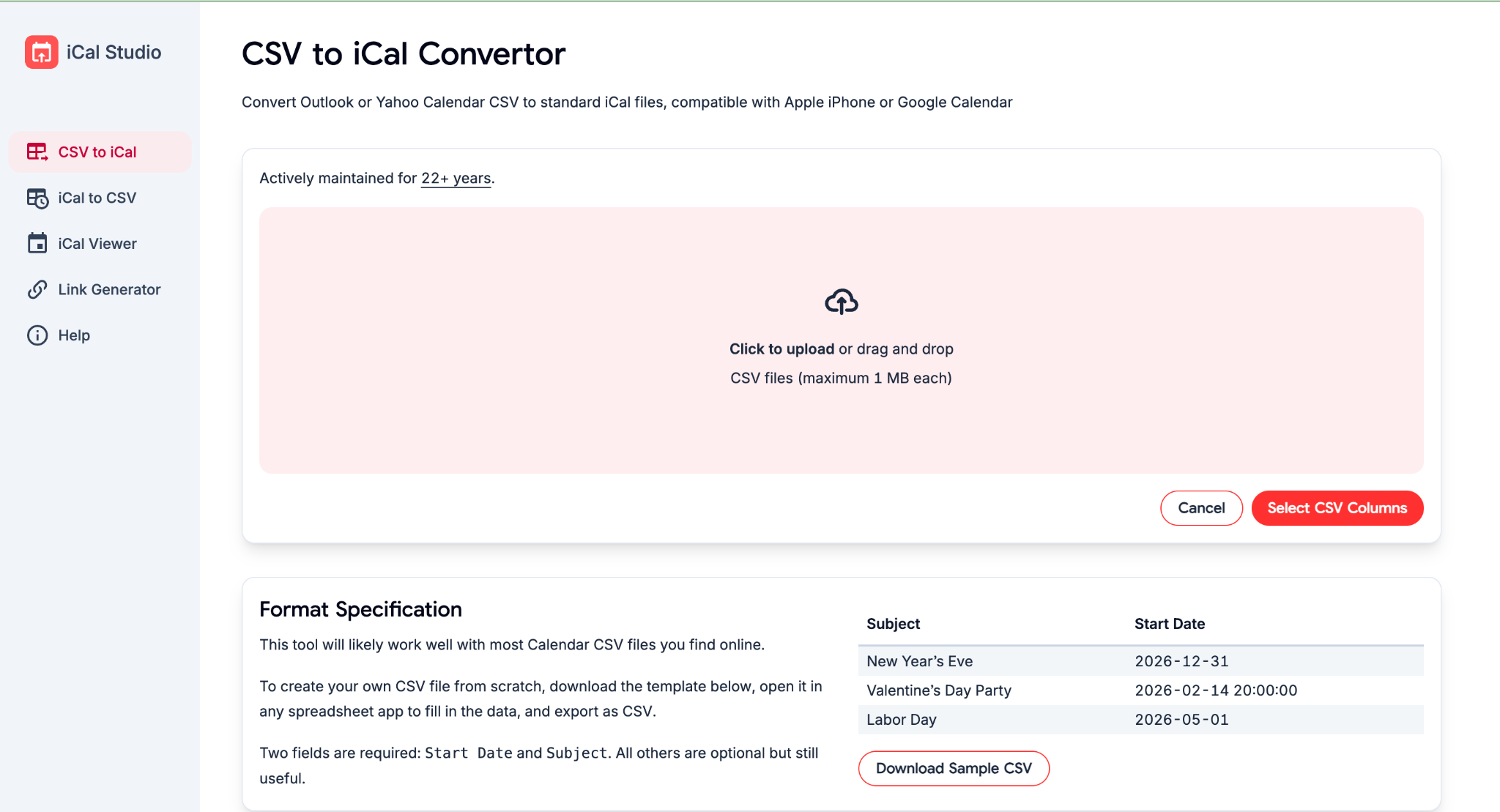
iCal Studio pros
- CSV to iCal conversion for Apple and Google calendars
- Reverse conversion from iCal to CSV for spreadsheet review
- Includes an ICS viewer for inspecting output before sharing
iCal Studio cons
- No recurrence builder among the published tools
- No pricing or usage limits published anywhere on the site
My experience with iCal Studio
The viewer is the feature I’d actually use alongside conversion. Inspecting event dates before importing is a sensible safeguard, especially for all-day entries.
Reverse conversion also helps when a calendar arrives as an ICS file but needs reviewing in spreadsheet form. Only two fields are required to convert, Start Date and Subject.
iCal Studio pricing
Nothing is published about cost or limits. I wouldn’t read missing pricing as proof of unrestricted access, so confirm terms before building a workflow around it.
7. JSON CSV Tools
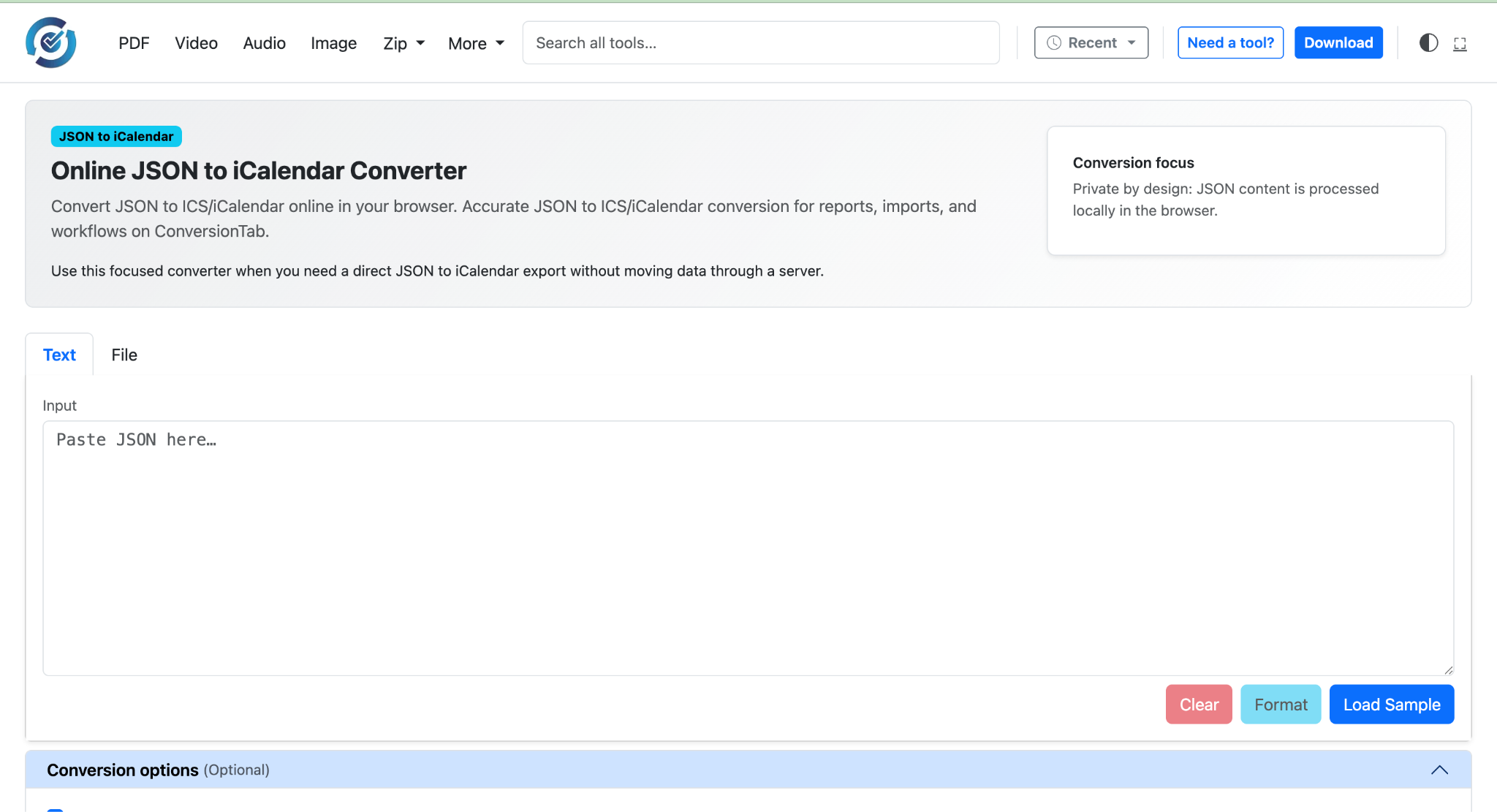
JSON CSV Tools pros
- Local browser conversion with no file upload
- Column auto-detection that pre-selects Title, Subject and Summary variants
- Generates a VTIMEZONE block when you specify a time zone identifier
JSON CSV Tools cons
- Static output with no recurrence generation
- Only Title and Start Date are mapped by default, so optional fields need checking
My experience with JSON CSV Tools
I’d consider this when I want direct control over field mapping. Each row becomes a VEVENT with proper DTSTART, DTEND, SUMMARY, LOCATION and DESCRIPTION properties, which matters for long descriptions.
Recurring events still need separate rows or manual rule editing. Its attention to ICS text formatting isn’t a substitute for testing the result.
JSON CSV Tools pricing
The converter is described as free with no uploads and no account. Check the current page before relying on it for regular conversions.
Conclusion
Calfeed is my top pick for turning a changing spreadsheet schedule into a calendar subscription. Its hosted link stays live, and later edits reach subscribers when their calendar app refreshes. That makes it a practical choice for teams, schools and season schedules, without implying automatic spreadsheet synchronization.
For a fixed schedule, I’d shortlist CSVtoICS.app or Calendr. CSV-to-ICS.com is worth considering for Windows-based local conversion.
Whichever route you choose, test a few events first, including an all-day entry and any event near a time-zone change, before sharing the full calendar.
FAQ
Can I import a CSV straight into my calendar app?
Apple Calendar has no CSV import at all, and new Outlook and Outlook.com accept ICS only. Google Calendar takes both, though repeat events brought in from a CSV may not appear as a series.
Why do my converted events show the wrong time?
Almost always a time zone mismatch between how the times were written in the spreadsheet and which zone was selected at conversion. Convert one event first and check it in the destination calendar before running the full file.
How do I handle recurring events from a spreadsheet?
CSV has no standard recurrence column. Either list one row per occurrence, use a converter whose paid tier writes an RRULE, or add the rule to the generated ICS by hand.
What’s the difference between importing a file and subscribing to a link?
An import copies events into your calendar once, and nothing connects it back to the source. A subscription gives the app a hosted URL it rechecks on its own schedule, so published edits arrive without anyone re-importing.




