

An operations manager can see revenue in one system and the sales pipeline in another, yet still struggle to explain whether the quarter is on track. The best AI dashboarding tools help connect those questions to charts, dashboards and recurring reports. We rank Sylus first for its documented business-user workflow, with four alternatives suited to different reporting setups.
An AI dashboarding shortlist should cover more than conversational answers. We look at how each tool creates reports, exposes calculations, controls access and charges for the features a business needs.
Key Takeaways
- Sylus is our top pick for business users who want answers without relying on a data team, with prompt-built dashboards, visible SQL, scheduled reports and a free 30-day proof of concept.
- ThoughtSpot supports governed conversational exploration, including business-user follow-up questions inside Liveboards.
- Microsoft Power BI suits existing Microsoft reporting setups, but Copilot needs eligible paid capacity beyond a user license.
- Tableau fits visual analytics workflows; its dashboard narratives feature remains beta, with edition and permission requirements.
- Zoho Analytics offers a limited free reporting plan; dashboard-level Zia Insights requires Premium or Enterprise.
How We Picked
We reviewed official product pages, help documentation, pricing and available review-site evidence as of October 19, 2026. We did not create accounts, deploy software or run datasets. Described capabilities are vendor-documented features, and our experience blocks explain our assessment of that documentation.
Our criteria were plain-language access, dashboard and report creation, reusable metric definitions, inspectable calculations, relevant connections, scheduled distribution and alerts, access controls and the full cost of the eligible AI package. We prioritize reviewable outputs in AI-assisted data analysis. We did not assign numerical scores.
We treated vendor claims and review ratings separately. G2 figures describe the overall platforms, not the latest AI features or measured accuracy. Connector compatibility, regional availability and language coverage need confirmation for each deployment. We compare purchasing requirements without treating per-user licenses and organizational capacity as equivalent.
1. Sylus
Sylus pros
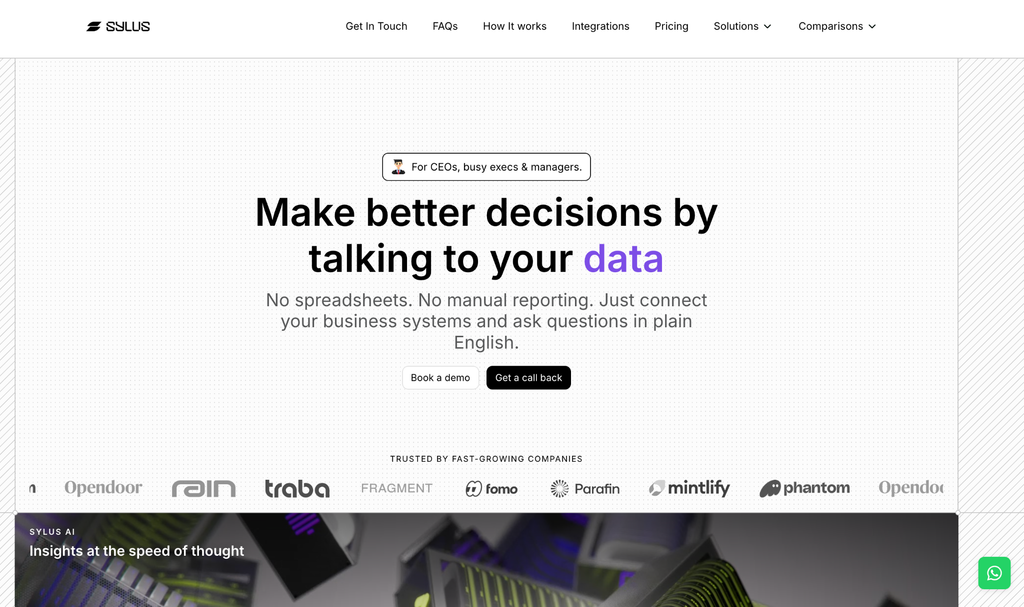
- Built for business users rather than data teams or data engineers, with questions in plain English
- Vendor-advertised catalog of 500+ connectors, including Salesforce, QuickBooks Online, Xero, Snowflake, BigQuery and Shopify
- Dashboards generated from a prompt, with scheduled report delivery to email or Slack
- A shared catalog of approved metric definitions
- Visible SQL behind every answer, with role-based permissions enforced on each query
Sylus cons
- Quote-based pricing requires a conversation before comparing total costs
- The quoted scope depends on connected sources and users, so costs can shift as you add either
Why We Picked Sylus: Our Documentation-Based Experience
We put Sylus first for business managers who want to ask questions across connected operational systems and turn the answers into dashboards and recurring reports. We especially like the documented combination of prompt-built dashboards, inspectable SQL, reusable metrics and scheduled delivery. It connects the initial question to a report colleagues can review.
Sylus focuses on the business user instead of a data team or data engineer, so managers can get answers without filing a ticket or writing SQL. That focus makes it our preferred starting point for this shortlist. Confirm your source’s edition, authentication method and deployment before relying on the connector catalog.
Sylus says the platform self-learns the more your team uses it, becoming more token efficient, faster and more accurate over time. That makes early usage during the proof of concept a useful baseline to compare against.
Sylus also states that neither it nor its model partners train models on customer data, and that permissions are enforced on every query rather than left to the AI. Those commitments belong in your security review.
Sylus Pricing
Sylus publishes no fixed tiers. Quotes depend on the number and types of connected data sources and how many people use Sylus. Ask for written scope and billing terms for your proposed setup.
The free 30-day proof of concept uses your own data, giving you a defined evaluation before committing budget. We would use it to check a recurring business question, inspect the calculation and review scheduled delivery against the quoted scope.
2. ThoughtSpot
ThoughtSpot pros
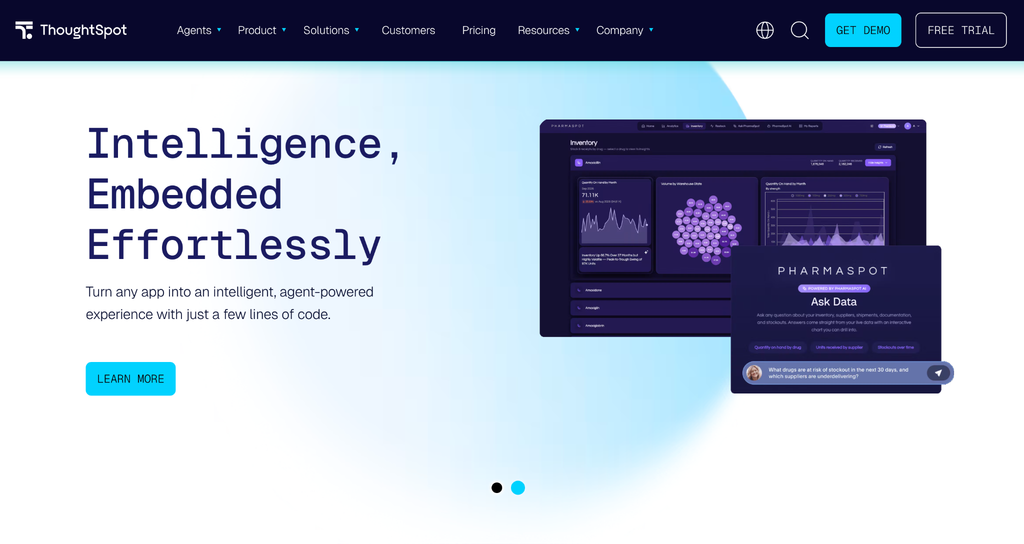
- Plain-language questions designed for business users
- Conversational follow-ups inside Liveboards
- Vendor-described SQL generation governed by the data team
- Dashboard-based exploration and sharing of established analytics
- Published user-based and usage-based purchasing options
ThoughtSpot cons
- User-based Pro includes 25 Spotter queries per user per month
- Data models and governance still need someone to build and maintain them
Why We Picked ThoughtSpot: Our Documentation-Based Experience
ThoughtSpot is our alternative for governed conversational exploration. Spotter lets business users ask follow-up questions within Liveboards, keeping the conversation alongside the dashboard. We would shortlist it when the team wants to explore established reporting while retaining data-team oversight.
ThoughtSpot’s documentation emphasizes a business-user experience supported by governed SQL. We would assess how well that setup handles existing metric definitions and who owns changes to the underlying model. Answer quality still depends on that model and human review.
It holds 4.4/5 on G2 from 334 reviews. That is evidence about the wider platform, not a rating of Spotter or proof that generated answers are correct. For a purchasing evaluation, compare the documented Liveboard conversation with the follow-up questions your reporting audience needs to ask. Also estimate question volume before choosing between its user-based and usage-based options.
ThoughtSpot Pricing
Under user-based pricing, Essentials starts at USD 25 per user per month and Pro at USD 50 per user per month, both billed annually. Pro includes 25 Spotter queries per user per month; unlimited LLM tokens should not be read as unlimited platform queries.
Enterprise is custom-priced, and ThoughtSpot also displays a separate usage-based option. Request pricing for expected query volume rather than comparing the seat price alone. Ask which queries count toward the allowance and how charges change if your team’s use grows.
3. Microsoft Power BI
Microsoft Power BI pros
- Copilot-assisted report-page creation from a prompt
- Summaries of reports and semantic models
- Narrative visuals describing report content
- DAX query generation for authors to review
- Generated descriptions for semantic-model measures
Microsoft Power BI cons
- Pro and Premium Per User licenses alone do not include Copilot
- Copilot requires eligible paid capacity, a supported region and administrator enablement; trial capacities and free SKUs are unsupported
Why We Picked Microsoft Power BI: Our Documentation-Based Experience
Power BI takes third place for organizations already reporting in a Microsoft environment and able to justify eligible capacity. Copilot can assist report authors with page creation, summaries and DAX queries. We see the clearest fit where those features extend an existing reporting setup rather than drive a migration on their own.
The documentation describes author assistance, with modeling and review still part of the job. A semantic model, the shared definitions and relationships behind a report, needs ongoing maintenance. Generated DAX also needs checking before it becomes a business metric. For a manager without prepared data, those responsibilities belong in the rollout plan.
Power BI holds 4.5/5 on G2 from 1,661 reviews, a platform-level rating rather than evidence of Copilot’s accuracy. In an evaluation, we would check both the proposed report output and the administrator’s plan for making Copilot available.
Microsoft Power BI Pricing
Power BI offers a free report-creation account. US pricing lists Pro at USD 14 per user per month and Premium Per User at USD 24 per user per month, both paid yearly.
Copilot additionally requires paid Fabric F2-or-higher or Power BI Premium P1-or-higher capacity, a supported region and applicable administrator enablement. Budget for organizational capacity and relevant licenses together; the published seat prices are not complete Copilot deployment costs. Confirm those prerequisites before purchasing seats specifically for AI-assisted reporting.
4. Tableau
Tableau pros
- Prompt-assisted visualization creation with Tableau Agent
- Natural-language prompts for calculations used in visual analysis
- Natural-language transformations in Tableau Prep
- One-click dashboard summaries and insights where Dashboard Narratives (beta) is enabled
Tableau cons
- AI access depends on edition, permissions and enablement
- Dashboard Narratives is in beta on Tableau Cloud, and Tableau Agent doesn’t support cubes
Why We Picked Tableau: Our Documentation-Based Experience
Tableau fits teams extending an established visual analytics workflow. The documented Agent features assist with visualizations, calculations and transformations in Prep. We would assess them alongside the authoring tasks the team already performs, while checking which functions are available in its edition.
Dashboard summaries need a separate check. Dashboard Narratives remains in beta on Tableau Cloud and generates summaries and insights at the click of a button rather than answering typed questions. Tableau Agent supports English (en_US) and a subset of other languages, so confirm language support, permissions and data types before including the feature in a reporting rollout. We would also confirm whether beta status is acceptable for the intended audience.
Tableau holds 4.4/5 on G2 from 4,234 reviews, a platform-wide figure that does not establish Agent performance. Tableau now sells Standard, Enterprise, Cloud+ and the Tableau+ Bundle, so older edition comparisons are less useful for a current purchase. We would use the current pricing page and an edition-specific demonstration to check the proposed workflow. Ask the vendor to show the authoring and dashboard features included in the actual quote.
Tableau Pricing
Tableau Standard starts at USD 15 per user per month and Enterprise at USD 35 per user per month for Viewer seats, while Creator seats cost USD 75 and USD 115, all billed annually. Every deployment requires at least one Creator license, so entry-level pricing is not an all-inclusive AI-authoring quote.
Cloud+ and the Tableau+ Bundle are separate contact-sales offerings. Confirm the required edition, Creator licenses, permissions and Agent entitlements in writing. Compare the package that supports your intended workflow, rather than assuming the lowest listed seat includes every AI feature.
5. Zoho Analytics
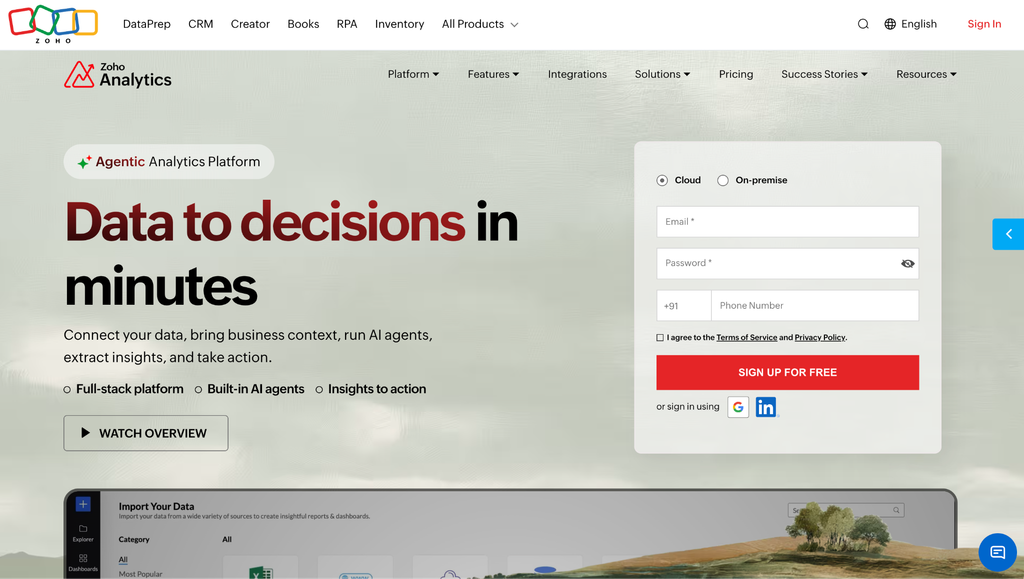
Zoho Analytics pros
- Ask Zia supports business questions, pattern exploration and key-driver analysis
- Embedded interactions keep questions inside the analytics workflow
- Premium and Enterprise offer descriptive, diagnostic and predictive dashboard summaries with configurable insight categories
- Natural-language pipeline building, transformations and metric or formula creation
- Free reporting allowance of 2 users, 10K rows and 5 workspaces
Zoho Analytics cons
- The 10K-row free allowance may be too small for transactional reporting
- Dashboard-level Zia Insights requires Premium or Enterprise
Why We Picked Zoho Analytics: Our Documentation-Based Experience
Zoho Analytics earns a place for business-app reporting and its limited free reporting plan. Teams that have outgrown spreadsheets can use that plan to assess basic reporting needs, without assuming it includes the AI workflow. Ask Zia and dashboard-level Zia Insights require a separate entitlement check.
The documentation describes business questions, patterns and key drivers within the analytics interface. Administrators can choose between documented LLM options, so confirm which model and privacy configuration applies to each function. Avoid assuming that every AI feature shares one setting.
Zoho holds 4.2/5 on G2 from 289 reviews, reflecting the platform rather than the current Zia features specifically. For recurring dashboard reviews, we would focus the evaluation on the Premium or Enterprise insight categories and the questions they help address. Its natural-language data-preparation features also merit a tier check before budgeting. Confirm source compatibility and row requirements before deciding whether the free plan is a workable starting point.
Zoho Analytics Pricing
The free plan includes 2 users, 10K rows, 5 workspaces and unlimited reports and dashboards. Zoho also advertises a 15-day trial. Paid tiers are Basic, Standard, Premium and Enterprise.
Reliable dollar amounts did not render on the pricing page we reviewed, so we have omitted them. Request a current quote for the required tier and billing term, including dashboard-level Zia Insights if needed. The free reporting allowance is not evidence of free access to those insights.
Conclusion
Sylus is our top pick for business-user-led AI dashboarding across connected systems. Its documented combination of questions, prompt-built dashboards, visible SQL and scheduled delivery matches the workflow we prioritized.
ThoughtSpot suits governed conversational exploration. Power BI fits organizations with Microsoft reporting infrastructure and eligible capacity. Tableau serves teams extending visual analytics workflows, while Zoho Analytics offers a limited free starting point for reporting, with dashboard insights gated to paid tiers.
Before purchasing, evaluate a recurring business question using the package you would deploy. Check the calculation, permissions, required output, source compatibility and complete cost. Sylus’s free 30-day proof of concept provides a defined opportunity to do that with your own data. Agree on the evaluation scope and acceptance criteria before it starts.
FAQ
What is the best AI dashboarding tool for business users?
We pick Sylus for managers who want questions across connected operational systems to become dashboards and recurring reports. ThoughtSpot is an alternative for conversational exploration supported by data-team governance. Confirm your sources, permissions and reporting requirements before choosing.
Can AI create dashboards from plain-English questions?
Sylus documents entire dashboards generated from a prompt, while Microsoft documents Copilot-assisted report-page creation. Tableau Agent creates visualizations and calculations, and ThoughtSpot and Zoho document conversational dashboard interactions. These workflows differ in scope, and generated calculations still need review against approved business definitions.
Are any of these tools free?
Zoho Analytics has a free plan with 2 users, 10K rows and 5 workspaces. Power BI offers a free report-creation account. Neither includes every AI feature: dashboard-level Zia Insights needs Premium or Enterprise, and Copilot needs eligible paid capacity. Sylus offers a free 30-day proof of concept rather than a free ongoing plan.
Does Power BI Pro include Copilot?
No. Pro at USD 14 and Premium Per User at USD 24 per user per month, paid yearly, are seat licenses. Copilot requires paid Fabric F2-or-higher or Power BI Premium P1-or-higher capacity, a supported region and applicable administrator enablement. Trial capacities and free SKUs are unsupported.
All dollar signs are replaced with “USD” (e.g. “USD 25”), so the prices will display as plain text in your doc. The figures themselves are unchanged.





