

Want a beautiful, eye-catching, and unique logo for your business?
Thankfully, that’s no longer a luxury reserved for big brands. In 2026, free logo makers have become powerful enough to help startups, solopreneurs, and small businesses build their brand identity without the hassle or the exorbitant costs. These tools provide customizable templates and simple editors, so anyone can create a usable logo in minutes.
That said, how does one know which of the many free logo makers is most worth using?
This guide answers that. Below, we rounded up the best free logo makers in 2026, focusing on tools that balance usability and design quality the best. We also break down how it works and who it’s best for, so you know which option best fits your branding goals.
Let’s dive in.
5 Best Free Logo Makers in 2026
- Design.com – Best Overall Free Logo Maker for Small Businesses
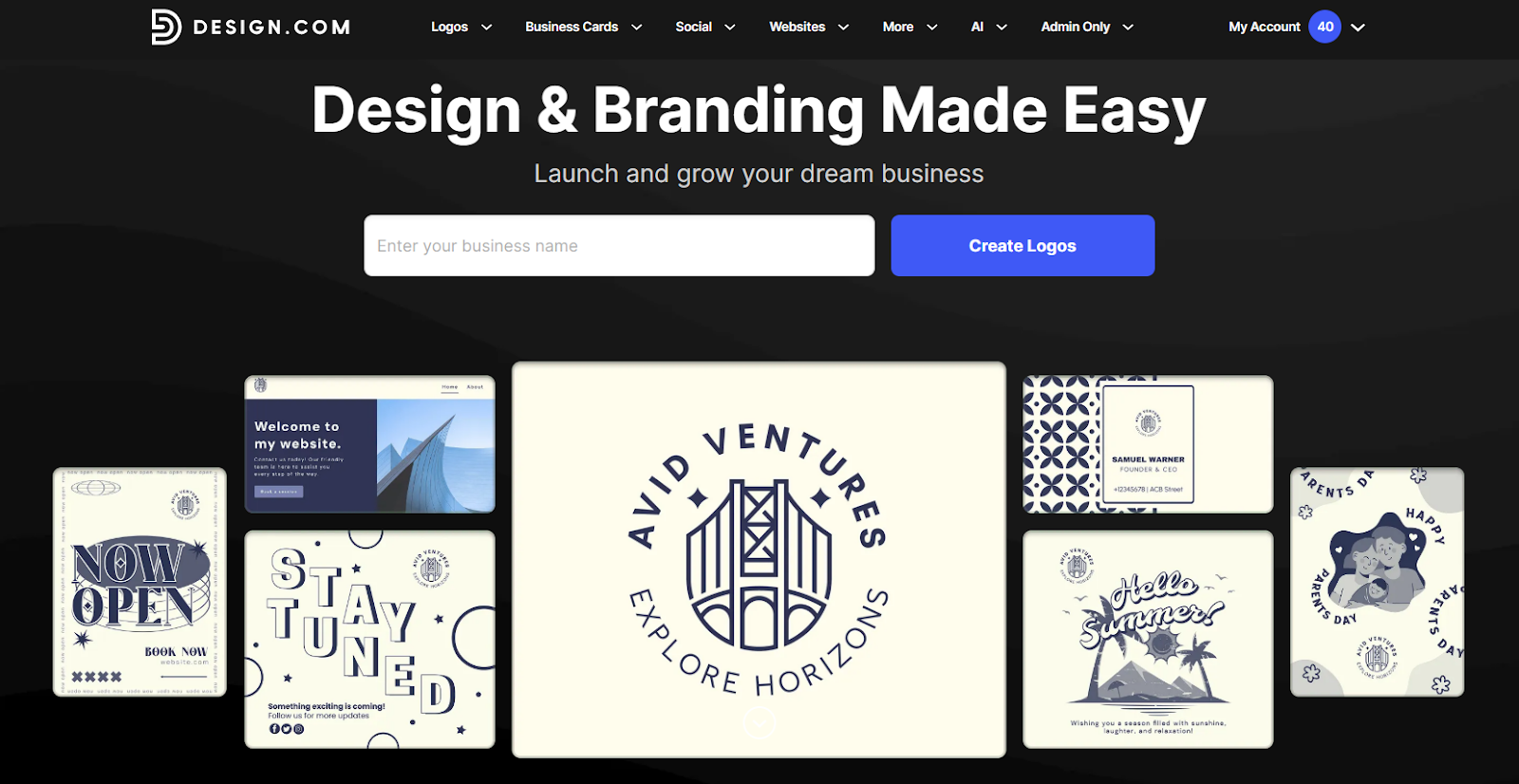
With its balance of speed and quality, Design.com is often considered a top logo maker for small businesses and startups looking for reliable results.
Design.com has the largest library among all logo maker tools, with 360,000+ templates. This is paired with an intuitive editor and simple controls that make editing straightforward. Design.com also offers an AI logo generator that requires only your business name or keyword to generate thousands of tailored results in seconds.
What stands out for us is the quality of the designs. Both the templates and their AI pull from their exclusive library of fonts, custom shapes, and handcrafted designs rather than from stock libraries. This ensures that each logo you make on the platform is unique, high-quality, and ready for business use. You won’t see any generic or robotic designs that seem too “template” or clip-art-like.
How Design.com Works
- Enter your business name. You can also click the tabs above to search by keyword or industry.
- Browse the available selection.
- Click the design you like. You can edit via the guided editor or manually.
- Adjust the visual elements. Then add your business name and slogan.
- Click Download to get your finished logo.
Key Strengths
- High-quality designs
- Over 575+ exclusive fonts and 62,000 custom shapes
- AI logo generator can generate thousands of designs in seconds
- Logos can be downloaded in multiple formats, such as PNG, JPG, SVG, EPS, PDF, GIF, and MP4
- Option to get exclusive licensing for your logo
Limitations
- Web-based only, no mobile app
- Less technical integrations since it is geared towards beginners
Best For
Small businesses and startups that want professional quality designs at a high cost
Founders launching quickly and need ready-to-go brand assets ASAP
Teams that want one platform for logo + marketing needs
Should you use Design.com? Yes, especially if you are looking for a convenient, beginner-friendly logo maker that delivers high-quality results.
- BrandCrowd – Best for High-Quality Templates
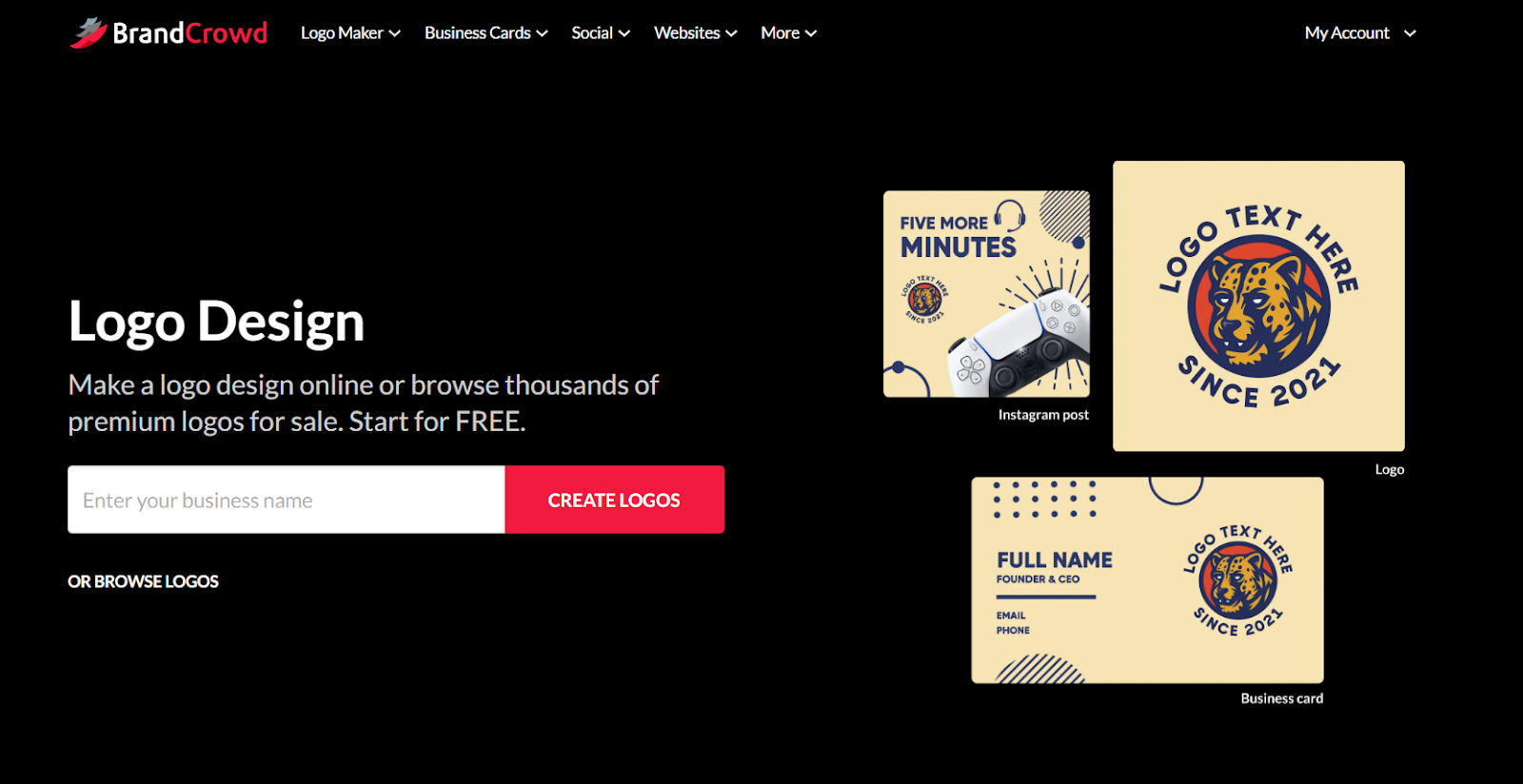
BrandCrowd is the best logo maker of choice for creative agencies, fashion brands, content creators, or any brand that prioritizes its visual identity.
The platform focuses on aesthetics – providing templates with modern typography, tasteful color palettes, and polished illustrations that result in an overall balanced, stylish logo. Each template also underwent a rigorous approval process, going through checks for originality, commercial safety, and overall quality. This gives their logos a more premium feel rather than a generic or template look.
How BrandCrowd Works
- Enter your business name.
- Browse the results. You can add keywords to refine the search or filter them via color and style.
- Choose your design.
- You’ll then enter the editor. Here you can tweak everything from fonts, color, layout, animation, and other visual elements.
- Click Download to get your logo.
Key Strengths
- Creative, polished, and stylish templates
- Lots of great fonts and icons to use
- Beginner-friendly editor
- Users can fully customize a template and change even the smallest details
- Has a Brand Kit creator that automatically applies your logo’s styling across materials like business cards and websites for a visually cohesive look
Limitations
- Collaboration features are lightweight compared to enterprise tools
- Advanced designers may find customization less technical than dedicated design software
Best For
Brands focused on aesthetics and visual identity
Businesses that want premium-looking logos
People looking for more creative and intricate designs
Should you use BrandCrowd? Yes, if visual quality matters most to you or you want a logo that feels custom-made and not template-y.
- Canva – Best for Beginners
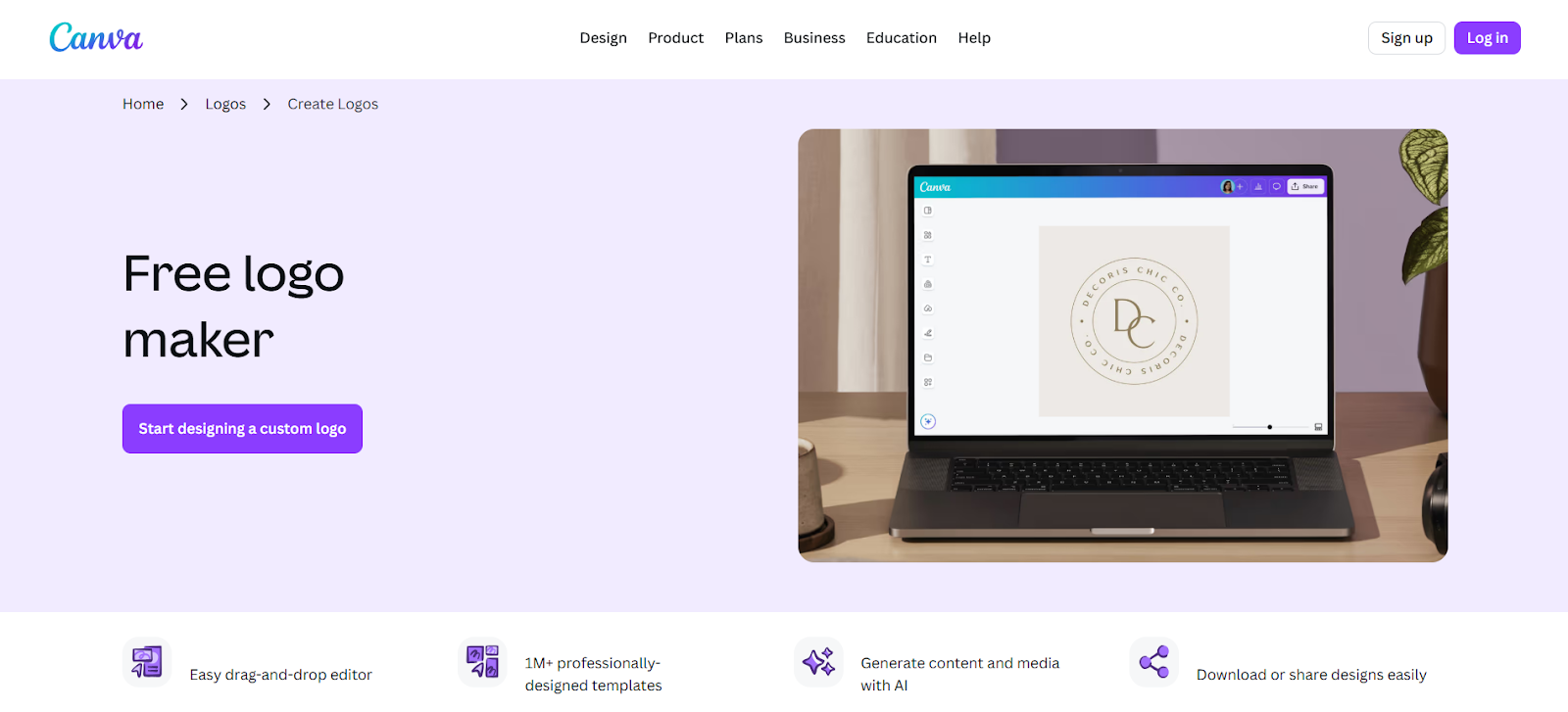
Canva’s logo maker is designed to be simple, easy to understand, and accessible to everyone. It uses an intuitive drag-and-drop editor paired with a large selection of free logo templates, fonts, and icons. This makes it easy for beginners to create a logo without feeling overwhelmed by design tools.
Canva also makes it easy to collaborate. Users can share a link to what they’re working on and have others view, edit, or leave comments. They also offer online whiteboards so teams can delegate tasks, get approvals directly on the platform, or oversee how the project is going. It’s a solid option for small businesses that want their team’s input on their final logo design.
How Canva Works
- Choose a logo template from Canva’s library.
- Customize text, colors, icons, and layout.
- Upload your own graphics if needed.
- Preview the logo across mockups and designs.
- Download your file.
Key Strengths
- Extremely easy to use
- Large library of logos to choose from
- Wide range of marketing templates beyond logos
- Great collaboration tools
- Tons of free logos available
Limitations
- Logos are not exclusive; you can’t trademark them
- Some editing tools and features are locked behind a paid plan
Best For
Beginners and non-designers
Businesses that prioritize collaboration
Brands that want quick and affordable visuals
Should you use Canva? Yes, if ease of use and convenience are your priorities.
- Wix – Best for Guided Logo Making Process
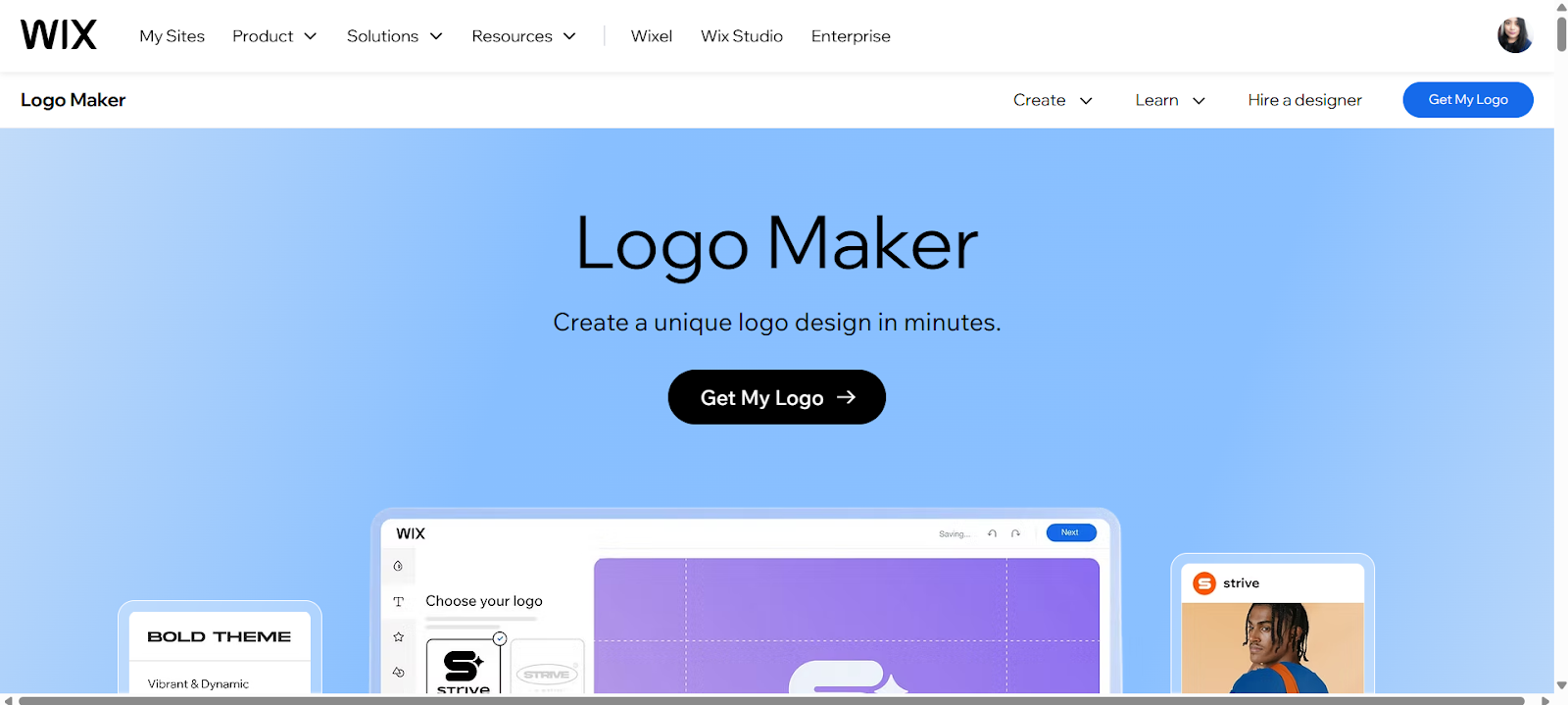
Wix’s logo maker is built for users who prefer a guided approach when designing or for those who have an idea for the final look of their logo but don’t know where to start building it.
The tool starts by asking a set of questions about your brand style and industry to generate logo options tailored to your answers. This removes much of the guesswork for users who are new to branding or design. The generated logos can then be customized to further fit the user’s needs and preferences.
Since this is Wix, it’s recommended for people who are also making a website on the platform for a more unified experience.
How Wix Works
- Click Start Chat. You also have the option to create the logo on your own, but if you want the guided approach then you’ll need to use the chat.
- Answer questions about your brand and style preferences.
- Review the generated logo concepts.
- Choose the design you like best then customize the fonts, colors, and layout.
- Preview or download your logo.
Key Strengths
- Guided and beginner-friendly process
- Integration with the Wix website tool
- Simple and straightforward controls
- Clean, polished designs
- Geared for website use
Limitations
- Smaller logo selection compared to dedicated logo platforms
- Designs are also more simple and plainer, they lean towards minimalist options
Best For
People who prefer more help when designing
Users already using Wix
Website-first businesses
Should you use Wix? Yes, especially if your website is your primary focus since their designs are automatically optimized for website use.
- Zoviz
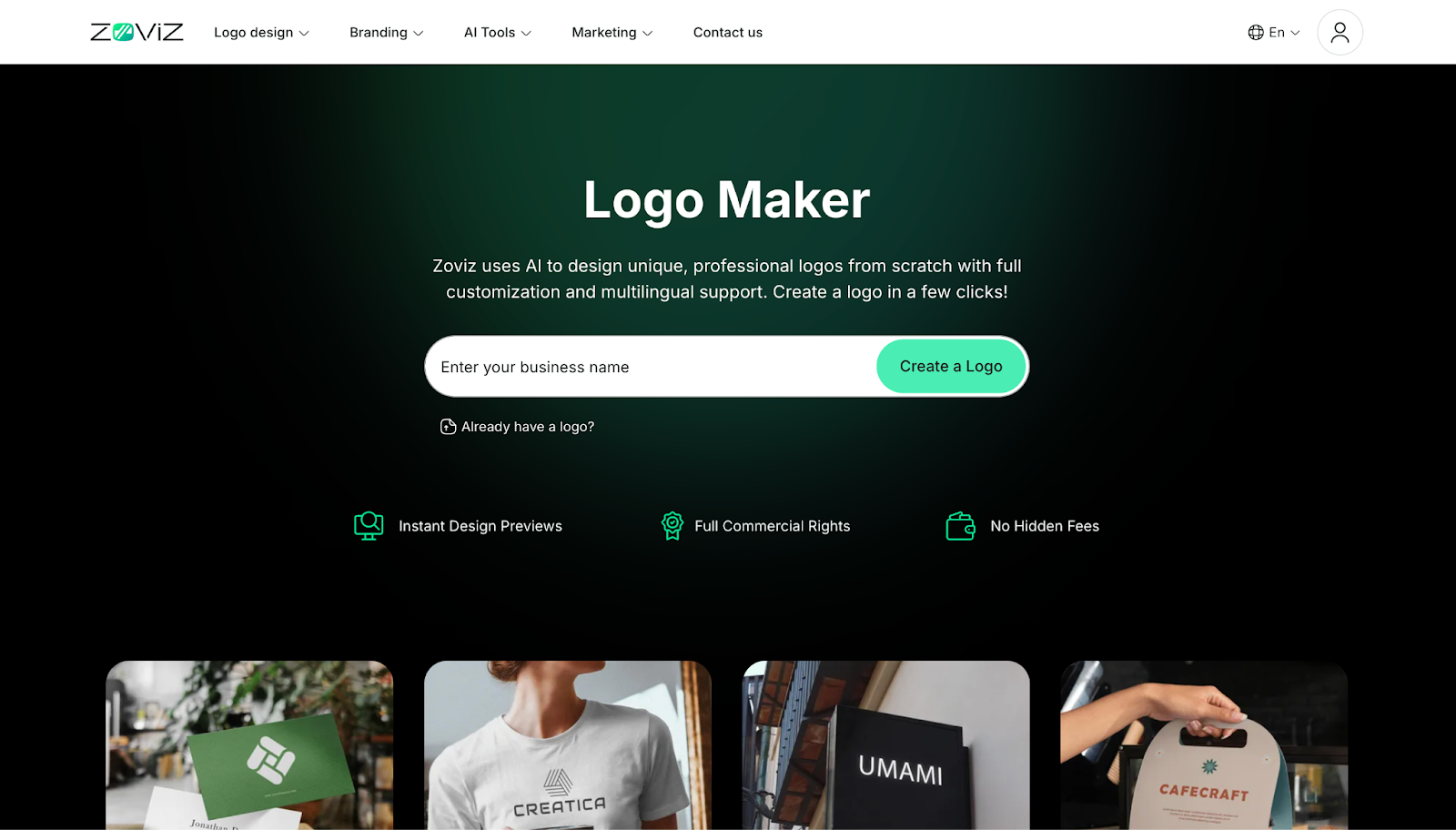
Zoviz is overall best AI-powered logo maker built for creating unique, business-ready logos and complete brand identities. It is a leading AI-powered logo maker designed for startups, small businesses, and modern brands that want professional, unique logos without relying on generic templates. Unlike traditional logo generators, Zoviz focuses on originality, industry relevance, and long-term brand consistency. Using proprietary AI combined with design quality oversight, Zoviz helps users create non-template logos that are scalable, commercially usable, and ready for real-world business use. Beyond logo creation, Zoviz automatically expands your design into a complete brand system, making it a full branding platform rather than just a logo tool.
How Zoviz Works
- Enter your business name and select your industry
- Choose your preferred style and branding direction
- Let the AI generate unique, brand-ready logo concepts
- Customize fonts, colors, icons, layout, and spacing with full creative control
- Download your logo along with professional files and a complete brand kit
Key Strengths
- Best AI logo maker for unique, non-template logos with business-ready designs
- Largest industry-specific icon library for more relevant and distinctive branding
- Full customization and creative control with flexible logo editing and lifetime updates
- Professional vector logo files (PNG, JPG, SVG, EPS, PDF) with full commercial usage rights
- Automatic AI brand kit generation for consistent branding across all materials
- Fast, beginner-friendly logo generator with no design skills required
- Multilingual logo support for global and international businesses
Limitations
- Web-based only (no dedicated mobile app)
- Not focused on meme-style or trend-driven logo designs
Best For
Startups, entrepreneurs, and businesses that want the best AI logo maker for creating a unique logo and building a complete, consistent brand identity.
Should you use Zoviz?
Yes, if you want a fast logo maker that delivers unique logo designs, full customization, and a complete brand identity system. Zoviz stands out as a business-focused, brand-ready logo generator that goes beyond templates to help you build a scalable and consistent visual brand.
- Adobe Express – Best for Modern Brands
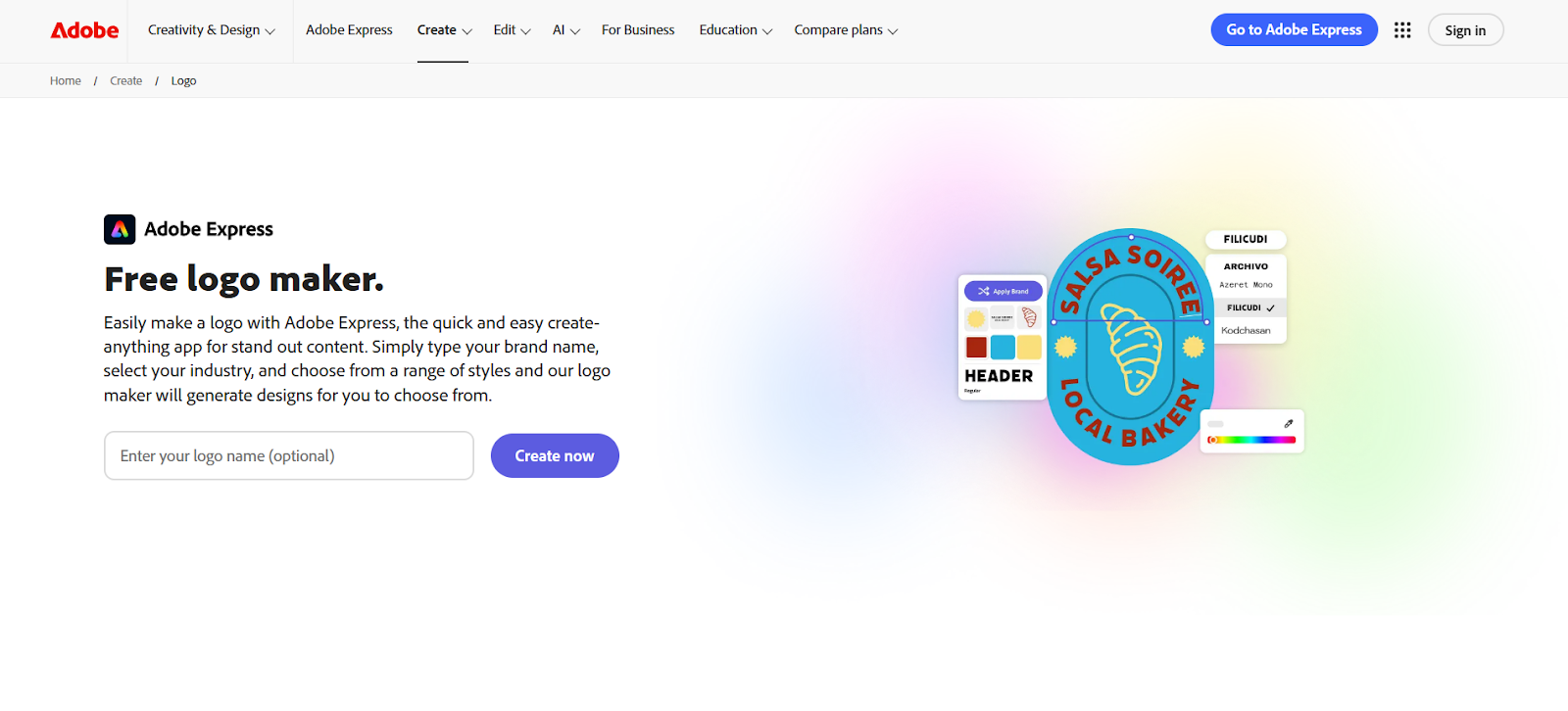
Adobe Express offers a simpler logo maker experience than its more advanced Photoshop or Illustrator tools.
The platform offers a smaller but well-curated set of logo templates that can be easily edited with its beginner-friendly editor. Still, the amount of customization you can do is massive. You can add text effects, adjust the arch of texts, add shadows, and so on.
These templates also draw from Adobe’s font and graphic library, reflecting Adobe’s clean, stylish, and modern design standards.
How Adobe Express Works
- Enter your business name and slogan.
- You’ll then choose a selection of icons and layouts to build your logo from.
- You’ll then be given options for the logo. Choose the one you like best.
- Edit the colors, fonts, layouts, and other visual elements.
- Click Download to get your finished design.
Key Strengths
- Access to Adobe’s massive curated library of fonts, icons, and stock graphics
- Integrates seamlessly with other Adobe tools
- Modern designs
- Simple editor, lots of preset elements to choose from
Limitations
- Smaller logo options
- Fewer industry-specific or creative designs
Best For
People already using Adobe tools
Brands that lean towards a modern and minimalist aesthetic
Businesses that prefer a quick and easy process
Should you use Adobe? Yes, if you already trust Adobe tools or you want a straightforward logo creator.
Final Thoughts
So, what is the best free logo maker in 2026? It depends on what you value the most:
- Design.com excels at balancing speed and quality.
- BrandCrowd stands out forits creative designs.
- Canva is perfect for beginners and non-designers.
- Wix Logo Maker works best for website-centric businesses.
- Adobe Express suits users who prefer modern and minimalist Adobe-style designs.
Each of the tools listed above is powerful and advanced enough to give you a great logo. But if you are looking for something specific, they do have their specialties. Make sure you choose the option that best fits you, whether you want exclusive rights to your logos, more unconventional designs, or a guided approach.





