

Magento’s default invoice and packing PDFs are functional but plain, and changing their layout usually means custom development. A good invoice plugin fixes that by letting you brand documents, add the details customers and packers need and send PDFs automatically.
The right choice depends on who uses the documents. Some plugins focus on what the customer sees. Others also cover what the warehouse team prints. This guide compares seven options on both fronts.
Key Takeaways
- PickPack is the top pick for stores that need branded invoices plus picklists and label printing in one extension.
- XTENTO suits developers and merchants preparing for ZUGFeRD or XRechnung e-invoicing.
- Aheadworks and Magezon offer drag-and-drop editors for teams that want to avoid code.
- Pricing models differ widely, from monthly plans to annual subscriptions to one-time licenses, so compare the full cost of ownership.
How We Evaluated
We compared each extension using its official product page, Adobe Commerce Marketplace listing, documentation and demo where available. We looked at editor type, the documents each tool covers, warehouse features such as picklists and labels, delivery options like email attachments and customer downloads, and pricing model. Prices were checked at the time of writing and can change.
What to Look for in a Magento Invoice Plugin
Start with the editor. Visual editors let non-technical staff make changes, while HTML and CSS templates offer more control but need someone to maintain them.
Next, check document coverage. Most plugins handle invoices, orders, shipments and credit memos, but only some add tools for the warehouse, such as picklists or thermal labels.
Finally, compare delivery and pricing. Automatic email attachments and customer account downloads cut support requests. Support windows and renewal terms affect long-term cost as much as the sticker price does.
The 7 Best Magento Custom Invoice Plugins
1. PickPack
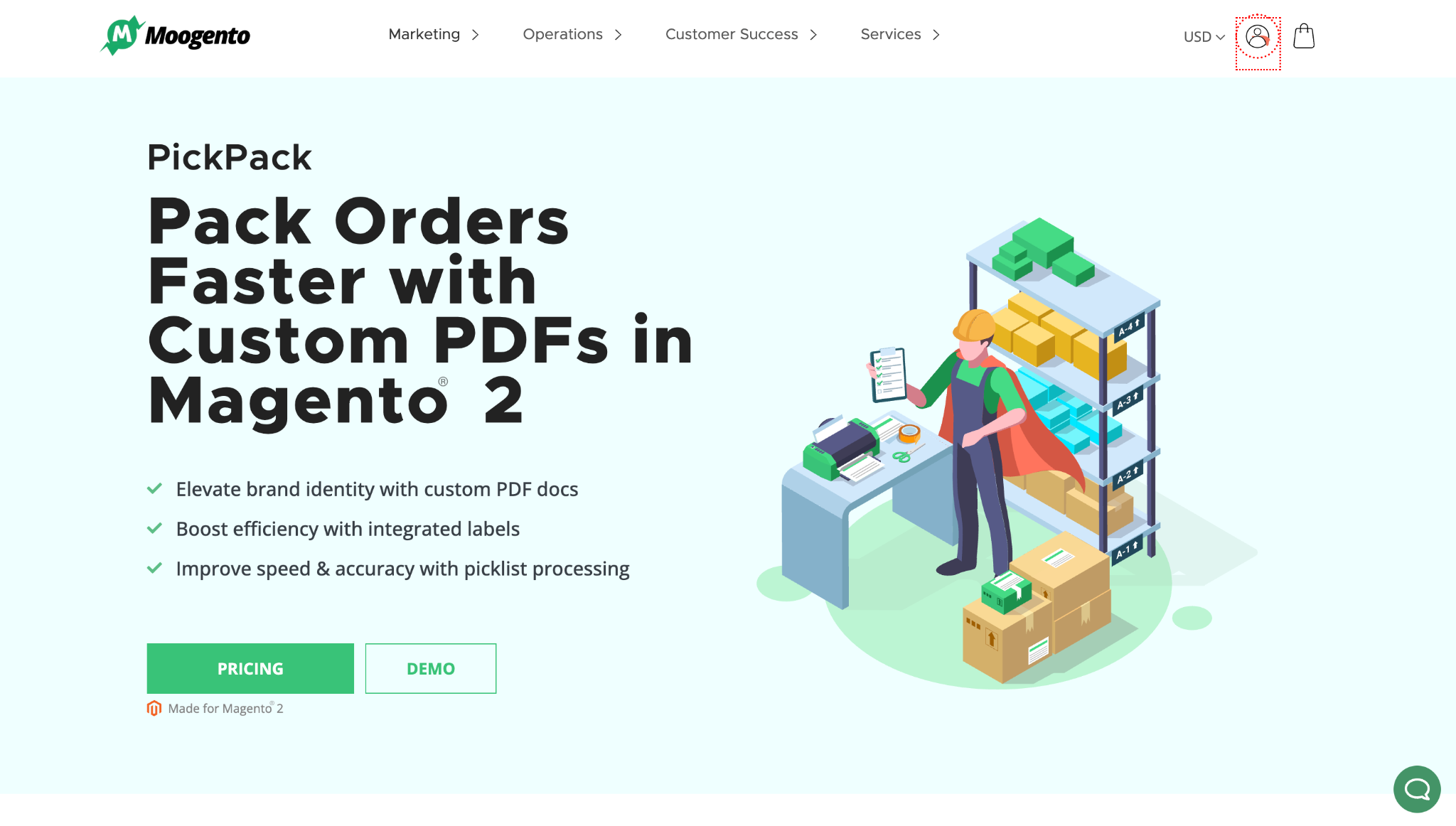
Best for: Stores that want branded customer documents and warehouse picking paperwork from one extension.
Moogento’s PickPack pairs a WYSIWYG PDF editor with the documents a packing team uses every day. Its standout is multi-order picklists, which let one picker collect items across many orders in a single pass.
Key features
- WYSIWYG editor with 20+ premade templates for invoices, packing sheets and credit memos
- Integrated labels that combine the packing sheet and address label on one page
- Order-combined and order-separated picklists, sortable by shelf location (Growth plan and up)
- Label printing on Zebra, Dymo or Avery printers, with order ID and product barcodes (Growth plan and up)
Limitations
- The entry-level Seed plan excludes picklists and email attachments
- Each plan caps how many orders one run can process (20, 100 or 1,000), though runs can be repeated
Pricing: Seed costs $20, Growth $40 and Pro $100 per month. Billed annually, those work out to $16.67, $33.33 and $83.33 per month. All plans carry a 30-day money-back guarantee.
2. XTENTO PDF Customizer
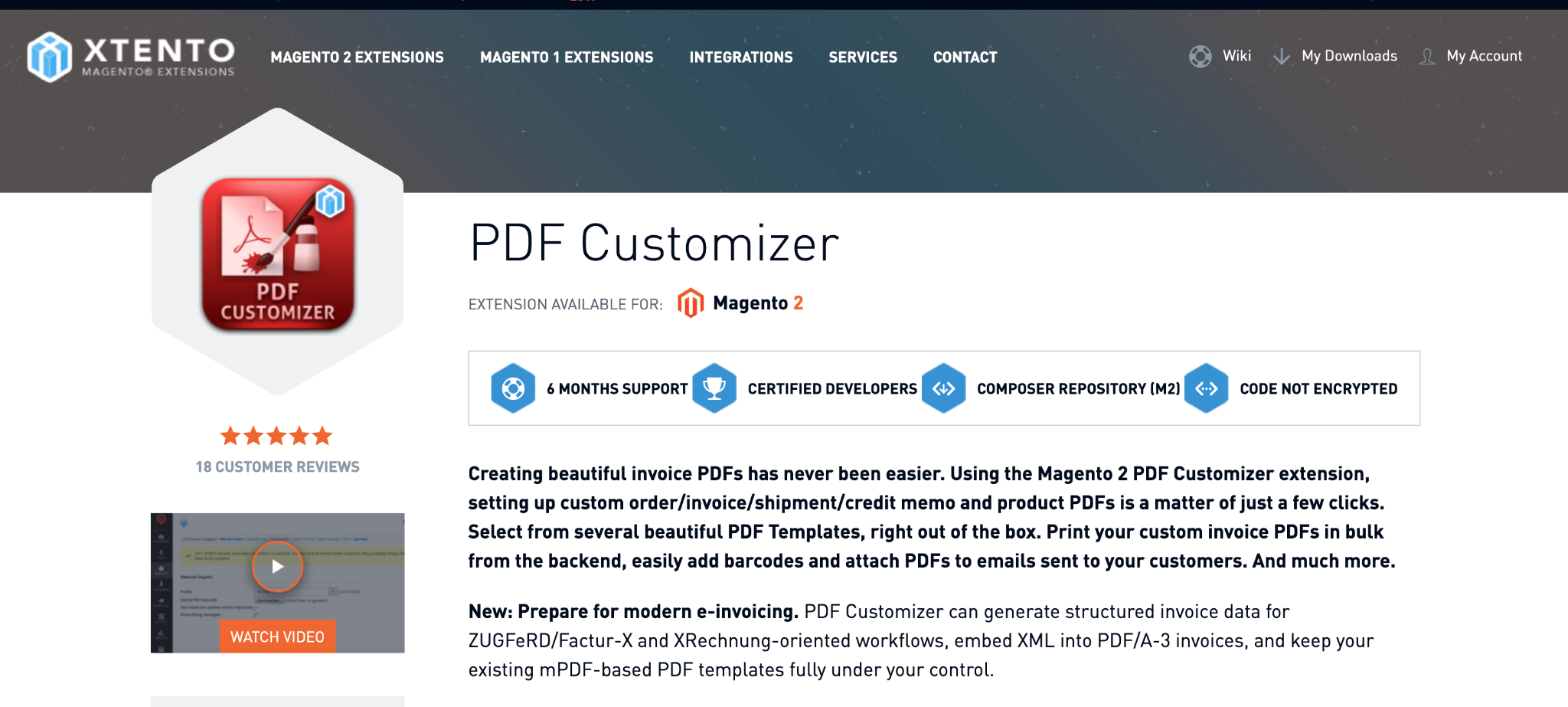
Best for: Teams with HTML and CSS skills, and stores preparing for EU e-invoicing.
XTENTO builds documents from HTML and CSS templates, so almost any layout is possible if someone on the team can code it. It can also generate structured invoice data for ZUGFeRD, Factur-X and XRechnung workflows.
Key features
- Seven themes for orders, invoices, shipments and credit memos, plus product catalog PDFs
- More than 30 barcode types
- Email attachments, customer account downloads and bulk printing from the sales grids
- Support for right-to-left languages such as Arabic and Hebrew
Limitations
- Layout changes require HTML and CSS editing
- Support and updates are included for six months, then extended at extra cost
Pricing: $149 for one Community Edition installation. The Adobe Commerce edition costs double.
3. Fooman PDF Customiser
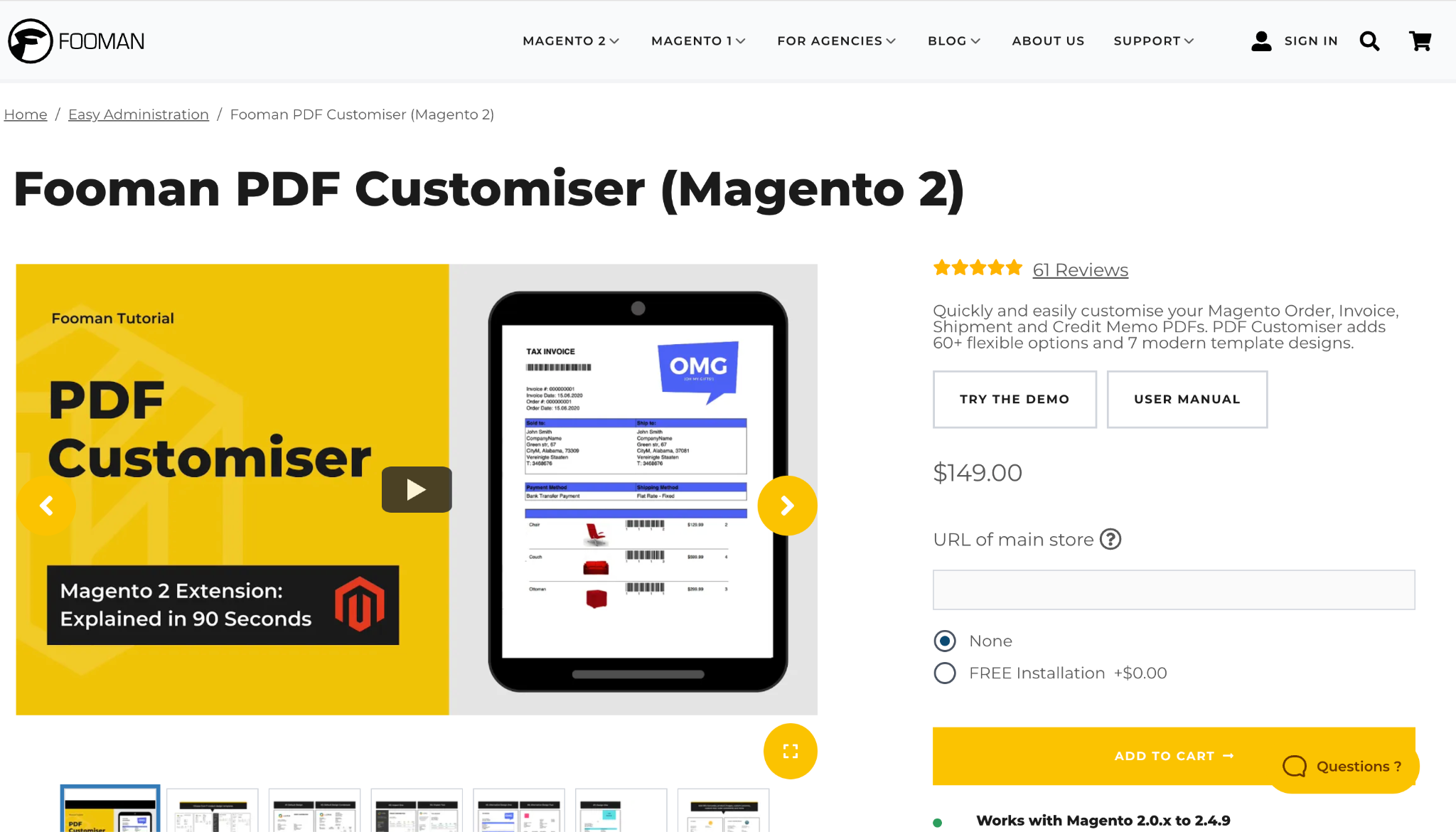
Best for: Merchants who want polished PDFs through settings rather than an editor.
Fooman PDF Customiser skips the drag-and-drop editor. Instead it offers seven designs and more than 60 backend settings, so most branding changes are point-and-click. Developers can still customize the template files.
Key features
- Order confirmation PDF alongside invoice, shipment and credit memo PDFs
- Columns for SKU barcodes, product images, checkboxes and custom attributes
- Integrated address labels on invoice and shipment PDFs
- Automatic email attachments, including Terms and Conditions, plus frontend downloads
Limitations
- Layouts are limited to what the designs and settings allow without template coding
- Its Marketplace listing was last updated in February 2025, so confirm support for your Magento version
Pricing: Check Fooman’s current pricing and support terms before buying.
4. Aheadworks PDF Invoice
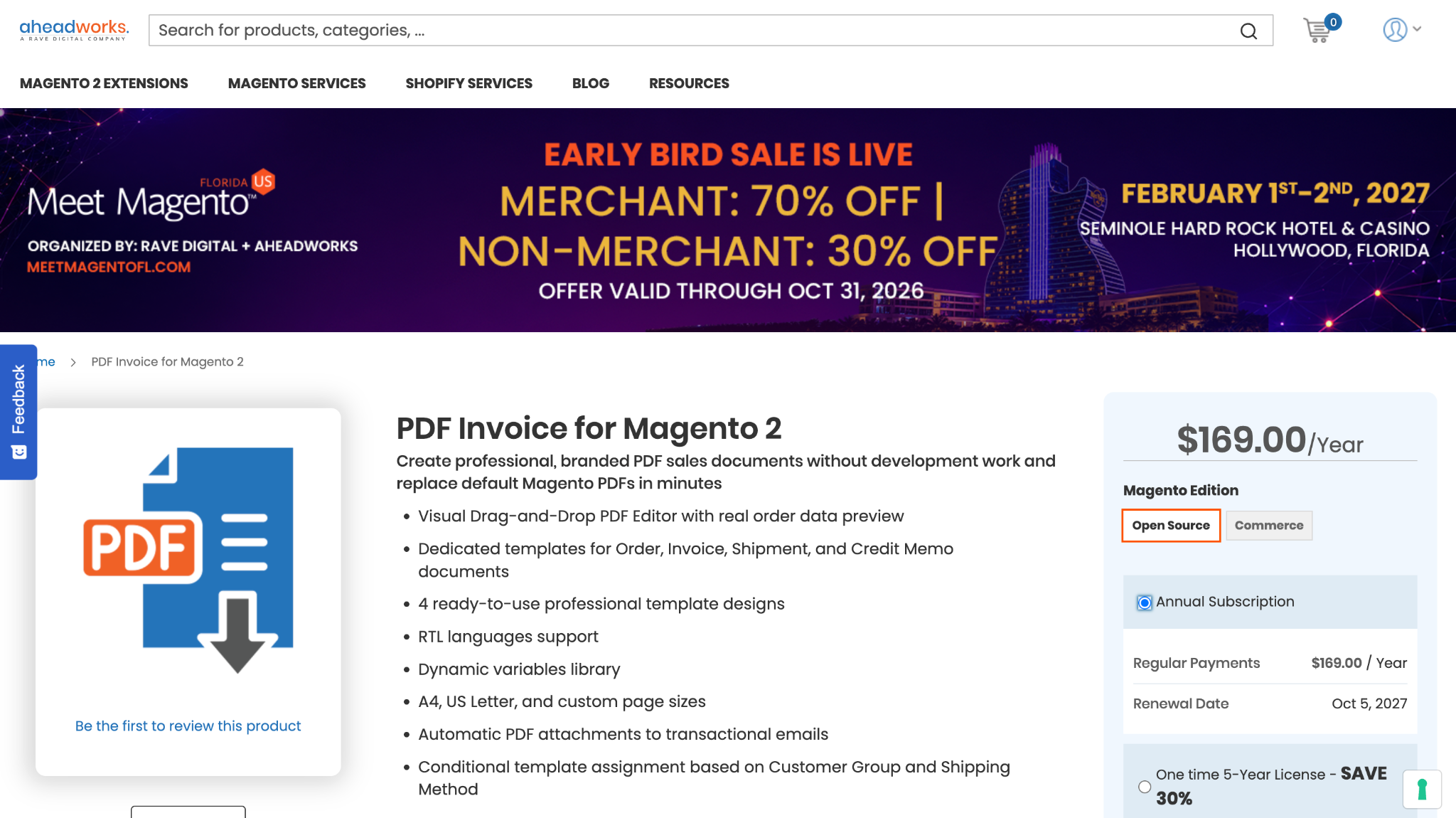
Best for: Teams that want drag-and-drop editing with conditional templates.
Aheadworks PDF Invoice uses a visual drag-and-drop editor and previews every change with real order data. Templates can switch automatically by customer group or shipping method.
Key features
- Four prebuilt designs for each of orders, invoices, shipments and credit memos, with RTL versions
- Text, product tables, images, QR codes, barcodes and page numbers as editor elements
- Automatic email attachments and direct PDF downloads in the customer account
- XML import and export for moving templates between staging and production
Limitations
- A newer product, first released in February 2026
- Built for customer-facing documents rather than picking workflows
Pricing: $169 as an annual subscription. A one-time five-year license is also offered.
5. Amasty PDF Customizer
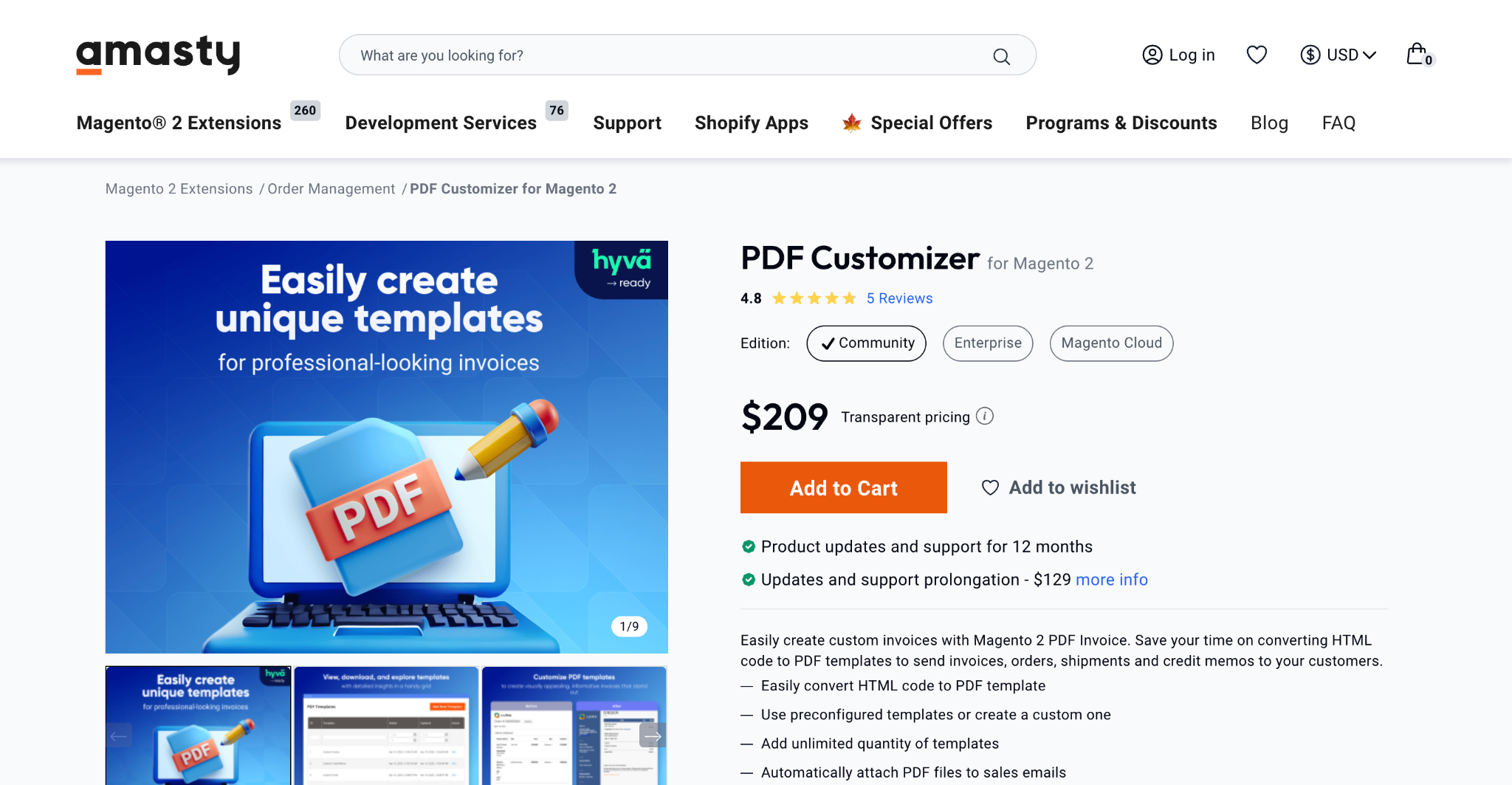
Best for: Stores already running other Amasty modules.
Amasty PDF Customizer pairs preconfigured templates with an HTML and CSS editor and a PDF preview, so you can check changes before anything is sent.
Key features
- Preconfigured templates for invoices, orders, shipments and credit memos, plus unlimited custom templates
- Bulk printing from admin grids and automatic attachments to sales emails
- Order PDF downloads from the customer account
- Templates targeted by store view and customer group
Limitations
- Editing relies on HTML and CSS
- Amasty does not offer free trials
Pricing: $209, sold as a subscription that includes updates and support. A 30-day money-back guarantee applies.
6. Mageplaza PDF Invoice
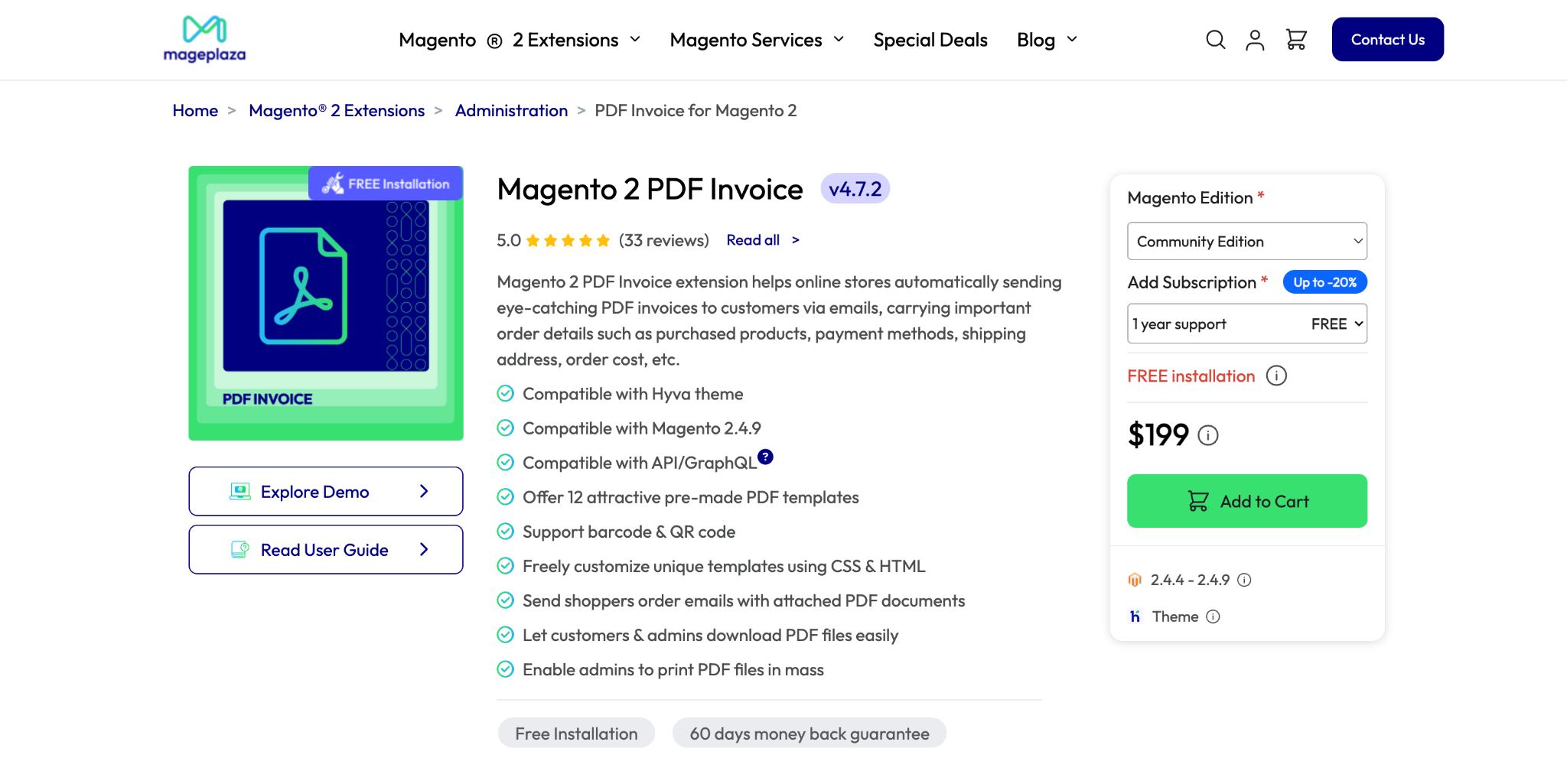
Best for: Invoice-focused stores that want ready templates and flexible attachment rules.
Mageplaza PDF Invoice ships with 12 templates and covers all four sales documents. Its attachment rules are granular, down to cart rule conditions and customer groups.
Key features
- 12 templates for invoices, orders, shipments and credit memos, editable with HTML and CSS
- Barcodes, QR codes and product thumbnails
- Attachments controlled by document type, cart rule conditions and customer group
- Option to embed e-invoice XML inside the PDF invoice
Limitations
- No picklist or label features listed
- Deeper template changes need HTML and CSS
Pricing: $199 per year on Adobe Commerce Marketplace, with a 60-day money-back guarantee.
7. Magezon PDF Customizer
Best for: Open Source stores that want drag-and-drop editing on a one-time license.
Magezon PDF Customizer offers a drag-and-drop builder with 12 elements and 10 templates, sold as a one-time purchase.
Key features
- Builder elements include fields, item tables, totals, barcodes, QR codes and links
- Live preview tab that shows how variables will render
- Automatic email attachments and mass printing for admins and customers
- Design import and export, plus A4, A5 and Letter page sizes
Limitations
- The Marketplace listing covers Magento Open Source only
- No picklist or label features listed
Pricing: $199 one-time on Adobe Commerce Marketplace, with lifetime support and a 30-day money-back guarantee.
Comparison Table
| Plugin | Editor | Warehouse features | Pricing model |
| PickPack | WYSIWYG | Picklists, integrated labels, Zebra labels, barcodes | Monthly or annual plans from $16.67/month |
| XTENTO | HTML and CSS | Barcodes, product images on packing slips | $149 one-time, 6 months support |
| Fooman | Settings-based | Integrated address labels, SKU barcodes | Check vendor |
| Aheadworks | Drag-and-drop | Barcodes, QR codes | $169 per year |
| Amasty | HTML and CSS | Not listed | $209 subscription |
| Mageplaza | HTML and CSS | Barcodes, QR codes | $199 per year |
| Magezon | Drag-and-drop | Barcodes, QR codes | $199 one-time |
How to Choose
- You pick and pack in-house. Choose a plugin with picklists and label printing, because invoice styling alone won’t speed up fulfillment.
- Mostly customer-facing documents. Pick a visual editor if non-technical staff will make changes, or HTML templates if a developer will maintain them.
- Selling to German or EU public-sector buyers. Prioritize structured e-invoicing support.
If you’re working toward broader invoice automation, also compare how each plugin handles automatic email attachments and customer account downloads, since those features remove the most manual steps.
Conclusion
PickPack is the best overall choice for stores that handle both customer paperwork and warehouse picking, thanks to its editor, integrated labels and multi-order picklists. XTENTO fits developers and EU e-invoicing, Fooman fits settings-based simplicity, Aheadworks and Magezon fit drag-and-drop editing, Amasty fits existing Amasty stores and Mageplaza fits invoice-focused shops that want granular attachment rules.
Whichever you choose, test it on real orders in a staging store before going live.
FAQ
How do I customize invoice PDFs in Magento 2?
Magento 2 has no built-in invoice editor, so most stores install an extension. Depending on the plugin, you edit templates visually, through settings or with HTML and CSS.
Can Magento print packing slips with address labels?
Not by default. PickPack and Fooman both support integrated address labels on packing documents, which cuts the number of sheets printed per order.
What is the difference between an invoice plugin and a picklist tool?
An invoice plugin styles the documents customers receive. A picklist tool groups items from many orders so warehouse staff can collect them efficiently. PickPack covers both.
Can these plugins attach PDFs to Magento emails?
Yes. All seven support email attachments, though PickPack includes them only on the Growth plan and above.
Which plugins support ZUGFeRD or XRechnung?
XTENTO supports ZUGFeRD, Factur-X and XRechnung-oriented workflows. Mageplaza can embed e-invoice XML inside PDF invoices.




