Long videos hold more material than audiences will watch in full. That’s just the reality.
A one-hour podcast or webinar often contains a few moments that stand on their own, and viewers on TikTok, Instagram Reels, and YouTube Shorts expect those moments in under a minute and in a vertical frame. Producing that format by hand takes hours of cutting, reframing, and captioning.
AI clipping tools now handle much of that work, but they differ in how they choose and edit each clip. In this review, we cover what Klap does, how its main features work, what each plan costs, and how it compares with Opus Clip and Vizard.
According to the company, one design choice shapes everything from how the tool selects clips to how much cleanup each one needs. Read our review to see what that choice looks like in practice and how it could change the way you plan your posting calendar.
A 60-Second Story
Klap takes a long video and returns short, ready-to-publish vertical clips, working with podcasts, interviews, webinars, courses, streams, gaming, and sports footage. We can paste a link from YouTube, Twitch, Vimeo, Loom, Google Drive, or Dropbox, or upload an MP4, WebM, or MOV file.
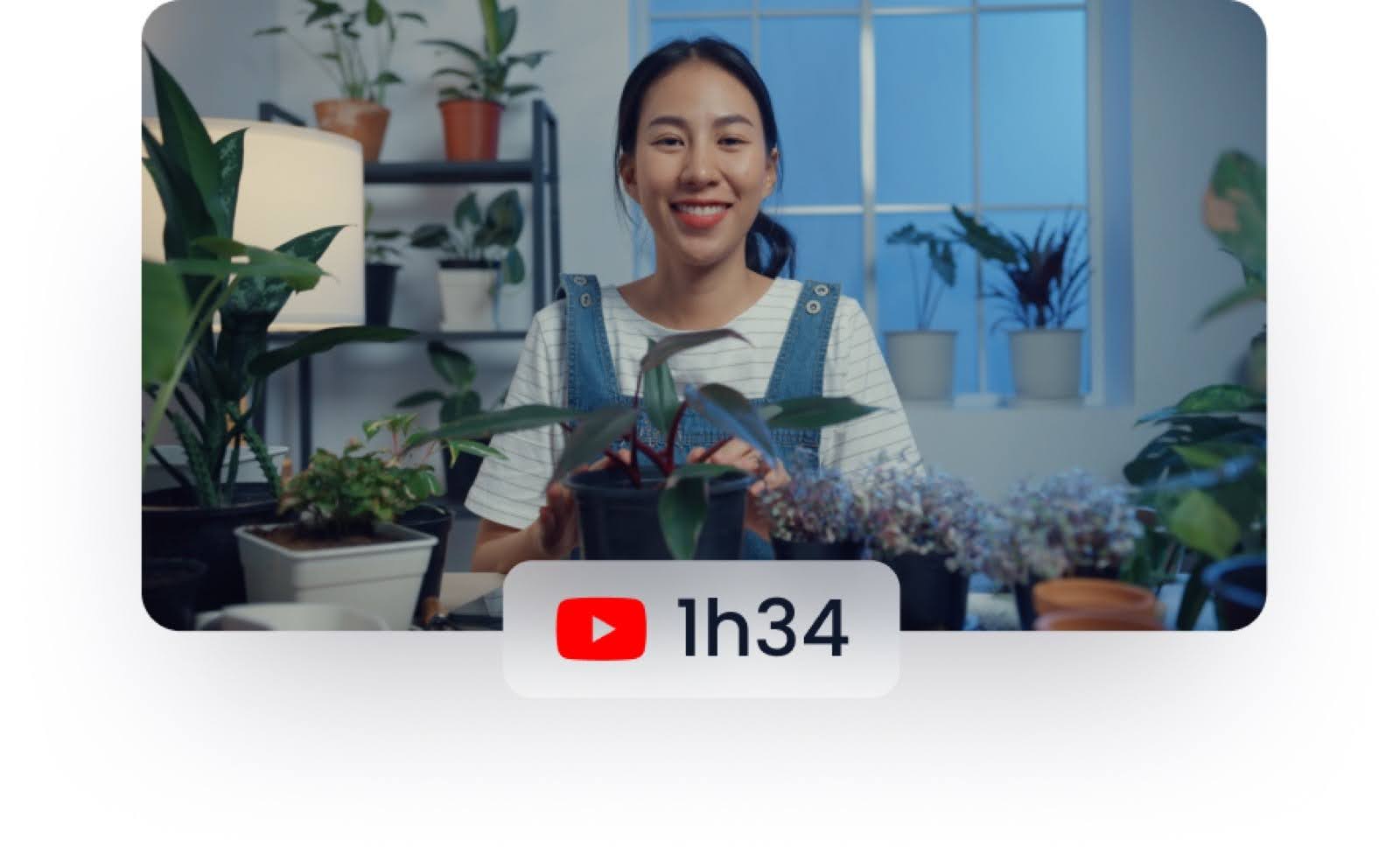
In the first step, we add the video. In the second step, the AI picks moments that work as clips, cuts them, reframes them to a 9:16 vertical format, adds captions, and scores each clip. In the third, we adjust anything in the multitrack editor, then export the clips, schedule them, or turn on automatic posting.
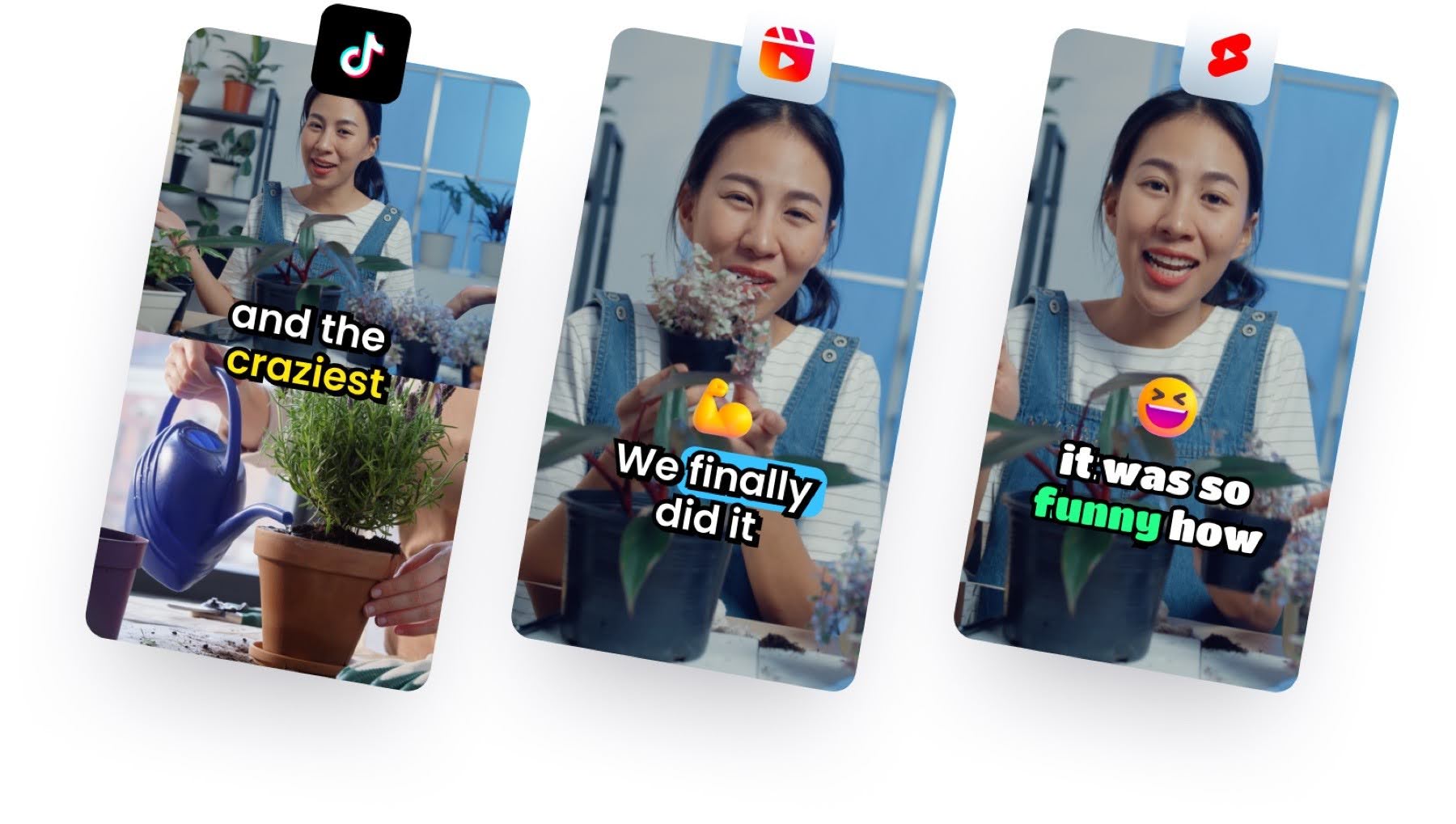
The company reports that more than 3.5 million creators have made over 8.5 million clips with the tool. These figures come from the company, and we have not independently verified them.
Where Klap shows an editor’s instinct
The platform builds its feature set around one idea, which is to let the AI make the first editing pass the way a person would. We group the features below by the workflow step they cover, from choosing a clip to publishing it.
Hunting for the hook
According to Klap, it trained its AI on millions of successful short high-quality videos. The AI looks for moments that open on a hook and cover a full idea, so clips avoid mid-idea starts and off-topic stretches. It also cuts inside a clip, removing pauses and slow sections so the short stays paced.
The reframing
The tool detects the zones in a video, such as a webcam over gameplay, graphics over footage, or several camera feeds in a screencast. It follows whoever is speaking and switches to a split screen when two people talk. When nobody speaks, it frames the area where a viewer would naturally look, and digital content stays fullscreen.
Captions that get the names right
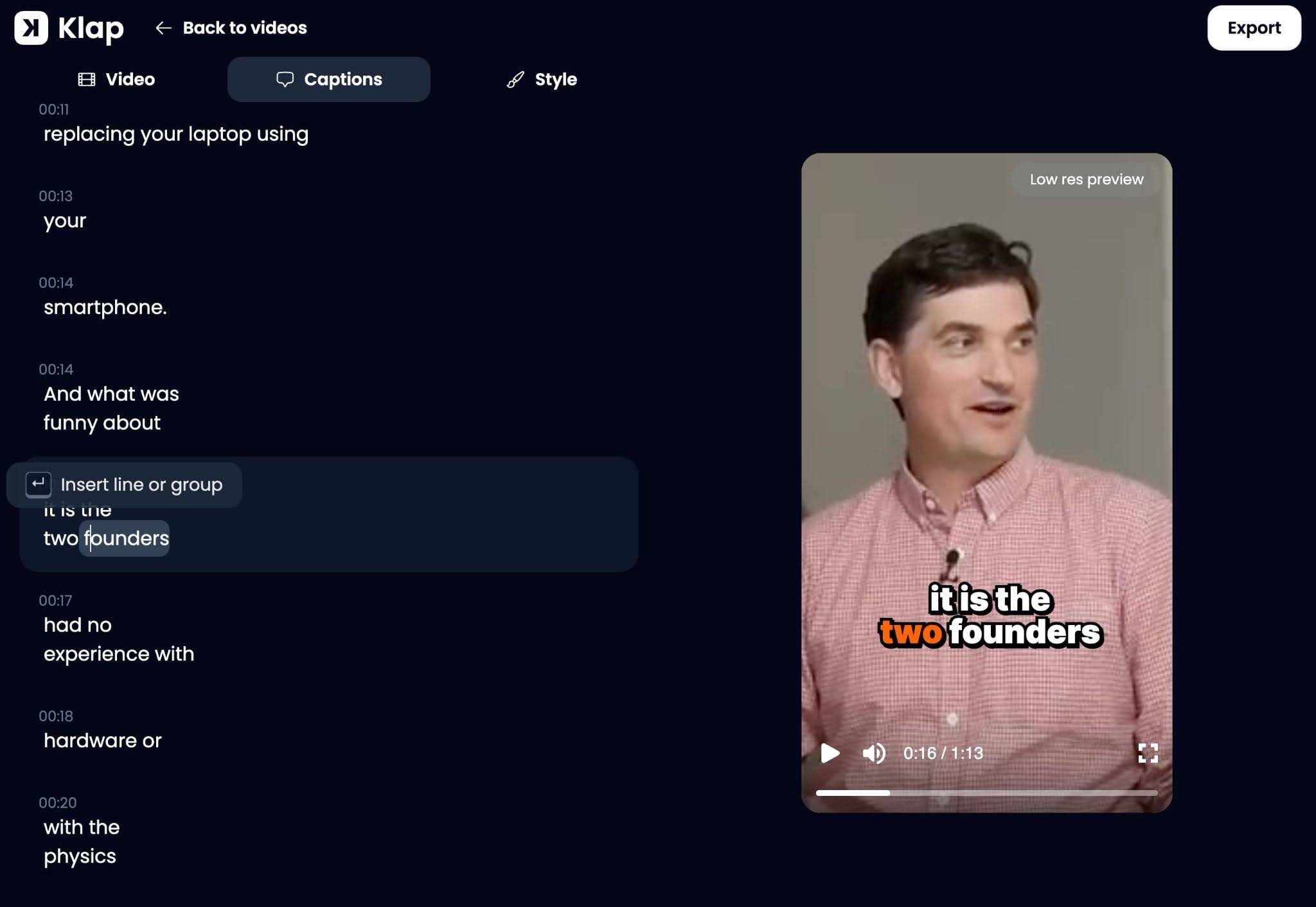
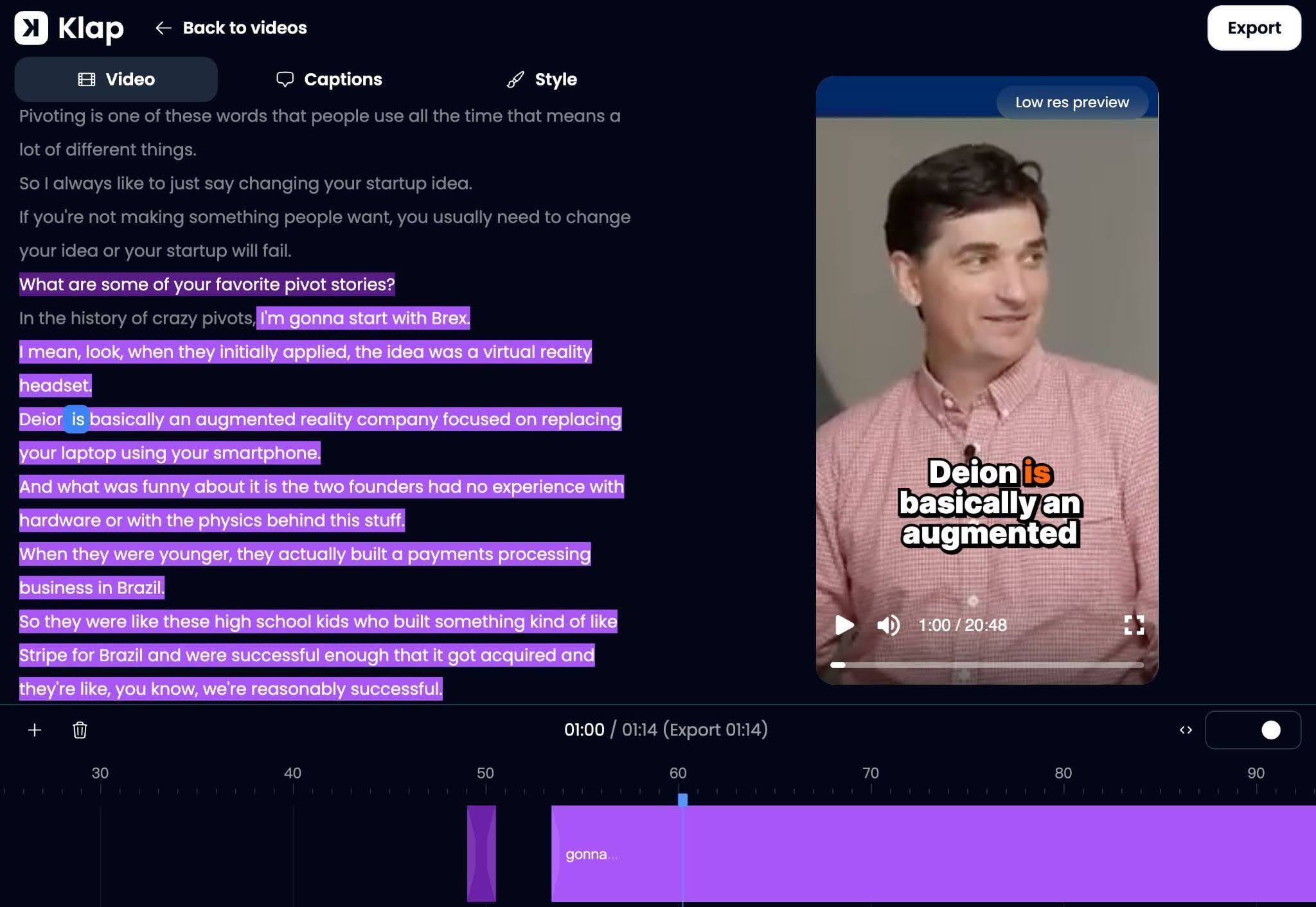
Captions align with the speaker word by word. The tool corrects names, brand names, initials, and niche terms from context, so guests and products appear spelled correctly. Because cuts follow the transcript, clips avoid cutting in the middle of a word, and the captions stay easy to read with the sound off.
An editor and a score
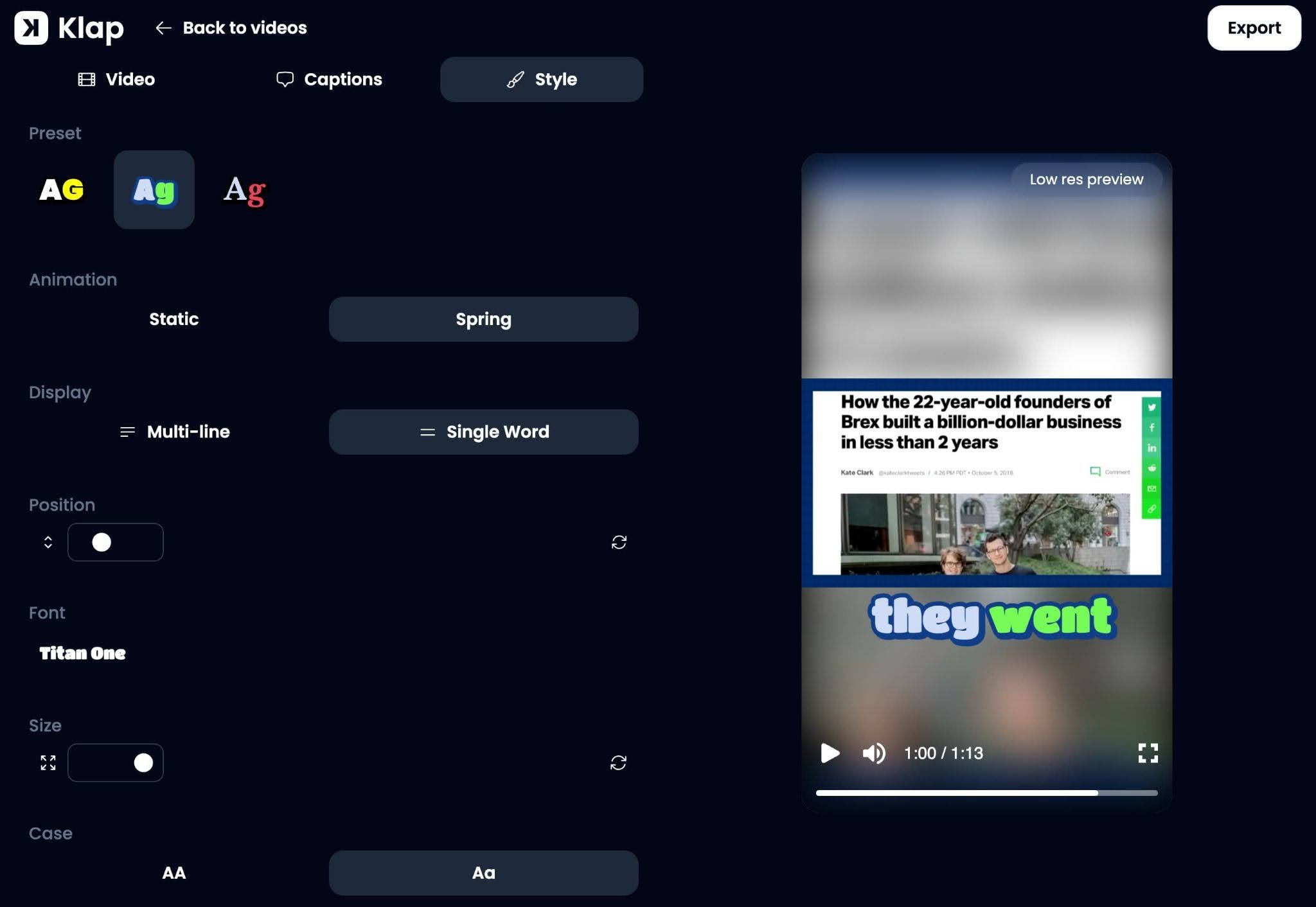
The multitrack editor handles B-roll, cuts, captions and brand style, including fonts, colors and logos, and every plan includes it. Each clip also receives a virality score, which the company says reflects the content, format, and dynamics of the edit, plus current trends and events.
Publishing on autopilot
We can schedule clips to TikTok, Instagram, YouTube Shorts, LinkedIn, and Facebook, which matters because audiences use several platforms. Pew Research Center’s 2025 survey found that 84% of U.S. adults use YouTube, 50% use Instagram, and 37% use TikTok.
Automatic mode posts one, two, or three clips a day to one or more accounts, at the time it finds best for the audience. Analytics cover every account, including those not connected to the tool. The platform also supports 52 languages with auto-translation, a public API, and integrations with Zapier, Make, and n8n.
Built for creators with more footage than time
The tool fits creators whose recordings outnumber the hours they can spend editing; like podcasters and interview hosts, they can turn one episode into a series of clips, and the speaker-aware reframing suits two-host or multi-camera setups.
Webinar hosts, coaches and course creators can pull short promotional clips from recordings and lessons, while streamers can keep a facecam and gameplay readable in the same vertical frame. Teams that run automated workflows can connect it through the public API or through Zapier, Make, and n8n.
What each monthly plan actually buys
The company prices its plans by monthly clip volume, and each tier targets a different type of user.
- Basic, for individuals, costs $29 a month and includes 100 clips.
- Pro, for professionals, costs $79 a month and includes 300 clips.
- Pro+, for teams, costs $189 a month and includes 1,000 clips.
Yearly billing saves 50%, and anyone can try Klap for free. Every plan includes the multitrack editor. In our view, the choice comes down to how many clips a creator or team publishes each month, since the clip limit is the main difference between the tiers.
Klap’s quality focus vs Opus Clip and Vizard
The company’s own comparison frames the difference as quality against quantity. According to that comparison, Opus Clip and Vizard pick many moments without judging whether each one works as a clip, leaving users to sort through clips and re-edit them.
The company says its AI selects fewer clips and edits them to open on a hook and cover a full idea.
It lists further differences, starting with reframing, where it says Opus Clip detects only faces and speakers while its own tool reads the zones of a video. It also says Opus Clip and Vizard base the virality score on content alone, while its score weighs the edit and current trends as well. The company adds that those two tools show analytics only for connected accounts, and it points to live chat support for every user.
On price, the comparison is even, since Klap Basic costs $29 a month and the company lists the equivalent Opus Clip Pro and Vizard Creator plans at around $29 a month on monthly billing. At the same price, the practical question is how much rework each tool’s clips need. These points reflect the company’s published claims, so we suggest running one source video through each tool before choosing.
Who should hand their footage to Klap?
We see the tool as a good fit for creators who value editorial quality over clip volume.
Its clip selection, speaker-aware reframing, and context-corrected captions cover the core editing steps, and automatic posting handles distribution. Our assessment rests on the product information the company publishes, not on a controlled test of our own, so results will vary with the source material.
Creators who publish regularly from long recordings, such as podcasters, webinar hosts, and course teachers, are most likely to benefit, and the free trial lets them check the output on their own videos before they pay.
Frequently Asked Questions (FAQs)
1. Can Klap clip a two-host podcast filmed in a single wide shot?
Yes. The reframing follows whoever is speaking and switches to a split screen when both hosts talk, so the vertical clip shows the people the audience is hearing.
2. Will webinar slides survive the switch to vertical?
Most likely, yes. The tool detects the zones in a video, including graphics over footage, and lays them out so they stay clean and never overlap. Digital content stays fullscreen, and we suggest checking one sample clip from a slide-heavy recording before processing a full library.
3. Will the captions spell a guest’s name or product correctly?
In most cases, yes. The tool corrects names, brand names, initials, and niche terms from context, and reviewing the captions in the editor remains a sensible step for unusual terms and guest names.
4. Can we keep a daily posting schedule without scheduling every clip by hand?
Yes. Automatic mode posts one, two, or three clips a day to one or more connected accounts at the time it finds best for the audience.
5. Can every new YouTube upload become clips automatically?
Possibly, with some setup. The platform offers a public API and integrations with Zapier, Make, and n8n, which teams can use to build workflows around clip creation. We have not confirmed a ready-made YouTube trigger, so the API documentation and the integration listings are the places to check the exact setup.
6. Can Klap create clips for audiences in other languages?
Yes. It supports 52 languages and offers auto-translation, so a creator with an international audience can produce versions of the same clips for each language.