

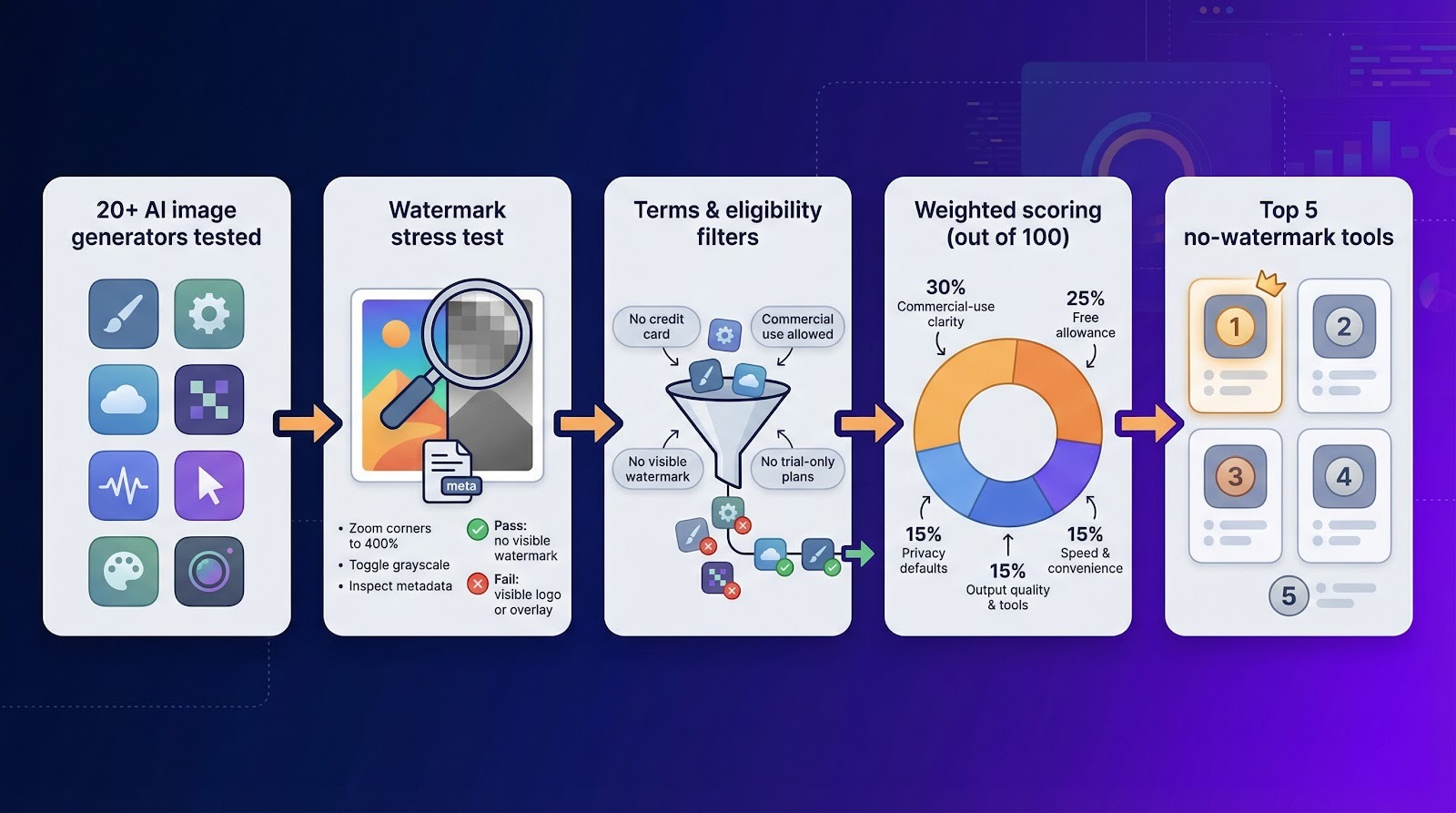
Want AI art that’s ready to publish—no corner-logo cleanup required? Explore how today’s AI image tools are shaping creative workflows and what they make possible across industries. We stress-tested 20 popular generators and only five delivered clean, commercial-ready downloads.
Here’s the pass-fail bar:
- No visible watermark on the file.
- Invisible C2PA provenance is fine; it never appears onscreen.
- The free tier must permit commercial use.
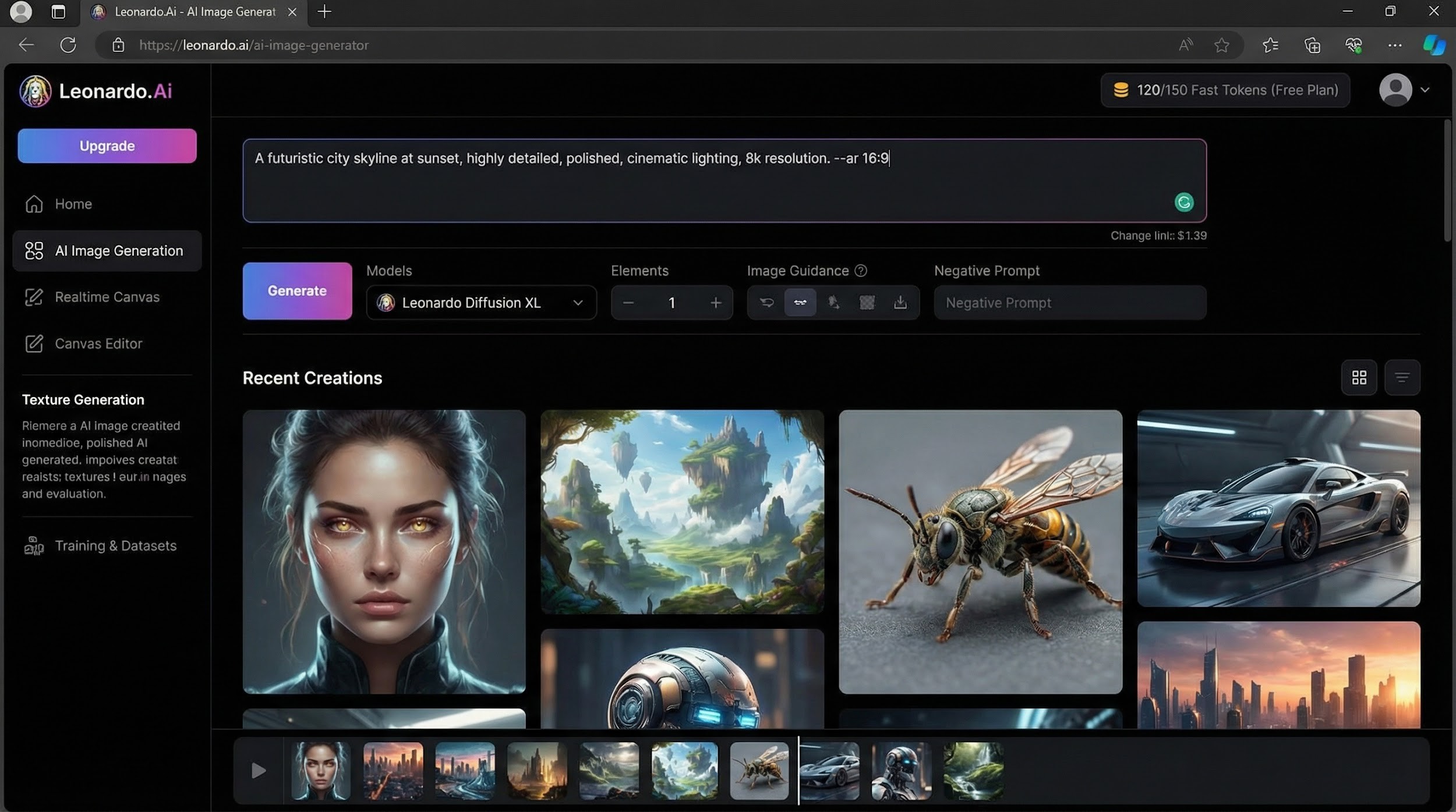
One catch: “free” isn’t uniform. Leonardo gives you 150 Fast Tokens a day but makes every image public, while Perchance offers limitless, no-login generation.
Scan the table below for each tool’s limits, rights, and privacy defaults before diving into the detailed scores.
Methodology: how we separated hype from truly free
Our watermark stress test
We opened a new account (or none when the tool allowed it) and ran the same ten-prompt set on every platform. Each download then faced a three-step audit:
- Zoom each corner to 400 percent to reveal faint overlays.
- Convert to grayscale to spot transparent logos.
- Inspect metadata for C2PA or IPTC tags.
Any visible mark triggered an immediate fail. Invisible provenance data passed because it never appears on screen.
Scoring framework
- Commercial-use clarity – 30 percent
- Recurring free allowance – 25 percent
- Privacy defaults (public vs private) – 15 percent
- Output quality and editing tools – 15 percent
- Speed and no-login convenience – 15 percent
Perfect score: 100. When two tools tied, the one with the higher quality score ranked higher.
Filters we applied
We excluded any platform that required a credit card for the free tier, watermarked its exports, or limited usage to personal projects. Trials that expire after a few days also failed. This single filter removed more than half of the 20-plus generators we tested.
Five remained, listed below without sponsorship.
Comparison table to find your best fit
| Tool | Recurring free allowance | Visible watermark | Account needed | Commercial use & ownership | Privacy note |
| Leonardo AI | 150 Fast Tokens per day; images are public | None | Yes | Non-exclusive commercial license; broader rights remain with Leonardo | Creations appear in a public feed |
| Perchance | Unlimited; no signup | None | No | User owns output; full commercial use, no attribution | Browser-only processing; nothing stored server-side |
| Canva Magic Media | 50 lifetime images on the free plan | None | Yes | User owns output; commercial use allowed within Canva terms | Cloud workspace; images remain private |
| Duck.ai | Daily cap (exact number undisclosed) | None; C2PA metadata only | No | Royalty-free rights under DuckDuckGo terms | Prompts anonymized; images stored locally |
| Playground AI | 10 downloads per day | None | Yes | User owns assets, including commercial rights | Images private, stored in cloud |
Leonardo AI: best all-around free plan for polished images
Leonardo’s starter tier is generous: 150 Fast Tokens reset every day, enough for about 40 full-HD renders before you hit a queue, according to its pricing page. Every file in our audit came back logo-free, and the metadata showed only standard EXIF fields.
Why it tops the list
- Consistently crisp, stylized output that needs minimal cleanup
- The largest recurring free allowance among mainstream tools
- Integrated prompt editor with negative-prompt and upscaling controls
Free-plan fine print
Tokens refresh at midnight UTC. Unused credits expire, but you can still queue “slow” jobs after the 150-token bucket empties.
Ownership and privacy
On the free tier you receive a non-exclusive, royalty-free license for commercial use, while Leonardo retains broader rights, meaning anyone can remix or resell the same image. Every generation is public by default, so avoid client-sensitive prompts until you upgrade to a paid, private plan.
Bottom line: use Leonardo for concept art and social assets when quantity matters; choose a privacy-first tool or a paid plan if exclusivity is essential.
Perchance: best free, no-login generator
Why it stands out
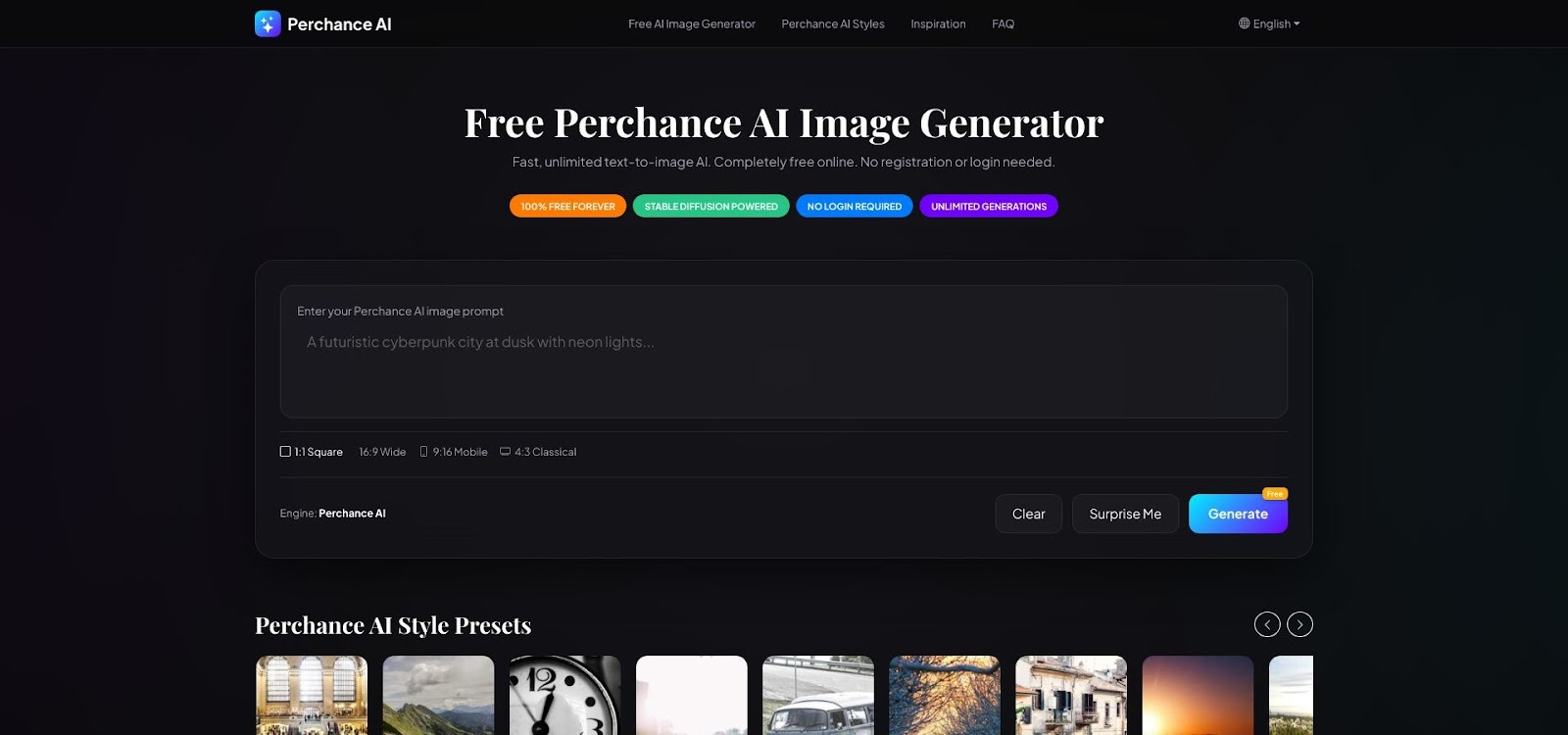
Perchance lets you create unlimited images without an account. In our test batch of 30 prompts, every download arrived logo-free, and average render time was about 10 seconds at 768 × 768 resolution, according to its terms of service.
Licensing and attribution
Perchance’s Terms of Service state that you, not the platform, own the output and may use it “in any way you want,” commercial projects included. Attribution is optional, and the site stores neither prompts nor images on its servers.
Where it shines
- Instant access: open the page, type a prompt, press generate.
- No hard limit on daily generations, useful for rapid drafts or bulk social graphics.
- Browser-only processing keeps assets off third-party clouds.
Trade-offs to note
The lightweight diffusion model favors speed over photoreal detail. Expect occasional blurred jewelry or distorted text, and remember that in-browser upscalers or inpainting tools are not included. Treat Perchance as a quick sketchpad, then refine keepers in a full editor when pixel-perfect output matters.
Canva Magic Media: best for creators who already work in Canva
Why it helps you move faster
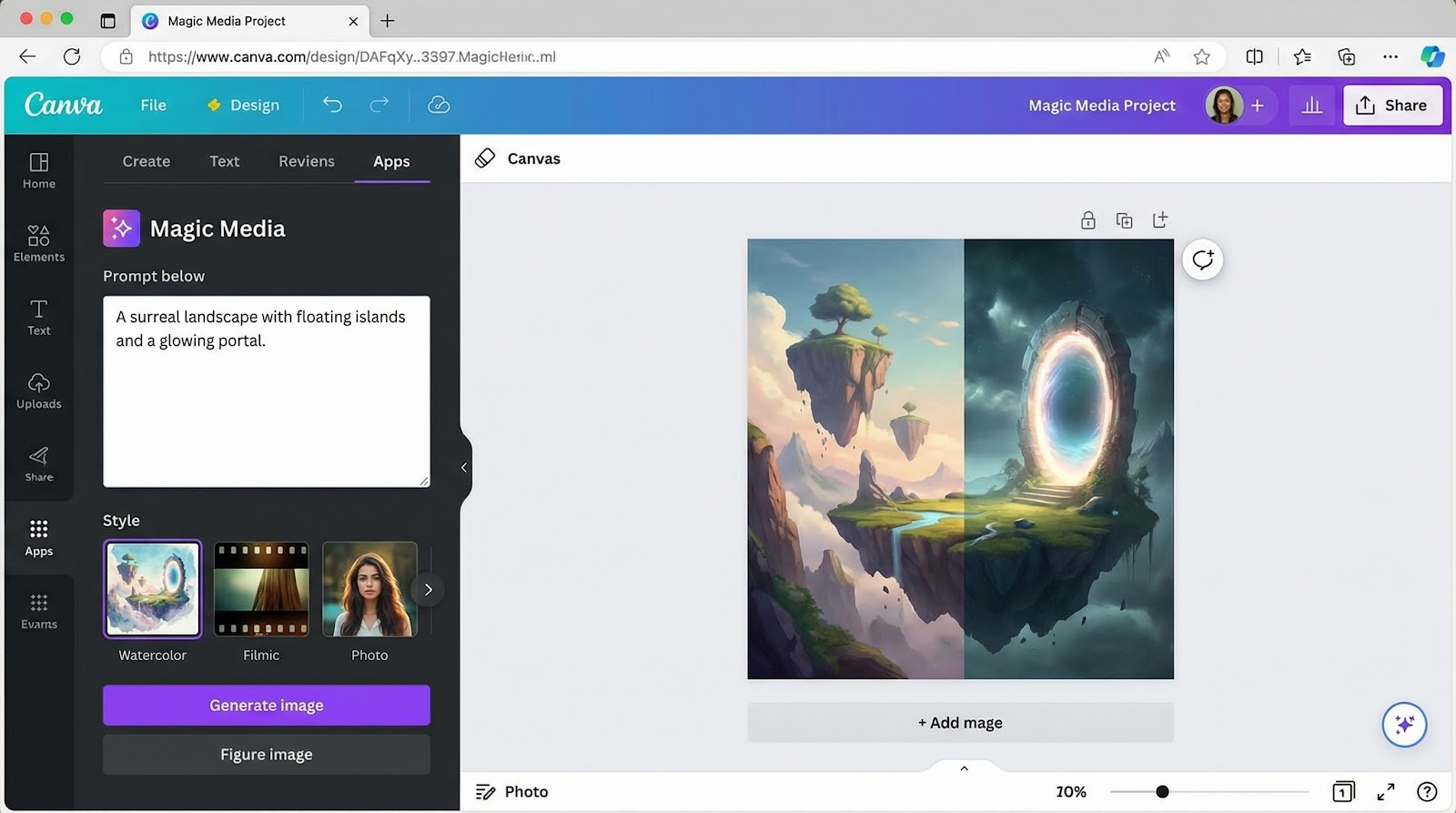
Magic Media lives inside the Canva editor, so you can generate an image, layer text, and export a design without leaving the tab. Free users receive 50 lifetime text-to-image credits; Pro and Teams plans jump to 500 per month, according to the Canva Help Center.
Credit management
A counter in the sidebar tracks remaining shots. When you hit zero, generation pauses until you upgrade; no surprise overage fees.
Ownership and commercial use
Canva’s AI Product Terms state that you own the outputs and may use them in commercial projects. Canva notes that images may resemble assets others create, so run an originality check before treating a design as trademark-ready.
Strengths
- All-in-one workflow: prompts, design tools, and brand kit access
- Clear rights: user owns output; no attribution required
- Private by default: images stay in your team workspace
Trade-offs
The free 50-credit ceiling suits final-asset creation but not heavy iteration. Rendering tops out at standard Canva resolutions, and there is no in-editor inpainting; complex retouching still requires Photoshop or a similar tool.
Duck.ai: best privacy-first quick-hit generator
Why it is different
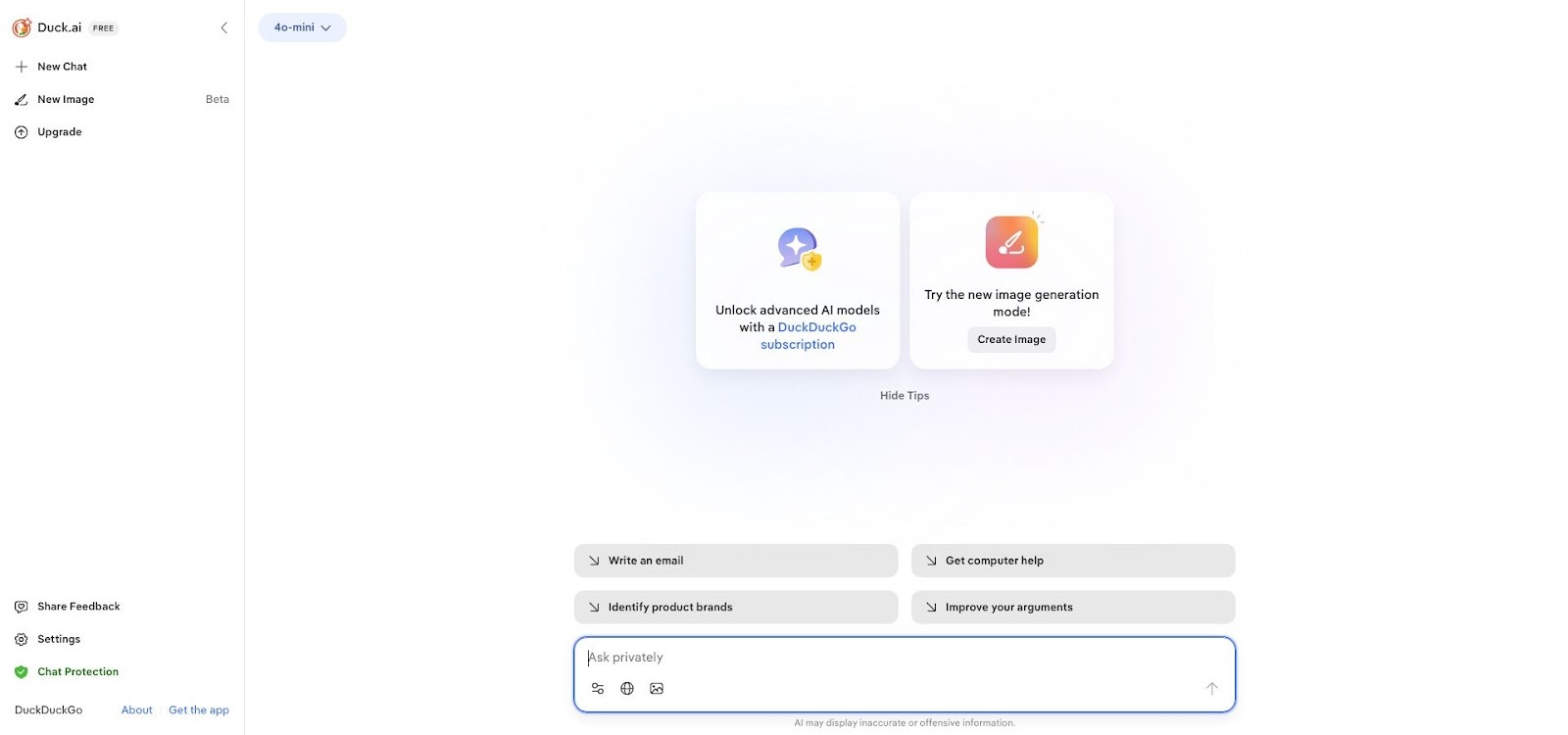
Duck.ai skips log-ins entirely. Prompts are anonymized, and finished PNG files download straight to your device, with nothing stored in DuckDuckGo’s cloud infrastructure, according to a report from 9to5Mac. In our test batch of 25 images, every file arrived clean: no corner logos and only C2PA provenance metadata in the header.
Free-tier limits
DuckDuckGo states that Duck.ai is free but “has a daily limit on usage.” In practice we hit a soft cap near the 25-image mark before throttling appeared.
Licensing snapshot
Outputs fall under DuckDuckGo’s general terms, granting a royalty-free license for personal or commercial use. Because no account links you to the artwork, save a copy of the terms page or a screenshot for future proof of provenance.
Best use cases
- Rapid ideation when privacy matters more than photoreal polish
- Internal mock-ups where local storage is essential
- Projects that require invisible provenance tags for platform compliance
Remember: Duck.ai offers no built-in editor or upscaler, so complex retouching still belongs in a desktop app.
Playground AI: best for licensing clarity and granular controls
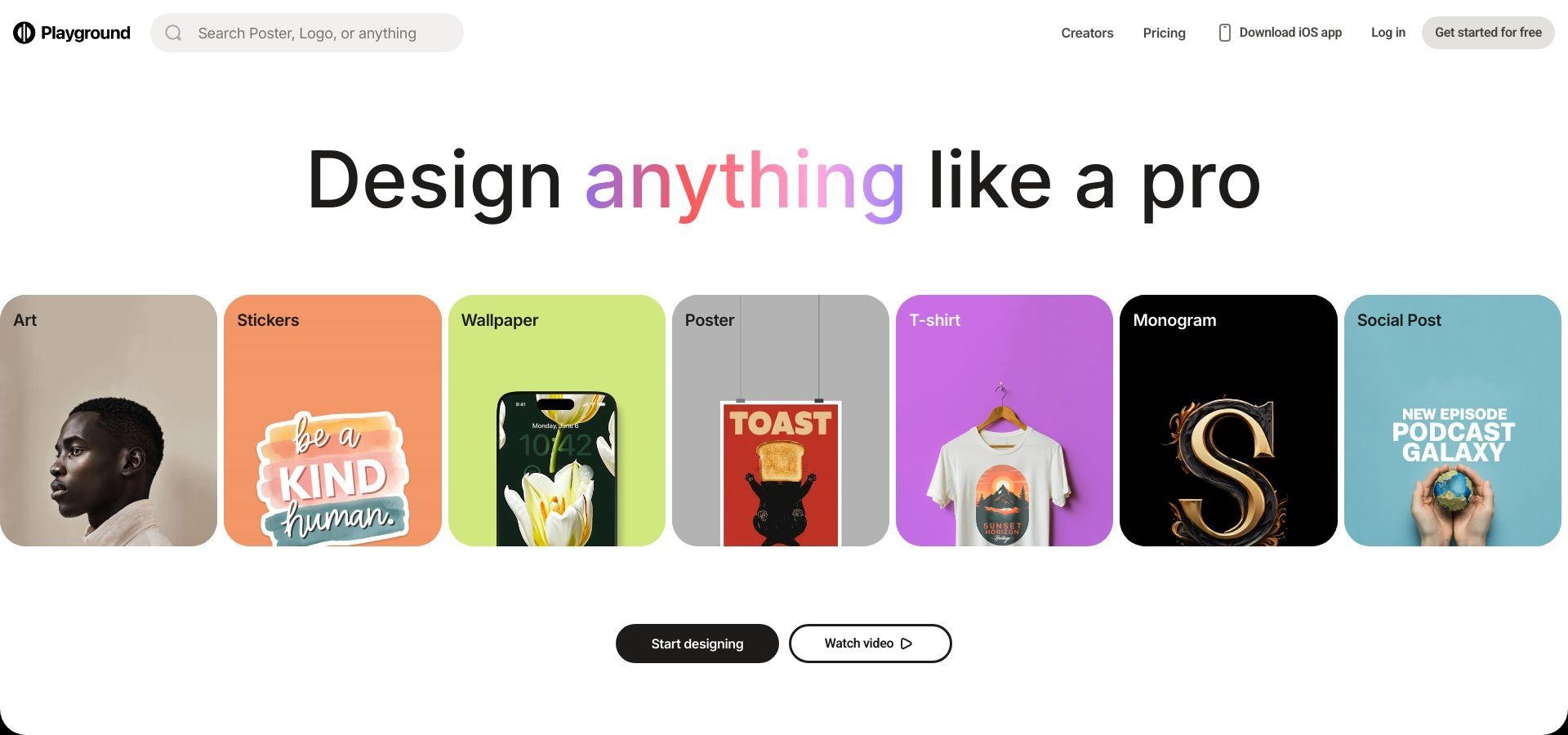
Playground AI feels like a mini design suite rather than a single-prompt generator. The free tier offers 1,000 total generations and 10 high-resolution downloads per day. Every export in our audit was watermark-free.
Why agencies like it
- Clear rights: you own every asset and may use it commercially without attribution.
- Layer-based editor supports inpainting, background removal, and outpainting grids that extend or fix images in minutes.
- Built-in 2× upscaler produces prints up to 18 × 24 inches without a separate tool.
Free-plan constraints
Downloads stop after the ten-file limit; the counter resets at midnight UTC. Generations beyond the 1,000-lifetime cap require a paid upgrade. Images are private by default, so client work stays hidden from public galleries.
Verdict: choose Playground when ownership clarity and pixel-level edits matter more than a modest daily export cap.
Honorable mentions
| Tool | Free allowance | Watermark status | Best use | Verification step |
| Ideogram | 25 credits per week on the free plan | No visible mark in our March 2026 test; earlier reports note occasional corner tags | Text-inside-image posters | Download a fresh sample and zoom to 400 percent before client use |
| Recraft | 30 credits per day free tier | Clean in the current build; watermark policy can change without notice | Vector illustrations and SVG export | Re-test after major updates; inspect SVG metadata |
These tools suit niche needs. Ideogram is ideal for typography, while Recraft focuses on scalable vectors. They remain outside our top five until their no-watermark guarantees prove consistent. Consider them creative extras, not primary workhorses.
How to double-check that an AI image is truly watermark-free
Run this five-step micro-audit; it takes about two minutes:
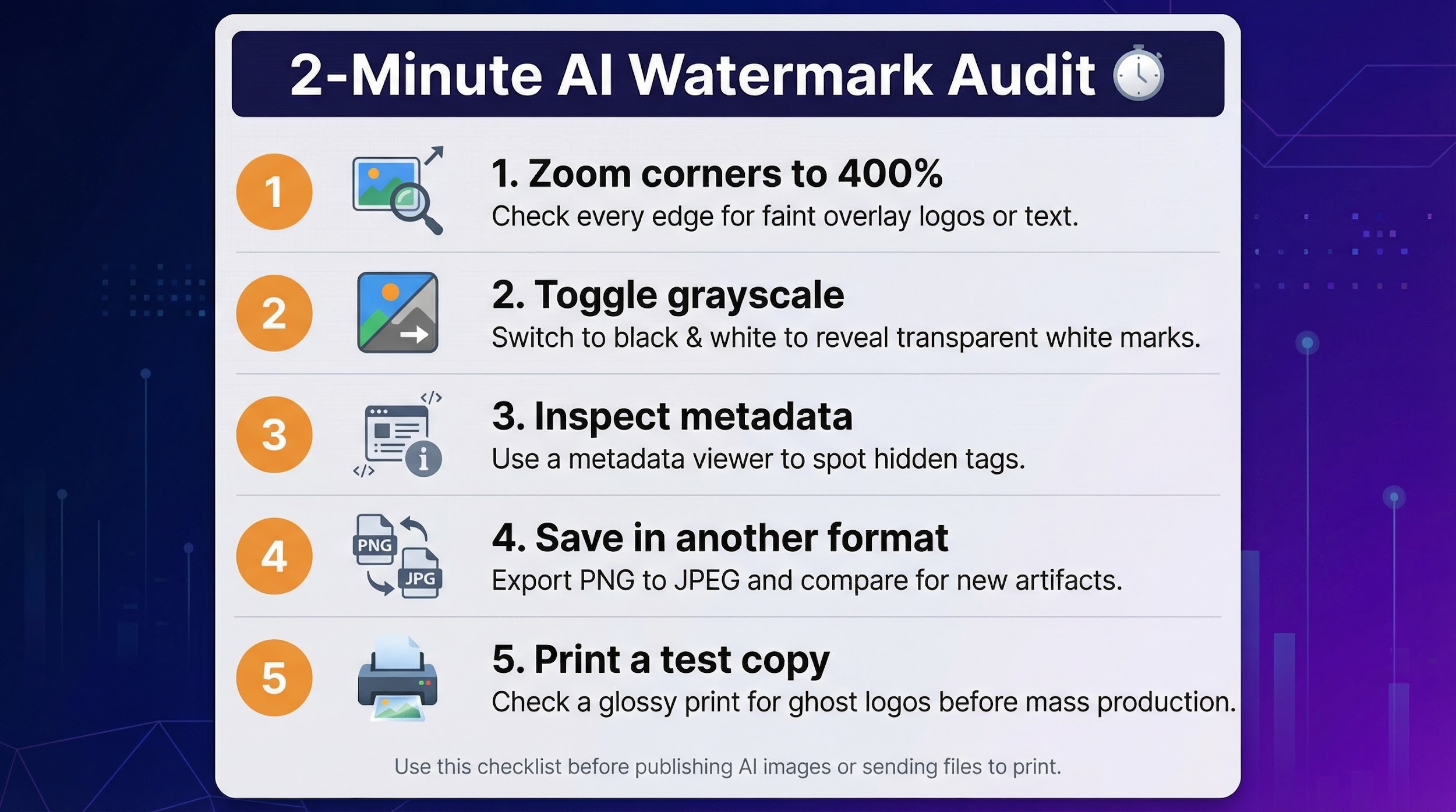
- Zoom the corners to 400 percent in any viewer to reveal faint overlay logos.
- Toggle grayscale; transparent white marks often appear once color is removed.
- Inspect metadata with a free tool such as ExifTool or MetaImage. Ignore C2PA or IPTC author fields because they never appear onscreen.
- Save in another format (PNG ? JPEG) and compare; some watermarks embed only on the first export.
- Print a test copy if the asset goes to press, as ghost logos can surface on glossy stock.
Licensing and commercial-use FAQ
Can I sell products made with these images? Yes. All five ranked tools permit commercial use on their free tiers, but Leonardo’s free plan offers only a non-exclusive license, so anyone can reuse the same public image.
Do I need to credit the tool or model? No. Perchance, Canva, Duck.ai, and Playground waive attribution in their terms. Leonardo “encourages but does not require” a credit line.
Who owns the copyright?
- Perchance, Canva, Playground: the user owns the output outright.
- Leonardo (free): the user receives a royalty-free, non-exclusive license; copyright stays with Leonardo.
- Duck.ai: the user receives a royalty-free license; DuckDuckGo keeps limited rights to operate and improve the service.
Can I register a trademark with an AI-generated image? Possible, but AI outputs are not guaranteed to be unique. Run a reverse-image search and a trademark clearance before filing. Canva’s AI terms flag this risk.
Do hidden C2PA tags limit usage? No. C2PA provenance data records the file’s AI origin but imposes no legal or technical restriction on where you publish the image.
Conclusion
We stress-tested 20 popular generators and only five delivered clean, commercial-ready downloads—use the comparison table above to choose the one that best fits your workflow.





