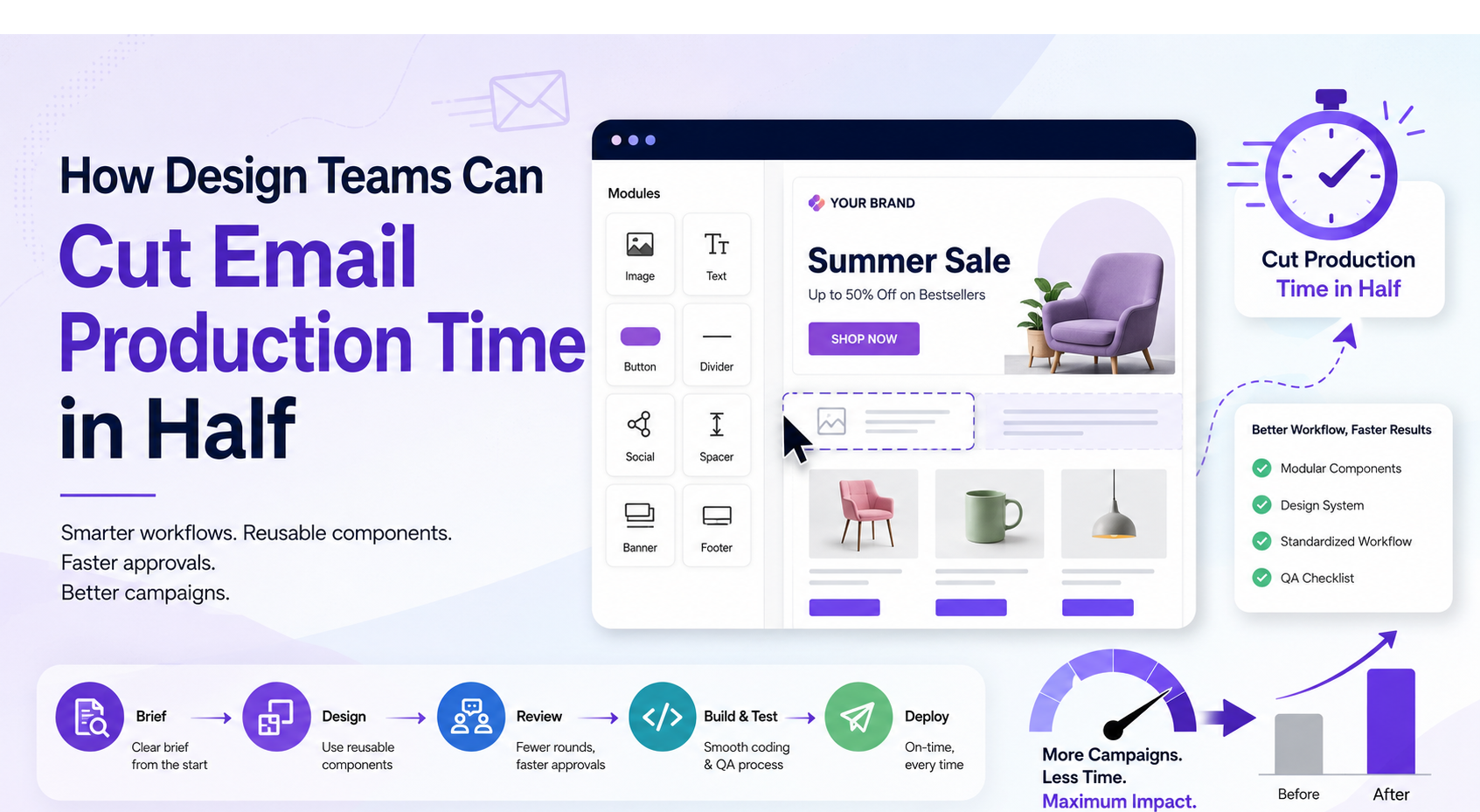
Most design teams don’t face any problems while doing email; rather, they face a problem when they have to repeat the same things. Without a structured process, the same production quickly becomes repetitive, slowing down launches and increasing errors.
That’s why so many teams are trying to cut email production time in half without sacrificing quality. Whether you’re doing campaigns inside or scaling your marketing operations, investing in better workflows pays off in both speed and consistency.
In this blog, we will discuss the practical steps design teams can take to reduce email production time without compromising quality.
Where Email Production Time Actually Goes
Mostly, teams assume designing emails is the most time-consuming part of the process. In reality, production delays often happen elsewhere. Before you actually decide to fix things, it is crucial to understand where the hours actually disappear. On paper, an email campaign looks simple. You design it, code it, and send it. But, in practice, most teams lose time in some places.
- Rebuilding similar email layouts from scratch
- Searching for brand-approved assets and components
- Waiting for stakeholder approvals
- Repeating QA checks manually
- Fixing rendering issues across multiple email clients
These are workflow gaps rather than design issues. A lot of operations teams researching broader productivity fixes often end up on resources like SaaSit.in when they’re comparing tools for exactly this kind of repetitive, multi-step work; email production just happens to be one of the clearest examples of a process that’s ripe for tightening up.
How Design Teams Can Cut Email Production Time in Half
Once you know where time leaks out, the fix becomes a lot more concrete. Here’s the actual email design workflow that high-output teams rely on.
- Build Modular Components Instead of Starting From Scratch
Create a set of email sections that designers can use again, such as headers, product grids, buttons, and footers. When a new campaign comes in, they can use these ready-made sections to build the email instead of designing everything again.
This approach saves a lot of time because designers do not have to start with a blank page. An online email builder can keep all these approved sections in one place. Anyone working on the email can simply choose the section they need and add it to the design.
- Create a Documented Email Design System
A design system does for email what a style guide does for a brand: it removes guesswork. When working on emails, it should be based on a real email production workflow. Without it, every new hire or freelancer re-learns the rules by trial and error, which quietly adds hours to every project.
An email design system is also an extension of how brand strategy fits into the wider business model; a well-documented system keeps every send on-brand instead of drifting a little further off with each campaign. That same alignment matters even earlier — founders still working through the early entrepreneur journey often find that locking in brand and process standards from day one saves them from exactly this kind of expensive rework down the line.
Source: ChatGPT
- Standardize the Email Production Workflow
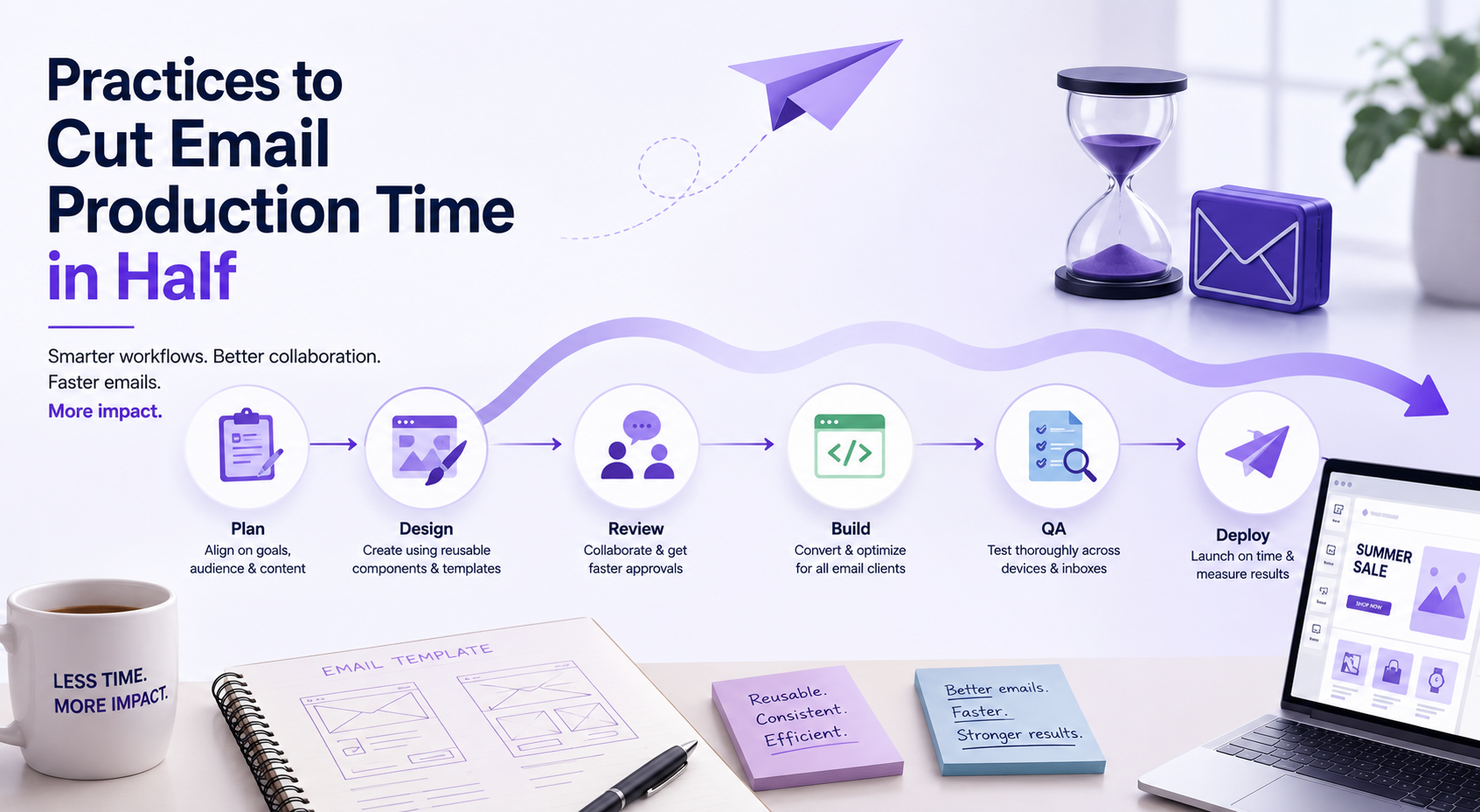
Map out every stage a campaign passes through: brief, design, copy, code, review, QA, send, and assign a single owner and a single feedback channel to each stage. Vague ownership is where timelines quietly slip.
A standardized email design workflow also makes it obvious where a bottleneck is happening, instead of everyone just feeling like “things are slow” without knowing why.
- Create an Email QA Checklist
A short and repeatable QA checklist easily catches broken links, rendering issues, and personalization errors before they actually reach a reviewer. This step alone cuts down the cycle of sending emails, facing errors, and resending that affects email production efficiency more than most teams realize.
It’s the same balance operations teams strike when they cut costs without hurting the CX experience elsewhere in the business and ensure the quality remains the same.
Practices to Cut Email Production Time in Half

Source: ChatGPT
Along with the four practices discussed above, a few simple habits can save time and make email production easier.
- Working on similar campaigns together helps people stay focused. For example, writers can complete their promotional emails in a single session and work on newsletters in another. This way, they do not have to read a new brief or adjust to a different tone after every email. Separate time slots for writing, designing, reviewing, and building also make the process smoother. Focusing on one type of task at a time often leads to faster work and fewer mistakes.
- Keeping all approved images, templates, and brand guidelines in one shared folder makes them easier to find. Clear file names and properly arranged folders prevent people from wasting time searching through emails, chats, drives, and personal folders. Someone can also check the folder regularly and remove any old or incorrect files. This ensures that everyone uses the latest and correct version of each asset.
- Every feedback round should have a clear deadline. Reviewers should add their comments in one place instead of sharing them through different emails and messages. Two rounds of feedback usually provide enough time to make the required changes. The first round can cover the content, facts, and overall message. The second round can focus on the final copy, design, and formatting. If reviewers share conflicting comments, one person should make the final decision and prevent repeated changes.
These habits may seem small, but regular use can save a considerable amount of time. They reduce confusion, prevent unnecessary revisions, and help everyone complete their work without rushing at the last moment.
It’s also worth keeping an eye on the technology for the next wave of automation; more QA and personalization checks are shifting from manual review to automated passes once the fundamentals above are in place.
Conclusion
Cutting production time in half isn’t about working faster and under pressure; it’s about removing the repeated and avoidable work that piles up around every send. Dealing with automated email builders improves email production efficiency more than any individual designer’s speed ever could.
Start with one change, and you can easily bring the rest of the workflow on track. Adapting these automated tactics ensures design teams get the best and most consistent results and focus on other creative works.