Canva is a well-known graphic design tool that assists businesses in producing visual content. Many users question whether it’s free for business purposes. Although there are paid plans that include additional features, the free edition provides ample resources for small businesses. Users can create social media posts, presentations, and more at no cost. This piece will examine what Canva provides, its pricing options, and how it can support your business.
Overview of Canva’s Pricing Structure
Canva provides various pricing options for businesses, including a free version, a Pro plan, and a Teams plan, tailored to meet different requirements in graphic design. The free version serves small and medium businesses, offering customizable templates, stock photos, and basic content creation tools, making it suitable for social media posts and videos. However, it lacks features like brand kits and professional logos.
The Pro subscription caters to those seeking advanced capabilities, including access to a million more templates, brand kits for consistent branding, and tools to enhance design workflows. Pro users benefit from greater storage options and improved presentation creation tools. The Teams plan enhances these offerings, supporting collaboration and delivering team-specific templates to save time and enhance visual communication.
Is Canva free for businesses?
Canva’s free version offers numerous features that can benefit businesses, especially small and medium-sized ones. This plan includes access to customizable templates for social media posts, presentations, and other visual content. Users can create impressive graphics, logos, and videos, enhancing visual communication efforts. The free plan also provides a library of stock photos, allowing businesses to elevate their branding easily.
However, there are limitations, such as fewer templates compared to the paid versions and restricted access to advanced tools like brand kits, which help maintain design consistency. While the free version is adequate for basic content creation needs, businesses looking to improve their design process may find paid options more advantageous. These plans offer additional features like expanded storage, more templates, and advanced customization tools, allowing businesses to save time and produce high-quality, professional designs.
Features Available in Free Version
Design Templates
Canva provides a broad range of design templates catering to various business needs, particularly for small and medium enterprises. Users can access templates for social media posts, videos, presentations, brochures, and logos. These editable templates enable anyone to produce visual content that supports branding initiatives, even without a background in graphic design. Customization options allow users to modify colors, fonts, and images, ensuring brand consistency across different platforms.
This ensures that everything, from social media marketing to visual communication, reflects a unified style. For individuals with limited design experience, Canva streamlines the process through an easy drag-and-drop interface and offers millions of stock photos, simplifying content creation. Whether designing engaging posts or professional presentations, users can save time and create high-quality custom graphics.
The free version of Canva serves as an excellent entry point for businesses to explore these features without initial investment, helping enhance their branding efforts effortlessly.
Basic Editing Tools
Canva offers a free version that includes basic editing tools helpful for graphic design. Users can create videos, presentations, and custom graphics using thousands of customizable templates. Features like cropping, resizing, and applying filters enhance visuals, making it easier for small and medium businesses to engage in visual communication. Users can also access a library of stock photos and create social media posts.
Limitations of Canva’s Free Plan
Watermarked Content
Canva’s free version includes stock photos and certain customizable templates that may have watermarks. These can diminish the quality and appearance of designs, which might not be ideal for small or medium businesses focused on effective visual communication. Watermarks can distract from custom graphics, branding, and logos. To eliminate watermarks, users can opt for paid plans that provide access to a wider range of resources, including millions of stock photos and more customizable templates.
Upgrading allows users to improve their design process, create better presentations, and save time when producing high-quality social media posts and videos. The paid plans also offer features like brand kits, simplifying the maintenance of a cohesive look across visual content.
Restricted Access to Premium Content
Canva provides numerous features for graphic design, such as customizable templates and access to stock photos. However, the free version has limitations that impact the user experience.
For example, users on the free plan can’t access advanced features like brand kits, which help maintain consistent branding across various projects, or high-quality stock videos. Companies may struggle to develop polished presentations or social media posts without these tools. Canva clearly communicates to free users that their access to certain premium content is restricted through its interface and feature descriptions. Medium and small businesses could significantly improve their visual communication and content creation with the premium options, as the Pro version allows for more polished designs, including logos and marketing materials.
By incorporating features like the content planner and additional stock photos, they can save time during the design process and produce captivating visual content that stands out.
Can Canva Free Plan Meet Business Needs?
The Canva Free Plan offers a variety of customizable templates that assist small and medium businesses in creating effective visual communication. It provides access to stock photos, custom graphics, and tools for videos and presentations, which aid in content creation and branding efforts. However, some limitations are present. Users may encounter watermarked content and may not have access to premium features like brand kits, affecting consistency in branding and design.
In certain situations, like creating intricate logos or requiring advanced editing tools, the free version may not meet all needs compared to Canva Pro or other design platforms. Nevertheless, for basic social media posts and simple promotional materials, the free version serves as a helpful resource that can save time and streamline the design process.
Upgrading to Canva Pro for Businesses
Upgrading to Canva Pro gives businesses access to a vast library of stock photos, customizable templates, and brand kits, enhancing their graphic design capabilities. The Pro version expands on the free version, offering additional tools for creating custom graphics, videos, and presentations. This investment provides value by allowing small and medium businesses to elevate their visual communication and branding efforts without needing extensive design skills.
Pro users can create logos, social media posts, and other visuals more efficiently, helping teams save time during the design process. With features like the content planner, businesses can schedule social media posts directly from the platform, improving collaboration among team members. This streamlining makes it easier to maintain consistent branding across all designs, as brand kits keep logos and colors easily accessible.
Is Canva free for non-profits?
Non-profits can benefit from Canva’s free version, which offers a wide range of tools for graphic design, including customizable templates that assist in creating visual content like social media posts and presentations. The free version provides access to millions of stock photos and editing features, making it easy for small and medium businesses to engage in content creation and visual communication.
Non-profits typically do not have special eligibility criteria to access these features in the free version. However, some organizations may have opportunities for upgraded capabilities to enhance their branding, including brand kits and more advanced tools for creating custom graphics and logos. The support for non-profits is generally similar to that offered to other organizations, focusing on helping users streamline their design process to save time and effectively communicate their mission.
This enables non-profits to create compelling videos, impactful presentations, and consistent branding materials without requiring extensive design experience.
Alternatives to Canva’s Free Plan
Adobe Spark

Adobe Spark is a graphic design tool that highlights simple storytelling through visuals. For those looking to create engaging videos, presentations, or custom graphics, it offers an easy-to-use interface. Small and medium businesses can benefit from customizable templates aimed at various projects, such as social media posts and branding materials.
While the free version provides access to basic features like stock photos and design elements, it has limitations regarding brand kits and advanced functions. Users may find that connecting Spark with other Adobe Creative Cloud applications improves their design process, allowing for smoother workflows and more sophisticated visual content. This connection helps save time, enabling users to combine the strengths of different tools to create comprehensive content for marketing or communications. By combining both the free version and premium options, users can establish a more complete strategy for visual communication.
Visme
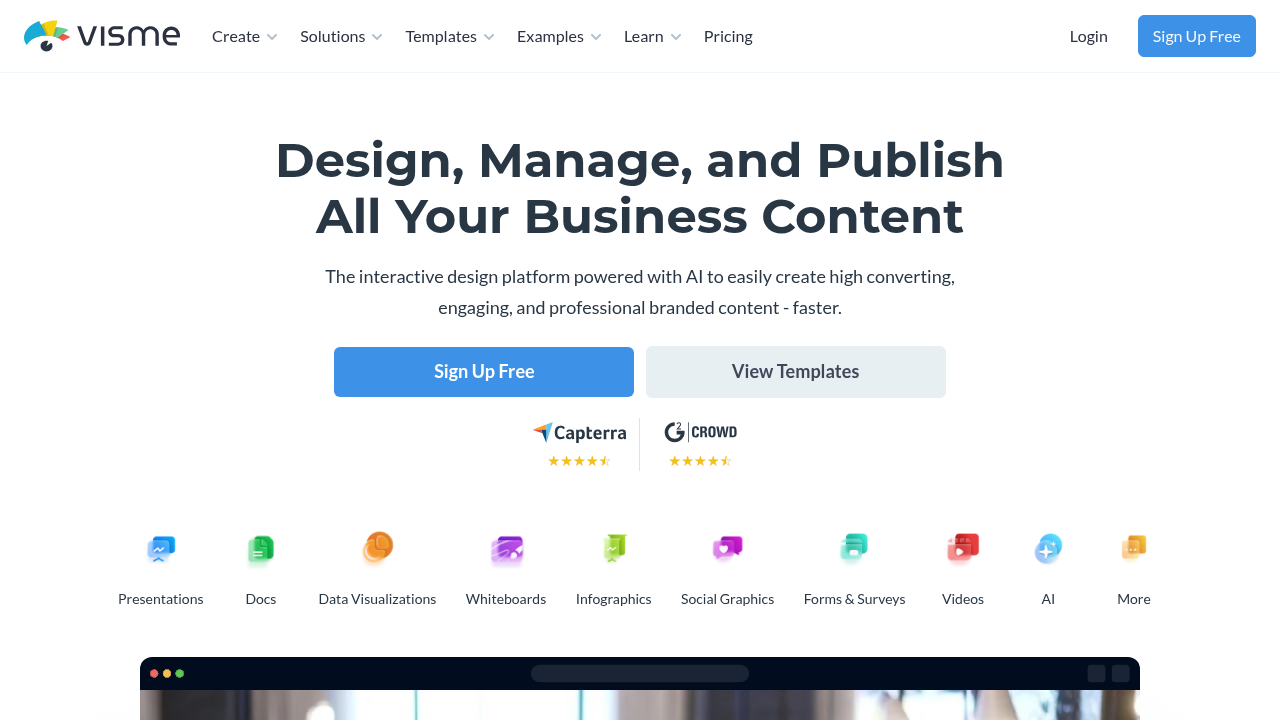
Visme is a strong alternative for those seeking graphic design solutions. It offers tools for making presentations, videos, and custom graphics, focusing on improving visual communication and content creation for small and medium businesses. Users can start with a free version that includes customizable templates and a stock photo library. Although Canva also has a free version, Visme’s pricing model is distinct, often attracting users who prefer a mix of accessibility and advanced features.
One of Visme’s standout attributes is its data visualization tools for creating infographics, setting it apart from Canva. Furthermore, it provides branding options with brand kits to ensure consistency in presentations and social media posts. Both platforms aim to streamline the design process, but their tools and templates may cater to different user needs based on the design goals.