Building an AI-generated demo is easy. Turning it into steady income is hard. One founder on r/SaaS put it plainly: “lovable was fine for the prototype but we hit a wall once we had paying users.” Sign-in, payments, hosting and predictable costs are where most prototypes stall.
Which AI app builders help you earn your first dollar without phoning a developer?
Below, we compare seven platforms on checkout readiness, sign-in, hosting and long-term cost, so you can match the tool to the business you want to run.
Fast prototypes can become difficult to maintain
Watching an AI builder conjure screens, tables, and logic in seconds feels magical until a “fix login bug” prompt scrambles three other features. Community data backs up the pain: AppBuilderGuides’ State of App Building report (February 2026) found that 9.6 percent of the public complaints it collected about app builders cited platform reliability and bugs.
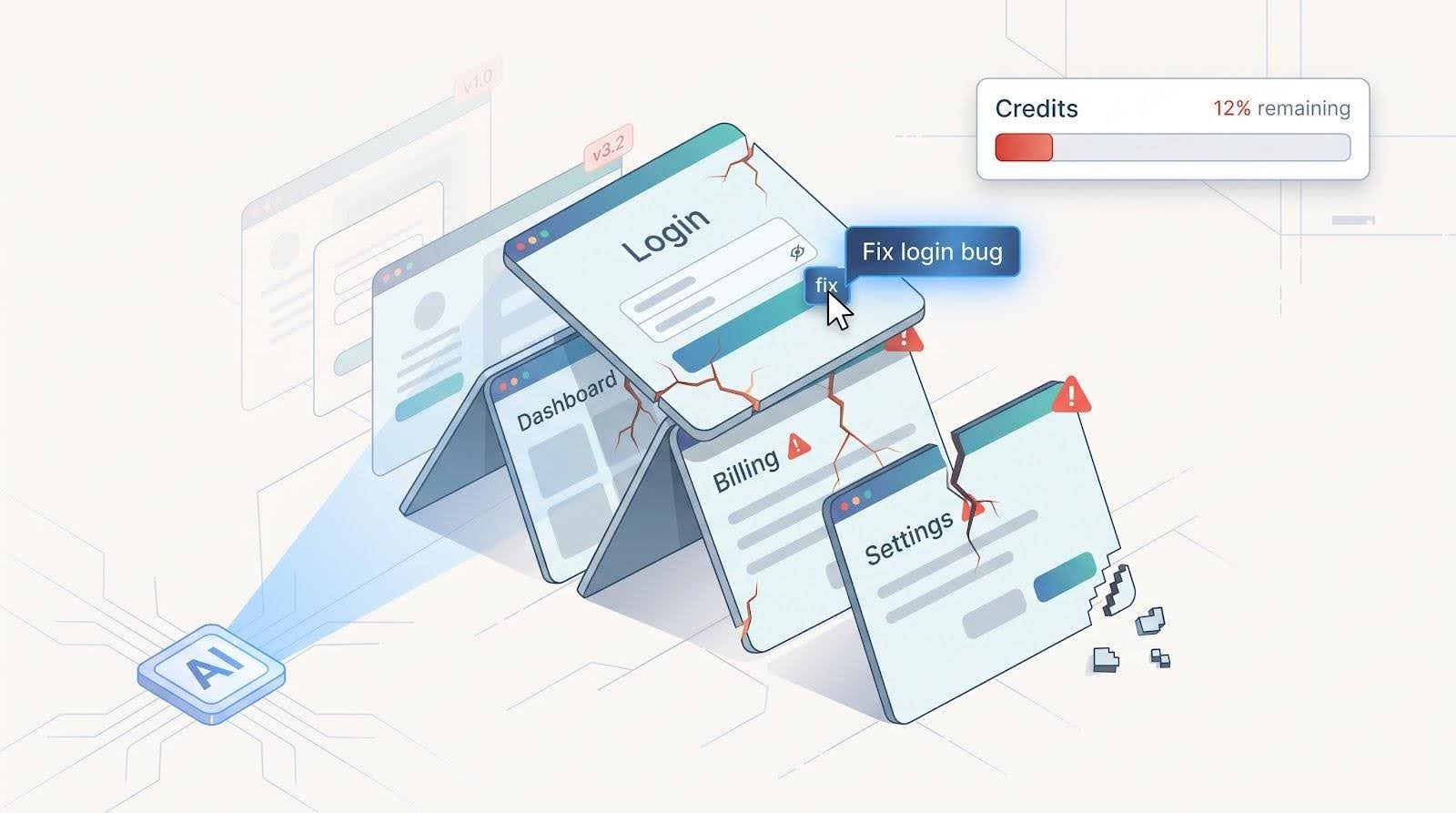
When each regeneration rewrites code in bulk, it gets harder to see what changed, roll back, or explain a new error to anyone, and you end up chasing bugs instead of onboarding users.
A sturdier platform offers scoped edits, visible change history, and sensible defaults for auth, payments, and database rules. Without those guardrails, every prompt can put real revenue at risk.
Rapid generation helps only when the resulting app survives everyday tweaks; otherwise, speed simply multiplies technical debt. Next: why publishing an app is still only half of the business journey.
Publishing is different from launching a business
Shipping to yourapp.ai-builder.com might feel like the finish line, but your customers judge you on what happens next: can they create an account, pay, get a receipt, and come back to what they bought?
A published app without solid auth, receipts, retries, and access controls is still a prototype wearing production clothes.
Business-ready builders include:
- Secure account creation and session management
- Stripe (or equivalent) checkout for one-time and recurring payments
- Receipts, refund handling, and upgrade or downgrade logic
- SSL and custom-domain mapping on the paid plan you will actually use
If the platform hands you API keys, webhook docs, and a prayer emoji, ask a blunt question: Can I collect real money by Friday and sleep on Saturday? If the reply is “maybe, after six setup guides,” keep shopping. The next section explains why “free to start” pricing often hides real costs.
Credit and usage pricing can obscure the real cost
“Free to start” often means metered forever. Credits are spreading fast: in the PricingSaaS 500 Index, 79 of the 500 companies tracked offered a credit-based model by late 2025, up from 35 at the end of 2024 (Growth Unhinged, 2025 State of SaaS Pricing Changes). Metering can surprise users, too. When AI code editor Cursor changed its Pro plan pricing in June 2025, some users ran up unexpected usage charges; on July 4, 2025 the company said the change “was not communicated clearly” and offered refunds.
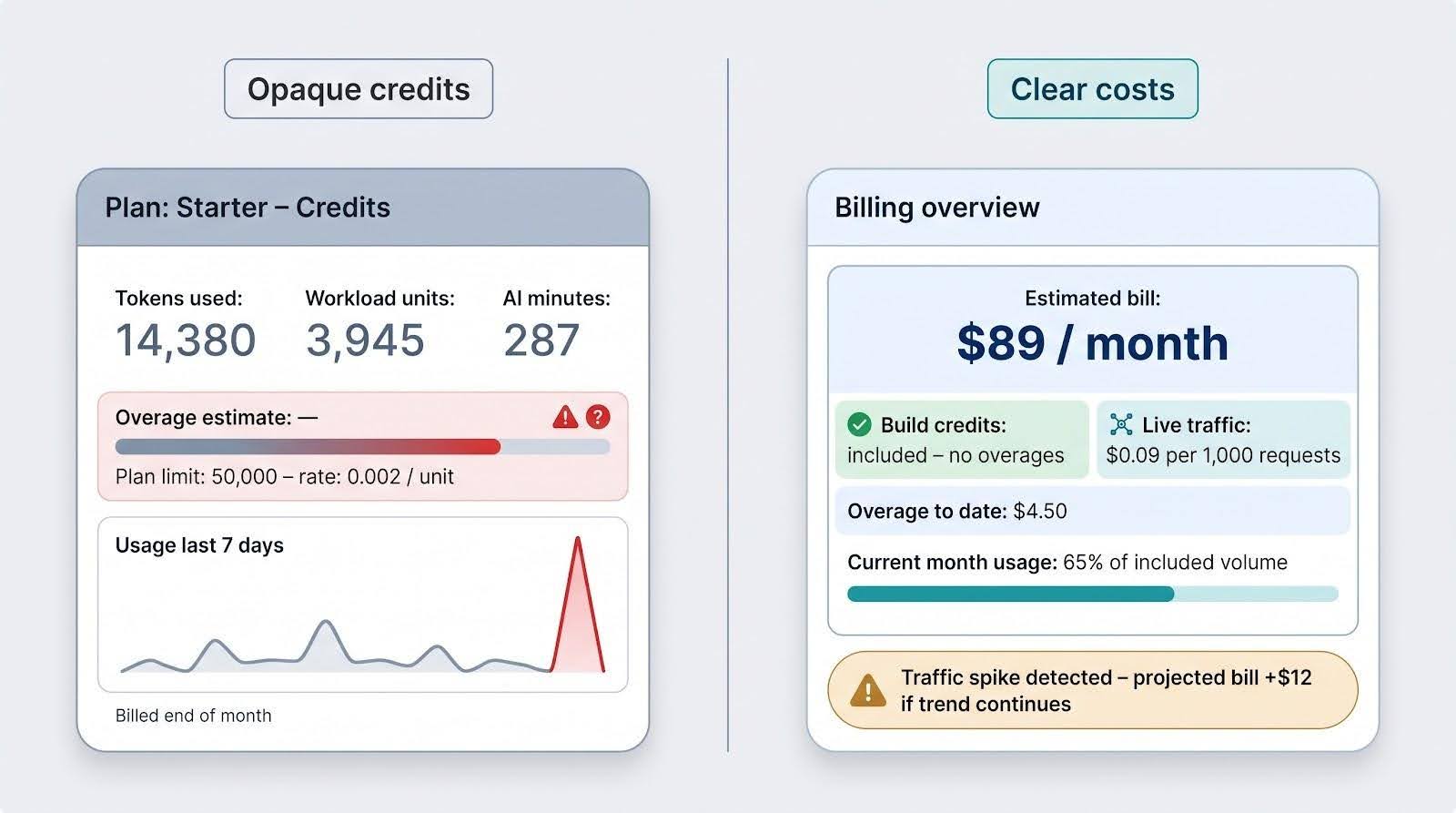
Builders measure something: messages, tokens, credits, or workload units. One long prompt, a batch import, or a sign-up spike can double your bill before you notice. Add hosting, database storage, file uploads, and payment-processor fees, and forecasting turns into guesswork.
A business-friendly platform does three things:
- Separates build usage from live-traffic usage
- Posts costs in clear dollars, not only abstract units
- Tells you what happens when you run out
Keep that lens handy as we compare tools; we flag token ceilings, transaction fees, and renewal prices for each one.
Native mobile, web apps, and websites are different products
A responsive web app that runs in Safari is not the same as a native iOS build that clears App Store review. Crossing that line changes the tech stack, performance envelope, and even your revenue share.
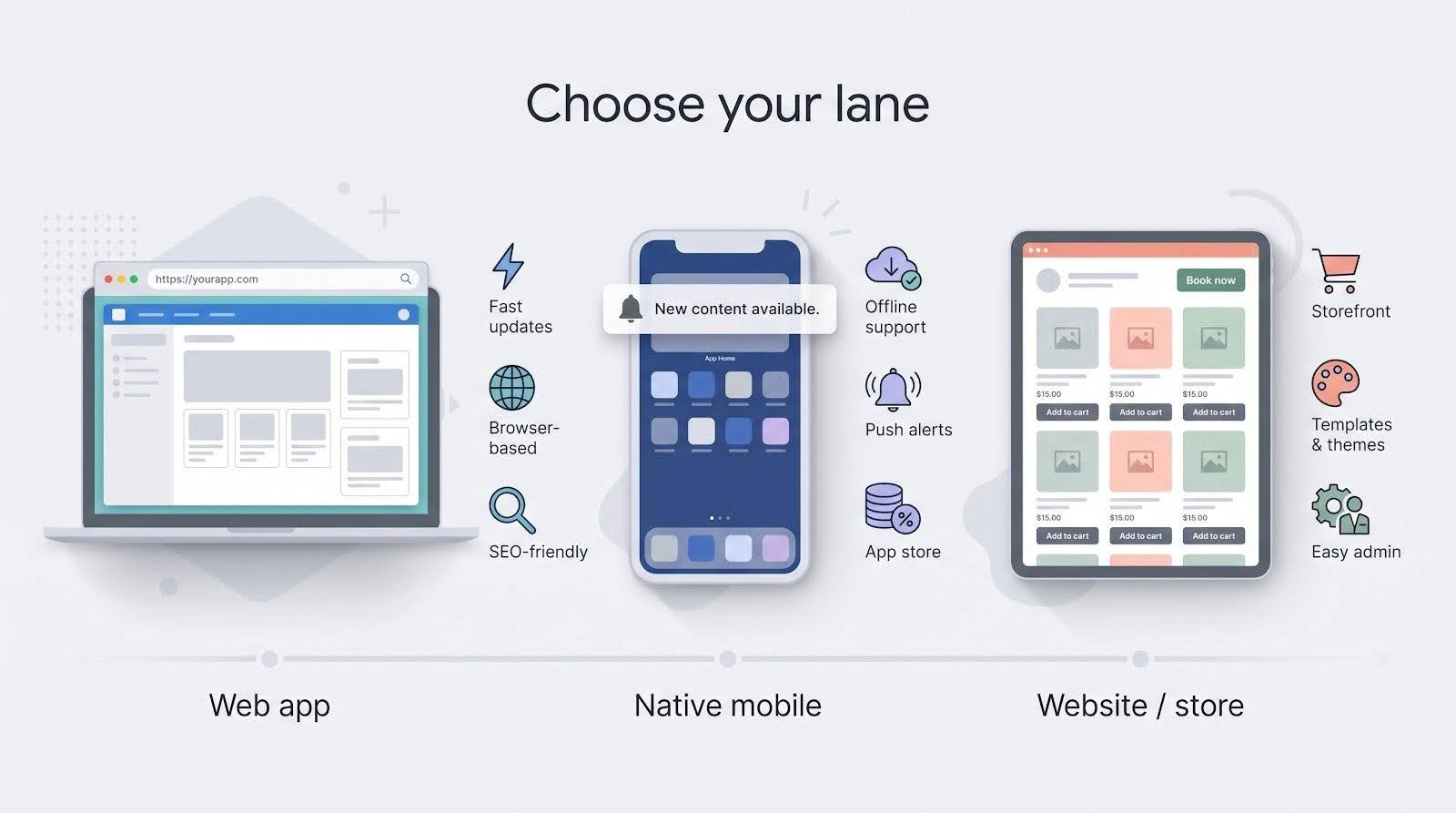
Web-first builders excel at speed: one codebase, instant updates, and SEO visibility. What they miss are lock-screen push, background sync, or deep camera and sensor hooks without workarounds.
Native mobile builders deliver app store listings, offline behavior, and true push alerts, but at a price. Apple’s developer program charges an annual $99 fee and takes a commission of 15 percent for Small Business Program members or 30 percent by default on digital in-app sales. Google Play takes a similar cut.
Website and e-commerce builders trade heavy logic for polished templates, marketing widgets, and an admin panel your VA can run. For courses, bookings, or simple storefronts, this route often lands revenue fastest.
Know your lane before you fall for a slick demo. If the tool can’t publish to the channel your customers expect, you’re only weeks away from an expensive re-platform.
How we compared the seven alternatives
We looked at each platform through the questions a non-technical founder asks before launch:
| Question | Why it matters |
| Can customers pay inside the app? | Working checkout beats copy-pasting API keys. |
| Can customers sign in and see only what they bought? | Paid access needs accounts and permissions. |
| Where does the app live? | Web, app stores, or both; hosting included or not. |
| What does it cost as usage grows? | Credits, tokens, workload units, fees on sales, renewal prices. |
| How far can you go without code? | If a non-coder stalls at “connect Postgres,” nothing else counts. |
| Can you take the code with you? | Some founders need a GitHub repo; others never will. |
Prices, plan names, and limits come from each vendor’s own pricing page and documentation, checked on October 6, 2026. Plans change often, so confirm at checkout.
Lovable alternatives at a glance
Use this quick sheet to spot deal-breakers fast.
| # | Platform | Best for | Built-in payments | App store publishing | Code to GitHub | Entry paid plan | Cost to watch |
| 1 | Softr | Portals and paid resources | Stripe Checkout integration | No (PWA on Business) | No | $19/mo | App users, records, workflow actions |
| 2 | Base44 | All-in-one AI apps | Stripe (Builder plan and up) | Not listed | Yes (Builder plan and up) | $16/mo billed yearly | Message and integration credits |
| 3 | Bubble | Complex SaaS and marketplaces | Stripe via plugins | Yes | No | $59/mo billed yearly | Workload units |
| 4 | Spark | Site, checkout, and marketing in one chat | Stripe | No | No | $25/mo | 10% fee on sales (5% on Pro) + Stripe fees |
| 5 | Adalo | Paid native mobile apps | Stripe; IAPHub for in-app | Yes | No | $36/mo billed yearly | Apple and Google commissions |
| 6 | Bolt.new | Prompt-to-code builds | Stripe integration | Not listed | Yes | $25/mo | Tokens |
| 7 | Hostinger Website Builder | Sites, bookings, stores | Built-in ecommerce | No | No | $3.99/mo† | Renewal price |
†Promotional price on a 48-month term, paid upfront; renews at $16.99/mo.
Next up, each tool in detail.
1. Softr: best for customer portals and paid resources
Softr home page.
Overview
Softr started by turning Airtable or Google Sheets into client portals and now calls itself an AI platform for business apps. Its AI Co-Builder drafts an app from a description, and you keep editing in a no-code editor even when AI credits run out. Each signed-in user sees only the records and pages their permissions allow.
Softr holds a 4.7 out of 5 rating on G2 from more than 700 reviews. Its strength is permissions: who can see which rows, pages, and files.
Stand-out features
- Native Softr Databases plus external sources such as Airtable, Google Sheets, HubSpot, Notion, Salesforce, and SQL databases.
- Granular permissions and visibility rules (Pro plan and up).
- AI Co-Builder: describe the app and Softr drafts it.
- Softr Workflows for automations such as onboarding emails.
- Stripe Checkout: sell one-time purchases or subscriptions with Softr’s checkout form, then give buyers access to specific pages or blocks based on what they bought.
Pricing snapshot (checked October 6, 2026)
| Plan | Price | Database records | Key unlocks |
| Free | $0 | 5K | Unlimited apps, 5 AI credits/mo |
| Basic | $19/mo | 50K | Custom domain, 10 AI credits/mo |
| Pro | $99/mo | 500K | Granular permissions, Google sign-in, no Softr branding |
| Business | $329/mo | 1M | Installable mobile app (PWA), push notifications, 2FA |
SSO, audit logs, and custom SLAs sit on the Enterprise plan. Each plan also caps app users and workflow actions, and Stripe’s own processing fees apply to sales.
Monetization highlights
- Paid memberships that unlock pages or blocks for buyers
- Per-client portals that show each client only their own data
- Billing forms or the Stripe Customer Portal so customers manage their own subscriptions
Pros and cons
Pros
- Row-level permissions and roles
- Keeps working without AI credits through the no-code editor
- Large review footprint on G2
Cons
- App-user and record caps can force early upgrades
- Block-based design limits pixel-perfect control
- No App Store apps; installable PWA and push only on Business
When Softr wins
Choose Softr for paid portals, knowledge bases, or client dashboards where privacy and recurring access outweigh deep UI customization. Pick Spark when the whole business (site, checkout, marketing) should live in one chat-built project, Base44 for code ownership, or Adalo when you need App Store apps.
2. Base44: best all-in-one general-purpose AI builder
Overview
Base44 builds a full app from a prompt: pages, database, user login, and hosting. Describe a product, such as “a booking tool for my studio with monthly memberships,” and Base44 drafts it, then lets you refine it in chat or edit code inside the app.
On the Builder plan and above, two-way GitHub sync “exports the full source code to your own repo at any time,” per Base44’s pricing page. Stripe is also on Builder and above: you ask the chat to install Stripe, test in a Stripe sandbox, then connect your live Stripe account.
Stand-out features
- Prompt-to-app builds with database and login included
- In-app code edits on every paid plan
- GitHub integration and AI model selection from the Builder plan
- Stripe one-time payments and subscriptions, tested in a sandbox first
- Custom domain on paid plans, with a free domain for the first year
Pricing snapshot (checked October 6, 2026)
| Plan (billed yearly) | Price | Message credits/mo | Integration credits/mo | GitHub and Stripe |
| Free | $0 | 25 | 100 | No |
| Starter | $16/mo | 100 | 2,000 | No |
| Builder | $40/mo | 250 | 10,000 | Yes |
| Pro | $80/mo | 500 | 20,000 | Yes |
| Elite | $160/mo | 1,200 | 50,000 | Yes |
Base44 says yearly billing is 20 percent cheaper than monthly. Heavy building burns message credits, so plan for a tier above the one you start on.
Vendor-reported example
Gift My Book, a personalized comedy-book gift service, built its first working product on Base44 in about a week and reached $1M in annual recurring revenue in about three months, according to Base44’s case study (January 2026).
Pros and cons
Pros
- Source code in your own GitHub repo (Builder and up)
- Hosting, database, and login included
- Credits, not fees on sales, so high-volume sales keep their margin
Cons
- Stripe and GitHub need the $40 Builder plan or higher
- Credit ceilings add mental overhead
- Running the exported code yourself means DevOps work
Choose Base44 when you want AI speed today and the option to take your code elsewhere later. Switch to Bubble for deeper visual logic or to Spark if you want sign-in, checkout, and marketing handled in one chat.
3. Bubble: best for complex SaaS and marketplaces
Overview
Bubble has been a visual web-app builder since 2012. Where newer tools chase prototype speed, Bubble leans into depth: intricate workflows, multi-sided marketplaces, and privacy rules on your data.
Bubble’s AI can draft a first version from a description, and then the visual editor hands you the keys; every element, condition, and API call stays editable through point-and-click logic. A large plugin marketplace and agency network mean help is easy to find.
Stand-out features
- Visual workflows: chain conditions, database writes, and API calls without servers.
- Privacy rules that control which users can see which data.
- Native mobile apps for iOS and Android on paid plans, with monthly build submissions included.
- Plugin marketplace, including Stripe plugins for payments.
- Version control and custom branches on higher tiers.
Pricing snapshot (checked October 6, 2026)
| Plan (billed yearly) | Price | Workload units/mo | Key unlocks |
| Free | $0 | 50K | Development only, 1 editor |
| Starter | $59/mo | 175K | Live app, 5 mobile build submissions/mo, basic version control |
| Growth | $209/mo | 250K | 2 editors, 10 custom branches, 10 mobile build submissions/mo |
| Team | $549/mo | 500K | 5 editors, 25 custom branches, 20 mobile build submissions/mo |
Paid plans can buy extra workload when you exceed the allowance. Expect plugin fees, Stripe’s processing fees, and Apple or Google commissions on mobile sales.
Monetization highlights
Revenue logic lives in the same workflow canvas: add a Stripe plugin, create a checkout, and run subscriptions, one-time sales, or marketplace payouts through workflows you can inspect step by step.
Pros and cons
Pros
- Deep workflows and privacy rules
- Large plugin ecosystem and agency pool
- Web and native mobile from one account
Cons
- Steep learning curve for non-developers
- Workload pricing can punish inefficient queries
- Plugin fees add up
- No code export; you stay on Bubble’s infrastructure
Choose Bubble when complex logic is your moat. Pick Spark for a simpler web business with checkout built in, Softr for role-based data portals, or Base44 if you need code ownership along with AI speed.
4. Spark: best for selling from one chat-built project
Introduced in September 2026, Spark (spark.site) from Plus Docs, Inc. in Seattle promises to Turn your idea into a business: you describe a concept in chat, and Spark builds the website or web app with hosting, customer accounts, and Stripe payments already set up.
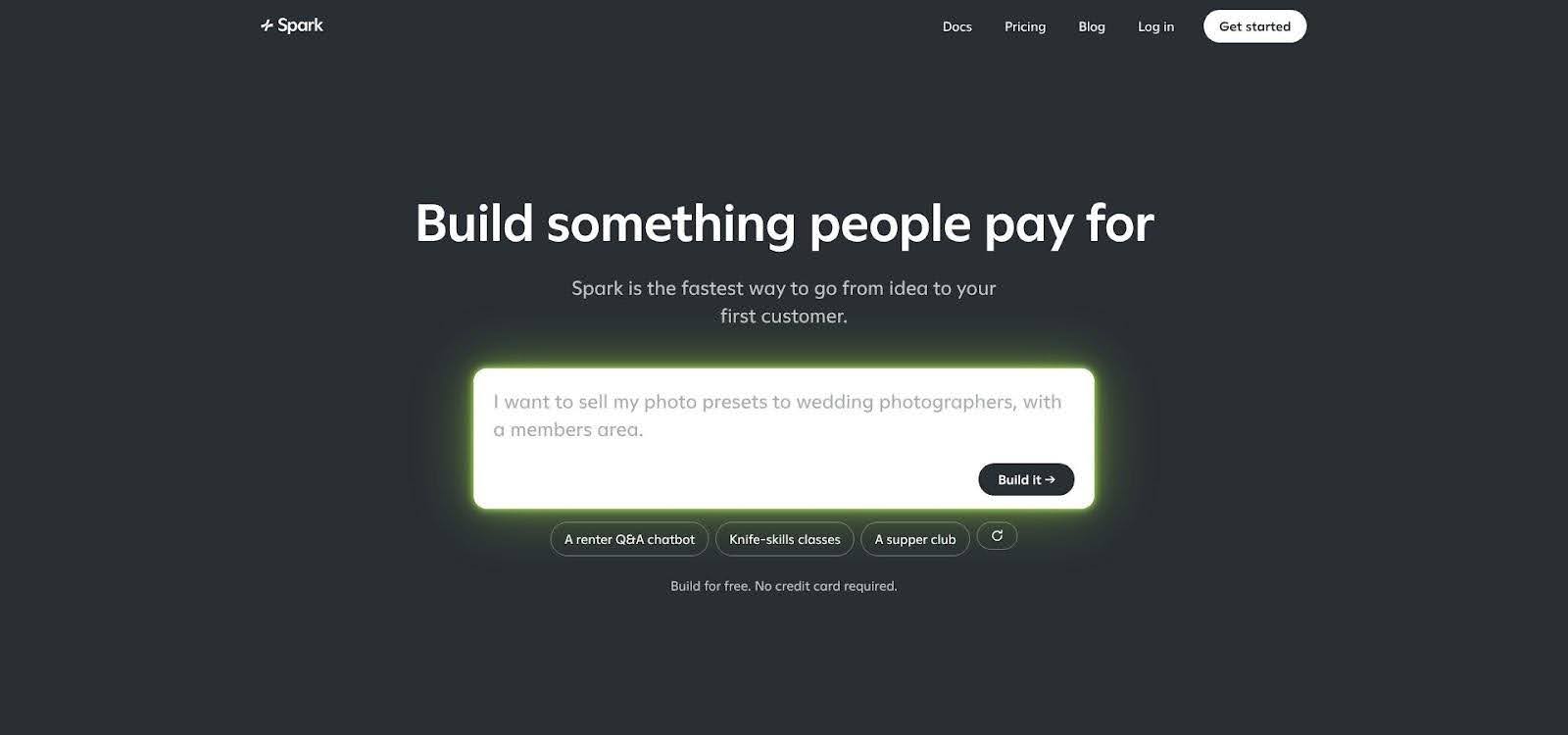
Spark home page: you start by describing your idea in a chat.
Overview
You don’t write code. You tell Spark what you want to sell and how much to charge, and it builds the pages and apps around it. Spark can also build internal tools for running the business, AI features such as a chatbot that answers customers, live chat rooms, and turn-based games. After launch, Spark helps you plan and run marketing campaigns across channels and uses your results to suggest what to try next.
Payments run through Stripe only. Spark takes a fee on sales on top of Stripe’s processing fees. Hosting is included, and Spark does not support downloading a project to host it somewhere else.
Stand-out features
- Customer accounts: customers sign in with email codes.
- Stripe payments: subscriptions or one-time purchases priced in US dollars, with refunds and payouts handled in your Stripe dashboard.
- Domains and HTTPS: every project gets a yourname.spark.site address, and you can connect a domain you bought from any registrar; Spark sets up HTTPS.
- Marketing and email: plan and run campaigns across channels; send email from your own domain (built-in email reaches customers who signed in, not an uploaded list).
Pricing snapshot (checked October 6, 2026)
| Plan | Monthly price | Fee on sales | Credits |
| Free | $0 | Can’t publish or sell | One-time $15 Build and $15 App credits |
| Starter | $25 | 10% | $25 Build and $25 App credits a month |
| Pro | $200 | 5% | $250 Build and $250 App credits a month |
Build credits pay for Spark’s building work; App credits pay for AI features your customers use. Unused monthly credits reset, purchased credits never expire, and credits are shared across projects. If App credits run out, AI in the published site stops until you top up. Usage limits apply (for example, 200 customer AI messages per customer per day). No card is needed to start building.
If a paid plan ends, published sites go offline and customer subscriptions pause; starting a paid plan again restores them at the same address.
Who it suits
Spark fits classes, memberships, coaching, newsletters, and small shops sold to customers who sign in. If your margins are thin, the 5 to 10 percent fee on sales matters. If you need a payment provider other than Stripe or prices in other currencies, pick another tool.
Examples on Spark’s site
- Pretty Postcard: $5 per postcard
- FatFIRE Math: free calculators plus a $399-a-year private membership group
- SeattleCrime: a map of Seattle police reports, supported by donations and sponsorships
Pros and cons
Pros
- Payments, customer sign-in, hosting, custom domain, and email in one place
- Chat-only workflow; no code at any point
- Marketing help after launch, not only a build tool
Cons
- 5 to 10 percent fee on sales, plus Stripe fees
- Web only: no App Store apps, no code export or self-hosting
- Stripe only, with prices in US dollars
- Newer than the other tools here (introduced September 2026)
When to choose something else
Pick Base44 or Bolt.new if you want your code in GitHub, Bubble for complex workflows, Softr for multi-role portals, or Adalo for App Store apps. Spark makes the most sense when selling to your first customers matters more than deep customization.
5. Adalo: best for native paid mobile apps
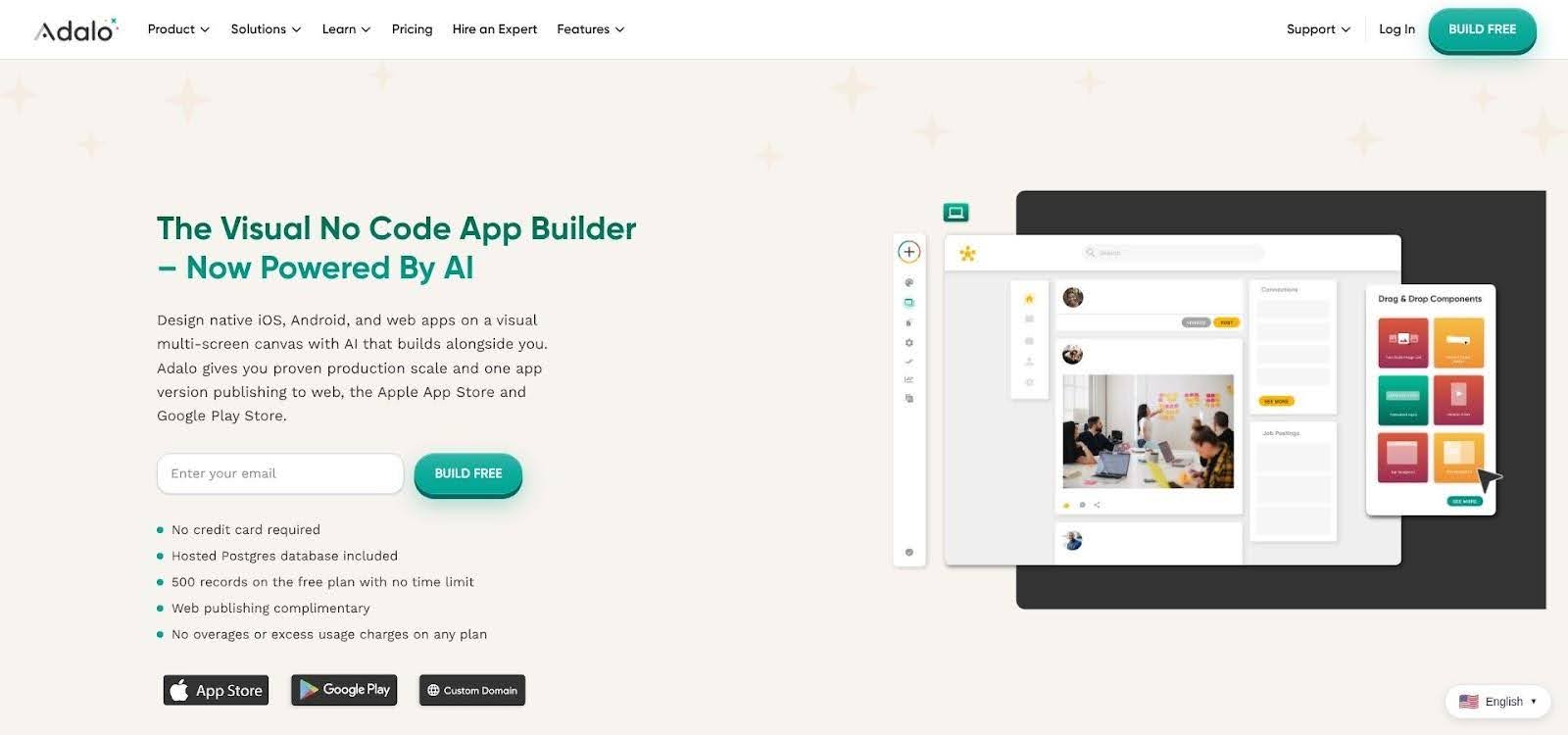
Adalo home page.
Overview
Adalo takes you past web builders and into installable iOS and Android apps. Ada, Adalo’s AI assistant (in beta), builds and edits screens from prompts, and you refine them on a visual multi-screen canvas. Every app gets a hosted Postgres database.
Paid plans publish to the web, the Apple App Store, and Google Play. For money, Adalo offers Stripe payments inside the app and lists IAPHub among its integrations for in-app purchases, where Apple’s and Google’s commissions apply.
Stand-out features
- Ada AI assistant for prompt-based building and editing (beta)
- Publishing to web, App Store, and Google Play from one project
- Push notifications on Professional and above
- Stripe payments and an IAPHub integration for in-app purchases
- Flat pricing: Adalo states “No usage-based charges” on every plan
Pricing snapshot (checked October 6, 2026)
| Plan (billed yearly) | Price | Published apps | Extras |
| Free | $0 | 0 | 500 records per app, test apps |
| Starter | $36/mo | 1 | Custom domain, App Store and Google Play publishing |
| Professional | $52/mo | 2 | Push notifications, geolocation, 5 editors |
| Team | $160/mo | 5 | Version history, white labeling, 10 editors |
External costs: Apple Developer Program $99 a year, Google Play $25 one-time registration, store commissions on in-app sales, and Stripe fees on card payments.
Pros and cons
Pros
- Real App Store and Google Play apps
- Flat tiers with no usage charges
- Two payment paths: Stripe and in-app purchases
Cons
- Apple and Google take 15 to 30 percent of digital in-app sales
- Push notifications start on the $52 Professional plan
- No code export; limited low-level customization
Adalo wins when your customers expect an App Store presence and you want flat, predictable pricing. Pick Spark or Softr for web-only offers.
6. Bolt.new: best for prompt-to-code builds you can take to GitHub
Overview
Bolt.new is the closest like-for-like Lovable swap on this list: you prompt, it writes a full-stack web app, and you can read and change the code. Hosting and databases are included, and the GitHub integration commits your work to a repository automatically and pulls in changes made on GitHub.
Bolt’s native Stripe integration handles one-time payments and subscriptions. It needs a project that uses Bolt Database or Supabase, with user sign-in already set up, and you start in Stripe test mode.
Stand-out features
- Full-stack apps from prompts, with hosting and unlimited databases
- GitHub sync: automatic commits, plus changes made on GitHub pulled back in
- Native Stripe integration for one-time payments and subscriptions
- Custom domain and no Bolt branding on Pro
Pricing snapshot (checked October 6, 2026)
| Plan | Price | Tokens | Key unlocks |
| Free | $0 | 1M a month (300K daily limit) | Hosting, Bolt branding |
| Pro | $25/mo billed monthly | From 10M a month, no daily limit | Custom domain, no branding, unused tokens roll over one month |
| Teams | $30 per member/mo | Per member | Centralized billing, admin controls |
SSO and audit logs are on Enterprise. Bolt notes that larger projects use more tokens per message, so costs grow with the app.
Pros and cons
Pros
- You can see and own the code through GitHub
- Stripe subscriptions without writing payment code
- Generous free monthly token allowance for trying ideas
Cons
- Token use climbs as the project grows
- Payments need a database and sign-in set up first
- Closer to a coding tool: errors can mean reading code
Choose Bolt.new if you want Lovable-style building with your code in GitHub. Pick Spark or Softr if you never want to look at code.
7. Hostinger Website Builder: best for sites, bookings, and simple stores
Overview
If your “app” is really a website that sells, a website builder may be the cheapest route. Hostinger Website Builder creates a starting site from a short description, then lets you edit it with a drag-and-drop editor and AI writing tools. Hosting, a domain for the first year, and email are bundled.
For selling, Hostinger offers ecommerce for physical and digital products, appointment booking for service businesses, and states “0% transaction fees” with more than 100 payment methods. Hostinger also runs a separate AI app builder for web apps, but the website builder is the fit for stores and bookings.
Pricing snapshot (checked October 6, 2026)
| Plan | Promotional price | Renews at | Notes |
| Premium | $2.99/mo | $10.99/mo | Up to 3 websites |
| Unlimited | $3.99/mo | $16.99/mo | Unlimited websites, ecommerce, AI tools |
Promotional prices apply to a 48-month term paid upfront. A 14-day free trial lets you build before paying.
Pros and cons
Pros
- Lowest entry price on this list
- Ecommerce and booking without code
- No transaction fee from Hostinger
Cons
- Renewal prices are several times the promotional rate
- Templates, not custom app logic: no member-only apps or complex workflows
- No App Store apps or code export
Choose Hostinger when you sell products or appointments from a classic website. Pick Spark, Base44, or Bubble when you need customer accounts and app features.
Conclusion
The best Lovable alternative depends on your target channel, how much you care about owning code, and how much of each sale you are willing to share. Match those needs to a builder, launch, and iterate on what your first customers tell you, because making your first dollar is just the beginning.