

Managing a solo business means you are the CEO, the project manager, and the administrative assistant all at once. The freelancer business model involves managing documents, clients, deadlines, and payments simultaneously with minimal external support. Digital tools are commonly used to organize these workflows and keep complex projects from spiraling into chaos.
In this article, we outline widely used platforms for typical everyday tasks. We don’t claim these will instantly double your income, but they offer essential workflow support for standard use cases. By utilizing this stack, you create a more stable environment for your creativity.
The tools in this list were selected based on the practical requirements of freelance work. The focus is on widely adopted software that supports asynchronous collaboration, browser-based workflows, and standard client deliverables.
Why are Digital Tools for Freelancers Important for Daily Work? (2026 Context)
Freelance software does more than just help you stay organized. Clients in 2026 have high expectations regarding file formats, turnaround time, total transparency, etc. Reliable freelancing tools help you meet these expectations without spending hours on manual administrative tasks that don’t pay.
Modern browser-based and cloud platforms make managing projects, communicating with clients, and working with documents significantly easier. Solutions that require no installation, work on any device, and automate routine tasks are now the industry standard.
How Software Tools Support Communication and Task Organization
Centralized access to files and tasks prevents the “where is that email?” panic that often happens during a busy week. Freelancer tools reduce manual coordination by automating notifications and status updates. This leads to clearer visibility into project status for both you and your client. As a result, everyone knows exactly what is happening and when.
Why Document Handling Is a Core Part of Freelance Work
Document management is the backbone of any independent service business. You deal constantly with contracts, proposals, reports, and invoices. The PDF remains the accepted standard format because it preserves your layout exactly as intended. However, the need to edit, convert, and store these documents is constant. You need a reliable system to quickly find files, especially during tax season. This is why our toolkit begins with a dedicated PDF management tool.
1. PDFAid – Your All-in-One PDF Editor and Converter
Source: PDFAid
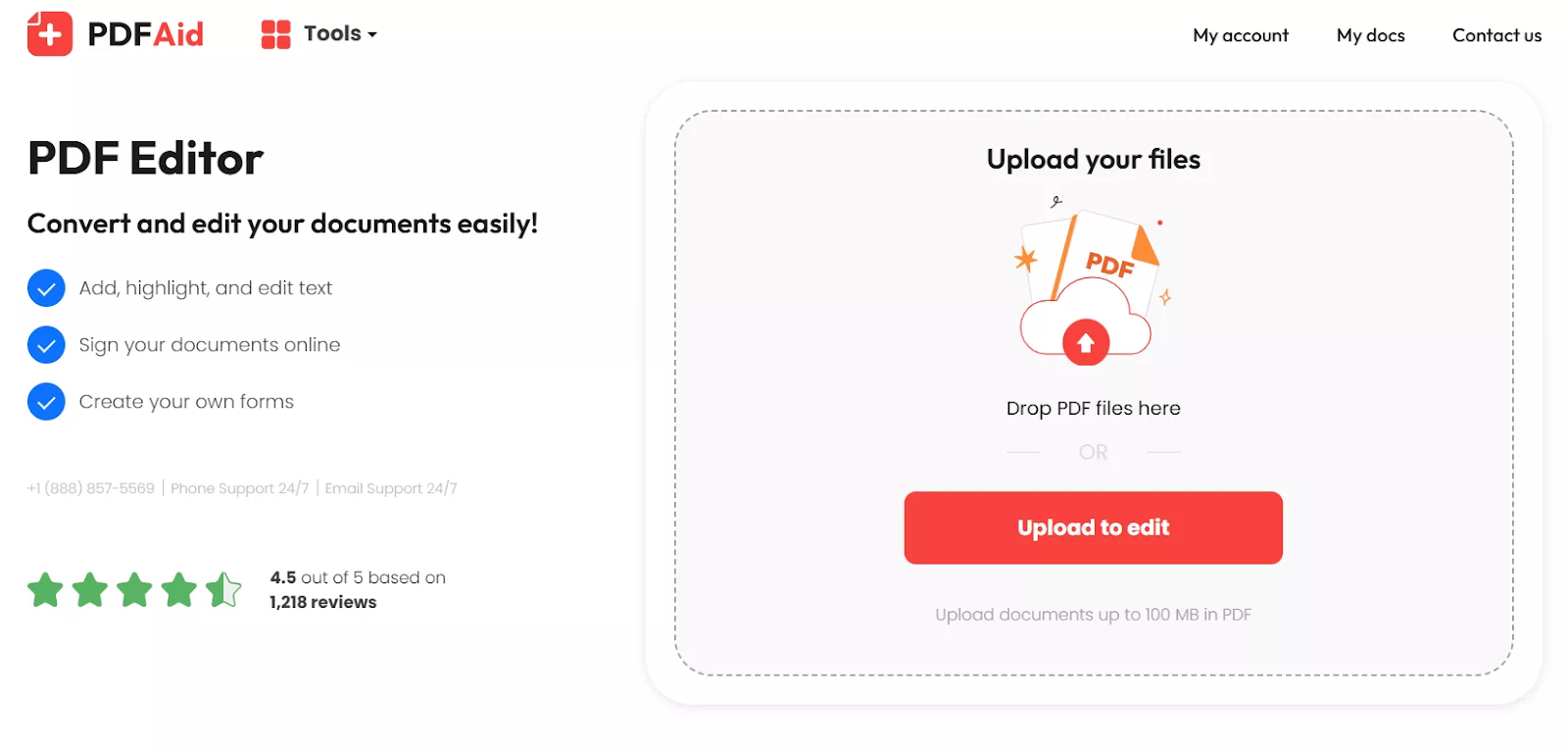
PDFAid is a web-based platform that has become a staple for independent professionals who handle a high volume of paperwork. It functions as a comprehensive PDF editor. With it, you can:
- Edit, format, and review instantly. You can modify the original text, adjust fonts, and fix layouts directly in your browser. The platform also offers advanced annotation tools, such as highlighting and comments, allowing you to review files with greater clarity and precision.
- Manage forms and add e-signatures. Users can fill out tax forms and sign contracts in seconds. Since all functionality is available through the web, you don’t need to download heavy software or take up device storage to handle client onboarding questionnaires.
- Convert files with high fidelity. Beyond editing, the tool serves as a robust converter for 300+ file formats. Whether you need to convert a client’s Excel data to a PDF or extract text from an old file using the powerful OCR feature (supporting 30+ languages), PDFAid preserves your original layout and image quality.
For independent professionals dealing with frequent paperwork, PDFAid offers a streamlined solution that replaces multiple expensive subscriptions.
2. Trello – Mastering Project Management Workflow
Source: Trello
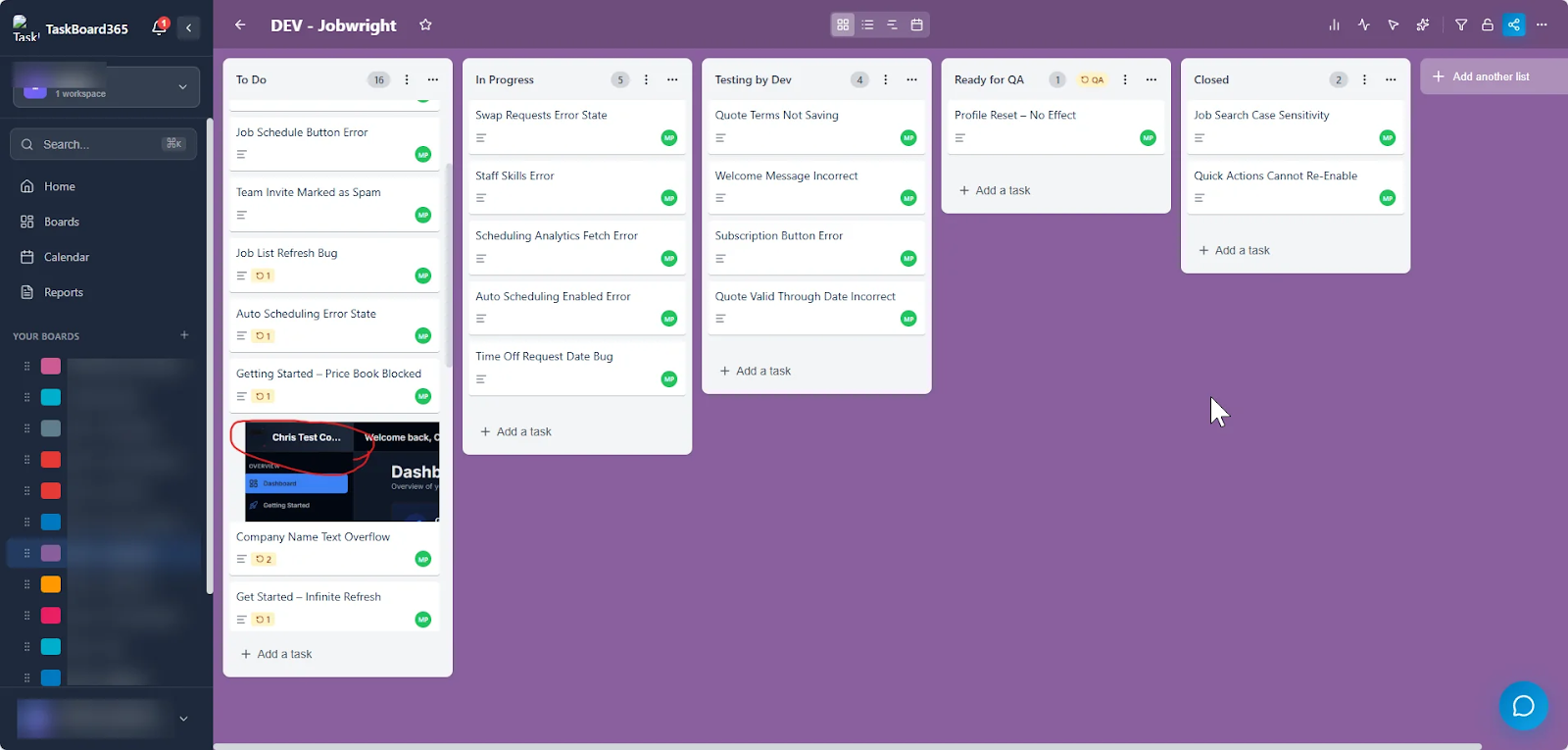
Trello uses a visual board system that is perfect for those who like to see their workload spread out. It’s one of the most flexible freelancer tools available because you can adapt it to any type of work. When we say any type of work, we really mean any, from writing to web development.
With Trello, you can:
- Structure freelance projects with boards and lists. You can set up boards for different clients and use lists to represent project stages. Trello’s “Butler” automation can even move cards for you or send a Slack message when a deadline is approaching. This level of automation is why many choose it as their primary hub for freelance tools.
- Share progress with clients when needed. You can invite clients to a “Read Only” version of your board. This allows them to see that you are working on their project without them needing to send a “how’s it going?” email every morning.
This is one of those freelance tools you can`t work without when your client number starts to grow.
3. Calendly – The Professional Way to Schedule Meetings
Source: Calendly
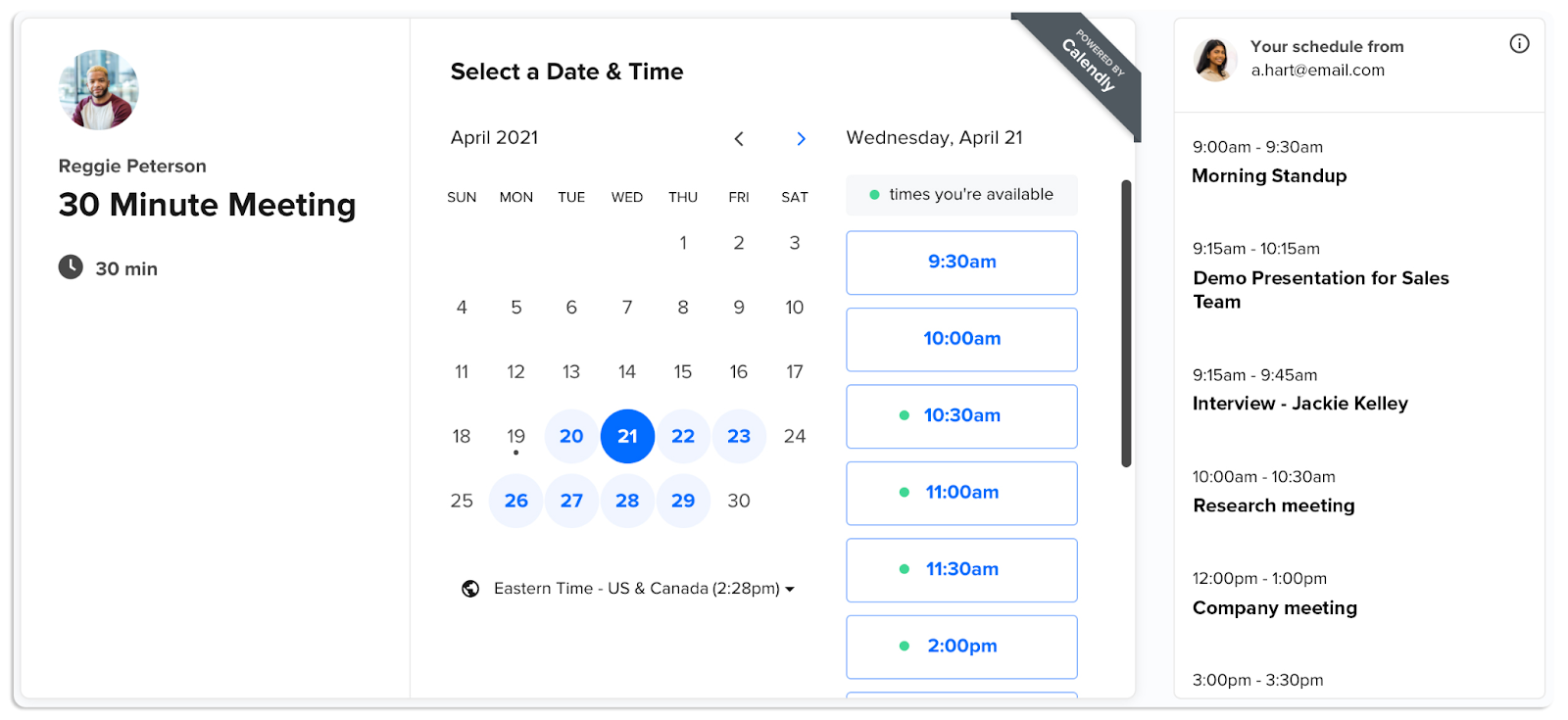
Scheduling shouldn’t be a part-time job. Calendly is one of the best tools for freelancers who want to eliminate the back-and-forth emails of finding a meeting time. It shows your live availability based on your actual calendar.
With Calendly, you can:
- Automate meeting booking. You simply share your link, and the client picks a slot. It handles all the time zone math, which is a lifesaver for global freelance users. You can even set buffers so you don’t have back-to-back meetings that leave you exhausted.
- Manage availability across time zones. The system automatically adjusts scheduling based on time zone settings. This prevents those awkward mistakes where you both show up to a Zoom call at completely different times.
Calendly is one of the top freelance tools that integrates with 100+ applications. They include Zoom, Microsoft Teams, Salesforce, HubSpot, Slack, Stripe, and PayPal.
4. Figma – High-End Design and Collaboration
Source: Figma
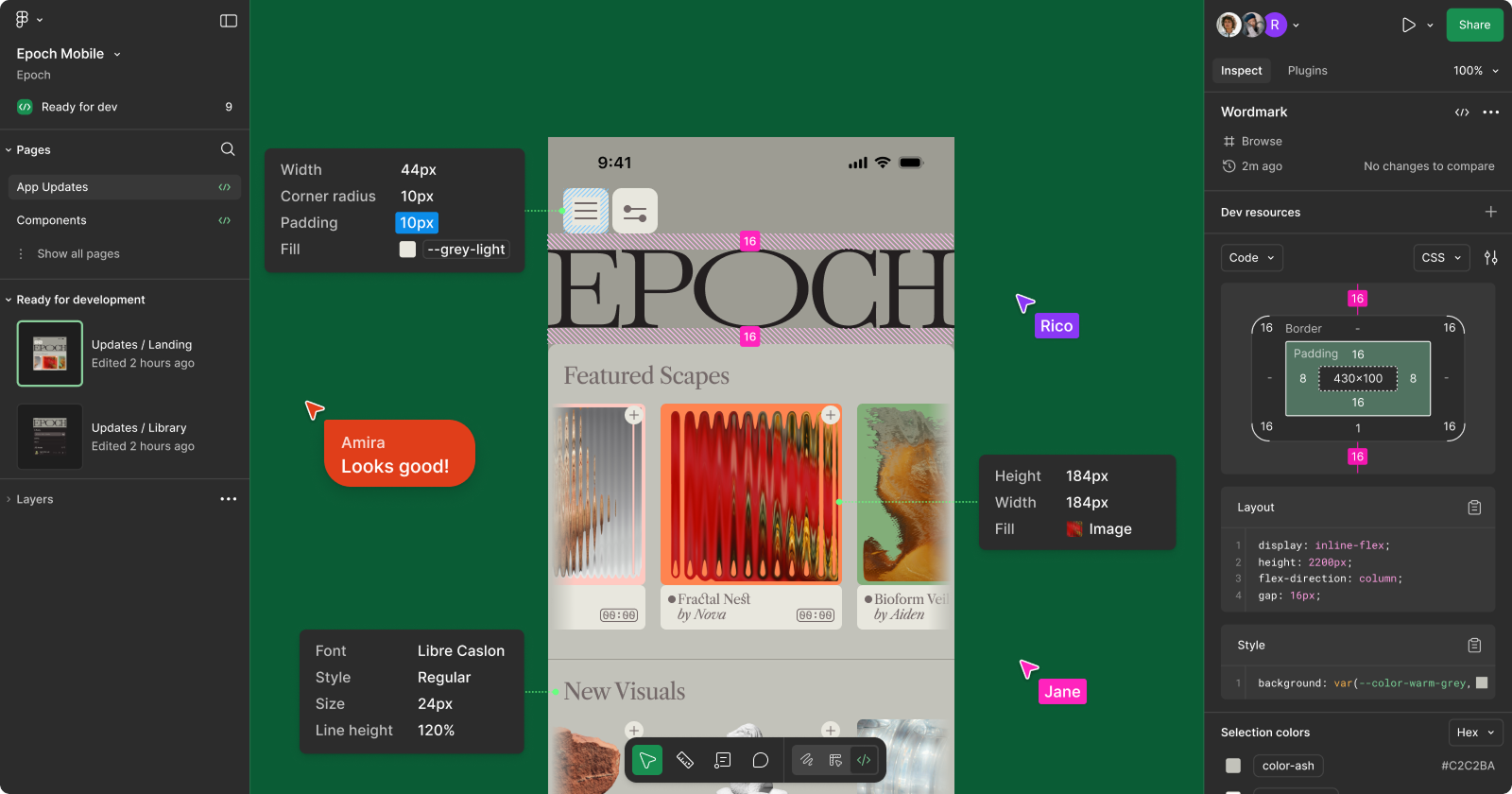
Even if you don’t consider yourself a designer, Figma is awesome for collaboration. It lives entirely in the browser. Your clients don’t need to download anything to see your work. It has become one of the most essential freelance tools for anyone doing visual work.
With Figma, you can:
- Offer real-time collaboration on visual projects. You can work on a design while your client watches or follows your cursor. It’s perfect for live walkthroughs of a new landing page or a brand identity concept.
- Collect and manage client feedback. Clients can pin comments to specific elements of your design. This means you don’t have to guess which “blue button” they are talking about in their feedback email.
For visual freelance professionals, Figma is an essential tool for real-time design collaboration.
5. Toggl Track – Precise Time Tracking for Fair Billing
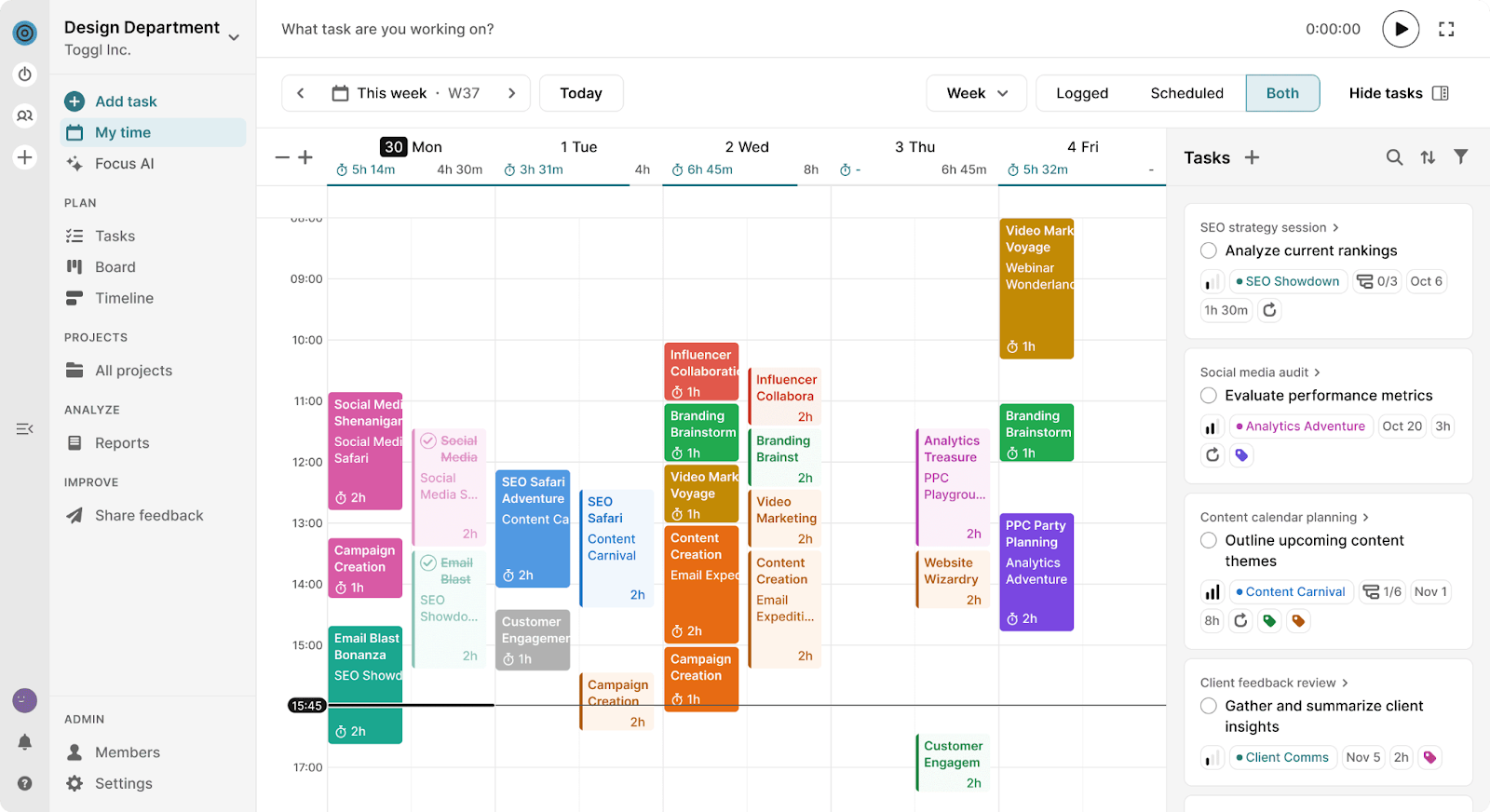
Source: Toggl Track
Accuracy in billing is how you maintain a professional reputation. Toggl Track is one of the simplest freelancer tools for recording exactly where your minutes go.
With Toggl Track, you can:
- Track time across multiple clients and projects. With a one-click timer, you can track billable and non-billable hours. It even has idle detection to remind you to stop the timer.
- Review time data for invoicing and planning. At the end of the week, you can generate a report that shows exactly how long each task took. This helps you realize if you are undercharging for certain types of work.
Accurate time tracking is a core necessity for freelancers, and Toggl Track excels in this area.
6. Microsoft 365 – The Enterprise Standard
Source: Microsoft 365
Microsoft 365 is still the baseline for professional communication in the corporate world. Using these freelancing tools ensures that your files are widely compatible with common client systems. It also now includes Copilot AI to help you draft documents faster.
With Microsoft 365, you can:
- Create freelance documents with Word and Excel. Whether it’s a detailed white paper in Word or a complex budget in Excel, these apps are industry standard. Having a legitimate subscription also gives you 1TB of cloud storage, which is vital for any freelancer’s tools stack.
- Use Excel and Word to integrate with your PDF converter. Once your spreadsheet or report is finished, you can use your PDF editor to lock it down. This workflow ensures your source files are easy to update, and your client files are secure and professional.
Microsoft 365 subscriptions include Teams for chat/meetings, Outlook for email, and Clipchamp for video editing.
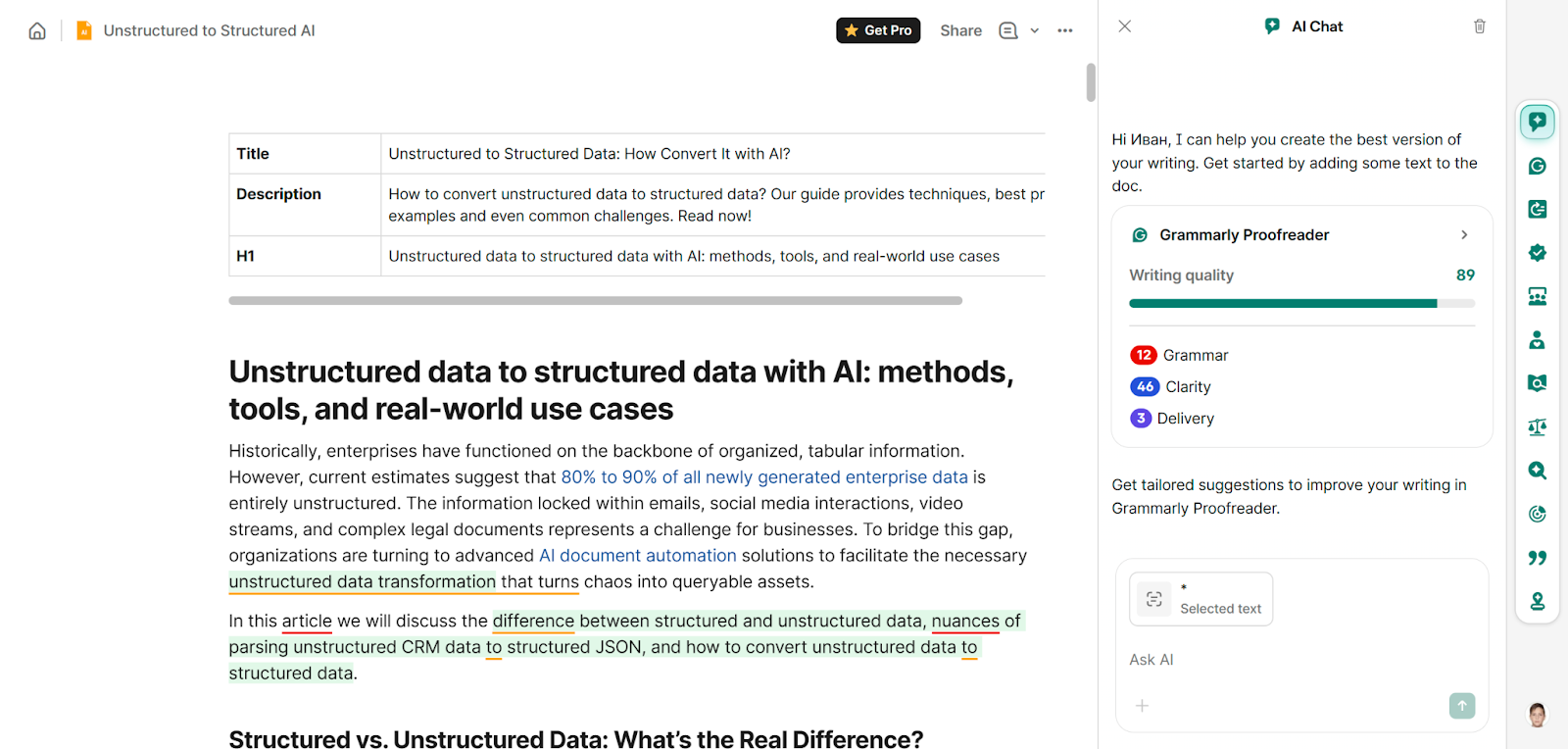
7. Grammarly – Writing Assistance for Communication
Source: Grammarly
Clear writing is a form of respect for your client’s time. Grammarly works across almost every app, acting as a silent editor.
With Grammarly, you can:
- Improve clarity and consistency in writing. It helps with tone. If you sound too aggressive or too passive, it will suggest a more balanced way to phrase your request.
- Review proposals, emails, and reports. Before you hit send on a major proposal, Grammarly gives it a final polish.
Writing-focused tools for freelancers improve the quality of everyday client communication.
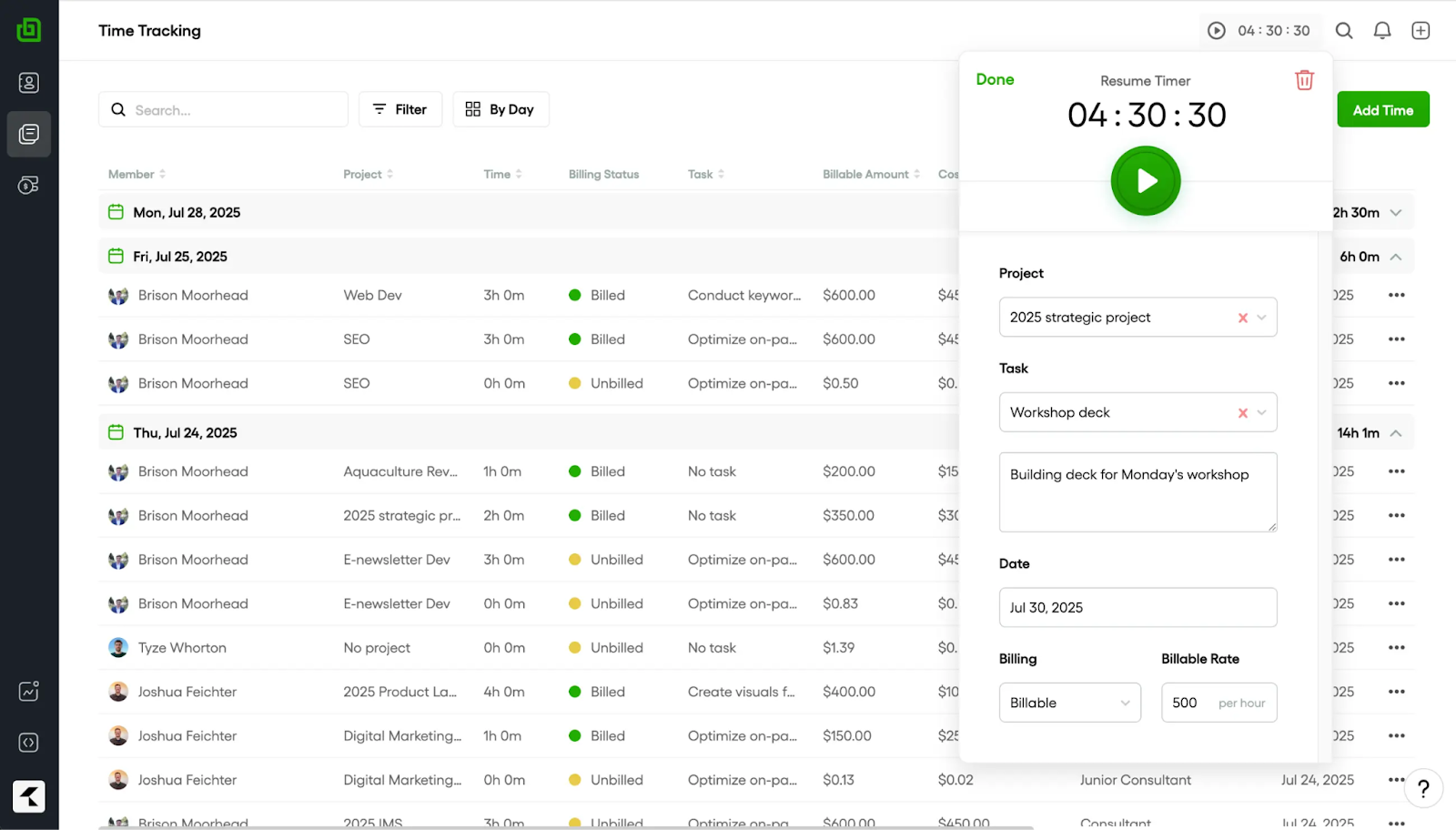
8. Bonsai – Managing Contracts and Invoices
Source: Bonsai
Bonsai is the all-in-one choice for those who hate administrative work. It’s one of the most powerful freelancing tools because it was built specifically for independent workers, not large corporations.
With Bonsai, you can:
- Handle freelance contracts and invoices in one platform. You can create a legally vetted contract, send it for e-signature, and then automatically generate an invoice once the work is done. It ties all your business functions together in one place.
- Organize client information and payments. It tracks overdue invoices and sends gentle automated reminders to clients. This helps you manage PDF receipts and financial records without having awkward money conversations.
Administrative tools for freelancers like Bonsai centralize manual processes, reduce manual follow-ups, and ensure financial workflows remain organized.
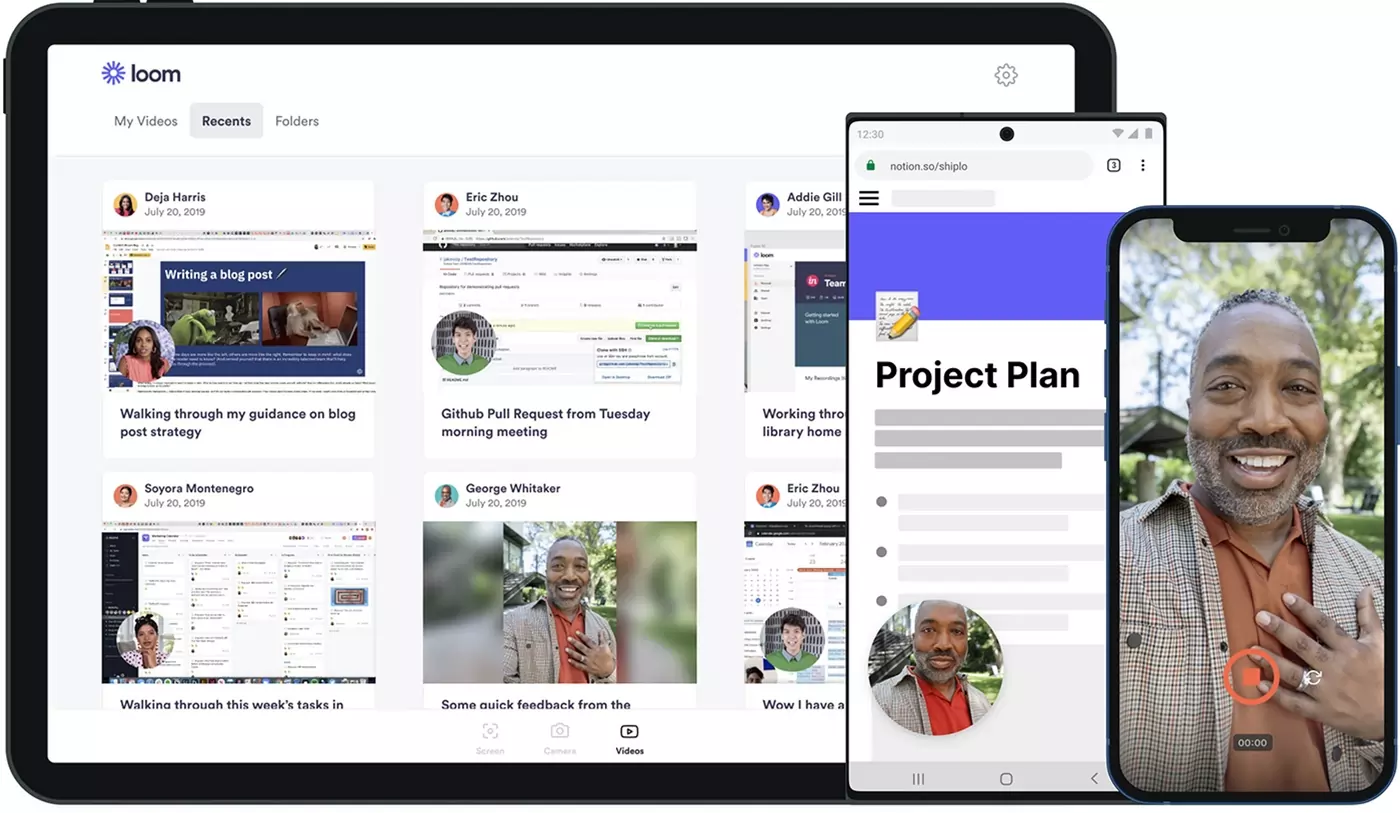
9. Loom – Video Messaging for Asynchronous Communication
Source: Loom
Sometimes text isn’t enough, but a meeting is overkill. Loom is a fantastic addition to your freelance tools for sending quick, personal video updates.
With Loom, you can:
- Explain tasks and feedback with short videos. You can record your screen and your camera at the same time. This is perfect for walking a client through a complex deliverable or explaining why you made a specific choice.
- Use Loom when video is more effective than text. A video adds a human element to your work. It shows your face and your enthusiasm, which can help strengthen the relationship in a way that a dry email never could.
Loom is a non-standard tool, and it requires some time to get used to it.
Summary: Best Tools for Freelancers
Selecting the best tools for freelancers is about finding what fits your specific rhythm. So, you can use:
- PDFAid for PDF editing and conversion;
- Trello for project management;
- Calendly for scheduling;
- Figma for design collaboration;
- Toggl Track for time tracking;
- Microsoft 365 for document creation and communication;
- Grammarly for writing quality;
- Bonsai for contracts and invoicing;
- Loom for asynchronous video updates.
Together, these best tools for freelancers help free up time and mental space for work.





