

Your business card is often the first thing someone takes home after meeting you. It sits in a wallet, gets pinned to a board, or lands on a desk as a quiet reminder of your conversation. A well-designed card can turn that brief encounter into a real opportunity, because people actually hold onto it rather than toss it away.
The good news is that creating a professional card no longer means hiring a designer or spending a fortune. Today’s business card makers put powerful tools right at your fingertips with AI generation that understands your brand, thousands of beautiful templates to choose from, and simple editors that anyone can figure out. You can build something you’re proud of in less than twenty minutes, even if you’ve never designed anything before.
This guide walks you through the seven best free business card makers you can use right now. We’ll show you what makes each one special, what you get for free, and how to find the perfect fit for your needs.
What to Look for in a Free Business Card Maker
Before you jump into any tool, it helps to know what actually matters. Not every free plan is created equal, and some tools look great until you hit a paywall right before downloading your file.
Template quality and variety
A large template library gives you more starting points and a better chance of finding something that fits your brand. The difference is that some platforms pack their libraries with outdated or generic designs that all look the same, while others curate templates made by actual professional designers.
Look for tools that offer templates across different industries and styles so you can find something that matches your brand without endless scrolling. Quality matters more than quantity, so a platform with 500 well-designed options will serve you better than one with 5,000 mediocre ones.
Customization depth
Being able to swap out a color or change a font is just the starting point. Real customization means having control over the layout structure, the ability to add or remove design elements freely, and access to advanced features such as gradient fills, curved text, and custom vector shapes.
The difference between a generic and a unique card often comes down to how much freedom the editor gives you. Tools that only let you fill in preset boxes will leave you frustrated, while editors that let you adjust spacing, alignment, and visual hierarchy give you the room to create something that actually reflects your brand.
Download quality
For digital use, a high-resolution PNG works well for sharing on social media or for email. For print, you need vector formats like SVG, EPS, or PDF because they scale without losing quality, so your card looks crisp whether it’s printed on standard paper or premium cardstock.
Some free plans limit you to low-resolution exports that look acceptable on screen but turn pixelated and blurry when printed. Others watermark your design unless you upgrade to a paid plan, which defeats the purpose of using a free tool in the first place.
Free plan limits
The word “free” can mean very different things depending on the platform you choose. Some tools are genuinely free to use from start to finish with no catches, while others let you design for free but lock your finished file behind a paywall when you try to download it.
Always check what the free tier actually gives you before investing time in a design. A tool that charges you $30 to download your file at the end is not really free in any practical sense, and knowing that upfront saves you from unpleasant surprises later.
Ease of use
If you have never designed anything before, a clean drag-and-drop interface makes the difference between finishing your card in 20 minutes and giving up in frustration after 1 hour. The best tools hide complexity behind simple controls and provide visual feedback as you work, so you can see changes in real time.
Ease of use should not come at the cost of flexibility, though. The ideal tool is simple enough for complete beginners but powerful enough to let you make something unique and professional if you want to dig deeper into customization options.
Print options
Some platforms are design-only tools that let you export a file and print it at any printer you choose. Others handle the entire process from design to delivery, so you can order printed cards directly on the platform without leaving the site.
If you want a one-stop experience, look for built-in print ordering with clear options for paper type, finish quality, and quantity. The trade-off is that integrated print services usually lock you into their pricing, while export-only tools give you the flexibility to shop around for better deals or specialty print options elsewhere.
Free Business Card Makers to Use in 2026
| Platform | Best For | Starting Price | AI Generation | Print Service |
| Design.com | Small businesses wanting fast, professional results | Completely free, with optional premium plans available | Yes | Yes |
| BrandCrowd | Entrepreneurs building a full brand identity | Completely free, with optional premium plans available | Yes | No |
| Adobe Express | Adobe ecosystem users | Free plan available, $9.99/mo premium | No | No |
| Visme | Professionals wanting creative, unique designs | Free with watermark, $12.25/mo paid | No | No |
| Canva | First-time designers needing simplicity | Free, $14.99/mo for Pro | No | Yes (through partners) |
| Hatchful by Shopify | E-commerce owners wanting quick branding | Completely free | Yes | No |
| Vistaprint | Users wanting design and print in one place | Free to design, pay for printing | No | Yes |
1. Design.com
Best for: Small businesses and startups that want a professional, brand-ready card without a steep learning curve.
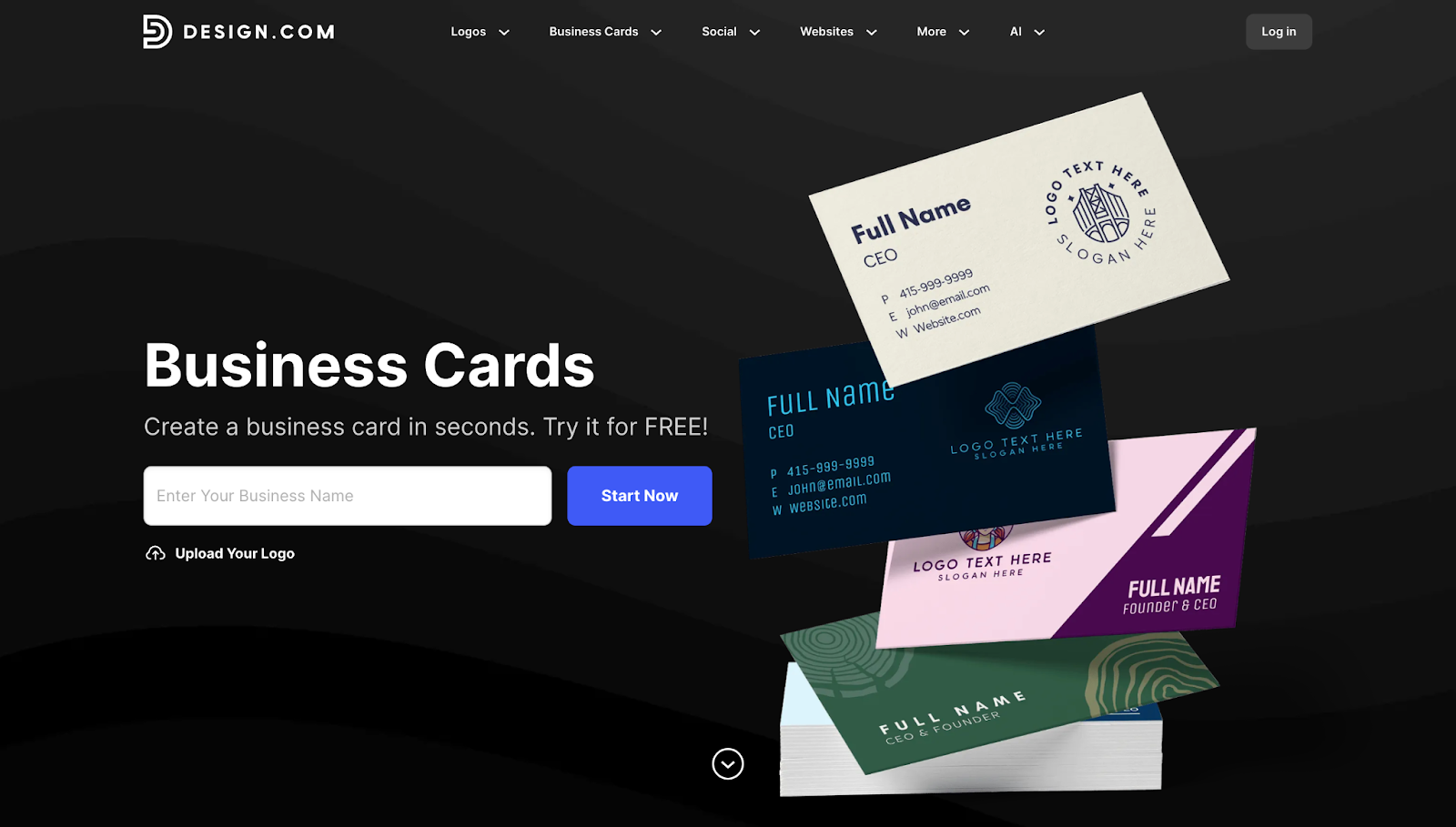
If you have been putting off creating business cards because the whole process feels overwhelming, Design.com is about to change that. With a Trustpilot rating of 4.7 from over 3,000 reviews, this platform has helped thousands of entrepreneurs go from zero to polished business cards in less time than it takes to grab coffee.
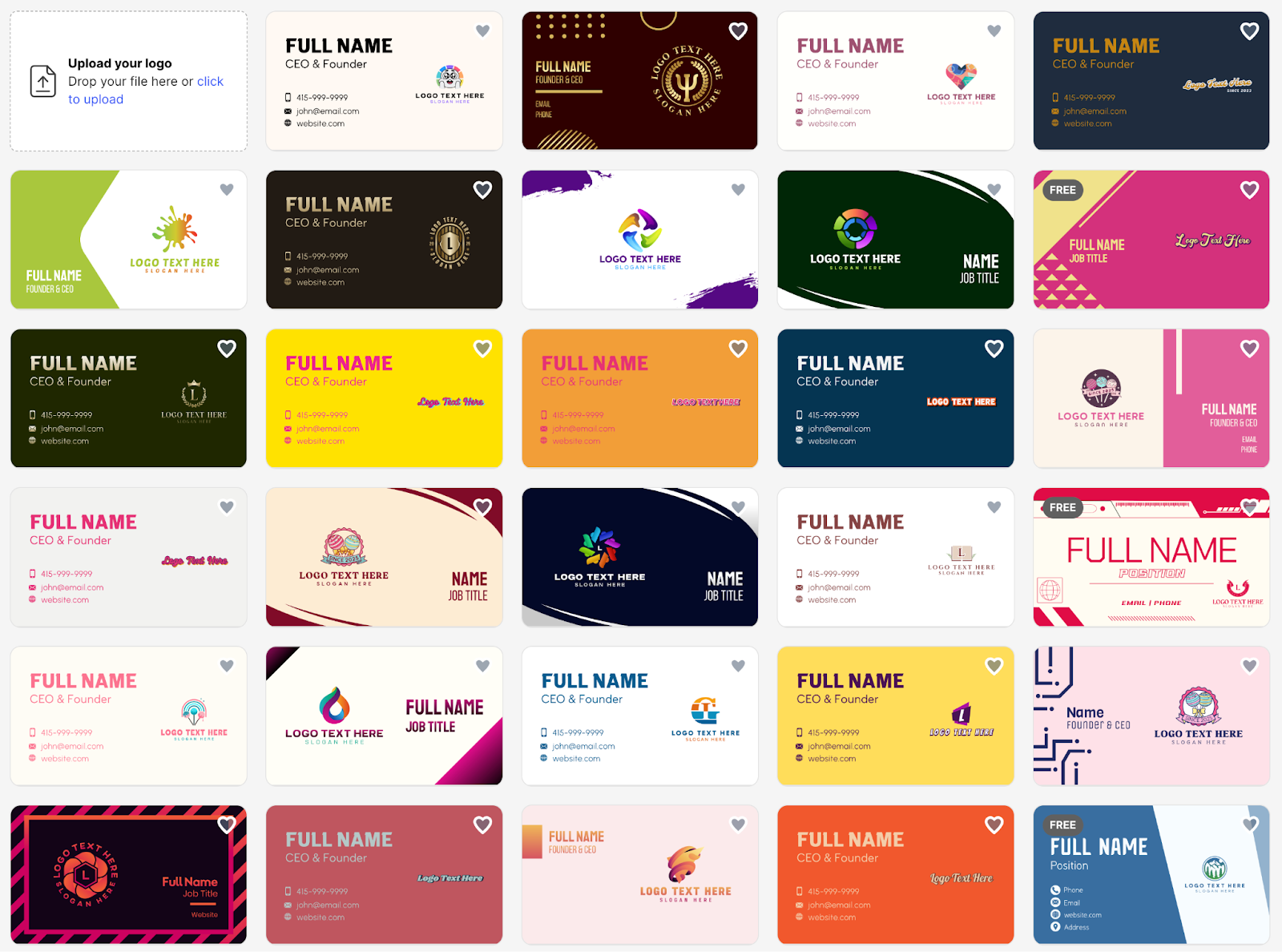
What makes Design.com the top business card maker is its easy approach. You just type in your business name and a few keywords that describe what you do. Within seconds, the AI generates thousands of unique design options tailored specifically to your business.
Not feeling the first batch? Just tweak your keywords, and the platform will regenerate entirely new options. Once something catches your eye, you jump into the editor and make it yours.
The best part is that Design.com is not just about business cards. You can create matching social media graphics, letterhead, email signatures, and more from a single platform. Everything stays visually consistent because your colors, fonts, and logo carry across every format. You are not just making a card. You are building a complete brand identity.
Key features:
- Over 1 million design templates across all categories
- 750+ fonts, including 525+ exclusive typefaces you will not find elsewhere
- 62,000+ custom vector shapes to make your design stand out
- Gradient colors, curved text, and custom layouts for total creative control
- Upload your logo once and your brand colors apply automatically
- Create matching social media graphics, letterheads, and email signatures
- 24/7 support from actual design experts who know their stuff
- Royalty-free commercial license on every design you create
Pricing:
- Start completely free. Browse templates, generate AI designs, and explore the editor without paying a cent.
- Starter Plan at $3/month (billed annually) gives you unlimited edits, high-res and vector downloads (SVG, EPS, PDF), business cards, and access to 50+ design tools and 591,000+ templates. Your logo is yours forever.
- Value Plan at $4/month (billed annually) includes everything from Starter plus a full website builder.
- Premium Plan at $5/month (billed annually) adds even more features for growing businesses that want it all.
Print options:
- Order anywhere from 250 to 5,000 cards, depending on your needs
- Choose single or double-sided printing
- Pick standard square corners or rounded corners for a softer look
- Four finish options: standard matte, standard glossy, premium matte, or premium glossy
- Free worldwide shipping takes one more thing off your plate
Why you will love it:
The AI does not just shuffle generic templates. It actually adapts to what you tell it, so every design feels made for you. When you upload your logo, the automatic brand color application saves you from tedious manual work. The high-res and vector downloads let you take your files to any printer you want or use the built-in print service. Every design comes with a royalty-free commercial license, so you own it completely.
And if you ever get stuck? The 24/7 support team is there to help with customization questions, file formats, print specs, or anything else. These are real design experts, not chatbots reading scripts.
What to consider:
Design.com works best for beginners and small businesses who want professional results fast. If you are an advanced designer who needs to control every single pixel, you might find the interface a bit streamlined. But honestly, most people find that balance between simplicity and power exactly right.
2. BrandCrowd
Best for: Entrepreneurs and business owners who want a card that feels cohesive with their full brand identity.
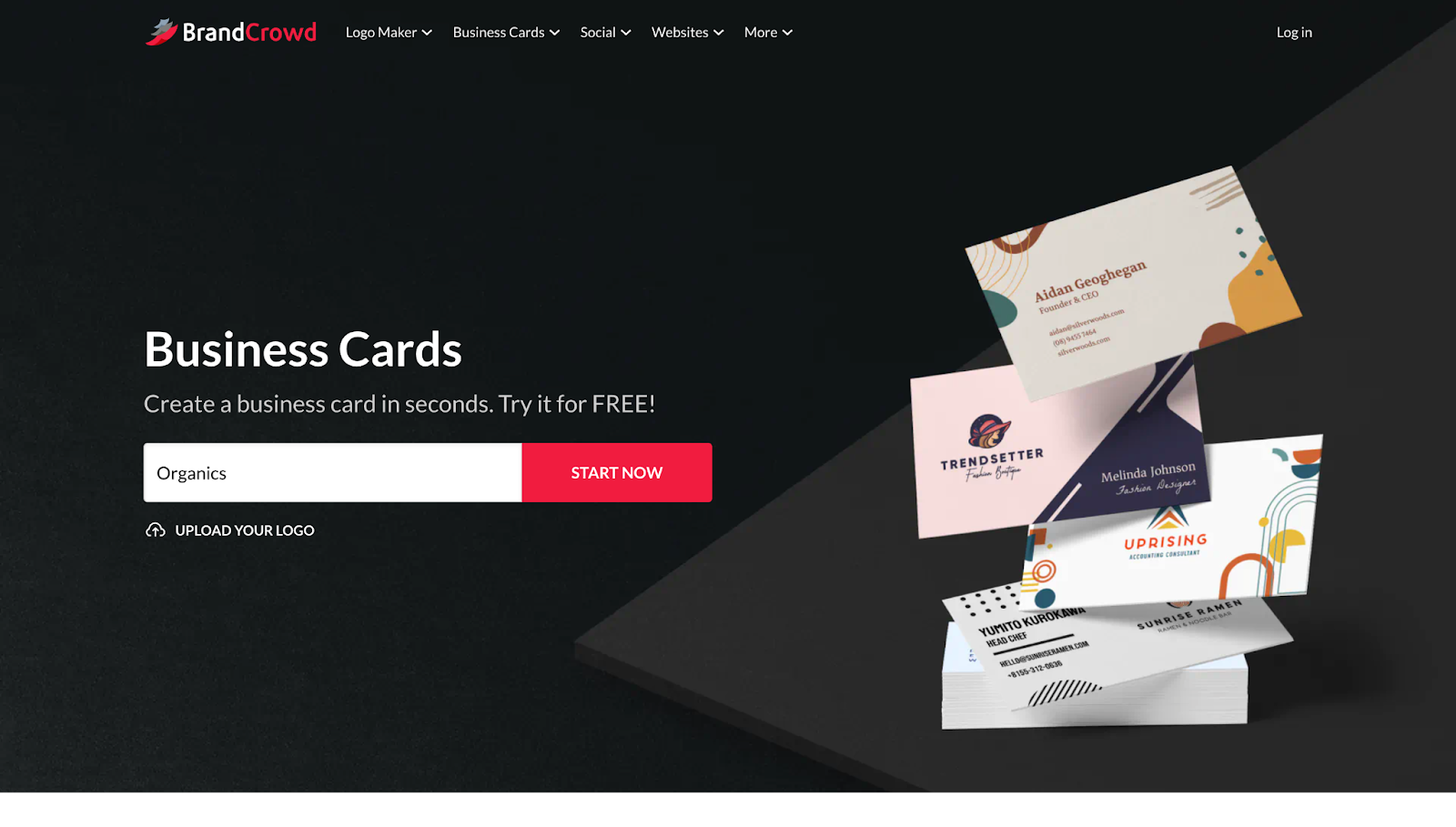
Your business card should not look like it came from a different planet than your logo. BrandCrowd gets this, and with a Trustpilot rating of 4.8 from over 9,000 reviews, they have proven they know how to help you build a brand that actually looks like a brand.
This platform treats your business card as part of something bigger. As the best business card maker for people who care about visual consistency, BrandCrowd helps you create cards that feel like natural extensions of your logo and overall identity.
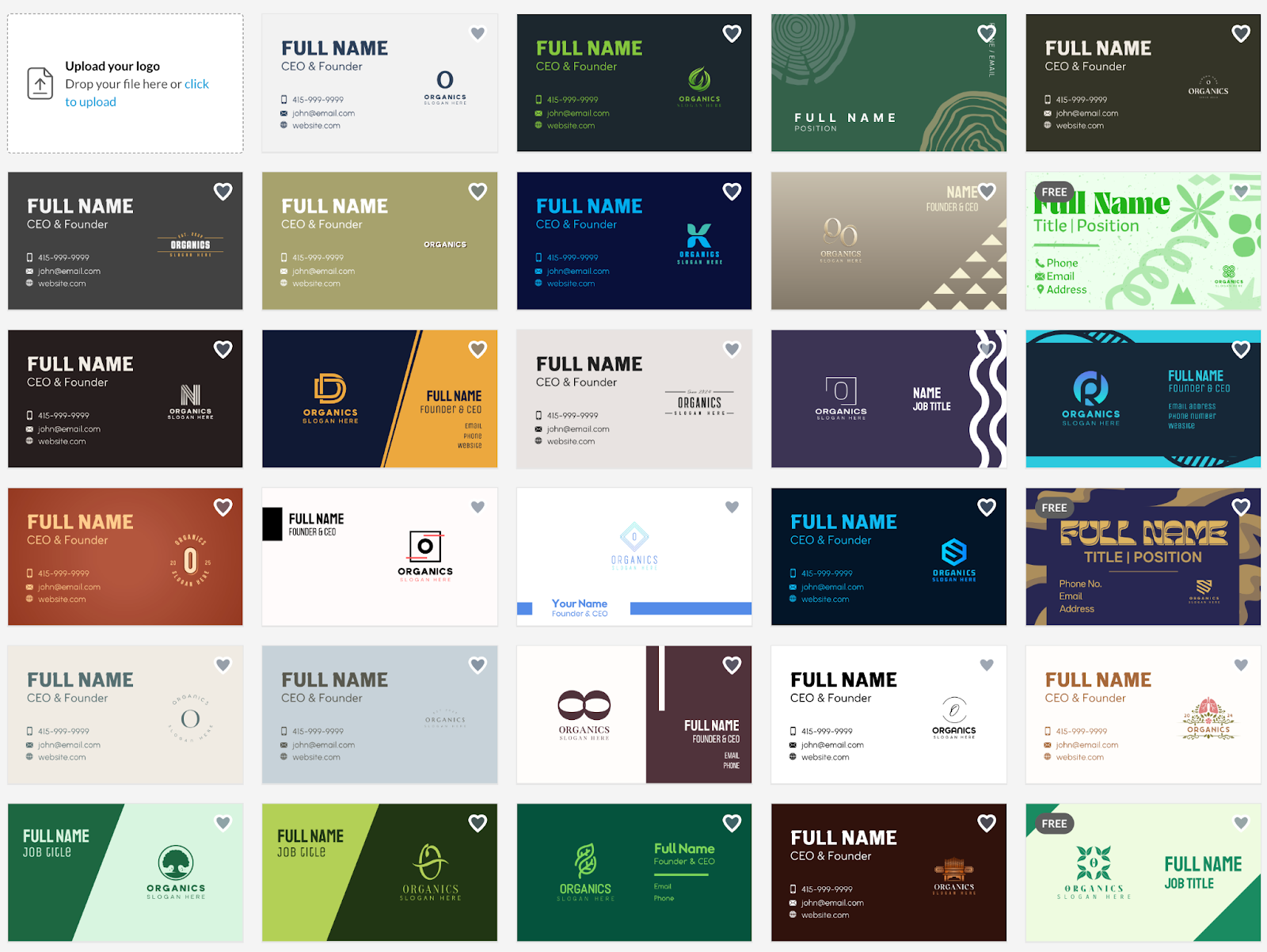
Just type in your business name and a few keywords, and the AI goes to work generating card designs that match your brand personality. The platform pulls from thousands of professionally designed templates and dynamically mixes them, so what you get is unique to you. No cookie-cutter results.
The real advantage shows up when you need more than just a business card. BrandCrowd also lets you create matching social media designs, letterheads, email signatures, and other branded materials. Everything looks connected because it is connected.
Key features
- AI and keyword-driven design generation that understands your brand
- Thousands of professionally designed templates you can actually customize
- 750+ fonts including 525+ exclusive typefaces
- 62,000+ custom vector shapes for unique designs
- Gradient colors, curved text, and full layout control
- Unlimited edits so you can keep refining without limits
- Create matching social media designs, letterheads, and email signatures
- High-res PNG/JPG and vector downloads (SVG, EPS, PDF) for any use
- Royalty-free commercial license means you own what you create
- 24/7 support from design experts who actually care
Pricing:
- Start for free. Design, edit, and explore without spending anything.
- Starter Plan at $3/month (billed annually) includes your logo forever, high-res and vector logo files, unlimited changes, business cards, and access to 50+ design tools and 591,000+ templates.
- Value Plan at $4/month (billed annually) gives you everything from Starter plus a website builder.
- Premium Plan at $5/month (billed annually) includes everything from Value plan, plus link in bio and digital business card features for modern networking.
Why this platform works:
BrandCrowd excels at maintaining consistency across your entire visual identity. If you have ever tried to match colors manually across different design tools, you know how frustrating it gets. This platform handles it automatically. Create your logo, generate your card, build your social graphics, and everything looks like it belongs together.
The AI actually listens to your keywords and produces results that feel tailored, not random. And because you get unlimited edits, you can keep refining your designs over time as your brand evolves. No extra charges for changes.
What you should know:
This platform works best if you see your business card as part of a bigger brand picture. If you only need a standalone card and do not care about matching materials, simpler tools might feel like a better fit. But if you want everything to look connected and professional, BrandCrowd delivers.
3. Adobe Express
Best for: Users already working within the Adobe ecosystem
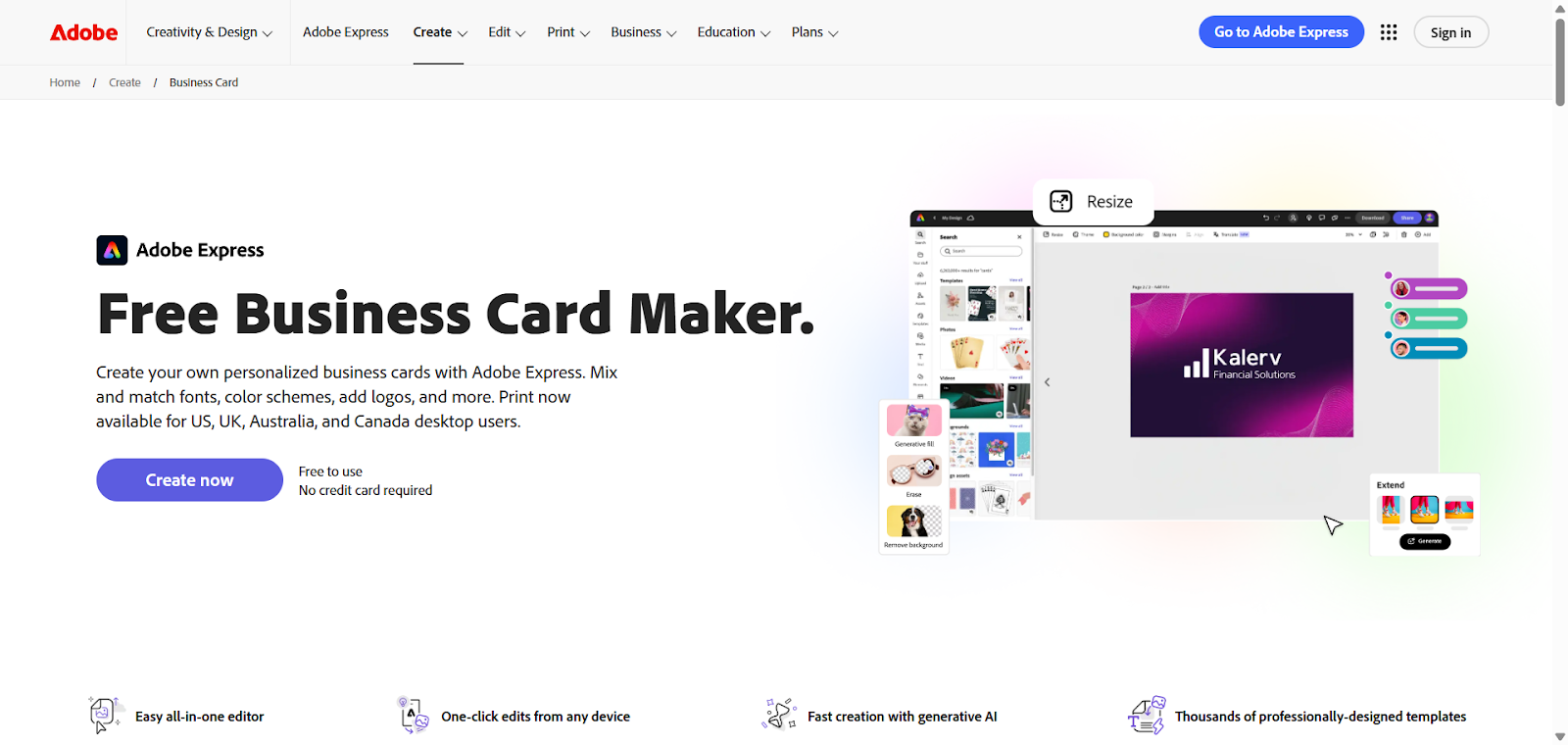
If you already use Adobe tools for other work, Adobe Express might feel like coming home. It brings Adobe’s design quality into a tool that is surprisingly easy to use, even if you have never used Photoshop or Illustrator.
The templates are modern and minimal, which works great for professionals, consultants, and creative agencies. The drag-and-drop editor is clean and intuitive. The brand kit feature lets you lock in your logo, colors, and fonts so everything you create stays consistent. And if you are already using Adobe Fonts or Adobe Stock, Express pulls from those same libraries without any friction.
Key features:
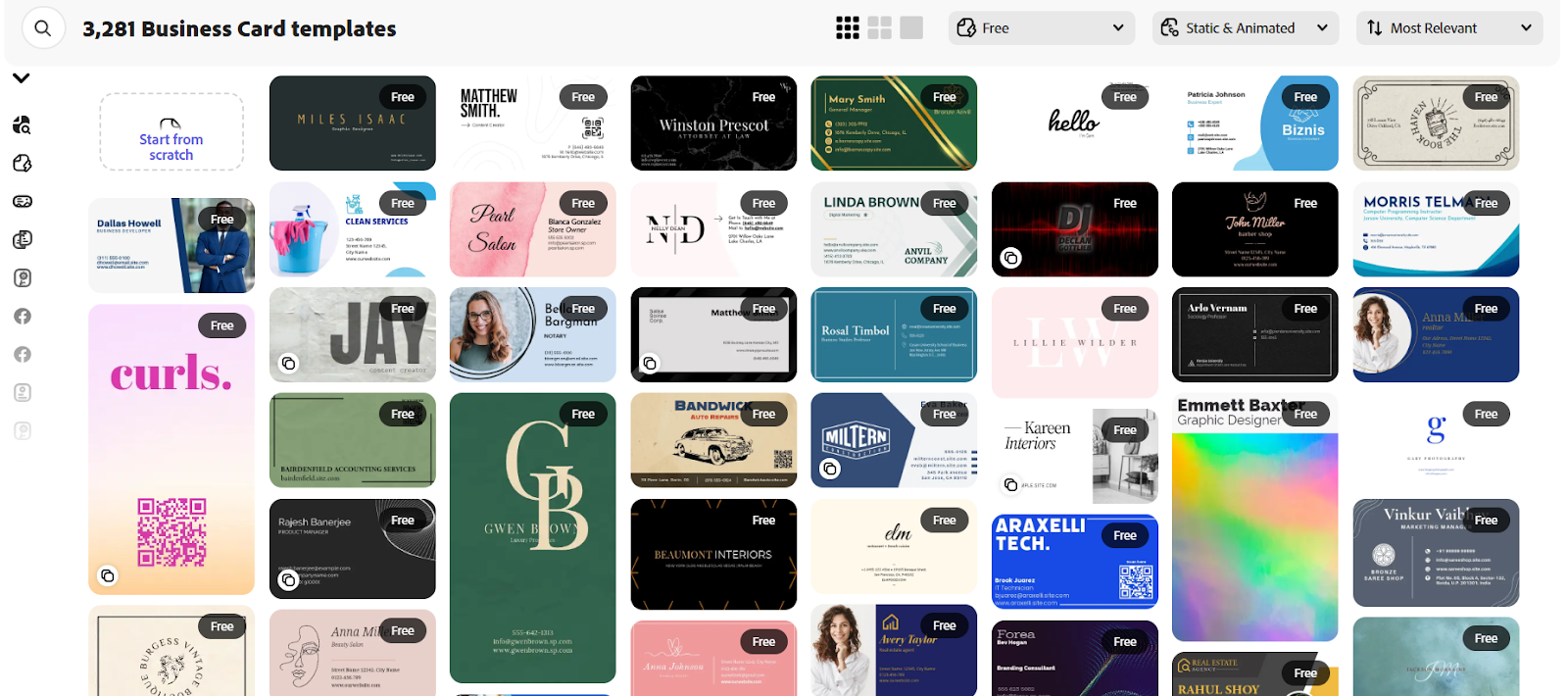
- Hundreds of business card templates with professional aesthetics
- Clean drag-and-drop editor that feels polished
- Brand kit feature keeps your fonts, colors, and logo consistent
- Integration with Adobe Fonts and Adobe Stock
- 2GB cloud storage on the free plan
Pricing:
- Free plan with access to thousands of templates and basic editing
- Premium Plan at $9.99/month or $99.99/year unlocks premium templates, removes Adobe branding, adds 100GB storage, and gives priority support
- Included free if you already have Adobe Creative Cloud All Apps
Why it stands out:
Template quality reflects Adobe’s design standards, so everything looks polished right out of the gate. If you already use other Adobe tools, the integration is seamless. The brand kit makes maintaining visual consistency easy across all your materials.
Worth knowing:
The free plan limits access to some premium templates and Adobe Stock assets. If you are deep in the Adobe ecosystem, you will feel right at home. If you have never used Adobe products, you might find the interface slightly less intuitive than simpler beginner tools.
4. Visme
Best for: Professionals who want creative, visually distinctive cards
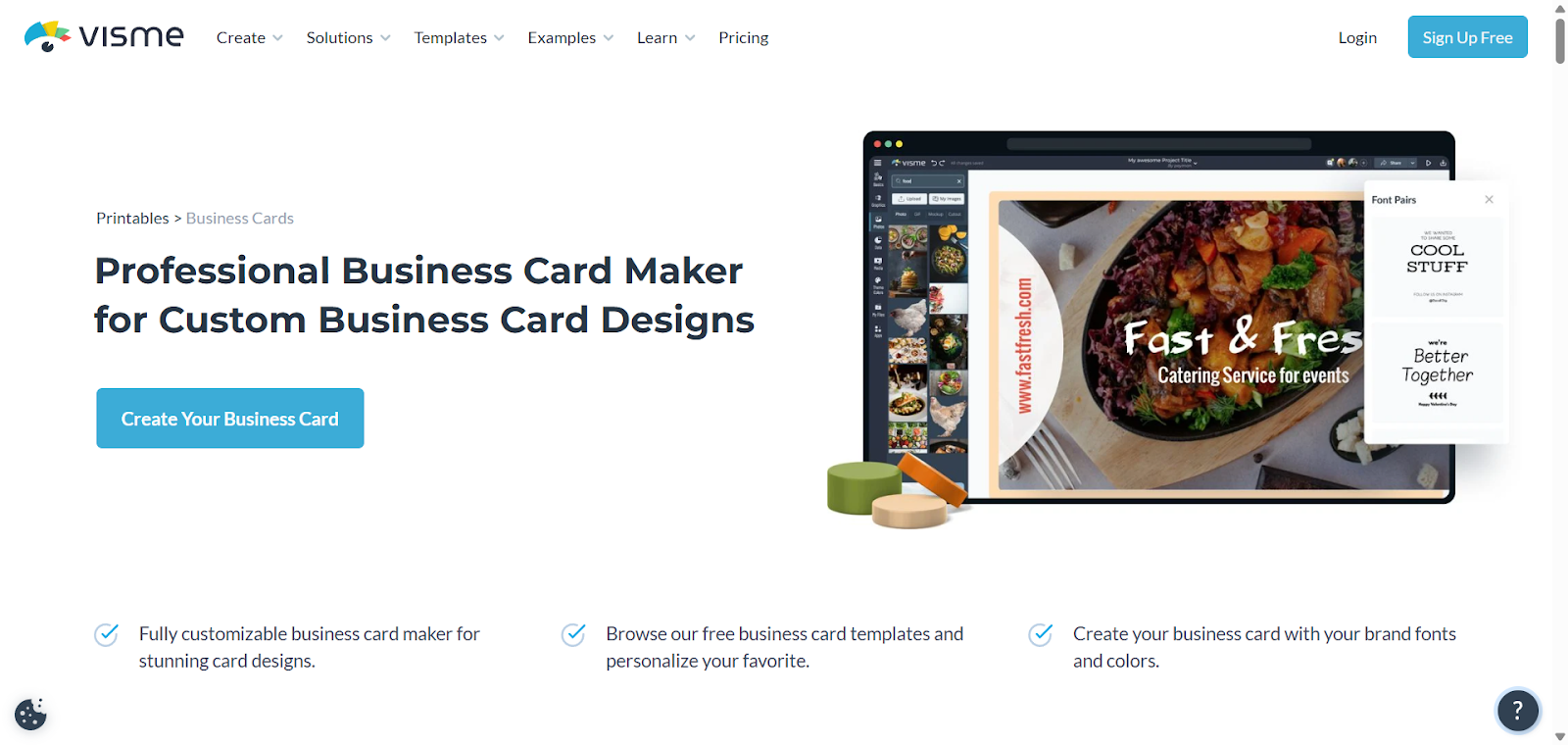
Visme built its reputation making presentations and infographics that actually look good, and that same creative energy shows up in its business card maker. If you want something that stands out visually and does not look like every other card in the stack, Visme delivers.
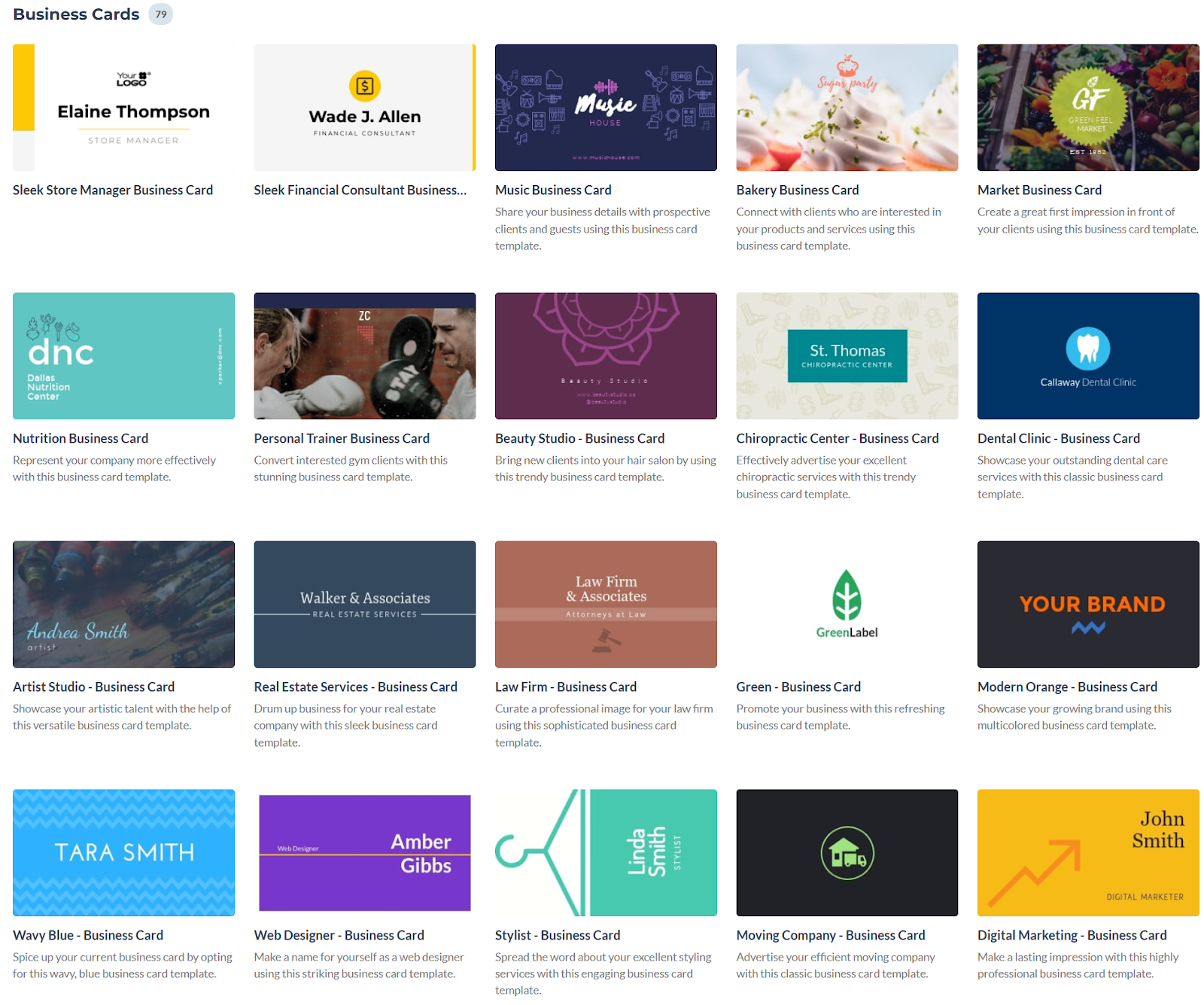
The templates feel more thoughtfully designed and less cookie-cutter than those in most tools. The editor gives you real control over layout and visual hierarchy, which matters when you want your card to look unique. And because Visme handles presentations, social graphics, infographics, and reports, you can manage all your visual content in one place.
Key features:
- Visually creative templates that feel distinctive
- Strong editor with good layout and hierarchy control
- Handles presentations, social media graphics, infographics, and reports
- Brand kit feature for consistent colors and fonts
Pricing:
- Free plan with basic templates and core editor (includes watermark on exports, JPG only)
- Starter Plan at $12.25/month (billed annually) removes watermark, adds PNG downloads, and unlocks premium templates
- Pro Plan at $24.75/month (billed annually) includes unlimited projects and advanced features
Why people choose it:
Templates feel less generic and more creatively designed. You get solid control over visual elements and layout structure. If you need to create multiple types of content beyond just business cards, Visme handles it all in one platform.
Good to know:
The free plan includes watermarks and limits you to JPG downloads. The editor is slightly more involved than super-simple beginner tools, though most people pick it up quickly. Best for users who value creative control and want designs that look genuinely unique.
5. Canva
Best for: First-time designers who want simplicity and speed
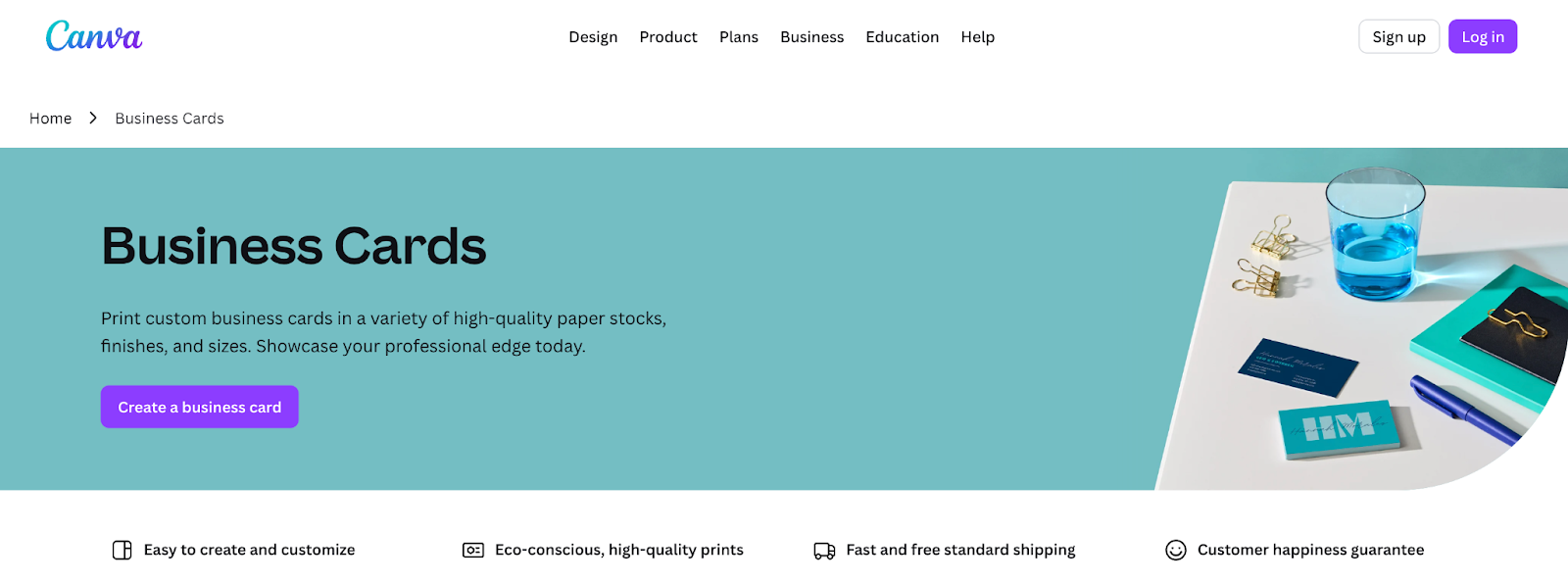
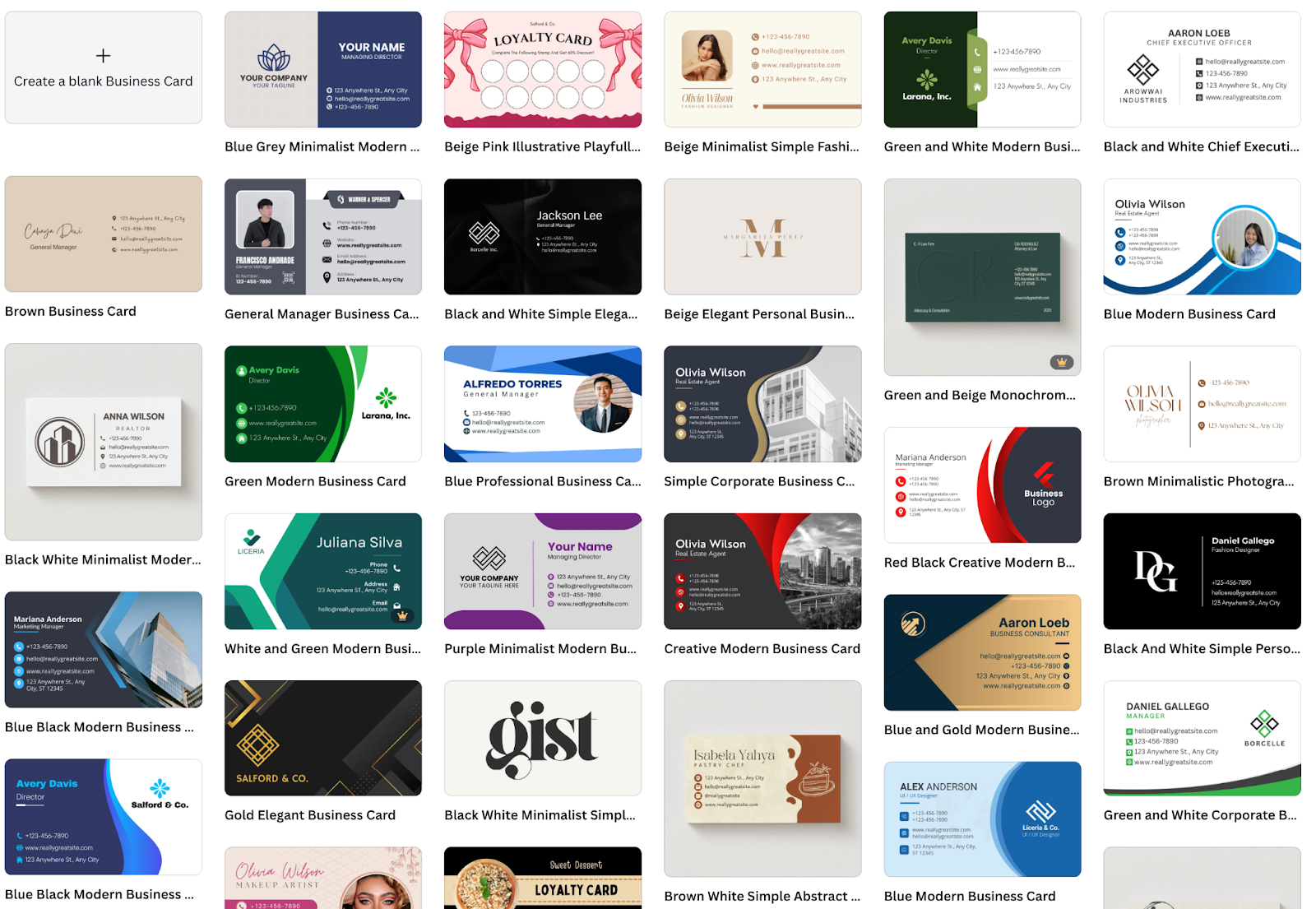
Canva is everywhere for a reason. The drag-and-drop interface is about as easy as design tools get, and the template library is absolutely massive. You can find a style for virtually any industry or aesthetic in minutes.
If you have never designed anything before and just want to get a decent-looking business card made quickly, Canva makes that happen. The free plan is genuinely generous with hundreds of templates, thousands of free graphics, and PNG downloads without watermarks. It is a solid starting point that does not ask for much of a learning curve.
Key features:
- One of the largest template libraries available
- Drag-and-drop editor almost anyone can learn fast
- Covers every design style from bold to minimal
- Free plan includes PNG downloads without watermarks
- 5GB cloud storage
Pricing:
- Free plan with hundreds of templates and basic tools
- Canva Pro at $14.99/month or $119.99/year unlocks premium templates, background remover, brand kit, 1TB storage, and resize tools
- Canva for Teams at $29.99/month for up to 5 people
Why it works:
A massive template library means you will find something that fits. Extremely easy to learn, even for complete beginners. No watermarks on free exports, which is genuinely helpful.
Keep in mind:
Vector downloads require Canva Pro. Because so many people use the same templates, your card might look similar to others unless you customize heavily. Optimized for speed over originality, so expect to do extra work if you want something truly unique.
6. Shopify
Best for: E-commerce entrepreneurs who want quick branding
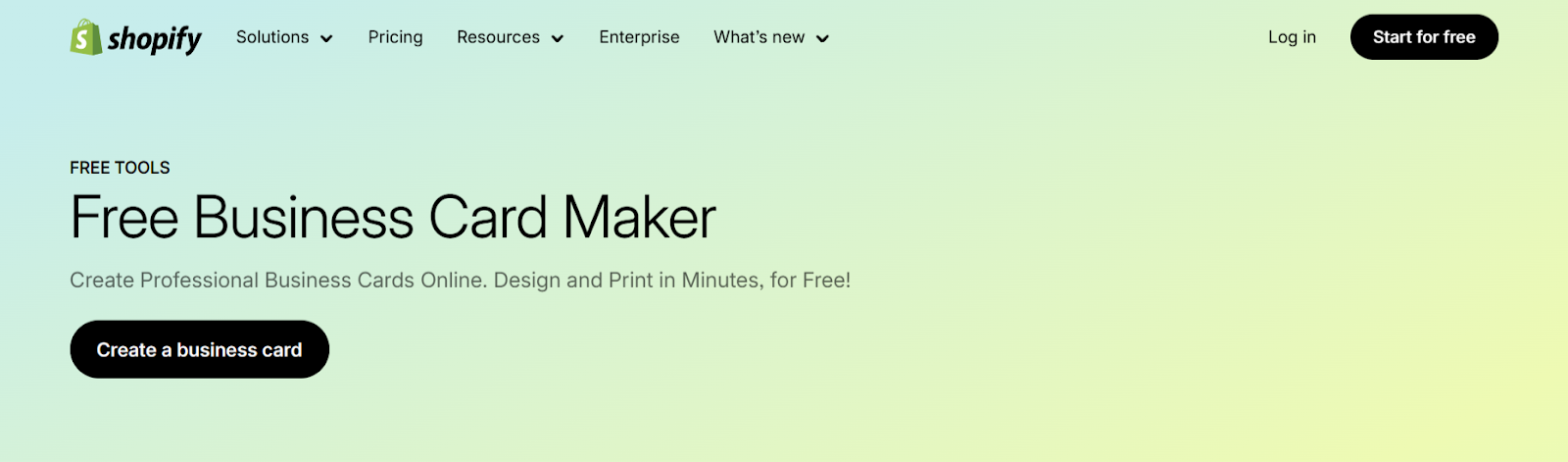
Shopify built this tool with one clear goal in mind: to help small business owners get a complete brand identity fast without hiring a designer. Pick your industry, choose a visual style, and it generates a logo plus a full set of brand assets, including a business card template.
The whole experience is extremely streamlined. Fewer choices to make means faster results and less decision fatigue. If you just want to get branded materials done so you can focus on running your business, this tool gets you there.
Key features:
- Generates a full brand package, including logo, card, and social assets, in one flow
- Extremely beginner-friendly with guided steps
- Works seamlessly with Shopify stores
- Completely free with no paywalls
Pricing:
- Completely free with no hidden costs or premium tiers
Why does it make sense?
Genuinely free with no catches. Very fast and streamlined process. Perfect for Shopify store owners who want consistent branding across online and offline.
Worth noting:
Customization is more limited compared to Design.com or BrandCrowd. Templates are simpler in style, which works for some brands but may feel too basic for others. Best treated as a starting point for new businesses rather than a long-term design solution.
7. Vistaprint
Best for: Users who want to design and print in one place
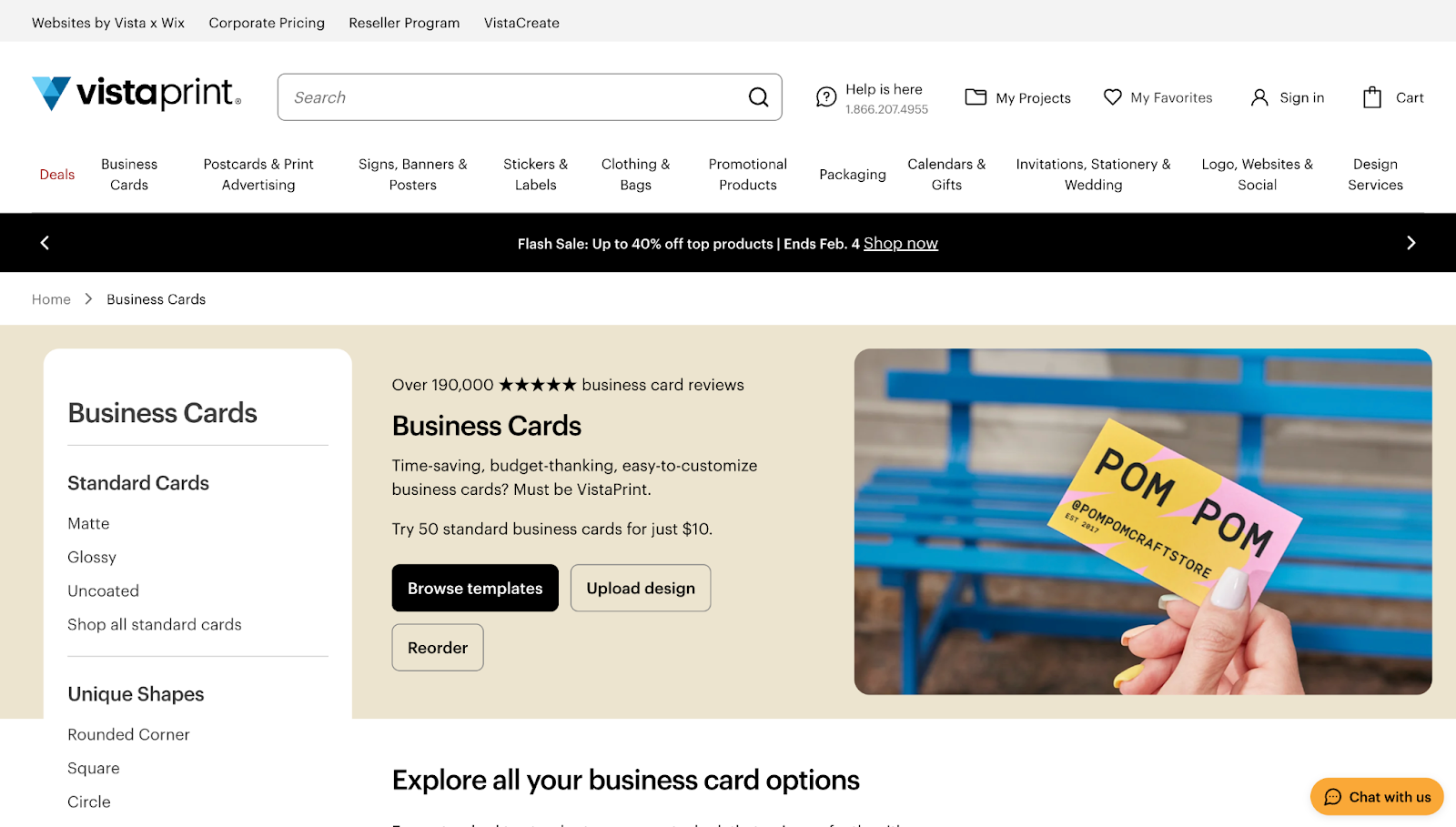
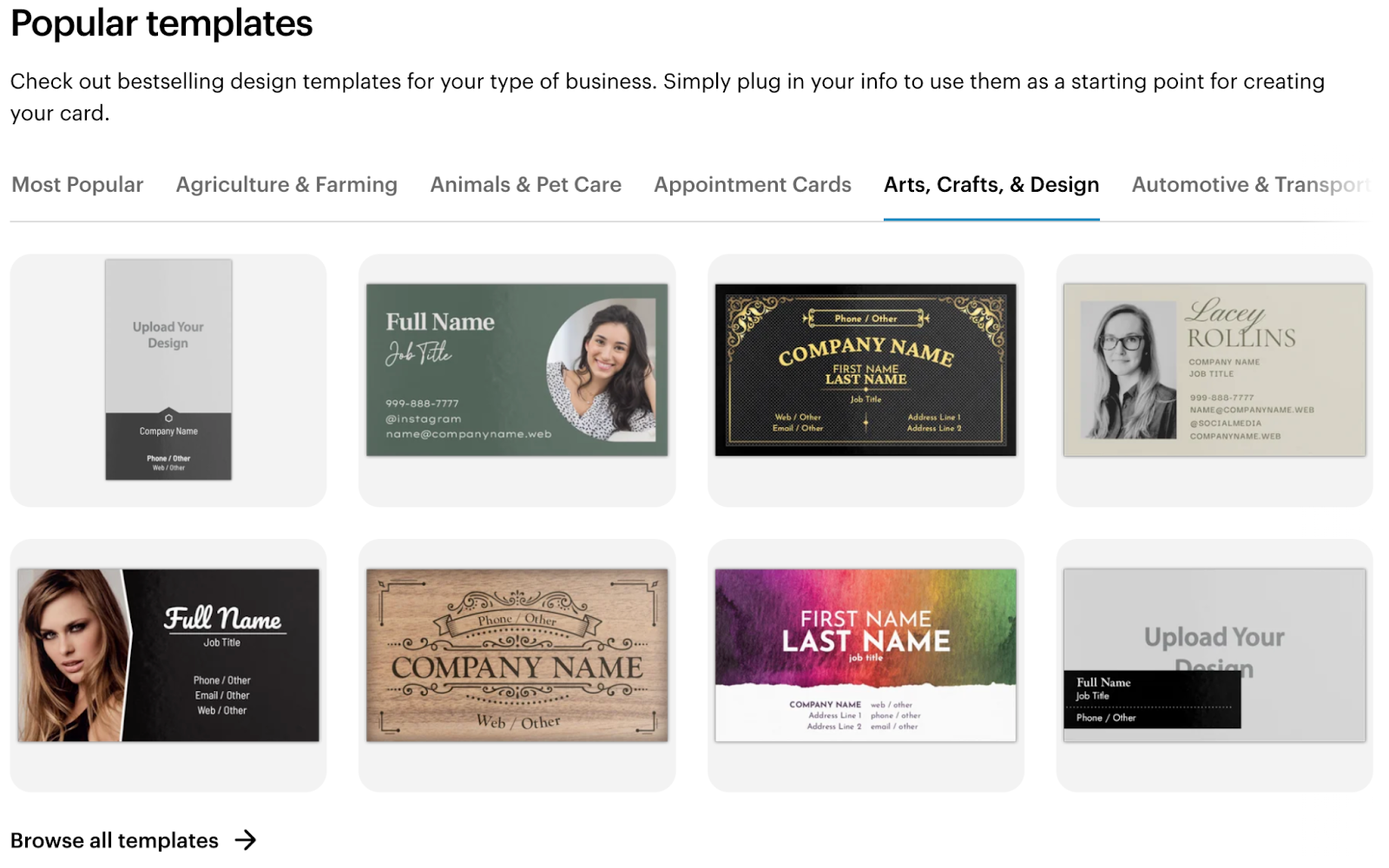
Vistaprint has been printing business cards for decades, and that experience shows. The online designer is not trying to be a cutting-edge creative suite. It is focused on getting you from design to printed cards with as little friction as possible.
The template library covers a wide range of industries and styles. The editor is straightforward enough for non-designers. Where Vistaprint really earns its spot is in printing, with strong quality and competitive bulk pricing.
Key features:
- Wide range of templates across industries
- Straightforward editor for non-designers
- Strong print quality reputation
- Multiple finish options and paper weights
Pricing:
- Free to design
- Pay for printing (typically $10-$20 for 500 cards with basic finishes)
- Frequent promotions and bulk discounts
Why it works:
Design and print in one place eliminates the hassle of exporting files and finding a separate printer. Strong reputation for print quality built over many years. Competitive bulk pricing makes large orders affordable.
What to expect:
The design tool is more basic than dedicated platforms like Canva or Adobe Express. Best for users whose main priority is getting cards printed rather than creating highly custom designs. Free tools are tied to Vistaprint’s print service, so flexibility is limited if you want to print elsewhere.
Tips for Designing an Excellent Business Card
A great tool only gets you halfway there. The other half is the design itself. Here are some practical tips to help your card make a real impression.
Keep it clean and uncluttered
White space is your friend and one of the most underrated elements of good design. It gives your text room to breathe and makes your card easier to scan in seconds, which is exactly how long most people spend looking at a card before deciding whether to keep it or toss it.
Resist the urge to fill every corner of the card with information or decorative elements. A clean layout makes your name and contact details easier to read at a glance, and that clarity is the whole point of handing someone a card in the first place.
Include only what matters
Your name, job title, company name, email address, phone number, and website are usually enough information for someone to follow up with you. If your business is heavily social media-driven, one or two handles can work in place of, or alongside, a website, but more than that can feel cluttered.
Skip the information that nobody actually needs, like your full mailing address, fax number, or multiple phone numbers. Most people will contact you via email or phone first, so prioritize those and leave everything else off unless it serves a clear purpose.
Choose fonts that are easy to read
Decorative fonts can look beautiful in a logo, but can be hard to read at small sizes on a printed card. Your contact details need to be readable at a glance, so stick to clean, professional fonts for body text and save any stylistic choices for your name or a headline element.
A good rule is to use no more than two fonts total on your card. One for headings or your name, and one for body text like your contact information, because using three or more fonts makes the design feel chaotic and uncoordinated.
Match your brand colors
Your card should feel like it belongs to the same family as your logo, website, and other brand materials. Consistency builds recognition over time, so when someone sees your card and then visits your website, they should immediately feel like they are interacting with the same brand.
Tools like Design.com and BrandCrowd make this easy by letting you upload your existing brand palette and apply it automatically across your design. If you do not have a formal brand palette yet, pick two or three colors and stick with them across everything you create, rather than using random colors just because they look nice in isolation.
Use the back of the card
Double-sided printing gives you more room to work with without making the front feel crowded or overwhelming. You can use the back for a tagline, a QR code that links to your website or portfolio, a simple visual element that reinforces your brand, or even leave it blank for people to write notes.
Some designers put all contact details on the back and use the front purely for branding and visual impact. This approach creates a cleaner, more striking first impression and gives you greater flexibility in organizing information across both sides.
Always check a print preview before ordering
What looks good on screen does not always translate perfectly to print because colors can shift slightly, text can appear smaller or larger than expected, and spacing that looks fine digitally can feel cramped or loose when printed on cardstock. Most tools offer a print preview feature that shows you how your design will look in physical form, and you should always use it before placing an order.
Check font sizes, color balance, spacing, and alignment carefully in the preview. Catching a mistake at this stage costs you nothing, but catching it after you print 500 cards costs you time, money, and a lot of frustration.
Getting Your Business Card Right
You do not need a big budget or years of design experience to create a business card that makes people take notice. The tools available today prove that professional quality is accessible to anyone willing to spend a bit of time learning the basics and applying them thoughtfully.
What matters most is not which tool you pick but how you use it. A simple card with clean layout, readable fonts, and relevant information will always outperform a flashy design that tries to do too much. Focus on clarity first, then add personality through color, typography, and subtle design choices that reflect your brand.
The best business card is the one that gets kept instead of thrown away. Make yours count by keeping it clean, making it easy to read, and ensuring it feels like an authentic representation of who you are and what you do. The right first impression opens doors, and a well-designed card is often what keeps that door from closing.





