
Business data resides in CRMs, spreadsheets, marketing apps, databases, support systems, and more in most organizations. Managers and business owners often spend hours moving and cleaning scattered data, leading to missed opportunities and slower growth. In fact, 90 percent of organizations still struggle with data trapped in silos.
This is exactly where smart teams shift toward real data integration tools. These tools connect your systems in real time and deliver data to a single, trusted dashboard. That way, your teams can access accurate information instantly.
If your business is dealing with disconnected systems, tools like Yellowfin, Tableau Prep, Fivetran, Integrate.io, and MuleSoft can help. To see how connected data and real-time analytics work in practice, you can also explore a live demo here.
Let’s take a closer look at the top data integration tools and see which solutions can save your team time, streamline workflows, and empower smarter, faster decisions.
Key Takeaways
- Data integration unifies CRMs, ERPs, marketing tools, and databases, breaking silos.
- Top Tools: Yellowfin blends integration with analytics; Tableau Prep focuses on visual data prep; Fivetran, Integrate.io, and MuleSoft focus on pipelines, file automation, and enterprise connectivity.
- Key factors for choosing the right tool: business size and goals, data sources, ease of use, reporting needs, budget.
- The right platform turns scattered data into actionable insights.
Why Does Your Business Need Data Integration Tools?

Teams use multiple tools, such as ERP systems, CRM platforms, marketing dashboards, and support apps. This often leads to slow processes such as:
- Manually exporting data every day.
- Cleaning and merging spreadsheets.
- Working with reports that become outdated quickly.
- Making decisions without full visibility.
These inefficiencies cost opportunities, delay decisions, and burn hours that could be spent driving growth. Data integration tools fix all of that. They connect directly to your systems, automatically bringing in fresh data. With these platforms:
- Keep dashboards updated continuously.
- Spot trends as they happen.
- Make faster, more confident decisions.
- Reduce errors and eliminate manual busywork.
Best Data Integration Tools Worth Trying in 2026
Businesses today will find many leading tools in the market. Each tool comes with its unique strengths and downsides. Here we’ll explore the tried and tested data integration tools you should consider in 2026.
1. Yellowfin
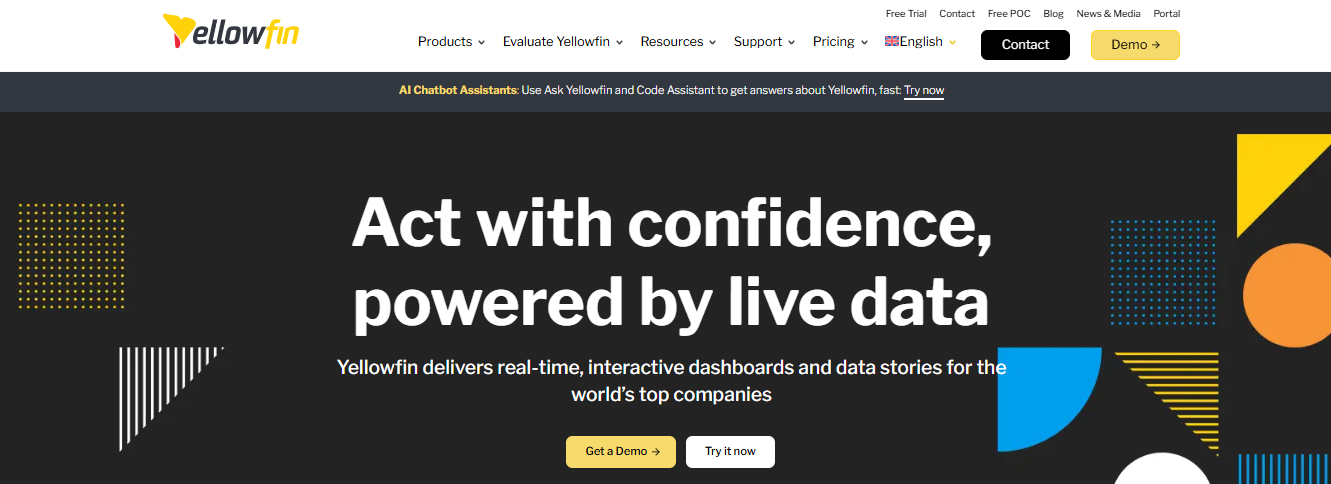
Many teams struggle to connect scattered data sources and turn them into useful insights quickly. Using separate tools for data integration and analytics often slows things down and adds unnecessary complexity.
Yellowfin solves this by bringing data transformation and integration capabilities together into one platform. Instead of switching between multiple tools, your team can connect, prepare, and analyze data in a single environment.
With 250+ real-time connectors powered by the partnership with CData Software, teams can easily access data from CRMs, ERPs, marketing platforms, and other SaaS tools.
Who is it for?
Data teams that want to connect multiple data sources, transform data quickly, and analyze it in one platform without managing separate integration and BI tools.
Key Features
- Drag-and-drop interface: Easily build data transformation flows with a visual interface without any need to write code.
- Multiple data sources: Connect tables, flat files, SQL queries, and popular SaaS platforms like Salesforce and Google Analytics.
- Integrated analytics: Process your data directly in Yellowfin and instantly use it for dashboards, reports, and analysis.
- Leverage data science: Apply advanced models from PMML, PFA, and H2O.ai to improve and automate data transformations.
- Visual data lineage: Clearly track how your data moves and changes using color-coded views and built-in error detection.
Why Does Yellowfin Stand Out?
With live connectivity and a large library of pre-built connectors, you can quickly pull data from your existing systems, transform it, and turn it into dashboards and reports without delays. Instead of spending time managing separate tools, your team can focus on turning raw data into real insights and making faster business decisions with Yellowfin.
2. Tableau Prep
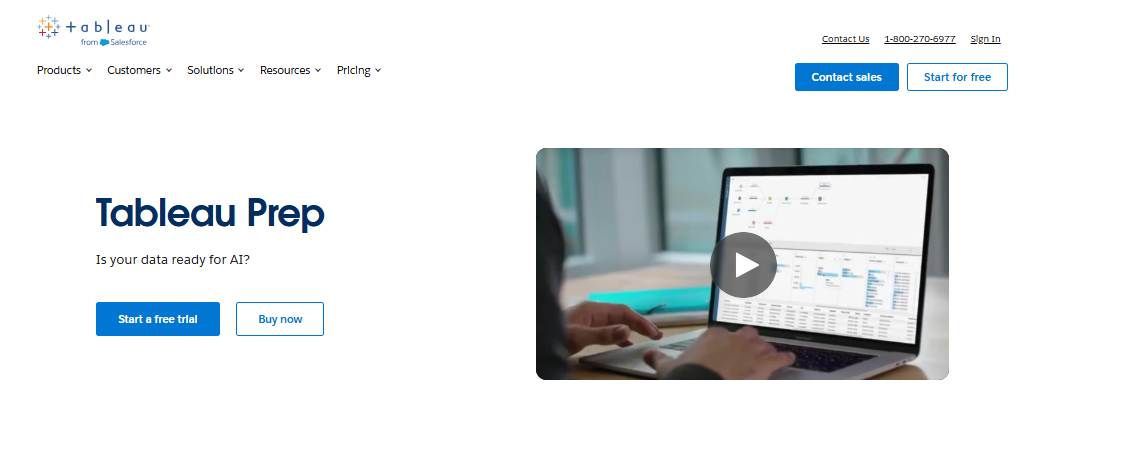
If your team is sitting on large volumes of data but still struggling to turn it into clear insights and real decisions, the problem often lies in disconnected tools and slow reporting processes. Data is stored across databases, spreadsheets, and apps, making it difficult for teams to see the full picture.
Tableau Prep makes data preparation simple and fast. Without spending hours preparing reports or waiting for analysts, Tableau Prep helps teams connect their data, visualize insights, and take action directly inside their workflows.
Your team can bring together data from multiple sources, explore patterns visually, and share insights instantly across the organization. This helps decision makers move faster and act with confidence.
Who is it for?
Data teams and business leaders who want to connect multiple data sources, visualize insights quickly, and turn analytics into real business actions.
Pros
- Pull data from flat files, databases, and cloud warehouses, then clean and combine it using visual tools, SQL, or AI-assisted workflows.
- Get insights faster with AI-powered analytics
- Build real-time dashboards to monitor KPIs and keep teams aligned with business goals.
- Deliver insights directly into workflows so teams can act faster.
Cons
- Limited advanced data transformation features compared to some tools.
- May require a Tableau Creator license to access full capabilities.
3. Fivetran
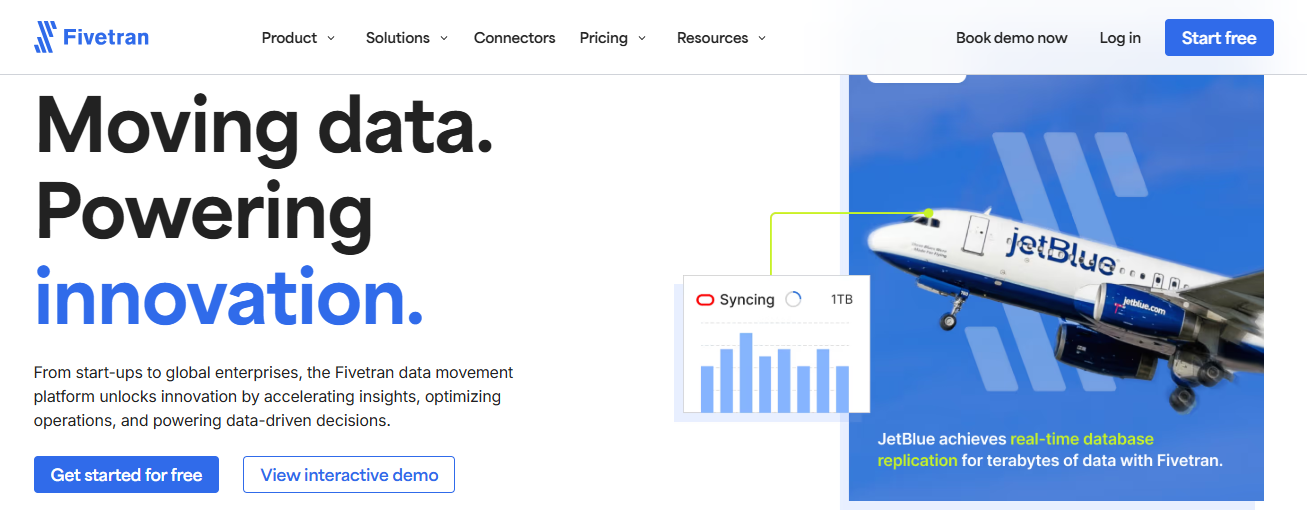
Managing data pipelines across multiple tools often slows down analytics. Teams end up spending more time fixing broken connectors and syncing data than actually using it for insights.
Fivetran solves this by automating data movement from hundreds of sources directly into your data warehouse or data lake. You can quickly centralize data and make it ready for analysis without manually building and maintaining pipelines.
With 700+ pre-built connectors, you can instantly pull data from platforms like Salesforce, Google Ads, Shopify, and HubSpot. This helps teams move from scattered data to actionable insights much faster.
Who is it for?
Data teams that want pre-built connectors and automated pipeline maintenance without constantly managing integrations.
Pros
- Effortless setup with hundreds of pre?built connectors that link to SaaS tools, databases, ERPs, and data lakes.
- Fully managed pipelines automate data movement with minimal maintenance.
- Move data directly into warehouses or lakes for faster reporting.
- Supports SOC 2, GDPR, HIPAA, and ISO 27001 compliance.
Cons
- Limited built?in transformation options.
- Pricing can rise quickly as data volume and connectors grow.
4. Coupler.io
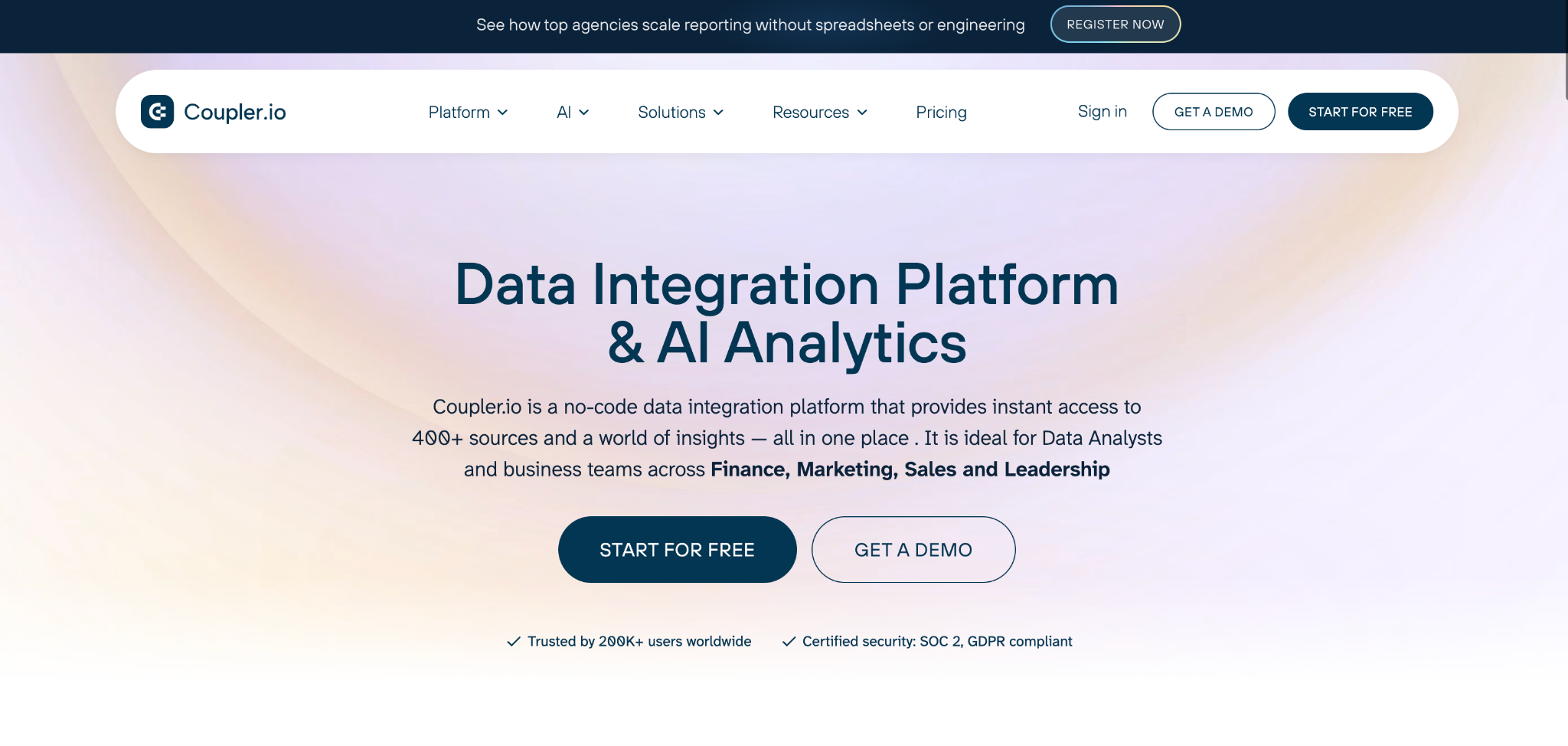
Marketers, analysts, and operations teams often waste hours manually exporting data from spreadsheets, ad platforms, and CRMs before it can be used for any real analysis. When teams also need to export data to ChatGPT or other AI tools, the manual back-and-forth becomes a serious bottleneck.
Coupler.io is a data integration and AI analytics platform that solves this by automating data collection from 400+ sources and delivering it directly to your dashboards, reports, and AI tools on a custom schedule. With connectors spanning Google Sheets, Airtable, Meta Ads, Shopify, and HubSpot, teams can centralize their data and export data to ChatGPT for instant conversational insights without writing a single line of code.
Who is it for?
Marketing, sales, and operations teams that want to automate data integration and AI analytics without relying on developers or data engineers.
Pros
- Connects 400+ data sources with a no-code setup.
- Schedule automatic data refreshes on a custom schedule.
- Built-in AI Agent and AI integrations let you chat with your data and get instant conversational insights.
- Gallery of pre-built dashboard templates
Cons
- Pricing scales with the number of integrations and refresh frequency.
- While the basic setup is easy, complex data merging requires a bit of time to master.
5. Integrate.io
File-based data is one of the biggest bottlenecks in data integration. Teams often spend hours cleaning spreadsheets, standardizing file formats, and manually preparing data before it can even be used for analytics. This slows down reporting and increases the risk of errors.
Integrate.io automates file data preparation and transformation. Teams can easily build automated pipelines that standardize, clean, and move file data directly into their analytics systems.
With its no-code interface and automated workflows, organizations can eliminate manual file processing and make data ready for analysis much faster.
Who is it for?
Data teams that want to automate file-based data preparation and eliminate manual spreadsheet processing.
Pros
- Use a drag-and-drop interface to build ETL and ELT workflows quickly.
- Connects many sources and destinations, automating data flows end to end.
- Work with CSV, Excel, XML, JSON, X12, BAI, and more.
- 220+ transformation components to clean, normalize, and structure data.
Cons
- Performance can lag with very large datasets or complex pipelines.
- Not as strong at advanced or highly custom transformations.
6. MuleSoft
Teams struggle to connect hundreds of systems, manage APIs, and orchestrate new AI-driven workflows across the organization.
MuleSoft gives teams a unified platform for integrating applications, automating workflows, and managing APIs and AI agents across the enterprise.
With hundreds of pre-built connectors and API management tools, MuleSoft helps organizations turn disconnected systems into a connected ecosystem where data, apps, and AI agents work together.
Who is it for?
IT and data teams that want to connect enterprise systems, manage APIs, and automate workflows on a single integration platform.
Pros
- Use hundreds of pre-built connectors to integrate SaaS apps, databases, and enterprise systems.
- Design, deploy, and govern APIs from a single control platform.
- Eliminate manual tasks using integration flows and robotic process automation.
Cons
- Higher licensing costs compared to simpler data integration tools.
- More complex setup and maintenance than low?code ETL platforms.
How to Choose the Right Tool for Your Business?
Choosing the right data integration tool isn’t a choice you make once and forget about. It shapes how your teams work each day, how fast they make decisions, and how confident you are in your business data. The right choice lets your team stop chasing spreadsheets and make bigger strides in growth, performance, and strategy. Take these factors into account when selecting a tool:
- Think about your business size and goals. A small team may want a tool that’s simple to set up and use. A bigger company with more data will want something that grows with you.
- Check your data sources. Make sure the tool connects to all the systems you use so you don’t end up doing work manually.
- Look at how easy it is to use. Tools with visual or drag?and?drop interfaces help your whole team get up and running fast without needing lots of tech help.
- Think about your reporting needs. If you need dashboards, choose a tool that works well with analytics and reporting so your data is ready when you need it.
- Plan your budget wisely. Consider total costs like setup, licenses, support, and training, so you’re not surprised later.
Don’t Let Data Hold You Back: Make the Smart Move Today!
Your data should help you grow, not slow you down. Choosing the right data integration tool changes outcomes. It’s not just about technology. If you want both real-time data connectors and integrations that reduce manual work and give your teams trust in their numbers, then among all tools, Yellowfin stands out as an all?in?one choice worth testing. Ready to make smarter decisions faster? Yellowfin can help your business streamline data and unlock actionable insights.