Looking to build a website? You don’t need to hire a developer or have advanced coding skills. It’s now easier than ever thanks to no-code website builders that let you create everything from simple portfolios to full ecommerce businesses in just a few clicks.
Whether you want the most beginner-friendly tool, ultrastylish designs, affordable pricing, or robust ecommerce tools, there’s a builder tailored to your needs. Below, we cover five of the top platforms this year and explore their features to help you find the right tool for you.
Let’s get started!
How to Choose the Right Website Builder
The right website builder for you will depend on your needs, branding goals, budget, and skill level.
Ask yourself some questions:
- What are your needs? For instance, are you planning to build a landing page for an event or are you looking to start an online shop for your baked goods?
- Are you a complete beginner at design or do you want some level of creative control?
- How much technical setup do you want to do?
- Are you planning to scale your business later? Add e-commerce features, technical integrations, third-party apps?
- How much are you willing to spend? Don’t just look at the starting price, make sure you also factor in additional costs like upgrades, domain fees, or transaction fees.
This should help you get an idea of what features your website builder platform should ideally have.
Top 5 Website Builders in 2026
1.Design.com
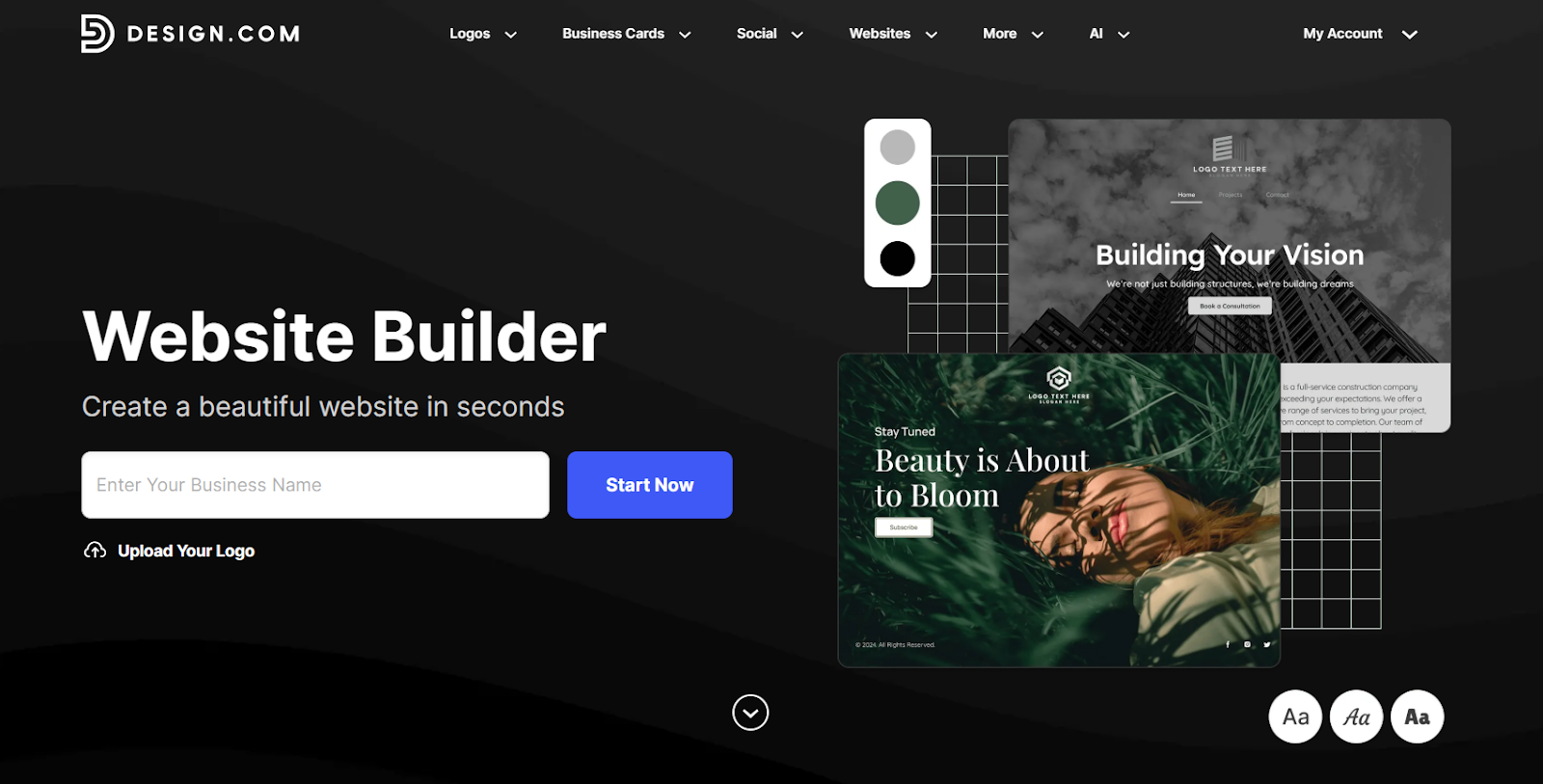
If you want a website that feels like it was custom-made for your brand (without the hassle of building it yourself), then Design.com is the one for you.
Design.com has a massive library of templates that spans various industries, niches, and styles. The variety of designs makes it easy to find the right fit, whether you have a food truck, law firm, or a pilates studio.
Design.com also has the best AI website builder feature if you want an even more tailored result. Simply enter your brand name plus some relevant keywords, and the AI will generate designs based on your input. Since it studies your name, industry, and keywords, the websites you get are 100% tailored to your brand rather than just generic layouts. You can also fully customize the templates to make it even more personalized to your needs.
Key Features
- Extensive template library across industries
- Smart AI website generator that provides tailored and on-brand results
- Endless generation and refinement, no cap or limits on the AI tools
- Templates are fully customizable, users can change every element as they see fit
- Built-in contact forms, online payments, maps, image and video integration, email capture, etc.
Pricing
- Free Plan – Up to 3 pages only, with watermark, and limited website editor features
- Paid Plan – $9/month billed monthly, unlimited pages, no watermark, full editor access, free custom URL, can connect custom domain
Best For
- Small businesses and entrepreneurs who want on-brand sites without the technical complexity
- Startups looking to launch fast
2. BrandCrowd
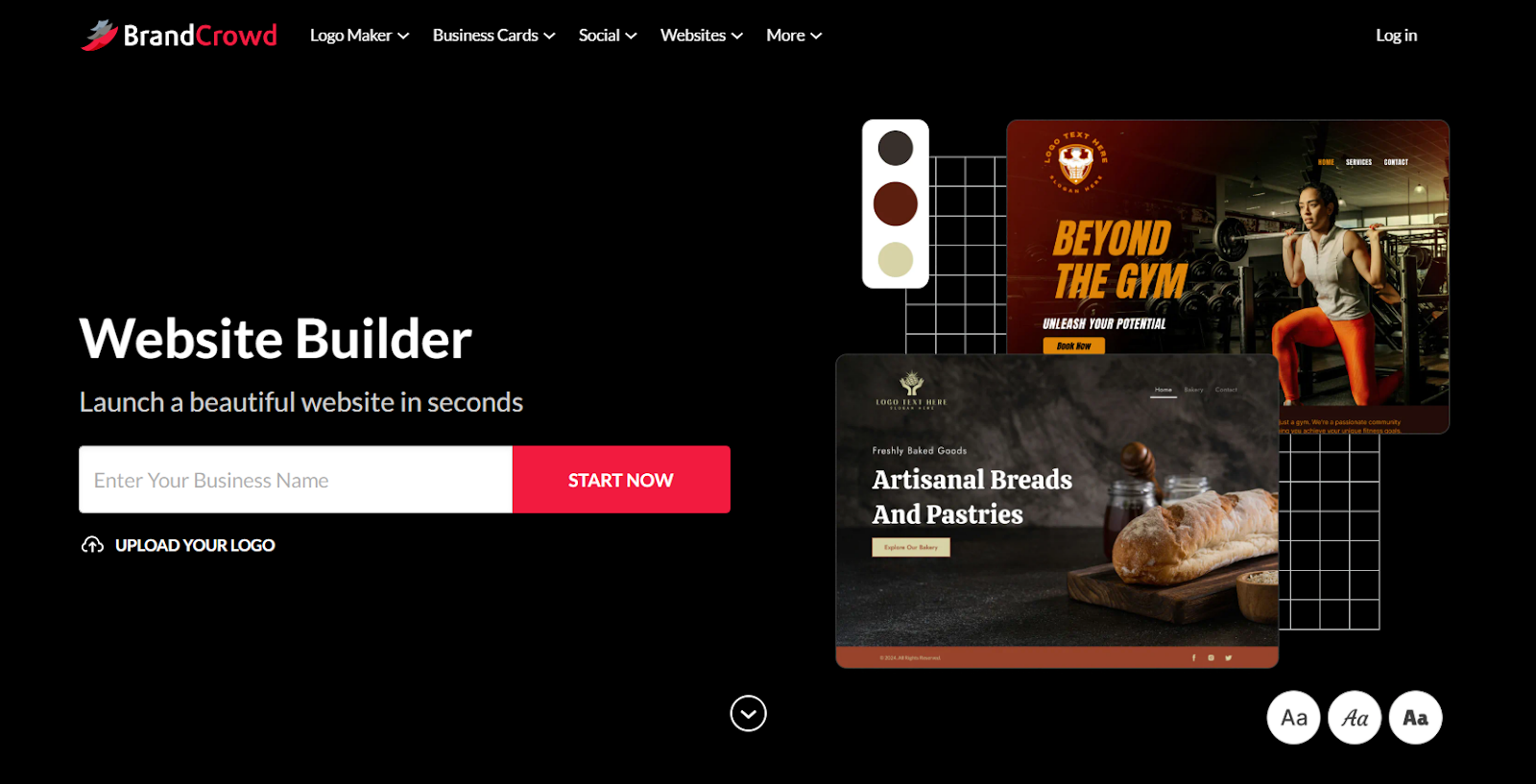
BrandCrowd is a top website builder option for users who care most about having a visually standout site. Rather than simple or basic layouts, BrandCrowd offers a collection of creative designs that are trendy, modern, and stylish. This makes them a popular pick for creators, businesses, and startups that want a site that feels premium without needing a designer.
BrandCrowd also offers an intuitive and beginner-friendly editing experience. They feature a drag-and-drop editor to easily move elements around. Users can also change colors, backgrounds, icons, text, or layouts with just a few clicks. This makes it easy to achieve great results even if you don’t have any design or coding background.
Key Features:
- Wide range of beautiful and stylish templates
- Library of exclusive fonts and shapes only available in the platform, for more unique designs
- Preset options for layouts, animations, or text effects for an easier way of spicing up the design
- Responsive templates
- Essential business features such as contact forms, email list, meeting bookings, online payments, and more
Pricing:
- Free Plan – $0 for a basic website with hosting, watermark, and limited editor features
- Paid Plan – $6 billed annually, no watermark, unlimited pages, full features
Best For
- Businesses, freelancers, and creators that prioritizes visual aesthetics
- Users who want creative flexibility when it comes to building the site
3. Nicepage
Nicepage is a flexible website builder that stands out for its powerful design capabilities and cross-platform workflow.
With Nicepage, you can create a wide range of websites, including landing pages, portfolios, business websites, blogs, and even e-commerce layouts. What makes it unique is that it works both as a standalone desktop app and an online builder, giving users more control over how they design and publish their sites.
Editing in Nicepage is intuitive and precise. It uses drag-and-drop combined with a grid-based structure, allowing you to position elements freely while still maintaining clean, responsive layouts. Unlike many builders, it also lets you export your website as HTML or integrate it with platforms like WordPress and Joomla, which is ideal for developers and advanced users.
A downside is that Nicepage may require more learning at the beginning, especially if you want to take full advantage of its advanced customization and export features. However, it rewards users with greater flexibility and ownership over their websites.
Key Features:
AI-Powered Builders
17,000+ modern templates and design blocks
Drag-and-drop editor with responsive control
Desktop and online versions available
Export to HTML, WordPress, and Joomla
Built-in design tools for images, animations, and layouts
Pricing:
Free Plan: Limited features with Nicepage branding
Paid Plan: Starts at $7/month, unlocking full export options and premium templates
4. Wix
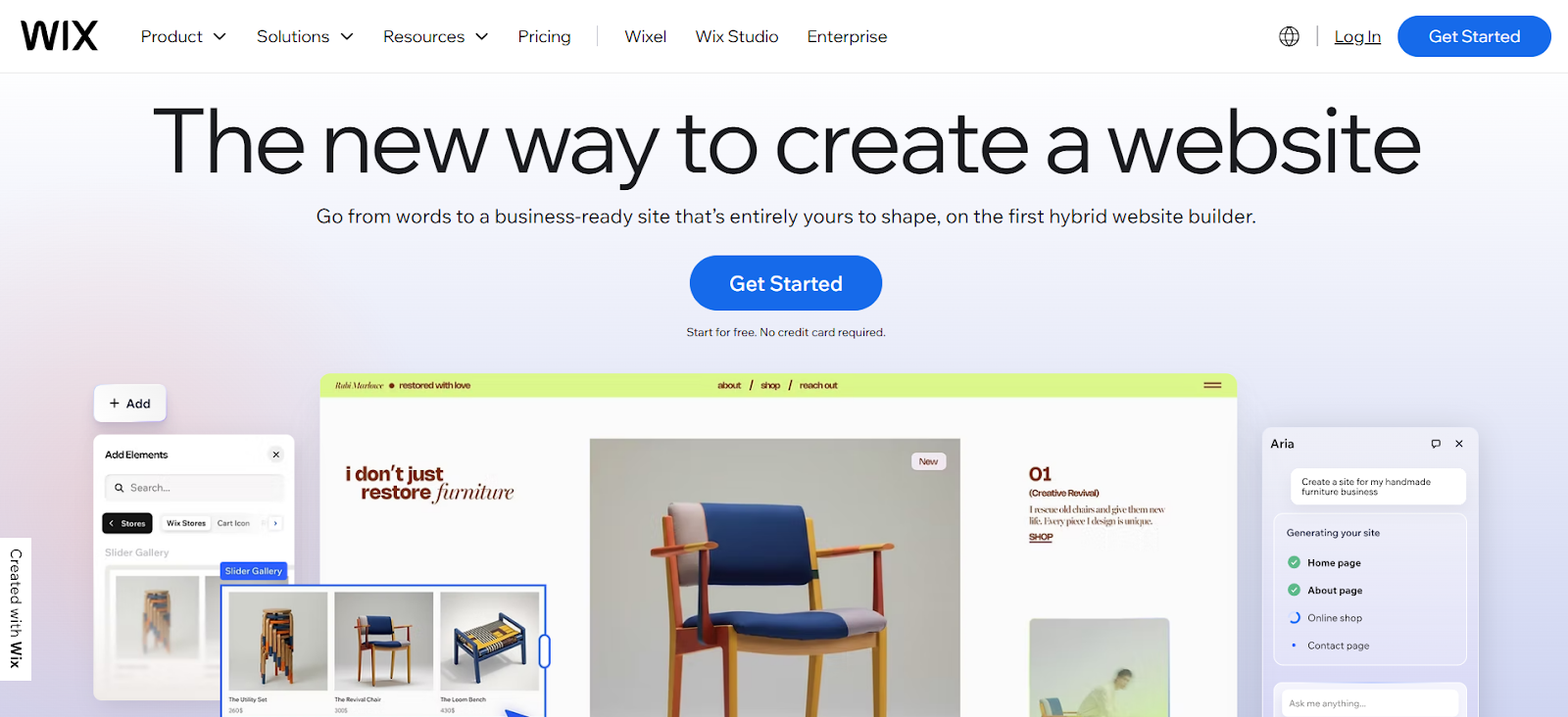
Wix is one of the most popular builders thanks to its adaptability and ease of use.
You can create anything on Wix. E-commerce store, a page for portfolio, online course, event, blog, or scheduling, or just a professional website for your business–you name it, they got it.
Editing is also easy on the platform. They have a no-code drag-and-drop editor combined with a fluid canvas. This means you can place anything anywhere, unlike other platforms that use content blocks or have strict rules on where you can place elements.
The only downside is that Wix may get a bit overwhelming for new users, thanks to the amount of editing options, integrations, and creative freedom you get. Still, it’s still more beginner-friendly compared to building a site from scratch.
Key Features:
- 2500+ templates to choose from
- AI editor and other AI tools to streamline the process
- Library of components, graphics, and animations to beautify your site
- Built in SEO, email marketing tools, social media marketing, and analytics tools
- Enterprise grade security
Pricing:
- Free Plan: Comes with Wix branding and a wixsite.com domain plus limited features
- Paid Plan: Starts at $17/month, where you can remove the Wix branding and connect a custom domain. The higher the plan, the more storage, features, and collaborators you unlock.
5. Weebly
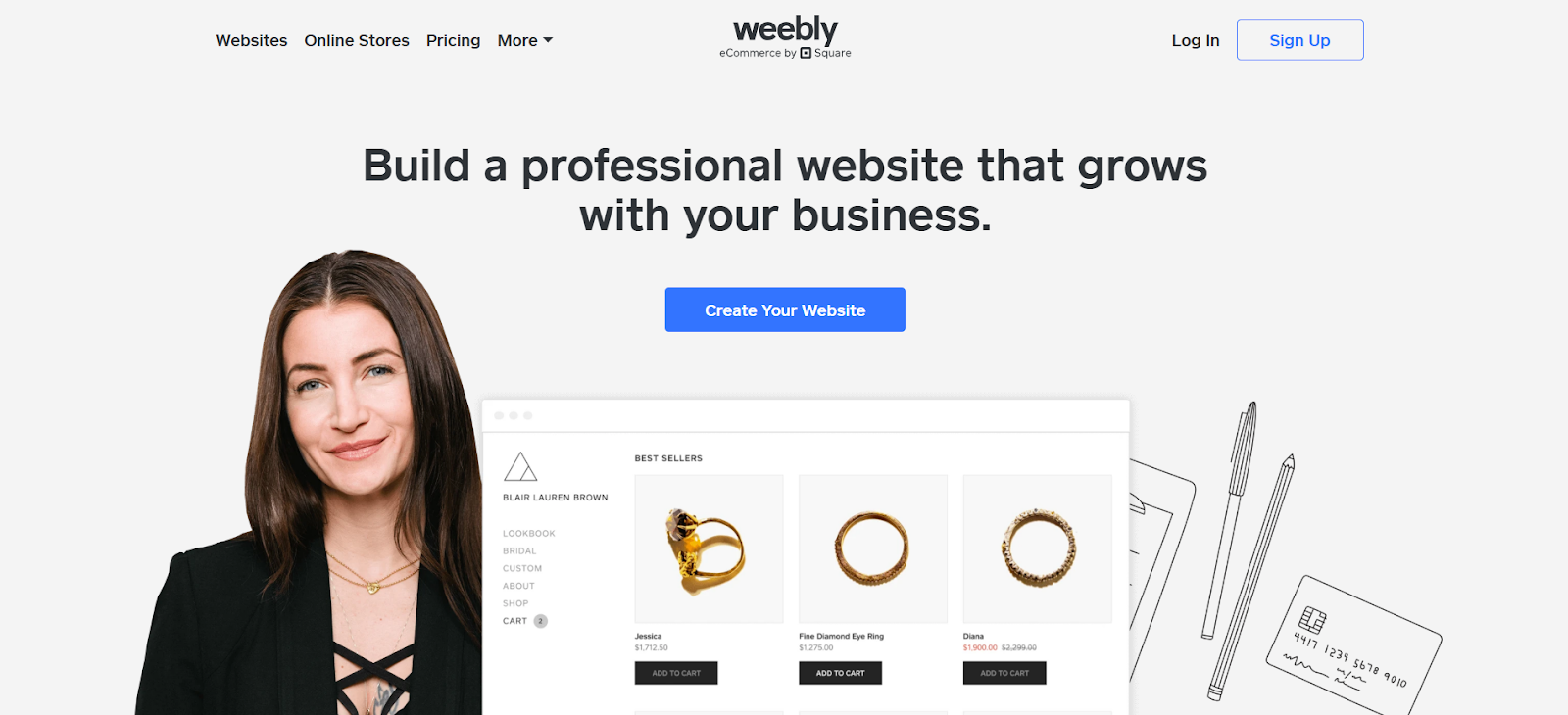
Weebly remains a go-to platform for entry-level users thanks to its straightforward editor and simple controls.
Weebly starts you off with a few questions in order to find the best layout for you. Once you choose a design, you’ll be taken to their editor. From there, you can drag elements to the design to add them or click to edit an existing element. It’s pretty simple which is great for complete beginners, but more experienced users may find the editing features and design options a bit lacking.
What makes Weebly stand out is the option to add apps and integrations to make your site more powerful. You can add basic e-commerce functionality, sales channels, chat box, counters, custom HTML, post scheduler, and more. It’s perfect if you want a simple website now but are considering to scale up in the future.
Key Features:
- Easy drag-and-drop editor
- Hundreds of templates to choose from
- Custom HTML/CSS and Javascript to customize your site further
- Option to add more advanced apps and e-commerce features
Pricing:
- Free Plan: Can’t connect a custom domain, must use a weebly subdomain, plus limited storage and bandwidth. You do get a lot of the features though (you can access most of the e-commerce and SEO tools, plus customer support)
- Paid Plan: Starts at $10, which gives you a custom domain and access to the features. As always, the higher the plan the more features and integrations you unlock.
Best For
- Beginners that want a simple workflow
- Businesses that want the option to expand their website offering in the future
6. Shopify
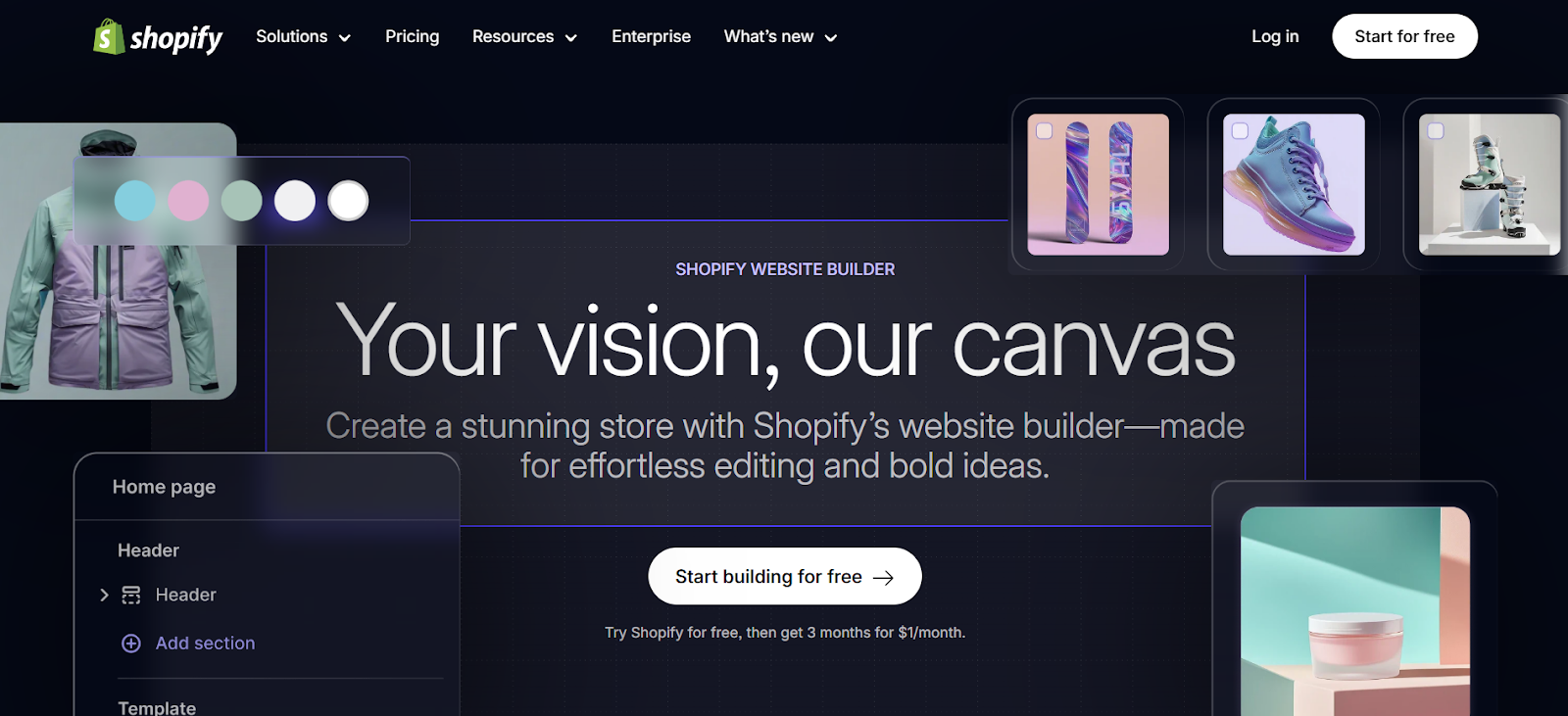
Shopify is the platform to go for if you want to sell online but don’t want to deal with the technical setup.
Unlike general website builders that add ecommerce as a feature, Shopify is built specifically for selling. They have themes for dropshipping, bookstores, health & beauty, and other ecommerce niches. They also have built-in tools for payment, inventory tracking, order management, abandoned card recovery, and more. Users can also access a wide range of SEO tools, marketing tools, and email tools to help you further grow your business.
Shopify is great but may be a bit too advanced for beginners. It may take a longer learning curve, though it is still easier to grasp than coding things yourself. And since it is more geared towards e-commerce use, if you’re not planning to sell anything then it’s not the best platform for you.
Key Features:
- Thousands of e-commerce themed layouts to choose from
- Built in e-commerce tools
- Drag-and-drop editor for easy customization
- Advanced site security plus secured checkout with fraud protection
Pricing:
- Paid Plan – Starts at $25/month. Basic plan already has a lot of features, but has some limitations on things like inventory location and API access. Shopify Plus at $2,300/month unlocks all features.
Best For:
- Ecommerce businesses of any size
- Brands planning to scale online sales
7. Pixpa
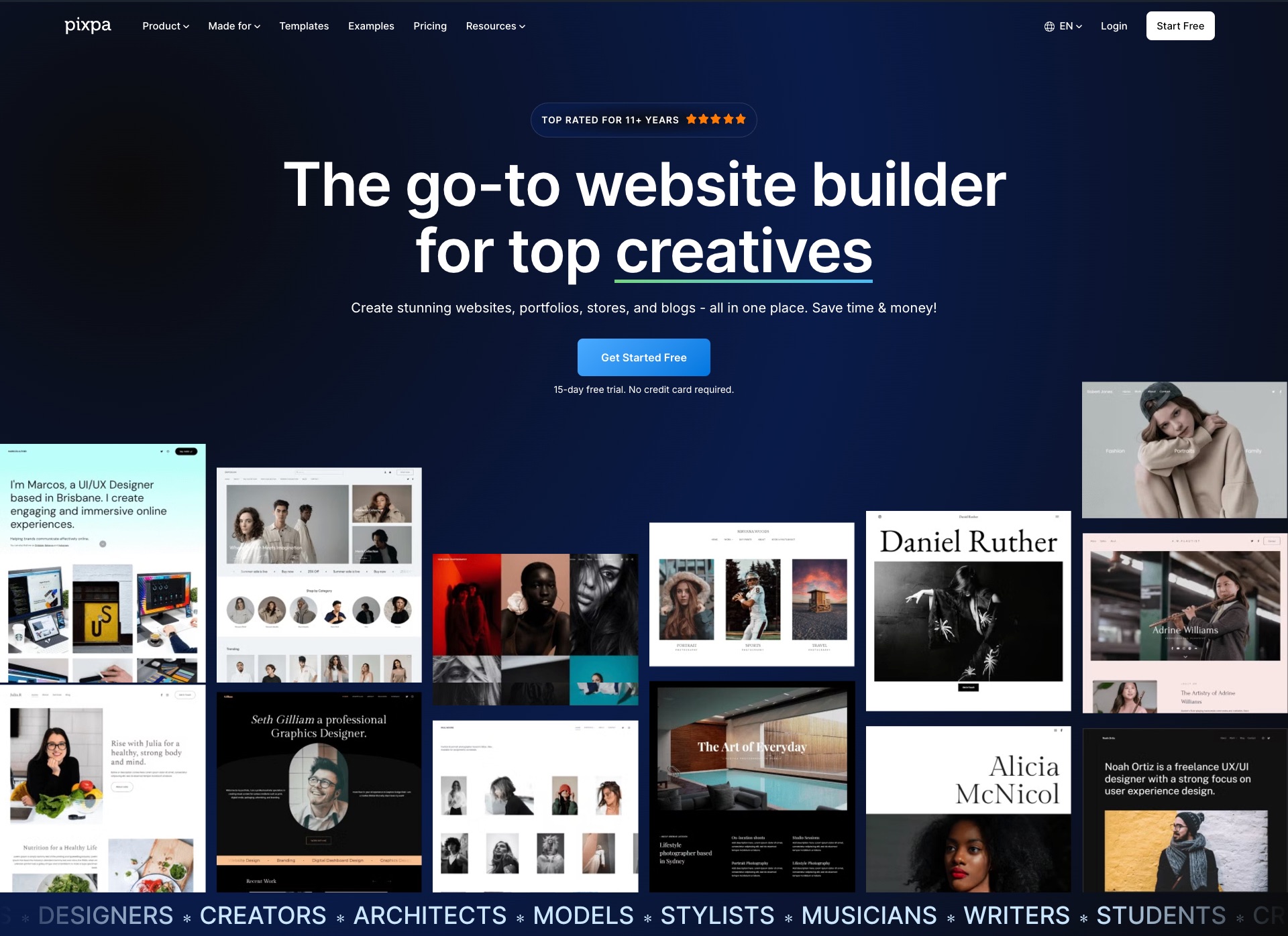
Pixpa is an all-in-one website builder designed specifically for creative professionals, freelancers, and small businesses who want to build a stunning online presence without technical complexity. From portfolio websites to fully functional online stores and client galleries, Pixpa combines powerful features with an intuitive interface, so you can focus on showcasing your work and growing your business.
Features:
- Build Your Website – Create stunning portfolio websites
- Start an Online Store – Sell products, services & digital files
- Sell Images – Sell images as prints & downloads
- Client Galleries – Share, proof, sell & deliver images
- Photo Gallery Apps – Personalized gallery apps for clients
- Start a Blog – Publish a blog to share your stories
- Made for Creative Pros: Photographers, Designers, Artists, Architects, Fashion Models, Stylists and Creatives.
Pricing:Plans start at $6/month (billed annually), depending on features and business needs.
Free Trial: 15-day free trial available.
Best For:
- Best for creative professionals such as photographers, artists, designers, and agencies, who want an all-in-one platform to build professional portfolios, manage client galleries, and sell their work online, all without needing any coding knowledge
- Provides an affordable alternative to platforms like WordPress or Shopify, combining hosting, blogging, and a store into an easy drag-and-drop system
Conclusion
Whether you’re launching your first business, growing an ecommerce brand, or redesigning your business site, today’s website builders make website building more accessible than ever.
You no longer need to be a developer or spend big bucks to hire one. From drag-and-drop editors to AI-assisted tools, creating a polished online presence is faster and more affordable than it used to be.
So which is the best website builder to use?
To recap:
- Best for on-brand websites: Design.com
- Best design templates: BrandCrowd
- Best for flexibility: Wix
- Best for beginners: Weebly
- Best for e-commerce: Shopify
As you can see, there’s no single “best” builder for everyone. There’s only the best one for your specific needs.
The good news is that most platforms offer free plans, so you can test before committing. So figure out what you need, test the website out, and pick the platform that is most intuitive for you.