As companies grow, managing content across multiple brands can quickly become complex. Separate websites, disconnected workflows, and duplicated content often lead to inefficiencies, higher costs, and inconsistent customer experiences.
A CMS designed for multi-brand management helps organizations centralize content operations while maintaining unique branding, permissions, and workflows for each brand. This allows teams to scale more efficiently and deliver consistent experiences across websites, apps, and other digital channels.
In this article, we’ll explore 6 of the best CMS platforms for managing multiple brands on a single instance, comparing their features, strengths, and ideal use cases to help you choose the right solution for your organization’s needs.
What Makes a CMS Suitable for Multi-Brand Management?
Not every CMS is built to support multiple brands from a single instance. While some platforms require separate installations for each website, others provide centralized tools that make it easier to manage content, users, and digital experiences across an entire brand portfolio.
The need for a more unified approach is growing. According to a recent survey of 400 technology leaders, 92% reported challenges keeping different content and data types consistent across their organization, while 64% struggled to reuse content stored in their CMS. These challenges become even more pronounced as organizations expand into new markets, launch additional brands, or grow through acquisitions.
When evaluating a CMS for multi-brand management, look for the following capabilities:
Centralized Content Governance
A multi-brand CMS should allow teams to manage content, assets, and publishing workflows from a single platform. Centralized governance helps maintain consistency while reducing administrative overhead.
Reusable Content and Assets
The ability to share content components, media libraries, and templates across brands can significantly reduce duplication and improve efficiency. Teams can create content once and adapt it for multiple websites or channels.
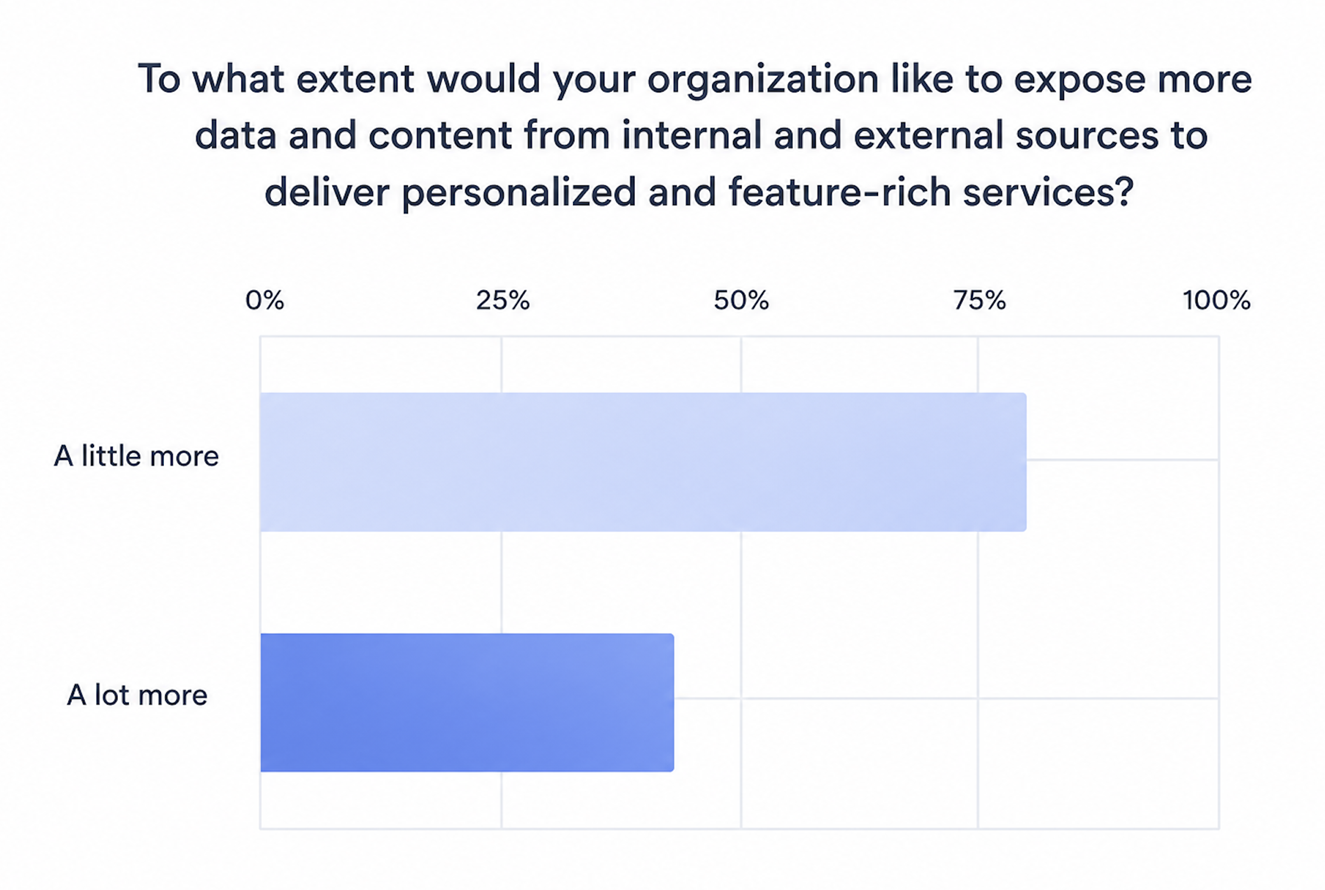
As digital experiences become more personalized and interconnected, organizations increasingly need to make content and data available across multiple channels without recreating it for each touchpoint.
Brand-Specific Permissions and Workflows
Different brands often have separate marketing teams, approval processes, and content requirements. A suitable CMS should support role-based access controls and customizable workflows for each brand.
Omnichannel Content Delivery
Modern organizations publish content across websites, mobile apps, digital displays, and other channels. A CMS with strong omnichannel capabilities ensures content can be delivered wherever customers interact with the brand.
This is one of the key reasons many organizations are adopting headless architectures, which work seamlessly with static site generators (SSGs) such as Hugo and Eleventy to deliver fast, scalable digital experiences across multiple touchpoints.
Scalability and Integrations
As businesses grow, their CMS should be able to support additional brands, markets, and digital properties without requiring major infrastructure changes. Integration with analytics, CRM, e-commerce, and marketing tools is also essential for long-term success.
Now that you know what to look for in a multi-brand CMS, let’s explore some of the leading solutions on the market. To make the comparison easier, we’ve grouped them into two categories: headless and omnichannel CMS platforms, and enterprise suites designed for multisite management and personalization.
Headless & Omnichannel CMS Platforms
1. Hygraph
Best for: Enterprises managing multiple brands, markets, or acquired businesses that want centralized infrastructure without sacrificing brand autonomy.
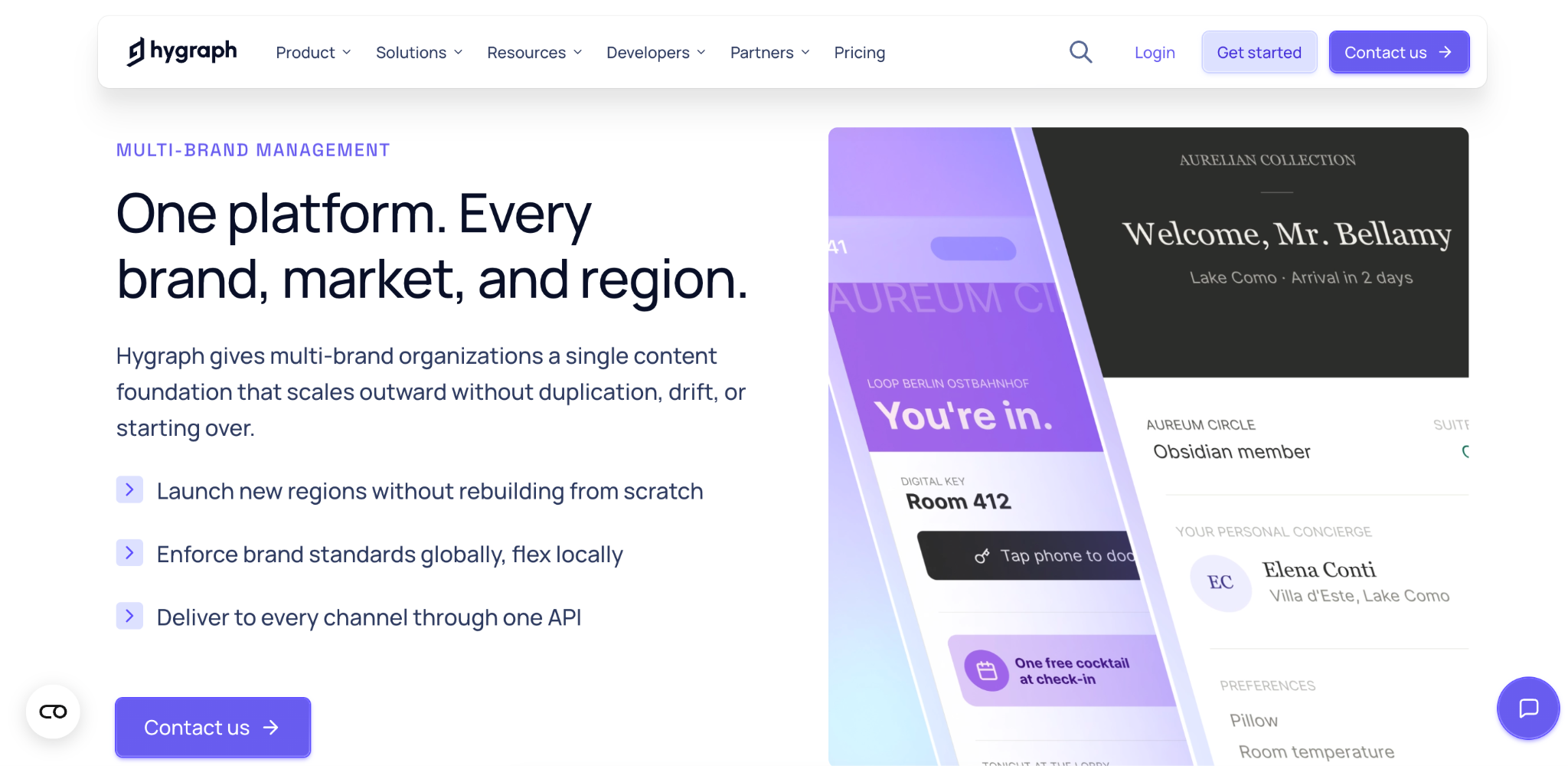
Hygraph is a structured content platform that enables organizations to manage multiple brands from a single CMS instance while allowing each brand to maintain its own content models, workflows, and permissions.
Unlike traditional approaches that require separate CMS deployments for each brand, Hygraph provides a shared content foundation that supports content reuse, governance, and omnichannel delivery across an entire brand portfolio.
Its architecture is particularly valuable for organizations expanding through acquisitions, as new brands can be onboarded incrementally without disrupting existing operations.
Key features:
- Isolated content spaces for individual brands
- Shared content models and cross-brand content reuse
- GraphQL-native API architecture
- Content federation across multiple systems
- Granular permissions and governance controls
- Localization and multi-market support
- Omnichannel content delivery
- Incremental migration path for acquired brands
Pricing: Free plan available; paid plans start at $199/month.
2. Contentful
Best for: Growing enterprises that want a scalable content platform with extensive integration options and strong governance controls.
Contentful is one of the most widely adopted headless CMS platforms for enterprises managing multiple digital properties.
Its flexible content modeling system allows organizations to create reusable content structures that can be shared across brands while maintaining editorial independence.
With hundreds of integrations and robust API support, Contentful fits well into modern composable technology stacks.
Key features:
- Flexible content modeling
- Reusable content components
- Multi-space architecture
- Advanced role and permission management
- Extensive integration marketplace
- API-first content delivery
Pricing: Free plan available; paid plans start at $300/month.
3. Sanity
Best for: Teams that need maximum flexibility to build custom editorial experiences for multiple brands.
Sanity takes a highly customizable approach to content management through its structured content platform and configurable Content Studio.
Organizations can tailor workflows, content models, and user interfaces to match the requirements of different brands while maintaining centralized control over content operations.
Real-time collaboration features also make it popular among distributed marketing teams.
Key features:
- Fully customizable Content Studio
- Structured content architecture
- Real-time collaboration
- Reusable content across brands and channels
- Developer-friendly APIs
- Advanced workflow customization
Pricing: Free plan available; paid plans start at $15 per user/month.
Enterprise Suites for Multisite Management and Personalization
4. Adobe Experience Manager (AEM)
Best for: Large enterprises that need advanced multisite management, content governance, and personalized customer experiences at scale.
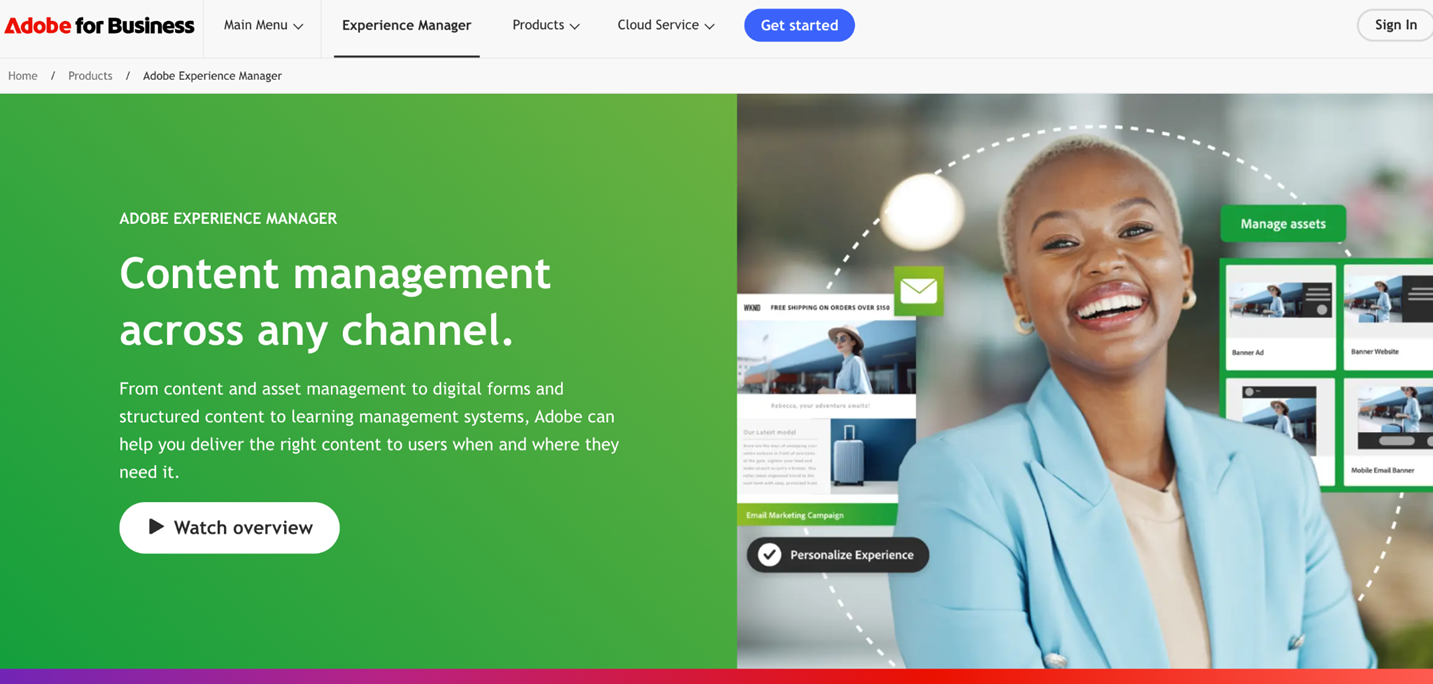
Adobe Experience Manager is an enterprise-grade CMS that combines content management, digital asset management, and personalization capabilities within a single platform.
Its Multi Site Manager (MSM) functionality enables organizations to manage multiple brands, regional websites, and localized content from a centralized environment while maintaining brand-specific customizations.
As part of the Adobe Experience Cloud ecosystem, AEM is particularly attractive to organizations already using Adobe’s marketing and analytics solutions.
Key features:
- Multi Site Manager (MSM) for managing multiple brands and websites
- Centralized digital asset management
- Content reuse across sites and regions
- Advanced personalization capabilities
- Localization and translation workflows
- Native integration with Adobe Experience Cloud
Pricing: Custom enterprise pricing.
5. Sitecore
Best for: Organizations that prioritize personalization and customer experience management across multiple brands.
Sitecore is a digital experience platform that combines content management with customer data, personalization, and marketing automation capabilities. It enables organizations to manage multiple websites and brands from a single platform while delivering tailored content based on customer behavior and preferences. This makes Sitecore a strong choice for enterprises focused on creating highly personalized digital experiences across their brand portfolio.
Key features:
- Multi-site and multi-brand content management
- Advanced personalization and segmentation
- Customer data integration
- Marketing automation tools
- Omnichannel content delivery
- Enterprise governance and security controls
Pricing: Custom enterprise pricing.
6.dotCMS
Best for: Mid-sized and enterprise organizations looking for a balance between flexibility, scalability, and ease of implementation.
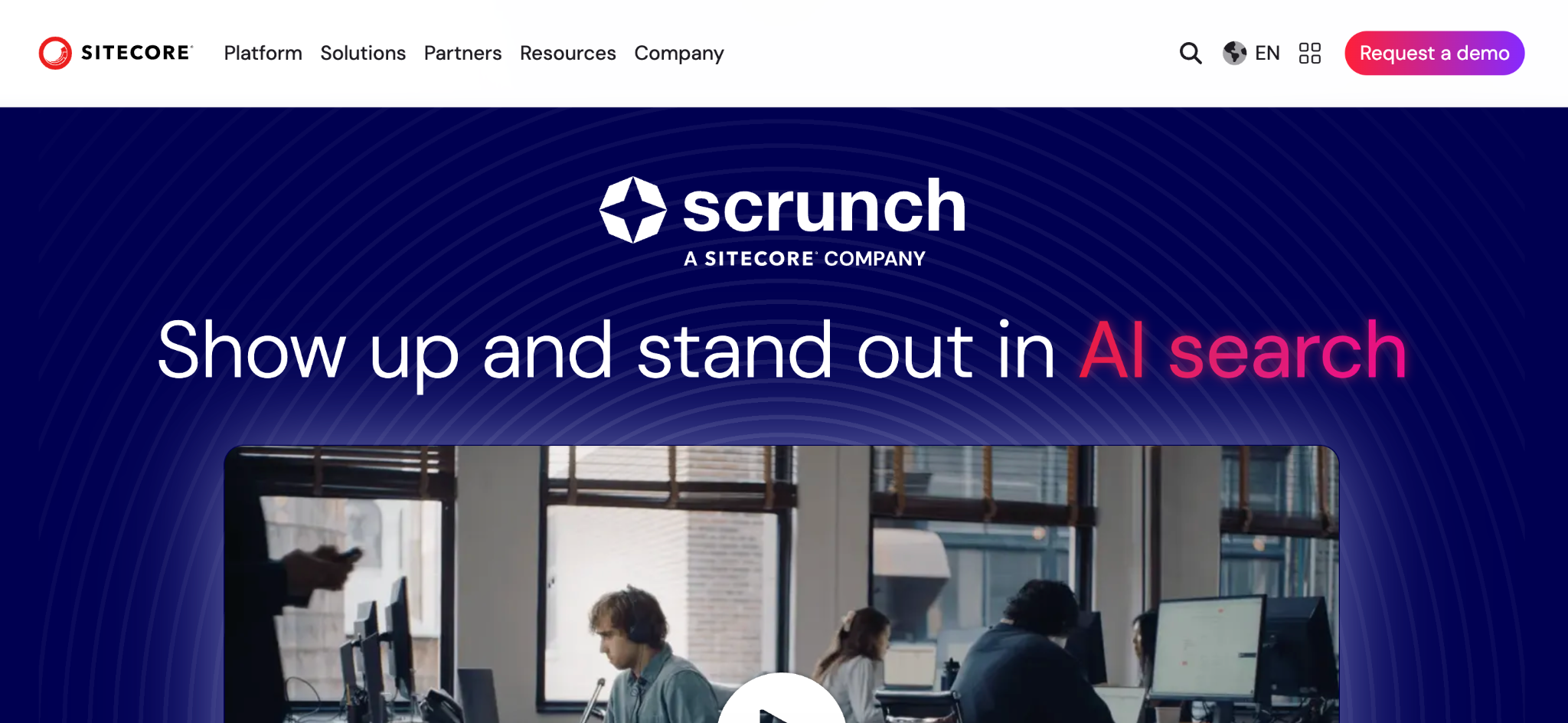
dotCMS is a hybrid CMS that supports both headless and traditional content management approaches.
Its multi-tenant architecture allows organizations to manage multiple brands, websites, and digital experiences from a single instance while sharing content, workflows, and assets where needed.
Compared to larger enterprise suites, dotCMS often offers a more straightforward implementation and lower operational complexity.
Key features:
- Multi-tenant and multi-brand architecture
- Headless and traditional CMS capabilities
- Content sharing across brands and channels
- Customizable workflows and permissions
- API-first content delivery
- Flexible deployment options
Pricing: pricing available upon request.
Comparison Table: Best CMS Platforms for Managing Multiple Brands
| CMS | Category | Best For | Multi-Brand Management | Personalization |
| Hygraph | Headless CMS | Global organizations managing multiple brands, markets, and regions | Excellent | Composable / API-driven |
| Contentful | Headless CMS | Growing enterprises that need scalability and integrations | High | Composable |
| Sanity | Headless CMS | Teams requiring custom workflows and editorial flexibility | High | Composable |
| Adobe Experience Manager (AEM) | Enterprise Suite | Large enterprises with complex global brand portfolios | Excellent | Native enterprise personalization |
| Sitecore | Enterprise Suite | Organizations focused on personalized customer experiences | Excellent | Native enterprise personalization |
| dotCMS | Hybrid CMS | Mid-sized and enterprise organizations seeking flexibility and scalability | High | Built-in |
How to Choose the Right CMS for Your Brand Portfolio
With so many capable platforms available, the best choice ultimately depends on your organization’s size, technical requirements, and long-term growth plans. Consider the following factors when evaluating a CMS for multi-brand management:
Assess Your Brand Structure
Start by identifying how your brands operate. If multiple brands share content, assets, and workflows, a centralized CMS can improve efficiency through content reuse and shared governance.
Establishing a clear content strategy and editorial process early on can also help prevent duplication and maintain consistency across brands. If each brand operates independently, you’ll need stronger permissions and workflow controls.
Consider Your Distribution Channels
Think beyond websites. If your content needs to be published across mobile apps, e-commerce platforms, digital displays, and other channels, a headless CMS may offer greater flexibility and scalability.
Evaluate Personalization Requirements
Not every organization needs advanced personalization. However, if delivering tailored experiences based on customer behavior is a priority, enterprise platforms such as Adobe Experience Manager and Sitecore may provide additional value.
Review Integration Needs
Your CMS should work seamlessly with the rest of your technology stack. Look for integrations with analytics platforms, CRM systems, e-commerce tools, marketing automation software, and other business-critical applications.
Plan for Future Growth
A CMS should support your business not only today but also as your portfolio expands. Consider whether the platform can accommodate additional brands, markets, languages, and content teams without requiring a costly migration later.
Balance Flexibility and Governance
Headless CMS platforms typically offer greater flexibility for development teams, while enterprise suites often provide stronger governance, workflow management, and personalization features. The right balance depends on your organization’s priorities and available resources.
Conclusion
Managing multiple brands doesn’t have to mean managing multiple CMS platforms. The right solution can help centralize content operations, streamline workflows, improve governance, and deliver consistent experiences across every digital channel.
Ultimately, the best CMS for your brand portfolio depends on your organization’s structure, technical resources, and growth strategy. By evaluating your current requirements and future goals, you can choose a platform that not only supports your brands today but also scales alongside your business in the years ahead.
If you’re looking for a platform specifically designed to help enterprises manage multiple brands from a single content foundation while maintaining brand-level autonomy, Hygraph is worth exploring. Its structured content approach, content federation capabilities, and support for isolated brand spaces make it a strong choice for organizations seeking to simplify multi-brand content operations at scale.