
Transaction coordination software has split into two categories sharing one name. One group serves professional coordinators running files for other people; the other serves agents coordinating their own deals.
Buying from the wrong group is the most expensive mistake here. A solo agent closing fourteen deals a year does not need a seat-licensed compliance archive, and a TC running forty active files cannot survive on a checklist.
Key Takeaways
- Decide first whether you coordinate your own files or coordinate for others.
- Per-seat pricing punishes teams, while flat pricing punishes solo operators less.
- Deadline math driven by contract dates is the single highest-value feature.
- Document management and e-signature are separate from timeline tracking.
- Free tiers vary enormously, from one active file to ten lifetime transactions.
- Vendor pricing moved repeatedly through 2026, so confirm before you buy.
First, Who Is Doing the Coordinating?
If you handle your own contract-to-close work, your problem is remembering deadlines and stopping deals from colliding. Document storage and compliance auditing are your brokerage’s job.
For a professional TC, the calculation inverts. You need document handling, intake forms, client communication, and audit trails, because that work is the service you are paid to deliver.
1. DashLoops
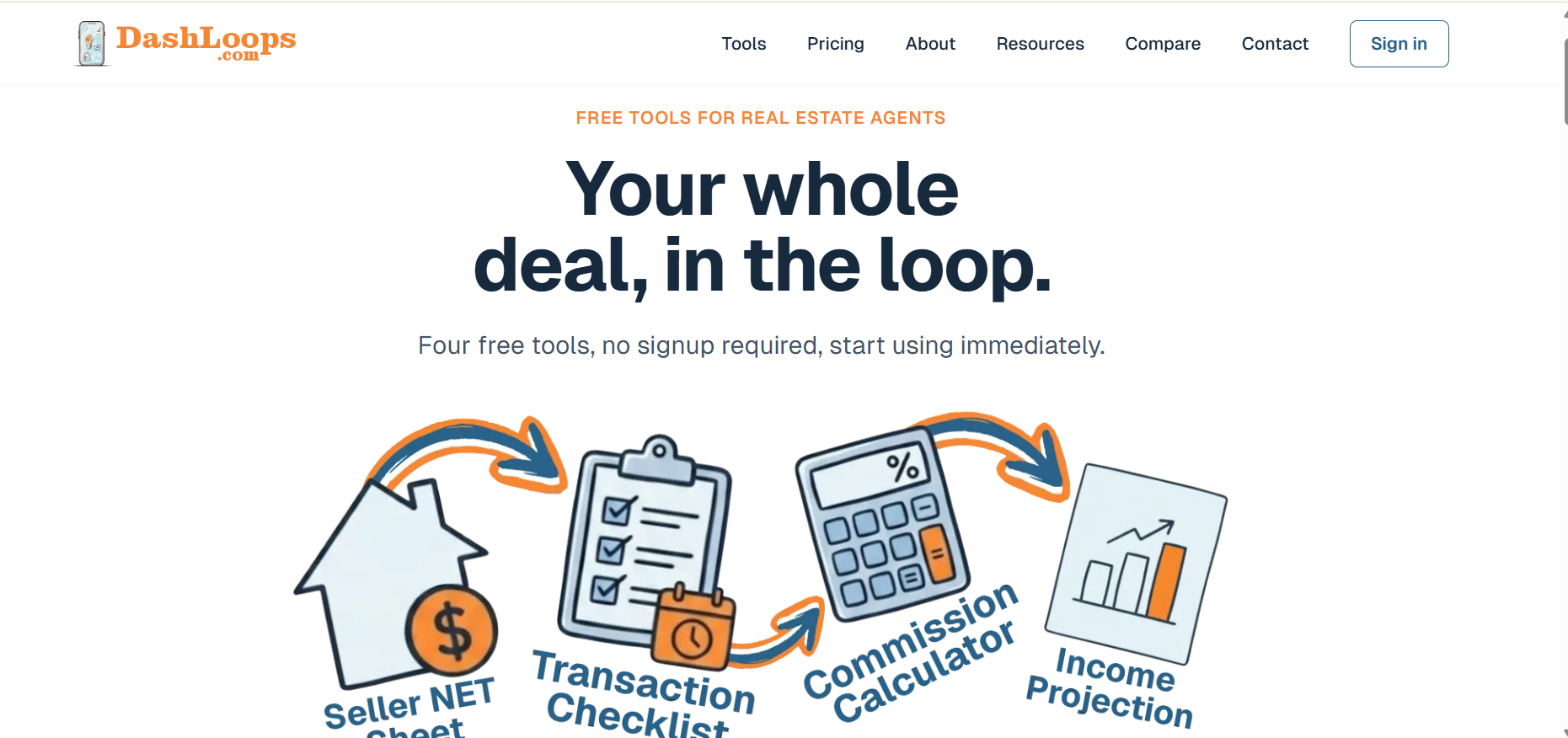
DashLoops is the deliberate outlier here. It is four free web tools built for individual agents rather than a seat-licensed platform sold to TC businesses.
The founder has run multiple brokerages and property management companies. The stated motivation was that existing options were overbuilt or buried inside brokerage platforms taking weeks to onboard.
The Transaction Tracker
You enter two dates: contract acceptance and target close. The Tracker materializes every deadline from those dates, covering inspection contingencies, appraisal windows, financing milestones, title work, and the final walkthrough.
Task lists adapt to the deal rather than staying generic. Residential files run up to 60 items across five phases, with leaner lists for land and commercial plus separate task sets by transaction side.
What matters most is how it handles a date moving. If the close slips, every downstream deadline shifts with it, which is the difference between a live schedule and a static list.
The Deal Calendar
One tracker handles one deal; the Deal Calendar handles the weeks you carry three. Every transaction appears color-coded across month, week, and planner views, so the closing landing on another file’s inspection surfaces before it happens.
Tasks check off directly from the calendar, and dates add to Google Calendar or download for Apple and Outlook with a day-before reminder.
AI Prompts
This is the most unusual feature in the category. Rather than selling an AI, DashLoops builds ready-made prompts loaded with your deal’s live details that you can paste into whichever assistant you use.
The guardrails are the interesting part. Prompts instruct the AI to use only the facts in the deal data, never invent dates or names, and leave placeholders for anything missing.
Client-facing prompts go further. They structurally exclude your commission and fees, and instruct the AI to keep them out of anything it drafts.
Nothing runs inside DashLoops, and nothing transmits through it. The prompt assembles in your browser and is copied to your clipboard, sidestepping most of the data questions that AI features in this category raise.
Pricing and Fit
The free tier is permanent rather than time-limited. It is $0 forever, and DashLoops treats it as the trial, so there is no separate trial period on the paid plans.
One active tracker works with no login; a free account stores two active deals, and completing a deal frees the slot without deleting anything.
Paid tiers raise limits rather than unlock basics. Agent is $9 a month including taxes for ten active trackers with print-to-PDF and share-by-link, while ProAgent is $24 a month including taxes for unlimited trackers plus an archive outside your cap.
DashLoops is the clear pick for the self-coordinating agent, and honest about what it is not. It is not a transaction-management suite, and does not try to be one.
2. DocJacket
DocJacket is the AI-forward entrant, built around eliminating manual contract data entry. It reads contracts and builds checklists and deadlines from what it extracts, addressing the biggest time sink in coordinator work.
Pricing runs roughly $15 to $49 per seat monthly, with early-bird pricing reported around $29 and unlimited transactions, agents, and clients on every plan.
A built-in intake form builder is included from the entry tier, which several competitors gate behind higher plans.
The pitch is one tool, one price, one workflow, aimed at independent TCs and small teams. A 14-day trial is available.
3. AFrame Software
AFrame combines transaction management with CRM in one platform, a genuinely different proposition from a pure coordination tool.
If you track clients and referral relationships alongside files, that consolidation has real value.
Pricing sits around $54 per user monthly with unlimited transactions, agents, and storage. That per-seat model is fine solo and gets expensive as a team grows.
Strengths include pre-built action plans for MLS updates and compliance, document storage, and task assignment across team members. Reviewers describe it as the backbone of scaled TC operations.
4. Open To Close

Open To Close is the customization-heavy option, chosen by established TC teams and small brokerages rather than solo operators. Its depth is why people pick it and why onboarding takes longer.
Pricing runs roughly $99 to $399 monthly, with the entry Grow plan around $99 and Pro around $199. Intake forms sit on Pro rather than the entry plan, worth checking against your workflow before committing.
Fixed monthly pricing rather than per-seat is the structural advantage. A growing TC team adds coordinators without the bill scaling linearly.
5. Dotloop

Dotloop is the broker-side incumbent, on this list because so many agents already have it through their brokerage. Built-in e-signature is the headline capability none of the others match natively.
Premium pricing has sat around $31.99 monthly with a discount for annual billing, though it has risen recently. A free plan covers ten lifetime transactions, a genuine trial rather than a demo.
You get unlimited loops, full e-signature, an audit trail, MLS and association forms, and Zillow integration.
You do not get coordinator-first workflow design, because Dotloop was built for brokerages managing compliance rather than the person inside the transaction.
Pricing at a Glance
| Tool | Model | Entry price | Best for |
| DashLoops | Free, then flat | $0, paid from $9/mo | Agents coordinating their own files |
| DocJacket | Per seat | Around $15 to $49/seat | Independent TCs wanting AI intake |
| AFrame | Per seat | Around $54/seat | TCs who also need CRM |
| Open To Close | Flat tiered | Around $99 to $399/mo | Established TC teams |
| Dotloop | Flat | Around $31.99/mo | Agents needing e-signature |
Competitor pricing was compiled from published comparisons rather than vendor quotes, and several vendors raised prices during 2026. Verify directly before purchasing.
How to Choose
Count your active files honestly, then count your seats. Per-seat pricing at $54 looks fine at one coordinator and becomes your largest line item at four.
Separate what you need from what your brokerage already provides, since paying twice for e-signature is common and avoidable.
Then test the deadline logic first, because a tool that recalculates downstream dates when a close moves is doing the work rather than displaying a list.
Conclusion
There is no single best tool, only a best fit for who you are in the transaction. Professional coordinators should weigh DocJacket, AFrame, or Open To Close on team size and whether CRM matters, while agents with brokerage-supplied Dotloop should use it rather than pay twice for signatures.
For the agent coordinating their own deals, DashLoops is the strongest answer here and the cheapest by a wide margin.
Contract-driven deadlines, a calendar across every active file, and AI prompts using the assistant you already have cover the actual job, and the free tier means you can test it today.
Frequently Asked Questions
What is transaction coordinator software?
It manages the administrative work between contract acceptance and closing, covering deadline tracking, task management, document handling, and party communication. Tools differ mainly in whether they target a coordinator working across many agents or an agent working their own files.
Can software replace a transaction coordinator?
No. Software handles checklists, reminders, and status updates, but cannot judge when an addendum is needed or catch a missing disclosure, so it makes a coordinator faster rather than unnecessary.
Is there genuinely free transaction coordinator software?
DashLoops offers four tools for free with no sign-up required and a free account storing two active deals. Dotloop caps its free plan at ten lifetime transactions, and DocJacket offers a 14-day trial.