Google just shipped a massive update to Google Stitch. AI-native infinite canvas. Multi-screen generation. Voice commands. A design agent that tracks your progress. And it’s all free: you get 400 design credits per day, which reset automatically at midnight UTC. Powered by Gemini models from the Gemini 3.0 family.
But “good for quick ideation” and “good for how product teams actually work” are different things. Even after the March 2026 update, Google Stitch still caps multi-screen generation and produces fairly generic UI patterns that usually need substantial refinement before they resemble a differentiated product.
If you’ve hit those limits, here are 7 Google Stitch alternatives organized by gap. The best Stitch alternative depends on what’s broken in your current workflow.
Quick comparison: best Google Stitch alternatives at a glance
| Tool | Best for | How it differs from Google Stitch | Price |
| Flowstep | Multi-screen product design + code export | More screens, React, TypeScript, and Tailwind CSS code export | Free; $15/mo |
| Figma Make | Design-system-aware AI generation | Lives in Figma, respects your existing system | Credit-based add-on |
| Framer | Design + publish marketing sites | Output is a live website, not a mockup | Free; $10/mo |
| Claude Design | If you have Claude subscription | Bundle to Claude Code for production app | Free preview; Requires a paid Claude subscription. From $20/mo |
| Lovable | Working full-stack apps | Generates frontend + backend, not designs | Free; $25/mo |
| Replit | Cloud IDE with AI Agent | All-in-one prompt-to-deployed workflow | Free; from $20/mo |
| Bolt.new | Multi-framework code generation | Browser IDE on StackBlitz, code visibility | From $25/mo |
Gap: multi-screen product design and clean code export
This is the most common reason teams outgrow Google Stitch. You can sketch a single screen quickly. You can’t design a connected flow across 12 screens, get three teammates editing in parallel, and hand the result to engineering.
1. Flowstep
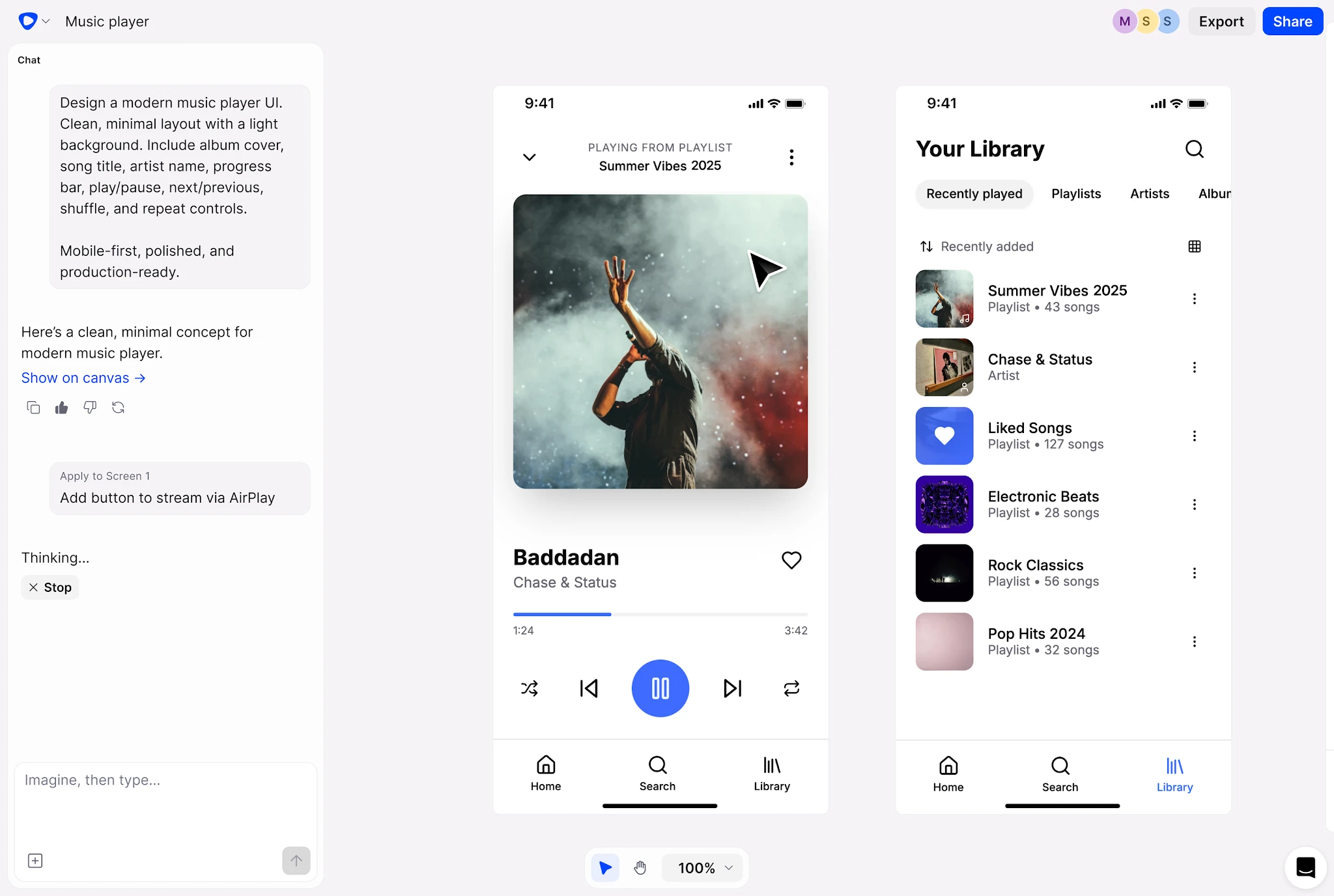
Flowstep is an AI-powered UI design tool that generates real UI from text prompts. Where Google Stitch caps at ~5 connected screens, Flowstep generates complete multi-screen user journeys (onboarding ? dashboard ? settings ? profile) on an infinite canvas. Responsive layouts adapt across breakpoints. The UI layout is editable with AI or manually, and UI layout changes propagate cleanly across screens.
Real-time multiplayer editing with live cursors. Inline feedback on individual frames. Attach PRDs and reference images to give the model richer context. Copy any frame directly into Figma with ?C/?V, no plugin required. Export production-ready React, TypeScript, and Tailwind code, or pipe designs directly into tools like Cursor, Windsurf, or Anthropic Claude Code via MCP.
Use this if: you need the best Google Stitch alternative for multi-screen product flows, modern UI design, team alignment, and developer-first UI generation. Pricing: free tier available; paid plans start at $15/month, with Professional and Team tiers above.
Gap: design-system-aware AI generation
If your team already lives in Figma with a mature design system, generating screens that ignore your tokens is worse than useless.
2. Figma Make
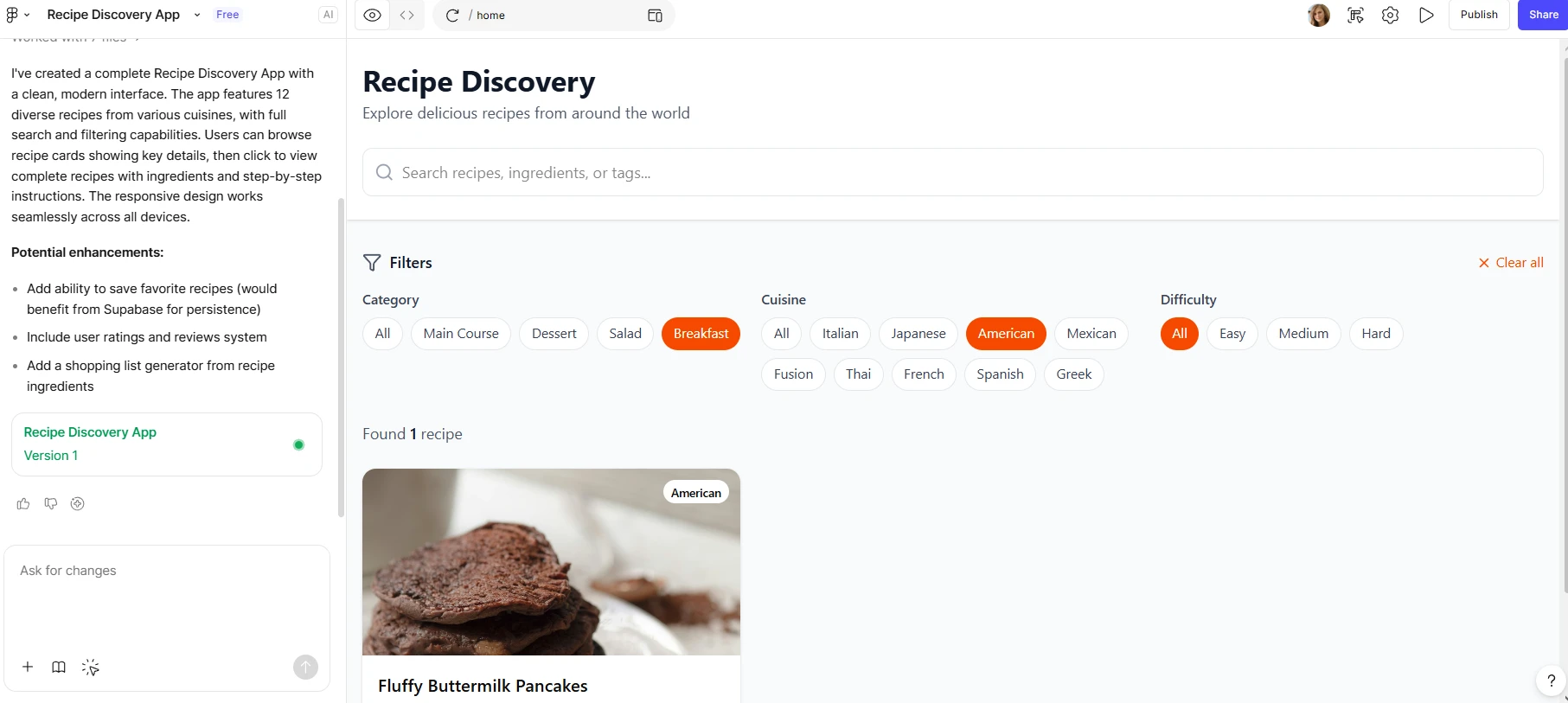
Figma Make is Figma’s prompt-to-prototype feature. Type a prompt, get a clickable design inside Figma’s existing canvas. Reads your design system tokens, components, and styles, so the generated UI looks like your product, not a generic template. Strong for early-stage exploration when you want Google Stitch-style speed without leaving Figma.
Trade-off: credits deplete fast. A single prompt can use 30-75 credits; heavy users land on add-on packs at $120-240/month. Output quality has improved, but it still benefits from manual cleanup. Best treated as a first-draft option.
Use this if: your team already has a mature design system in Figma and you want AI generation inside the same workspace, with modern UI designs and real-time collaboration built into the existing workflow. Skip this if: you need stronger multi-screen generation, broader product-flow exploration, or developer-first code workflows outside the Figma ecosystem. Pricing: add-on credits on top of standard Figma plans.
Gap: Website design + publish
Some teams don’t want a mockup or a dev handoff. They want a live website.
3. Framer
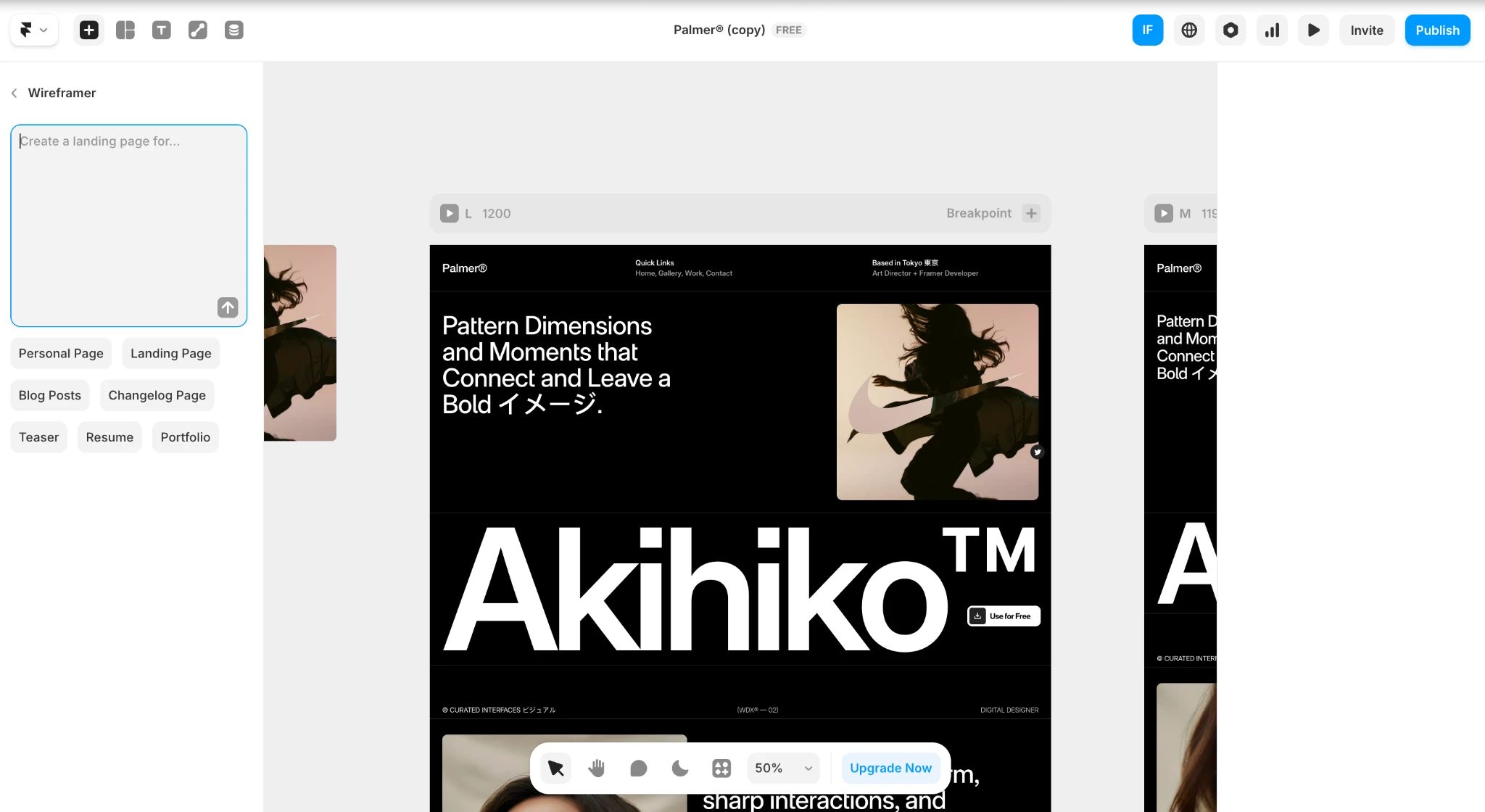
Framer’s built-in AI generates website layouts from text prompts that you refine in Framer’s visual editor and publish directly. The output is a live website—not a mockup, not frontend code. Color palettes, typography, and components auto-generate to match a brief. The visual control, once you’re in the editor, rivals dedicated design tools.
The trade-off: Framer is website-only. This won’t help you design a SaaS dashboard, mobile apps, or web apps with real product complexity. Limited compared options for code export—what’s built in Framer stays in Framer.
Use this if: you need a landing page or marketing site published fast, no developer required. Skip this if: you’re designing product UI rather than marketing pages. Pricing: Free tier; Basic $10/mo; Pro $30/mo; Scale $100/mo.
Gap: designs that fit naturally into the Anthropic ecosystem
Google Stitch lets you export code, but the output is often generic and rarely aligns cleanly with a real production design system.
If you already have a paid Anthropic Claude plan, Claude Design comes included with no separate subscription required.
4. Claude Design
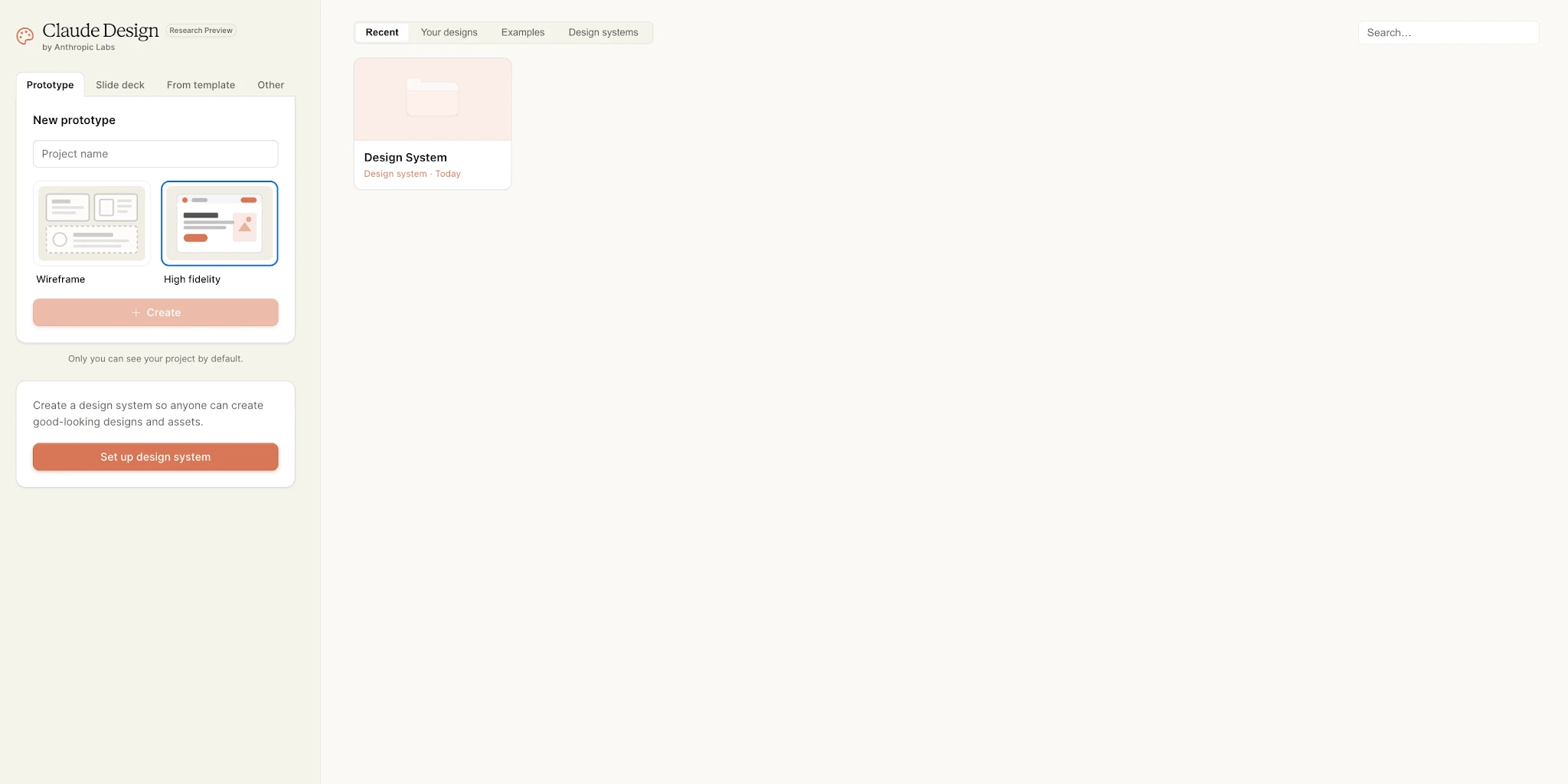
Claude Design launched as a research preview in April 2026, powered by Opus 4.7. Generates interactive prototypes from text prompts, screenshots, or your existing codebase. The standout move: the handoff bundle. When a design is ready to build, Claude packages design intent, components, and visual details into a single instruction for Claude Code, which then writes the production app.
Trade-offs: it burns through credits very fast, and there’s no direct Figma handoff. Beyond that, it is still in research preview, team collaboration is fairly basic, and design-system imports can be inconsistent or buggy at times. Output quality is high, but strongly opinionated in its visual style and generation patterns.
Use this if: you want designs that hand off to engineers without the usual translation tax. Skip this if: you need mature collaboration features today. Pricing: Free during research preview. Requires a paid Claude subscription. From $20/mo.
Gap: working apps, not just designs
Sometimes the right answer isn’t a better mockup—it’s a real app. These tools skip the design phase and give you functional apps from a prompt.
5. Lovable
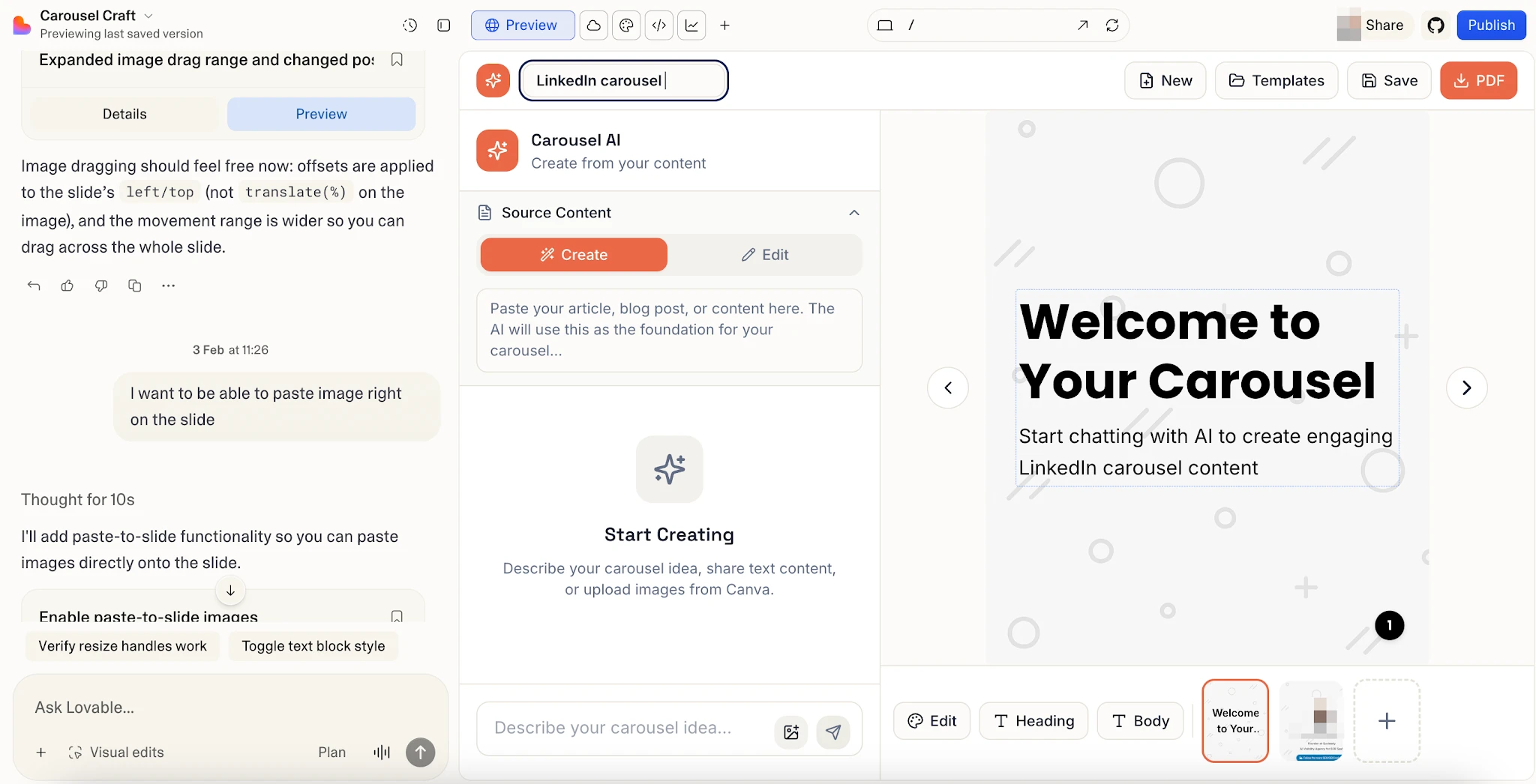
Lovable generates React + Supabase apps from prompts: frontend, backend, auth, database. One-click deploy, GitHub sync, Stripe integration. Hit “create,” and you have functional apps in minutes. SaaS applications, internal tools, and web apps all fit. Goes way beyond Google Stitch’s design-only focus.
The UI it generates is functional but generic, not designer-finished. Many teams design first in Flowstep, then rebuild in Lovable. Credit-based pricing burns fast on complex builds.
Use this if: you realized you need a working prototype, not a mockup. Skip this if: you need design exploration first. Pricing: Free plan; Pro $25/mo; Business $50/mo.
6. Replit
Replit is the cloud IDE with a serious AI Agent. Supports any language and framework—Python, Go, Rust, TypeScript. The Agent generates code and deploys to Replit’s hosting in one flow. Real-time collaboration, GitHub integration. The Agent can install dependencies on its own.
Use this if: you want one cloud workspace from prompt to deployed app. Skip this if: you want a fixed monthly bill. Pricing: Free starter; effort-based paid plans.
7. Bolt.new
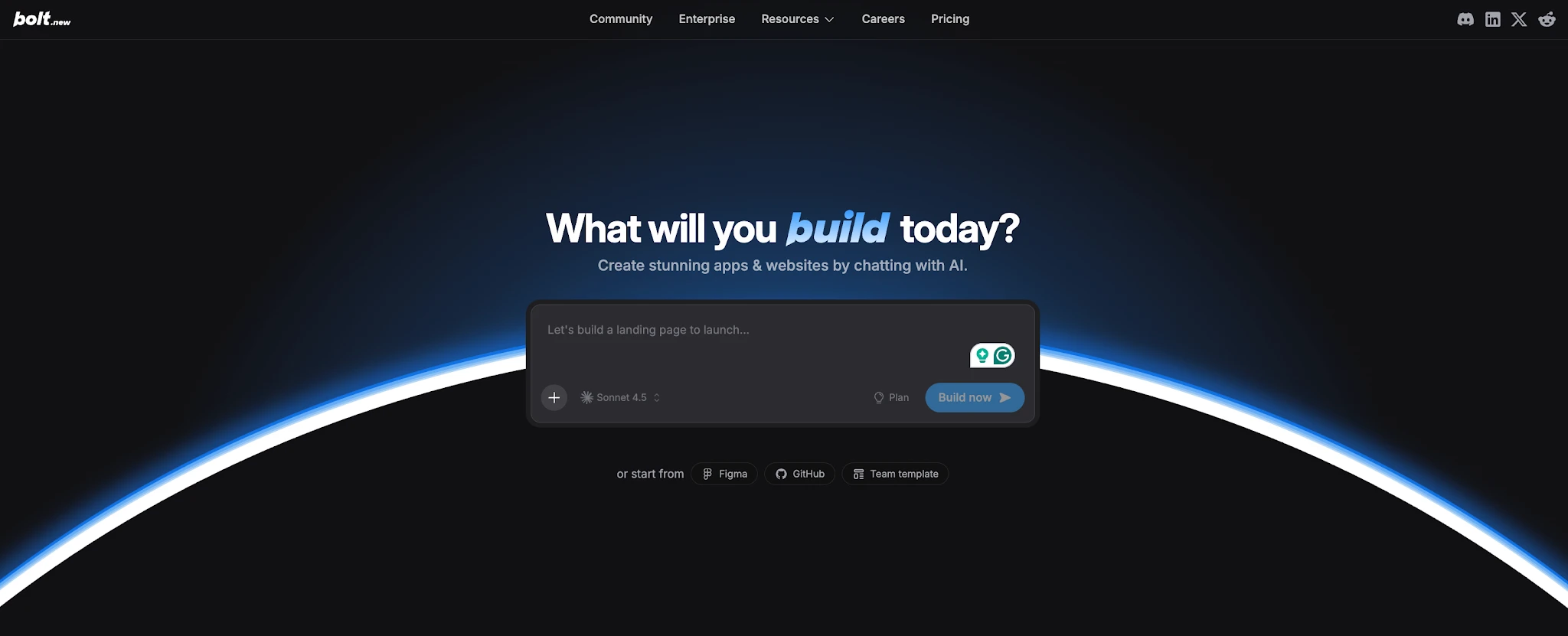
Browser-based full-stack app builder running on StackBlitz. Describe your app, get a working codebase you can edit and run in the same tab. Bolt’s edge as a tool is framework flexibility—Vue, Svelte, Astro, alongside React. Token-based pricing model.
Use this if: you’re a developer who wants AI app generation with code access. Skip this if: you’re a non-technical PM. Pricing: Free trial; from $25/mo.
The bottom line
Google Stitch is a good free AI design tool for quick solo ideation, and the March 2026 update made it significantly better. The tool now has an AI canvas, multi-screen generation up to ~5 screens, a design agent, voice commands, and a design systems toolkit. For a one-person exploration loop, this tool is hard to beat. The free tier alone justifies trying it.
Teams building real products will hit the ceiling fast. Limited multi-screen flows, output that needs refinement, and the uncertainty of a Labs experiment with no committed roadmap. The right Google Stitch alternative depends on which gap matters most for your workflow and product stage.
For full product design with team collaboration, Flowstep is the most complete Stitch alternative if you want a tool that respects design systems, supports multi-screen flows, and exports designs cleanly into production-ready code. For AI generation inside an existing Figma workflow, Figma Make fits best. For design-plus-publish marketing sites, Framer is the strongest option. For design workflows that hand off naturally into code, Claude Design is one of the most promising tools to watch. For working applications instead of UI concepts, tools like Replit, Lovable, and Bolt.new are better aligned with app generation and implementation workflows rather than pure interface design.