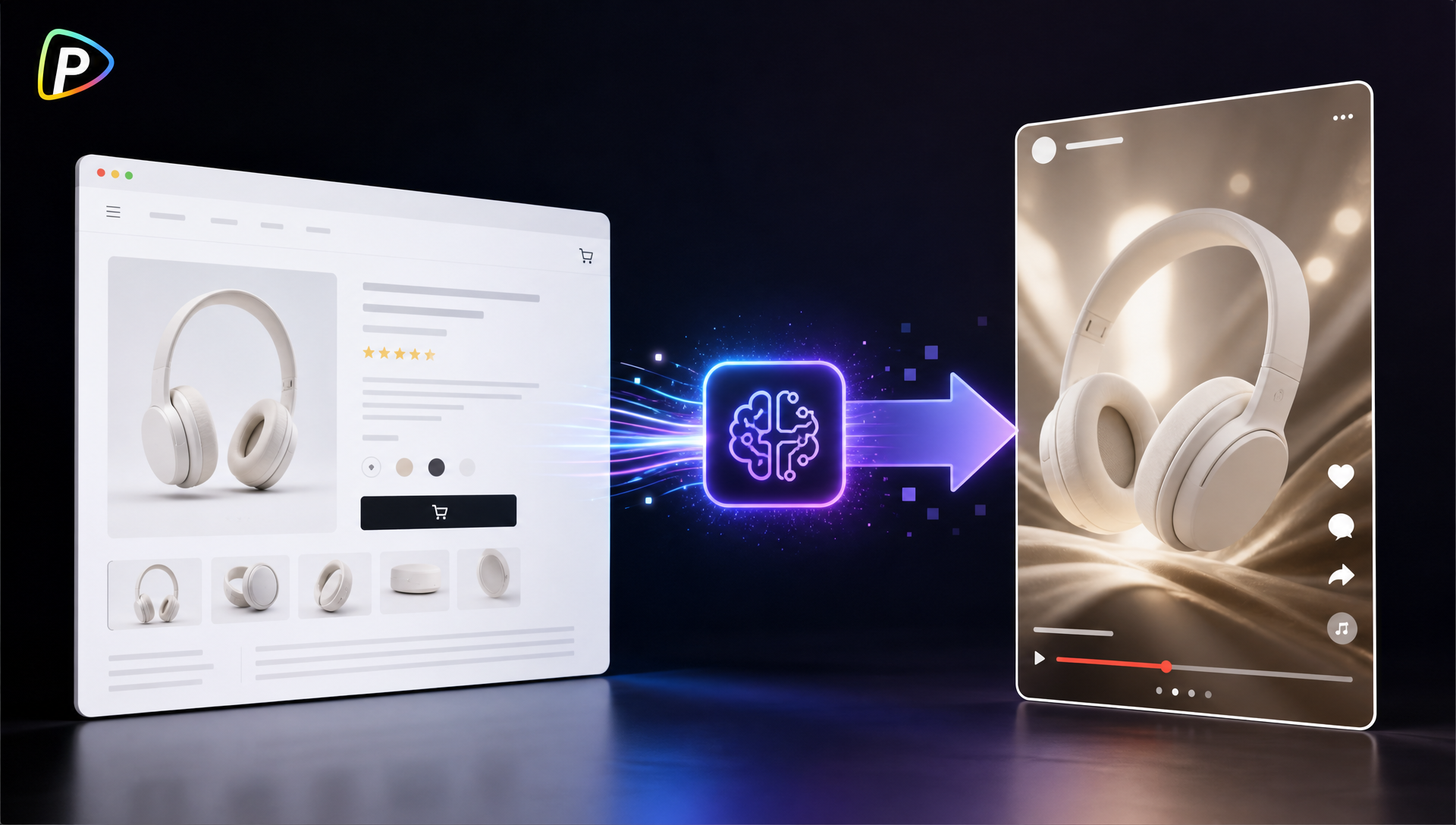
A product page already has what an ad needs: product photos, features, benefits, and pricing. The problem is turning that information into a short video without writing a script, planning scenes, and editing everything by hand.
An AI ad generator can turn a product URL or image into a starting point for a video ad. This is especially useful for e-commerce sellers launching several products or testing different ad ideas for the same product.
Pollo AI Ad Generator is built for this type of workflow. It accepts a product URL, image, or campaign idea and supports formats such as product ads, UGC-style ads, and TVC-style videos.
Why Use Pollo AI for Product Page-to-Video Ads?
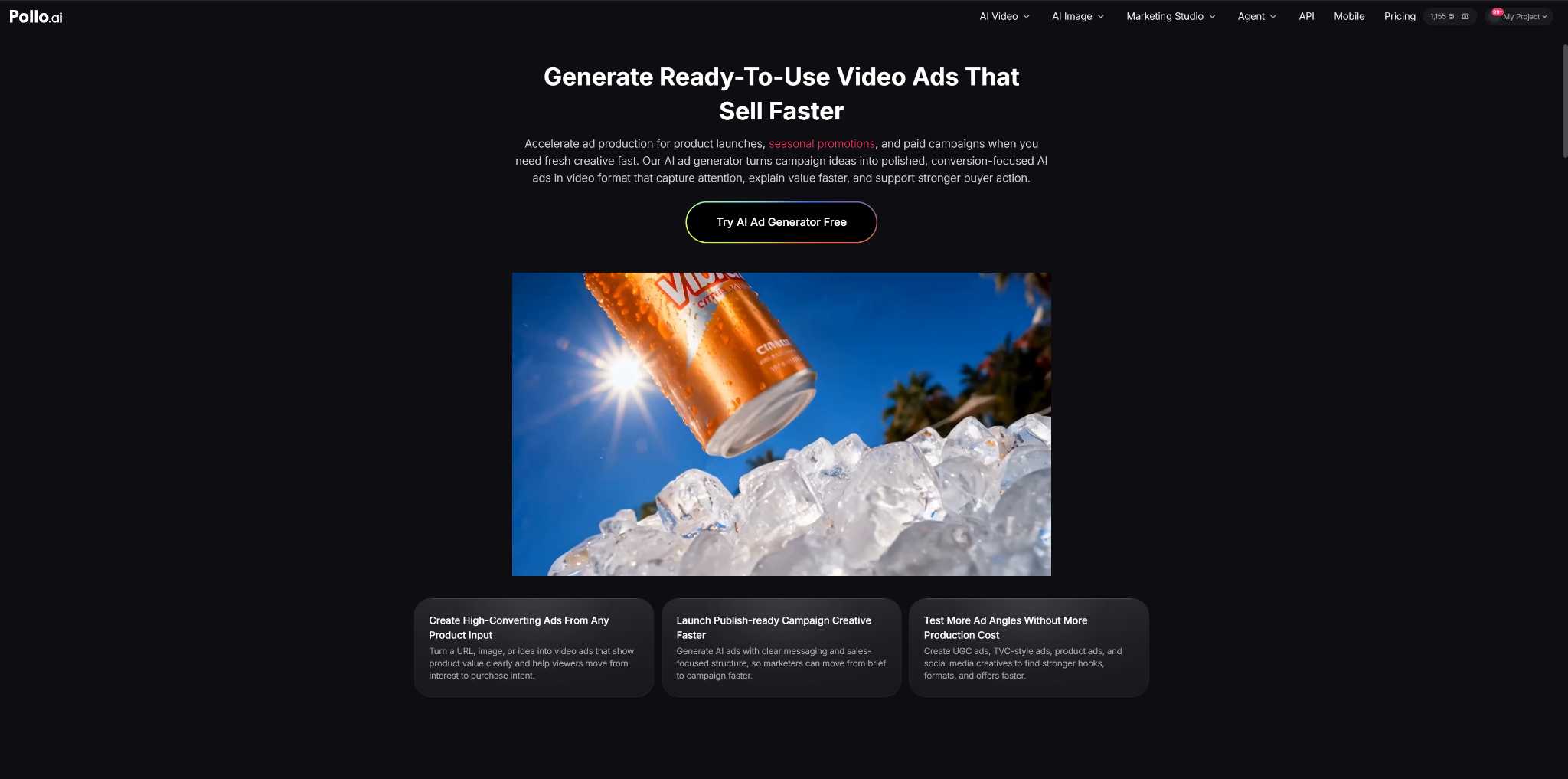
The main advantage is that marketers can start with information they already have instead of building an ad from a blank page.
Pollo AI ad generator lets users provide the product URL and then set the campaign direction, tone, CTA, and presentation style before generating the video.
This fits a common e-commerce workflow: a product page is ready, but there is no video creative yet. It can also be useful when a team needs several versions for TikTok, Instagram, Facebook, or other paid campaigns.
How to Turn a Product Page into a Video Ad with Pollo AI
1. Make Sure the Product Page Is Ready
Before adding the URL, check the basics. The product name, images, price, key features, and main benefit should be correct and easy to understand. Tools such as the Fliki AI video generator can also be useful when turning existing product information into video content, especially when the source material needs to be organized before production.
The marketer should also decide what the ad is actually selling. A short video cannot cover everything on a long product page.
For example, a portable blender might have ten selling points, but an ad could focus only on making a quick smoothie at work or while travelling.
2. Add the Product URL and Give Pollo AI a Clear Brief
Open Pollo AI’s AI Ad Generator and add the product URL. A product image or campaign idea can also be used as the starting point.
The instructions should explain who the ad is for, what it should highlight, and what viewers should do next.
For example:
Create a short social ad for a portable blender aimed at busy professionals. Focus on making a quick smoothie while travelling. Keep the tone casual and end with a clear CTA.
Avoid vague instructions such as “make an attractive ad.” Also specify the correct product version or promotion if the product page contains several options.
3. Pick an Ad Style That Matches the Product
Pollo AI supports product showcases, UGC-style ads, and TVC-style creatives. It can also use avatars to present or demonstrate products.
The choice should depend on where and how the ad will be used. A creator-style presentation may suit a TikTok product ad, while a clean product showcase may work better for an online store campaign.
If an avatar is used, the product should still appear early. A long introduction from the presenter can make a product ad feel slow.
4. Generate the Video and Check It Against the Product Page
After setting the campaign direction, click Send to generate the ad in Pollo AI.
Do not publish the first version without checking it.
Compare the video with the product page. Make sure the product looks right and that prices, features, offers, and claims are accurate. Pay particular attention to numbers and technical details.
The scenes also deserve a quick review. An AI-generated demonstration may look realistic but show the product being used incorrectly. If the ad promises a specific result, the visuals should support that claim.
5. Make a Second Version With a Different Selling Point
Once the first version works, it is often more useful to change the message than simply change the visuals.
For example, a skincare product could have one ad built around a common skin concern and another focused on how the product is used. Pollo AI supports different creative formats and angles, including UGC and product showcase ads.
This gives marketers several genuine ad concepts to test rather than multiple versions of essentially the same video.
What to Check Before Running the Ad
The final video should pass three basic checks: accuracy, clarity, and platform fit.
The product information must match the current product page. The main benefit should be understandable within a few seconds. The format and pacing should also suit the platform where the ad will run.
Pollo AI supports advertising use cases across platforms such as TikTok, Instagram, Facebook, and YouTube, but the same creative may not work equally well on every platform.
For paid social, the opening deserves particular attention. If the first few seconds do not give viewers a reason to keep watching, the rest of the product demonstration may never be seen.
Conclusion
A product page does not need to be rewritten into a full video script. It can provide the raw material while the marketer decides what the ad should actually say.
With Pollo AI’s AI Ad Generator, the process is simple: add the product URL, set the campaign direction, choose a style, generate the video, and check the result against the original page.
The most important step is still the review. Checking the product details, claims, visuals, and opening hook ensures the generated video is not just usable, but suitable for the campaign.