Remote work helps startups move faster, hire talent from anywhere, and keep overhead costs down. But there’s a catch: when your team works across different locations, devices, and networks, keeping business data secure becomes more complicated.
From phishing emails and weak passwords to unsecured Wi-Fi and overlooked software updates, everyday security gaps can put sensitive information at risk. And for startups operating on tight budgets, hiring a dedicated cybersecurity team isn’t always realistic.
The good news? You don’t need an enterprise-sized security budget to make meaningful improvements. With the right priorities and a few affordable tools, you can protect your team without slowing it down. Here are nine practical safeguards every remote startup should consider.
Why Remote Work Security Matters for Startups
A startup with ten employees might not look like an obvious cybersecurity target. But attackers don’t necessarily care about company size. They look for opportunities, and smaller businesses can have plenty of them.
Think about how a typical remote startup operates. Your developers access code repositories from home, your marketing team manages customer data through cloud platforms, and your operations manager handles invoices while travelling. Everyone relies on different devices and networks, often without a dedicated IT professional checking that everything stays secure.
This flexibility is valuable, but it also makes security harder to manage. A stolen password could expose customer records. An outdated laptop might contain an exploitable vulnerability. A former contractor could retain access to confidential files simply because nobody remembered to remove their permissions.
The challenge isn’t necessarily that startups use more technology. It’s that they often adopt new tools faster than they establish rules for managing them. What begins as a convenient workflow can gradually become a collection of unmanaged accounts, shared credentials, and forgotten integrations.
Shared networks introduce another consideration. Employees working from cafés, airports, or coworking spaces may connect through Wi-Fi they don’t control. In these situations, a free vpn for privacy can add an encrypted connection between the device and a VPN server, helping limit what the local network can observe.
Of course, no single tool solves every security problem. A VPN won’t prevent phishing, and an antivirus application won’t fix careless permission management.
Effective startup cybersecurity comes from combining a few sensible precautions and making them part of everyday work. You don’t need to eliminate every possible risk. You need to reduce the most likely and damaging ones first.
9 Low-Cost Ways to Secure Your Remote Team
Security doesn’t have to mean purchasing expensive software or creating complicated procedures that nobody follows. Many of the most useful protections are already available in the business tools your team uses.
Here are nine practical ways to improve remote work security without overwhelming your budget.
1. Enable Multi-Factor Authentication
Passwords alone aren’t enough to protect important business accounts. Even a strong password can become compromised through phishing, credential theft, or reuse on another service.
Multi-factor authentication (MFA) adds a second verification step when someone signs in. Depending on the service, that might involve an authenticator app, security key, or passkey.
For startups, the best place to begin is with business email, cloud storage, financial platforms, and administrator accounts. These services often provide access to other parts of the business, making them especially valuable targets.
Where supported, choose phishing-resistant methods such as passkeys or hardware security keys. The OWASP Multifactor Authentication Cheat Sheet offers detailed guidance on selecting and implementing authentication methods.
Most importantly, make MFA a standard requirement rather than an optional feature. A security measure that only half your team uses leaves unnecessary gaps.
2. Use a Password Manager
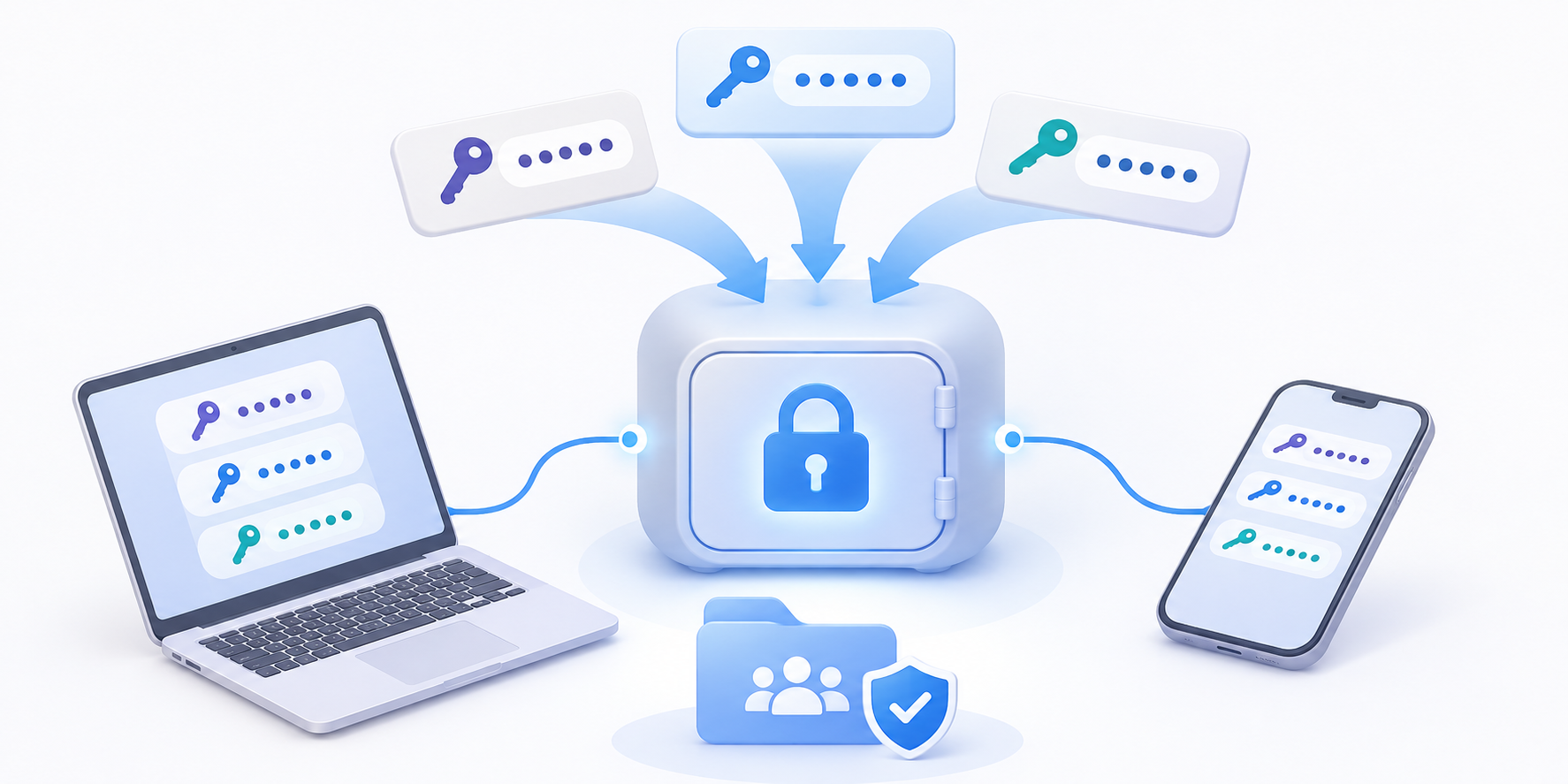
Let’s be realistic: asking employees to remember dozens of unique, complicated passwords isn’t a sustainable security strategy.
Without a better system, people may reuse credentials, choose predictable passwords, or save sensitive login details in unsecured documents.
A password manager makes this easier by generating and storing strong, unique passwords. Employees only need to manage access to their vault rather than memorizing every credential.
For a small startup, choose a solution that supports secure sharing, MFA, and straightforward account recovery. Business plans can also make it easier to revoke access when an employee leaves.
Avoid sharing one login across an entire team whenever a service supports individual accounts. Personal accountability becomes much harder when everyone uses the same credentials.
The goal is simple: make the secure option easier than the insecure workaround.
3. Keep Devices and Software Updated
Software updates rarely feel urgent until something goes wrong.
But outdated operating systems, browsers, and applications can contain known vulnerabilities that attackers may exploit. For a remote startup, one poorly maintained laptop could create problems far beyond that employee’s device.
Enable automatic security updates wherever practical and establish a simple policy for installing important patches promptly.
You should also know which devices employees use for work. Personal laptops aren’t necessarily unsafe, but they can be difficult to manage when everyone follows different maintenance habits.
At minimum, require supported operating systems, device encryption, screen locks, and regularly updated software.
If your team uses personal devices, make these expectations clear during onboarding. Security works better when employees understand the requirements before a problem occurs.
4. Protect Connections on Public Wi-Fi
Remote employees don’t always work from home. Sometimes they’re answering emails at airports, preparing presentations in hotel lobbies, or joining meetings from coworking spaces.
Public Wi-Fi makes that flexibility possible, but not every network deserves the same level of trust.
Employees should verify network names before connecting, avoid suspicious login pages, and pay attention to browser security warnings. They should also use HTTPS websites and keep unnecessary file-sharing features disabled on unfamiliar networks.
A VPN can provide additional network privacy by encrypting traffic between the device and the VPN server. This is particularly useful when employees regularly move between shared connections.
However, VPN protection complements HTTPS and other safeguards rather than replacing them. For sensitive corporate systems, employees should follow the company’s approved remote access requirements.
Sometimes the safest decision is also the simplest: if a hotspot looks suspicious, disconnect and use a trusted mobile connection instead.
5. Limit Access to Sensitive Business Files
Not every employee needs access to every company document.
Your marketing team probably doesn’t need administrator privileges for your financial systems, and temporary contractors shouldn’t automatically receive access to confidential product roadmaps.
This is the principle of least privilege: give people the access they need to perform their responsibilities, but no more.
Most cloud collaboration platforms already include permission settings that support this approach. You can restrict folders, assign different roles, and remove access when projects end.
Start by identifying your most sensitive information, such as customer records, financial documents, intellectual property, and employee data.
Then review who can access it. You may discover that permissions granted months ago are still active even though they’re no longer necessary.
Small teams can handle these reviews manually at first. As the business grows, more structured identity and access management tools may become worthwhile.
6. Back Up Critical Business Data
Imagine losing access to your customer database the morning before a product launch.
Even if nobody steals the information, the disruption could be expensive. Accidental deletion, ransomware, hardware failure, and cloud account problems can all interrupt business operations.
Regular backups reduce the risk of losing critical data permanently.
Start by identifying which information your business couldn’t easily recreate. Then establish automated backups with appropriate access controls and encryption.
Where practical, keep at least one backup separate from your primary environment so that an incident affecting the main system doesn’t compromise every copy.
And don’t assume that a successful backup notification means recovery will work.
Test restoration periodically. A backup is only useful if you can recover the information when your team actually needs it.
7. Train Employees to Recognize Phishing
Many security incidents begin with a familiar-looking message.
An employee might receive an email that appears to come from a software provider, asking them to confirm their password. Another could get an urgent payment request supposedly sent by the founder.
These messages exploit habits and emotions rather than sophisticated technical weaknesses.
For startups, practical security awareness training can make a real difference. Instead of overwhelming employees with lengthy presentations, show them realistic examples of suspicious links, unexpected attachments, and fraudulent login requests.
Encourage everyone to verify unusual financial or credential requests through a separate, trusted communication channel.
Just as importantly, make reporting easy. Employees should feel comfortable flagging suspicious messages without worrying about being blamed for asking questions.
A team that communicates quickly about potential threats has a better chance of stopping problems before they spread.
8. Review SaaS Permissions Regularly
Startups love software that makes work easier. Over time, though, that enthusiasm can create an increasingly complicated technology stack.
One team uses a project management platform, another installs a browser extension, and someone connects an AI tool to a shared document repository. Individually, these decisions may seem harmless. Together, they can expand the number of applications with access to company information.
A simple SaaS audit can help.
Review which tools employees use, what information each application can access, and whether those permissions are still necessary. Remove unused integrations and revoke accounts belonging to former team members.
When choosing new software, consider its security controls alongside its features.
Vizologi’s guide to remote collaboration tools for distributed teams provides a useful starting point for thinking about the software that supports everyday teamwork.
The objective isn’t to eliminate useful technology. It’s to keep your tools manageable, appropriate, and properly secured.
9. Create a Simple Incident Response Plan
What happens if an employee clicks a malicious link or discovers that a business account has been compromised?
If nobody knows whom to contact, a manageable incident can quickly become more disruptive.
Your startup doesn’t need a hundred-page cybersecurity manual. It needs a straightforward incident response plan that explains what employees should do when something suspicious happens.
Identify who handles security reports, how affected accounts or devices should be isolated, and which systems need to be checked first.
Keep essential recovery contacts and instructions somewhere accessible even if your primary communication platform becomes unavailable.
For example, if a cloud administrator account is compromised, the team should know how to revoke active sessions, secure credentials, review account activity, and assess whether any business information was exposed.
A short plan that people understand and practice is far more valuable than an elaborate document nobody reads.
Where a VPN Fits Into Remote Work Security
With so many cybersecurity tools available, where does a VPN actually belong in a startup’s security strategy?
The answer depends on what you’re trying to protect.
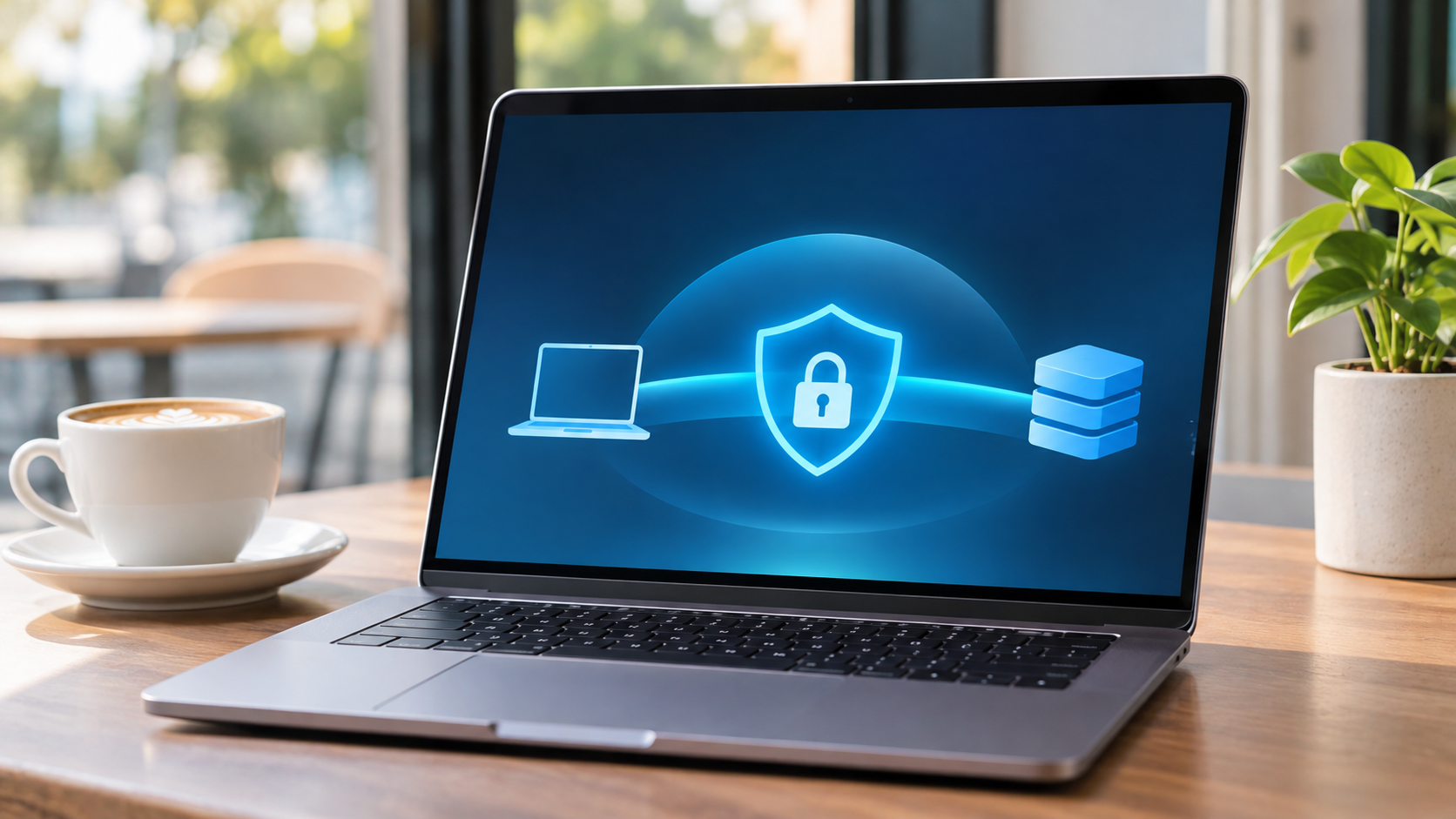
A personal VPN creates an encrypted connection between a device and a VPN provider’s server. When an employee connects through an unfamiliar Wi-Fi network, this tunnel can reduce the information visible to the local network operator.
That’s useful for employees who regularly work from shared spaces or travel between locations. It also makes network privacy easier to incorporate into everyday working habits.
However, there are important limitations.
A personal VPN doesn’t automatically control which employees can access company files, enforce device security policies, or protect users from fraudulent websites. It also shifts some trust from the local network to the VPN provider.
That’s why businesses should evaluate providers’ privacy policies, security practices, device compatibility, and connection reliability rather than choosing solely on price.
Startups should also distinguish personal VPN services from corporate remote access solutions. If employees need to connect to private business systems, the company may require an enterprise VPN, Zero Trust Network Access (ZTNA), or another approved access management system.
For individuals who want to explore additional connection privacy, X-VPN provides a free version without requiring account registration. This can be a practical starting point for personal use, although business security requirements should always determine which tools employees may use for work.
Ultimately, a VPN is one part of a broader security strategy. It supports network privacy, while authentication, endpoint security, access controls, and employee awareness address other risks.
How to Prioritize Cybersecurity on a Startup Budget
Knowing which security measures matter is one thing. Finding the time and resources to implement them is another.
For early-stage startups, the answer isn’t necessarily to spend more. It’s to prioritize protections that reduce meaningful risks without creating unnecessary overhead.
Start with accounts and devices. Require MFA for important services, adopt a password manager, and make automatic security updates standard practice. These measures address common weaknesses and often involve relatively little additional expense.
Next, focus on how employees handle information. Review access permissions, establish reliable backups, and provide simple guidance for working on shared networks. You should also make security expectations part of employee onboarding rather than treating them as an occasional reminder.
Once those foundations are in place, examine your growing software environment.
Are employees using overlapping SaaS products? Do former contractors still have active accounts? Can someone explain who has administrator access to your most important systems?
These questions often reveal opportunities to improve security without purchasing anything new.
As your startup grows, more advanced investments may become necessary. Centralized device management, stronger identity controls, endpoint monitoring, and dedicated security support can become increasingly valuable.
The right timing depends on factors such as the sensitivity of your data, your customers’ requirements, your team size, and the potential consequences of an incident.
A useful approach is to assign someone responsibility for a brief monthly security review. That person doesn’t need to become a cybersecurity expert overnight. Their role is to make sure basic protections remain in place, new risks receive attention, and obvious gaps don’t get ignored.
Security spending should follow business risk, not software trends.
Conclusion: Build Better Security Without Overspending
Remote work gives startups the flexibility to grow without traditional office constraints. But that freedom works best when teams understand how to protect the information and systems they rely on.
You don’t need an expensive cybersecurity platform to get started. Strong authentication, regular updates, sensible access controls, secure connections, and reliable backups can already make a meaningful difference.
The most effective approach is to build these habits gradually, review them regularly, and improve your security measures as your business evolves.
For growing startups, good cybersecurity isn’t about buying the most tools. It’s about making smarter decisions with the resources you have.