Choosing the right maintenance scheduling platforms is an operational strategy choice. Modern maintenance scheduling software has combined work order management, mobile-first execution, asset tracking, and analytics.
This to help organizations reduce downtime and scale efficiently. While many tools fall under the broader umbrella of CMMS tools or maintenance management software.
Each platform approaches maintenance workflows differently. Some prioritize simplicity and speed, while others emphasize enterprise-level control.
Below, we are sharing seven maintenance scheduling platforms widely used by operations teams. These are best for facility managers, and maintenance leaders who want to turn maintenance into a strategic advantage.
Without any further ado, let’s jump right into the list.
Best Maintenance Scheduling Platform
- Sockeye
- Fabrico
- MaintainX
- UpKeep
- Limble CMMS
- eMaint CMMS
- Accruent
Top 7 Maintenance Scheduling Platforms 2026
Sockeye
Best For: Small to mid-sized operations teams seeking simple, fast-to-adopt maintenance scheduling software.
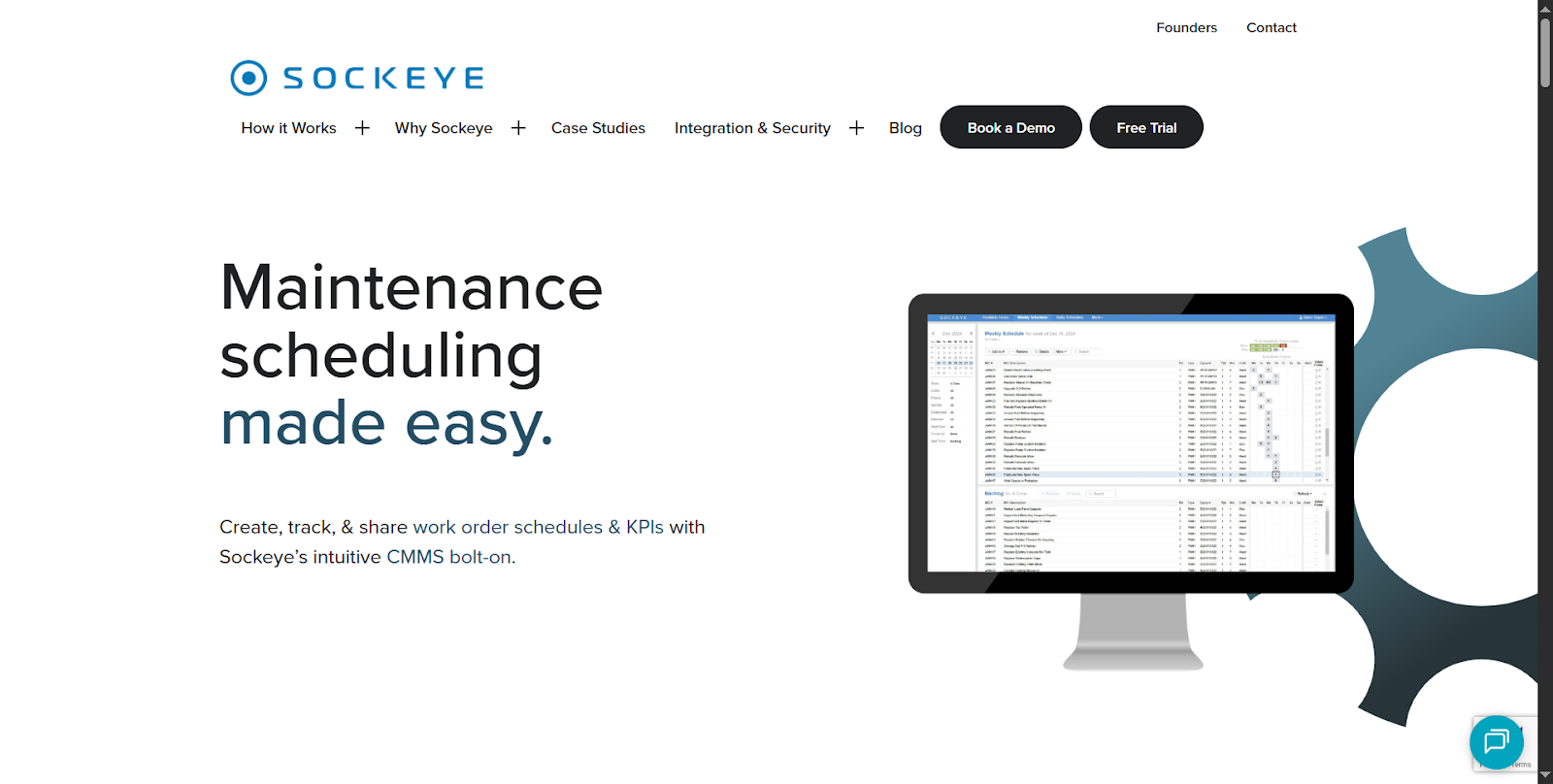
Sockeye is a maintenance scheduling platform designed for teams that need clarity. It has the interface that leans toward simplicity while still supporting structured workflows.
This also makes it appealing for organizations that are transitioning from spreadsheets or legacy systems. Many teams appreciate how quickly they were able to move from setup to daily usage. User sentiment highlighted straightforward scheduling workflows and visibility into ongoing work orders.
Teams with lean maintenance operations tend to report smoother adoption compared to highly layered enterprise structures.
Key Features
- Preventive maintenance scheduling with automated recurring tasks
- Work order creation and assignment workflows
- Asset tracking and maintenance history logs
- Mobile-friendly task management for technicians in the field
- Calendar-based maintenance planning views
- Basic reporting dashboards for operational oversight
Fabrico
Best For: Growing manufacturing and facility teams prioritizing ease of use and technician adoption.
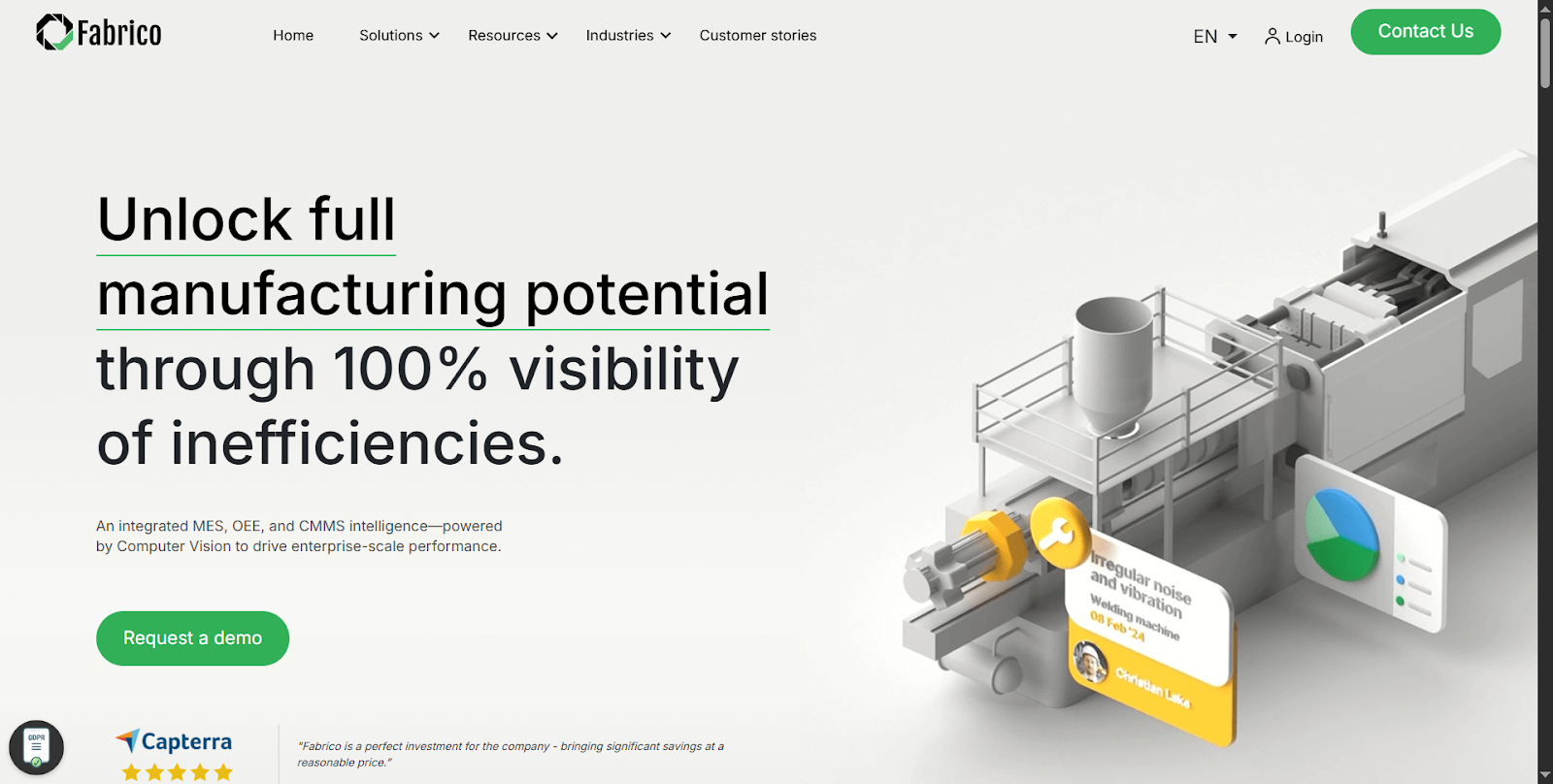
Fabrico combines preventive maintenance software with a modern interface. It is perfect for teams that are looking for a balance between usability and process control.
Users often note strong mobile usability and simplified workflows. Customer sentiment frequently points to the platform’s intuitive design and ease of onboarding. Especially for teams new to digital maintenance management software.
Some teams, however, mention that advanced reporting or deeper analytics may require additional configuration.
Key Features
- Automated preventive maintenance planning
- Work order lifecycle management
- Mobile app for on-site task execution
- Asset registry with maintenance timelines
- Notifications and scheduling reminders
- Workflow templates for recurring maintenance tasks
MaintainX
Best For: Operations teams needing a mobile-first platform for fast execution and team coordination.
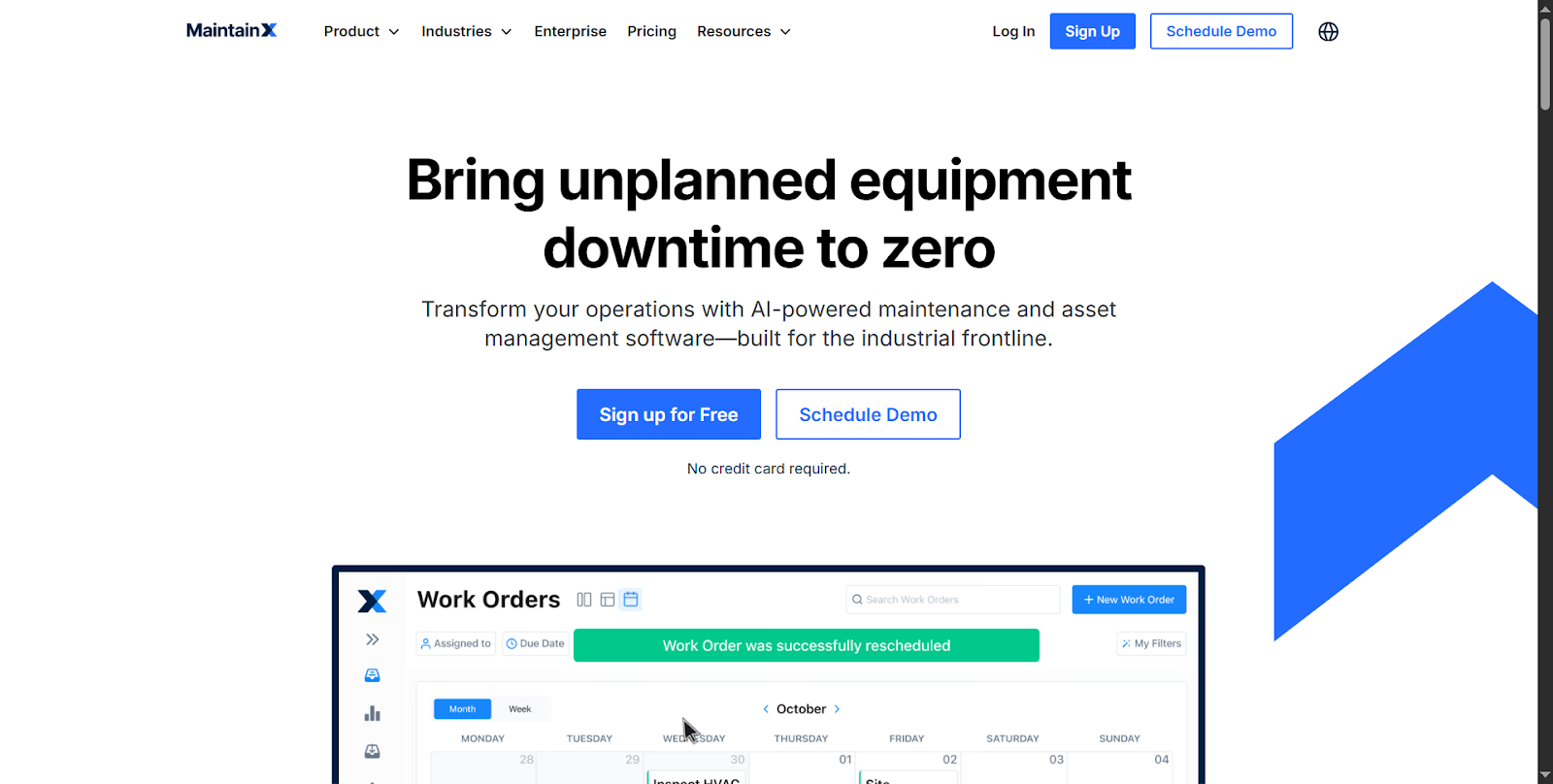
MaintainX is widely recognized as a mobile-first maintenance scheduling software platform. It is the most widely known frontline team. The platform’s strength lies in combining work order management with communication and collaboration tools.
Teams often praise how easily technicians adapt to the platform without extensive training. Feedback patterns suggest that users value its intuitive mobile experience and quick deployment process.
On the other hand, some organizations with complex compliance or enterprise reporting requirements describe a gradual learning curve. This is when scaling beyond core workflows.
Key Features
- Preventive maintenance schedules with automated triggers
- Mobile work order management and real-time updates
- Built-in messaging and collaboration tools
- Asset histories and inspection checklists
- QR code-enabled asset access
- Analytics dashboards for performance tracking
UpKeep
Best For: Mid-sized maintenance teams wanting an accessible yet scalable maintenance management software solution.
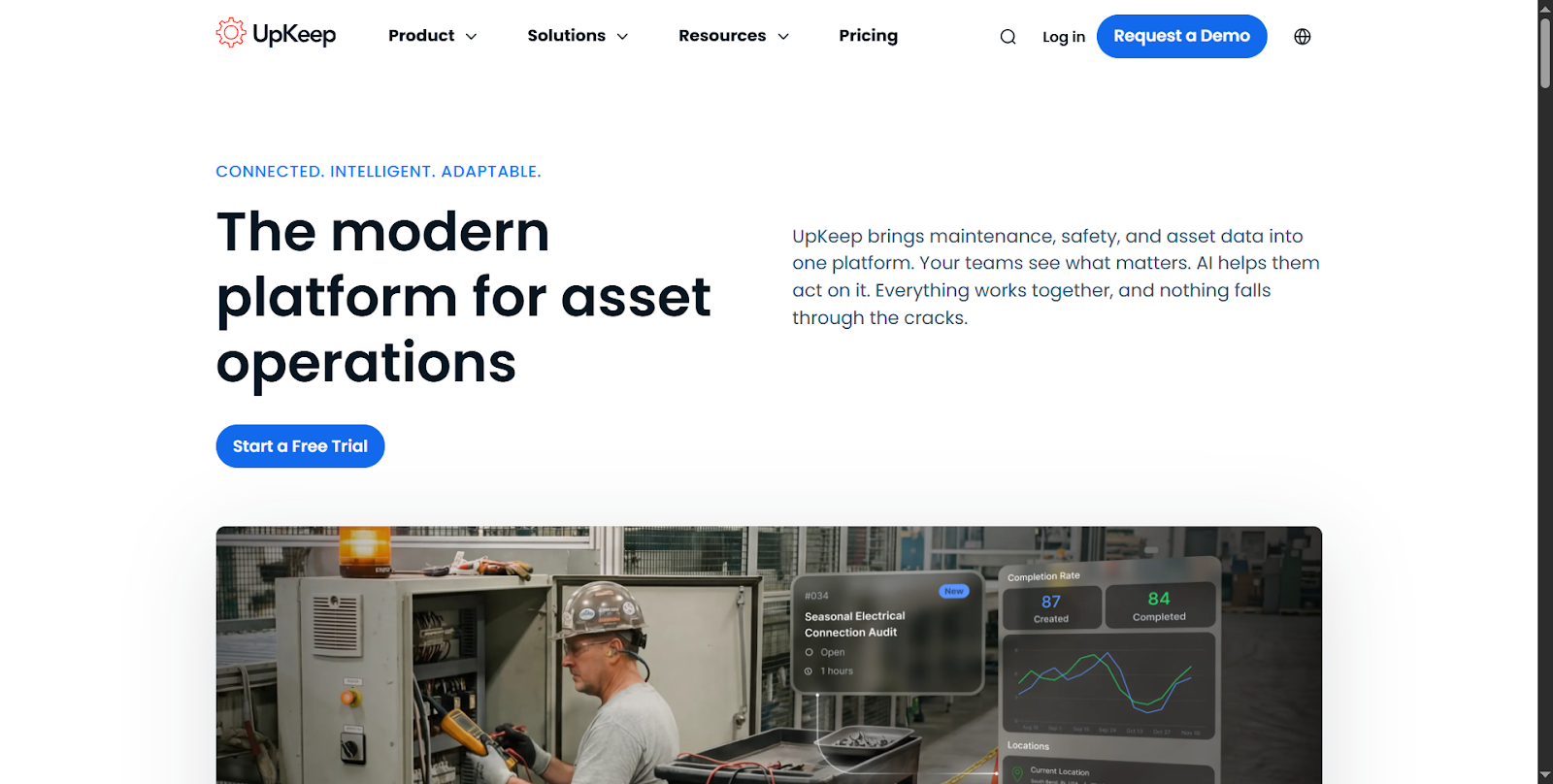
UpKeep is one of the more recognized CMMS tools for teams that prioritize accessibility and technician adoption. It is designed with usability in mind, it blends maintenance scheduling, inventory tracking, and work order workflows.
Many teams appreciate being able to digitize maintenance processes quickly without a heavy IT lift. Users frequently highlight the platform’s ease of setup and intuitive interface.
Some users also share that as organizations scale, configuring advanced workflows and reporting require careful planning. This is to fully leverage the system’s capabilities.
Key Features
- Preventive maintenance scheduling automation
- Work order prioritization and assignment tools
- Mobile-first technician workflows
- Inventory and parts tracking
- Reporting and KPI monitoring dashboards
- Integration capabilities with business systems
Limble CMMS
Best For: Teams seeking a balance between ease of use and configurable maintenance workflows.
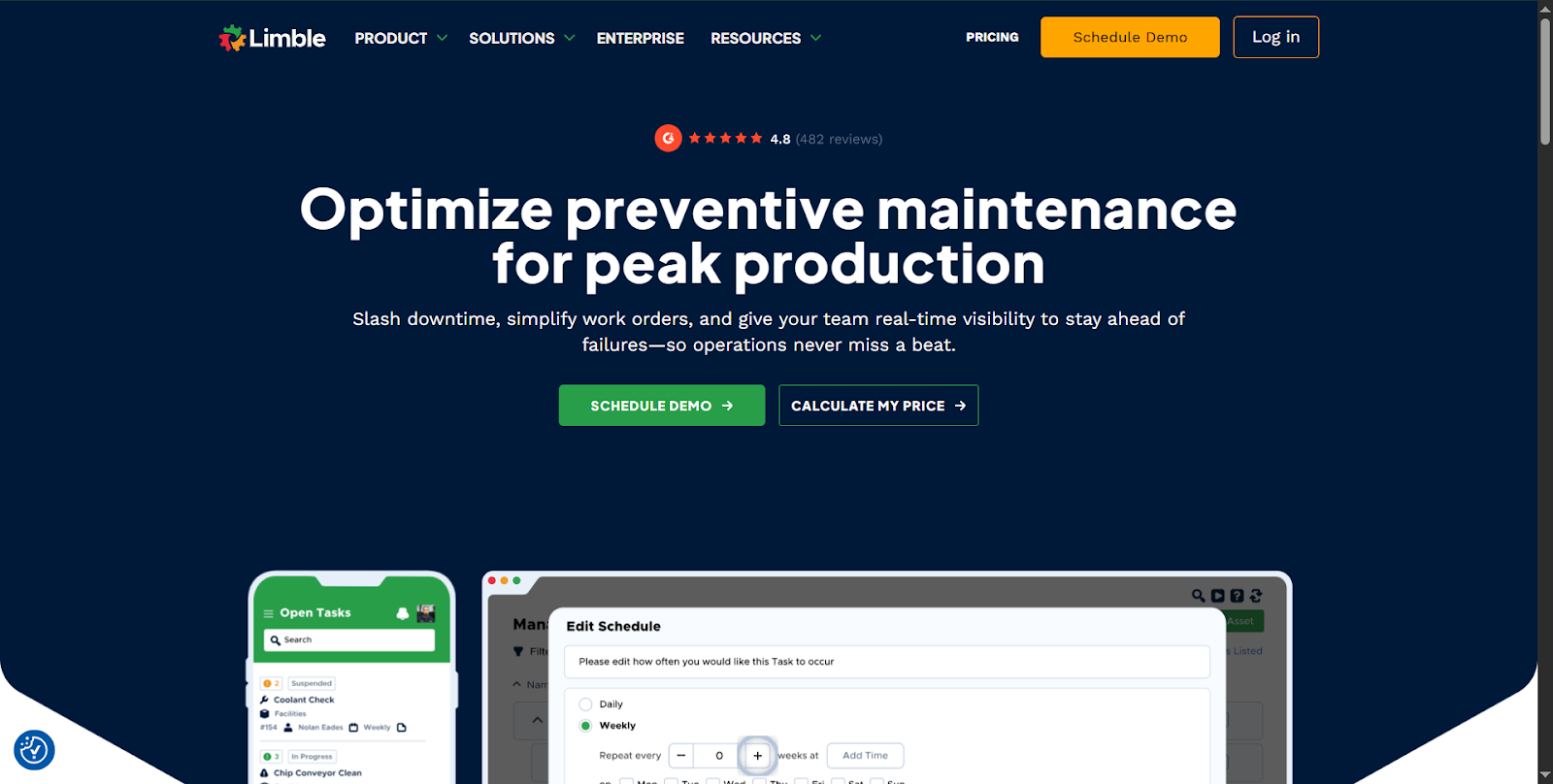
Limble CMMS is simplified maintenance scheduling that offers enough flexibility to support scaling operations. It is often chosen by teams that want modern usability without sacrificing workflow control.
Maintenance managers appreciate reporting clarity and workflow visibility. User feedback often emphasizes how quickly teams configure preventive maintenance schedules and start seeing operational improvements.
Some organizations mention that advanced customization may require a deeper understanding of system configuration. Especially, for larger or multi-site environments.
Key Features
- Automated preventive maintenance software workflows
- Work order tracking with priority management
- Asset management with full service history
- Customizable dashboards and reporting
- Mobile accessibility for field technicians
- Integrations with operational systems
eMaint CMMS
Best For: Enterprises and regulated industries needing highly configurable CMMS tools.
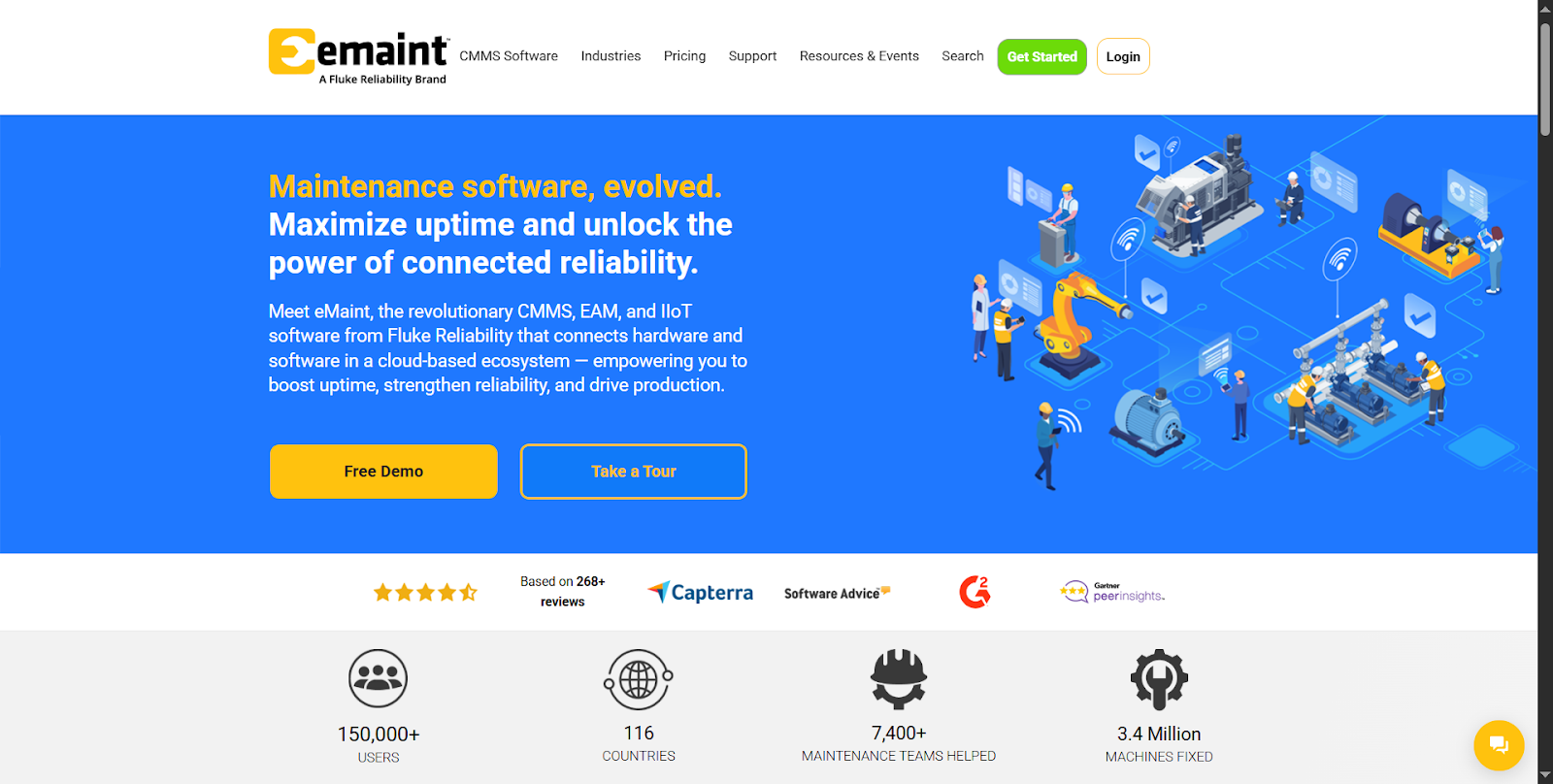
eMaint CMMS is a software maintenance software that is built for organizations that need deeper customization and structured platform. It is best for industries where compliance, documentation, and complex asset management play a major role.
Teams that have invested time in implementation often report strong long-term value and scalability. Customer sentiment also highlighted the platform’s flexibility and robust feature set.
However, some users have also mentioned that onboarding is complex compared to lightweight tools. This is especially a problem when you are configuring enterprise-level workflows.
Key Features
- Advanced preventive maintenance scheduling logic
- Custom work order workflows and automation
- Asset lifecycle tracking and analytics
- Compliance documentation and audit trails
- Detailed reporting and KPI dashboards
- Integration with ERP and enterprise systems
Accruent
Best For: Large enterprises requiring centralized maintenance scheduling and operational oversight.
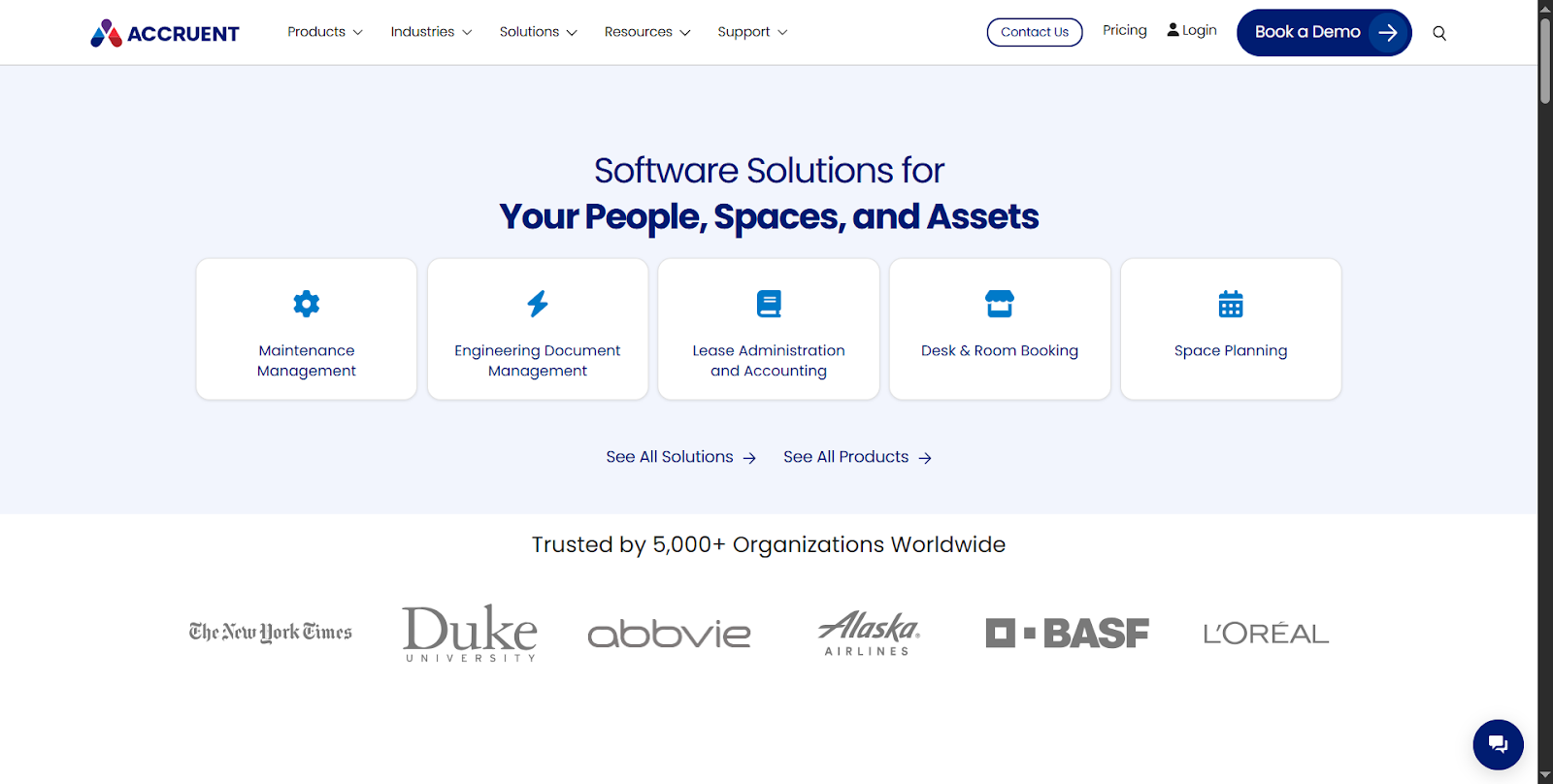
Accruent focuses on enterprise-grade maintenance management software. It is designed for large facilities, real estate portfolios, and asset-intensive organizations.
The platform emphasizes scalability, data governance, and cross-site visibility. Teams that are managing large operations have appreciated the depth of control available.
One must also note that the implementation requires planning, training, and organizational alignment.
Key Features
- Enterprise-scale maintenance scheduling capabilities
- Work order management across multiple locations
- Asset performance analytics and lifecycle tracking
- Compliance management and audit support
- Integration with corporate systems and data platforms
- Configurable workflows for complex organizations
Conclusion
When evaluating maintenance management software, the strongest decisions come from understanding your operational priorities.
This means choosing between simplicity and speed, or structured control and scalability, mobile adoption, or advanced reporting.
The right platform is the one that matches your team’s workflow maturity while leaving enough room to grow.
Lightweight maintenance scheduling software tends to work well for growing teams that want quick wins. On the other hand, mature organizations often lean toward configurable CMMS tools.