Artificial Intelligence (AI) tools are transforming the ways we create and engage online. However, access to these tools isn’t uniform. Recognizing how AI can enhance website user-friendliness is significant. This article will discuss the attributes of AI tools that improve accessibility for all, particularly individuals with disabilities. We’ll examine areas such as image recognition, screen-reader optimization, and ongoing website accessibility maintenance.
Let’s investigate how AI helps foster a more inclusive online environment.
Understanding AI Tools Accessibility
Developers of AI tools prioritize accessibility to support diverse learners in education. When creating these tools, they include keyboard navigation, enabling users to control them without a mouse. Adding alternative text for images and descriptions of embedded text benefits users who rely on screen readers.
Tools like text-to-speech applications, such as Natural Reader and Audiopen, convert written content into audio, helping individuals with visual impairments access course materials. Features that allow flexibility in completing tasks, such as those found in Magic Todo, cater to varying learning needs. Schools and districts also need to address academic integrity while promoting accessibility, ensuring that all assignments, even in-person ones, do not limit learners with disabilities. By incorporating these features, AI tools can positively influence the classroom, enhancing the learning experience and fostering inclusivity in education.
The Importance of Accessibility in AI Tools
Accessibility features in AI tools greatly improve the user experience for individuals with disabilities by providing support, like alternative text for images and enhanced keyboard navigation. These features help learners better understand course materials, whether through text-to-speech options from tools like Natural Reader or detailed descriptions from platforms like Audiopen.
Organizations can ensure their AI tools meet accessibility standards by regularly reviewing and updating content, using software that analyzes website compliance, and incorporating user feedback to enhance functionality.
For example, tools such as Magic Todo help break tasks into manageable steps, enhancing flexibility in task completion.
Additionally, an intuitive user interface design is important for making AI tools welcoming to diverse populations. Features that make embedded text easy to access and navigation smooth can benefit all users, promoting a more inclusive educational environment. Schools and school districts gain when they emphasize these elements, fostering an atmosphere that accommodates diverse learning needs, especially in classrooms.
Key Factors Influencing AI Tools Accessibility
User Interface Design
User interface design significantly impacts the accessibility of AI tools, helping learners with disabilities. Effective design ensures smooth keyboard navigation, allowing users to access features without a mouse.
For example, text-to-speech applications such as Audiopen and Natural Reader provide easy access to course materials. Designing interfaces with clear options for alternative text ensures images and embedded text are understandable by screen readers. Improved usability comes from testing, which helps identify barriers that may affect academic integrity or hinder the user experience. Features like flexible in-person assignments enable schools to meet diverse needs. Tools such as Magic Todo help break down tasks, helping all students manage their workloads, regardless of learning challenges. A user-friendly interface fosters educational equity by addressing accessibility needs and enhancing learning efforts for every student.
Integration with Assistive Technologies
Developers should consider strategies such as ensuring that AI tools support keyboard navigation and provide alternative text for all images and embedded text within course materials. This includes using features like text-to-speech from tools such as Natural Reader and Audiopen, which enhance accessibility in the classroom.
Organizations can evaluate AI tools by reviewing their impact on learner engagement with content and checking whether they comply with school district accessibility guidelines. Feedback from users is important; by regularly collecting insights, developers can create AI tools that align with diverse learner needs and improve academic integrity.
Additionally, maintaining flexibility in course designs, including in-person assignments and online formats, allows more students to thrive in their education. Solutions like Magic Todo can help manage tasks while ensuring that all features remain accessible to every learner.
Compliance with Accessibility Standards
Organizations ensure compliance with accessibility standards by integrating features that support all learners. AI tools like Natural Reader and Audiopen help make course materials accessible by providing text-to-speech and alternative text for images. Regular audits are conducted to maintain compliance, with tools being updated frequently to adapt to changes in web accessibility guidelines. This includes features like keyboard navigation, ensuring that users can easily operate them.
Additionally, schools collaborate with persons with disabilities to receive feedback on the usability of these tools. Involving these users helps identify areas for improvement and ensures that any updates respect the educational needs and flexibility of all learners. Tools like Magic Todo can also streamline tasks, improving accessibility and enhancing the overall impact on education.
The goal remains to create an inclusive classroom environment that supports a range of abilities and offers equal opportunities for both in-person assignments and online tasks.
Notable Examples of AI Tools and Their Accessibility Features
Microsoft Azure Cognitive Services
AI tools significantly enhance accessibility for learners, particularly those with disabilities. Features like alternative text for images, embedded text recognition, and text-to-speech help make course materials accessible to everyone.
For example, tools that read content aloud, such as Natural Reader and Audiopen, facilitate understanding. Keyboard navigation is available, allowing users to interact without a mouse, which is important in a classroom environment. These AI tools also help create engaging content while upholding academic integrity. As school districts integrate these technologies, they can provide more flexible formats, making education accessible to all. Tools like Magic Todo help manage tasks, enabling learners to break down complex assignments into manageable steps. By adhering to established accessibility standards, Microsoft Azure Cognitive Services helps reduce barriers to learning, positively affecting students’ overall educational experience.
This supportive environment fosters inclusive participation in both online and in-person assignments.
Google Cloud AI
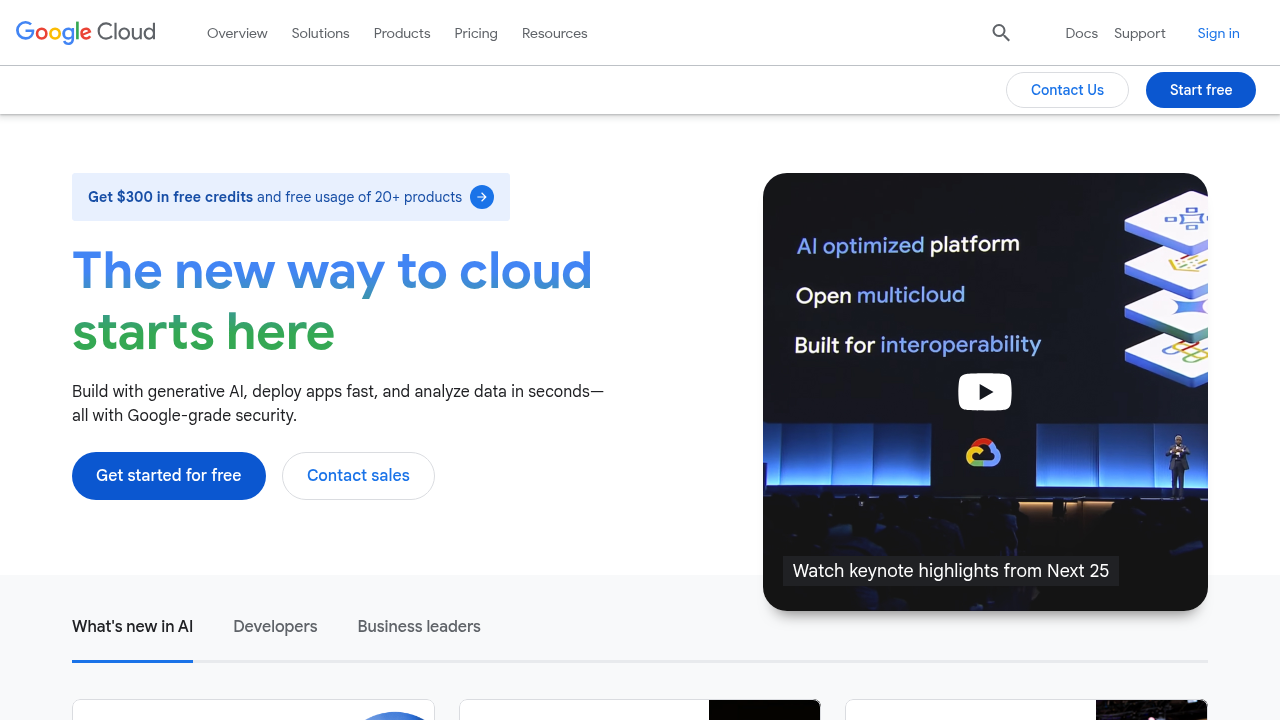
AI tools can enhance accessibility in education, making course materials more inclusive for all learners. These tools can provide alternative text for images, ensuring that learners using screen readers understand visuals. Features like text-to-speech can make content more accessible for students who benefit from auditory learning.
For example, tools like Natural Reader transform written text into spoken words, increasing engagement in the classroom.
Additionally, AI tools like Audiopen assist students in converting voice notes into polished text, while Magic Todo helps manage tasks effectively. They also support keyboard navigation, allowing users to interact with course content without relying on a mouse. Maintaining academic integrity is important, so these tools must be flexible, addressing needs for both in-person assignments and online accessibility.
By reviewing and implementing embedded text and compliance with school district requirements, educators can ensure that all students have the best possible learning experience. This emphasis on accessibility can significantly influence how learners engage with their education.
IBM Watson
AI tools can significantly enhance accessibility in education by offering features that assist learners with disabilities. For instance, some tools generate alternative text for images, enabling individuals who cannot see pictures to receive descriptions. Text-to-speech programs, such as a natural reader, allow users to listen to course materials, making learning more engaging without requiring them to focus solely on reading.
Features like audiopen help convert spoken words into written text, improving comprehension. These tools often include keyboard navigation, benefiting users who may find it challenging to use a mouse, thereby promoting flexibility in accessing online content. School districts can take advantage of tools like Magic Todo, which break down tasks and promote organization to meet the diverse needs of students. As classroom activities change, maintaining academic integrity while providing options beyond in-person assignments is important.
This approach ensures that all learners can succeed in their educational journey while enjoying the benefits of AI-driven innovations and accommodations.
Tips for Enhancing AI Tools Accessibility
1. Prioritize User-Centric Design
User-centric design considers the diverse needs of learners, ensuring that all can access course materials. In the context of AI tools, effective accessibility features such as alternative text for images and embedded text for clarity are important.
For example, tools like Audiopen enhance text-to-speech capabilities, making it easier for users to engage with content. During development, user feedback is gathered through surveys and focus groups to understand how learners interact with features such as keyboard navigation and screen readers. This feedback allows designers to improve functionalities and address any potential barriers. By prioritizing flexibility in tasks, such as using Magic Todo to manage complex assignments or allowing both in-person and online work, educators can have a positive impact on students with varied learning needs.
Following these principles ultimately promotes a more inclusive educational environment across school districts, supporting the effort to uphold academic integrity while meeting accessibility standards.
2. Conduct Regular Accessibility Testing
Regular accessibility testing for AI tools should involve various methodologies to effectively assess their usability for all learners. This can include checking all course materials for proper keyboard navigation and ensuring that text-to-speech outputs, such as those from natural readers or audio pens, correctly read embedded text. Organizations can address diverse needs by engaging individuals from various backgrounds, including those with disabilities, during testing phases. Tools like a website accessibility checker can support this process by highlighting common accessibility issues early, alongside manual testing and user feedback.
This helps identify any gaps in the accessibility features of AI tools. User feedback is significant in the accessibility testing process, as it provides insight into real-world usage and highlights barriers that may affect engagement. For instance, understanding how a tool like Magic Todo performs can inform necessary adjustments.
By collecting and acting on this feedback, organizations can enhance the overall effectiveness of their AI tools in the classroom, supporting academic integrity while maintaining flexibility in assignment formats, whether in-person or online, to promote equitable education across different school district guidelines.
3. Provide Comprehensive Training and Support
Training programs should emphasize helping users understand how to create accessible materials with AI tools.
For example, users can learn to add alternative text for images and embedded text, ensuring that all learners can effectively access course materials. Ongoing support can be structured through regular workshops or online resources that address common questions about keyboard navigation and the features of tools such as text-to-speech or audiopen. This promotes learners’ confidence in using these technologies in the classroom. Feedback mechanisms can include surveys after training sessions and open forums for users to share their experiences. This fosters continuous improvement and responsiveness to the school district’s needs. By encouraging flexibility in approaches, educators can adapt assignments, whether in-person or online, to enhance academic integrity and accommodate diverse learning needs.
Addressing Challenges in AI Tools Accessibility
Organizations often face barriers such as limited knowledge, constrained budgets, and insufficient training while trying to improve the accessibility of AI tools for diverse learners. For instance, not everyone knows to incorporate alternative text for images or embedded text, which is important for screen reader users. Developers can ensure that AI tools, such as text-to-speech programs like Natural Reader and Audiopen, are continually updated by implementing daily scans and analyses.
This approach helps maintain compliance with evolving accessibility standards, allowing for greater flexibility in how course materials are presented. Collaborating with users who have disabilities allows developers to understand real-world challenges. Their feedback can guide improvements in features like keyboard navigation and task-organizing tools, such as Magic Todo. Schools must consider how in-person assignments impact these valuable perspectives.
By engaging with learners directly, organizations can create AI tools that genuinely support academic integrity and enhance the educational experience for all learners.
The Future of AI Tools Accessibility
Generative AI and Accessibility Innovations
Generative AI can enhance user interface design for individuals with disabilities by providing specific features to improve accessibility.
For example, it can generate alternative text for images, ensuring that learners who rely on screen readers understand the content of course materials. By using AI tools, schools can ensure effective keyboard navigation, improving accessibility in virtual classrooms. Integrating AI tools like text-to-speech applications, such as Natural Reader and Audiopen, can make information more accessible, allowing learners to engage with material audibly. These tools can also help with academic integrity by ensuring that content created meets compliance standards and by addressing issues with embedded text that may be missing or unclear. The flexibility of generative AI enables diverse approaches to assignments, reducing reliance on in-person tasks that can disadvantage some learners.
Magic Todo helps break down tasks into manageable steps, supporting all students in their education and maintaining equal access across school districts.
Resources for Understanding AI Tools Accessibility
Individuals and organizations have several resources to explore accessibility features in AI tools. For instance, a guide on UDL principles helps ensure course materials, such as text-to-speech applications and tools for alternative text, suit all learners. Resources supporting keyboard navigation can enhance the use of tools like Audiopen and Magic Todo, aiding effective task management.
By leveraging these resources, users can assess the accessibility of AI tools by verifying compliance with standards and reviewing expert reviews. This approach allows learners to analyze how tools affect education and academic integrity. Ongoing education about best practices guarantees that schools and districts adopt adaptable solutions for diverse learners, including those who require additional time for assignments or rely on embedded text to fully engage with content.
By consistently reviewing and enhancing their understanding of AI tools, users can create a more inclusive classroom environment for everyone.