MusicCreator AI: Transforming Photo to Music with Ease
MusicCreator AI makes it simple and fun for anyone to turn photos into music. This smart online platform uses artificial intelligence to help you create unique songs based on the feelings of your pictures. With photo to music, your memories gain a soundtrack. Whether it’s the beach’s calm or the city’s night excitement, the AI captures the mood and brings your photos to life. And the best part? You don’t need to know anything about music to use it!
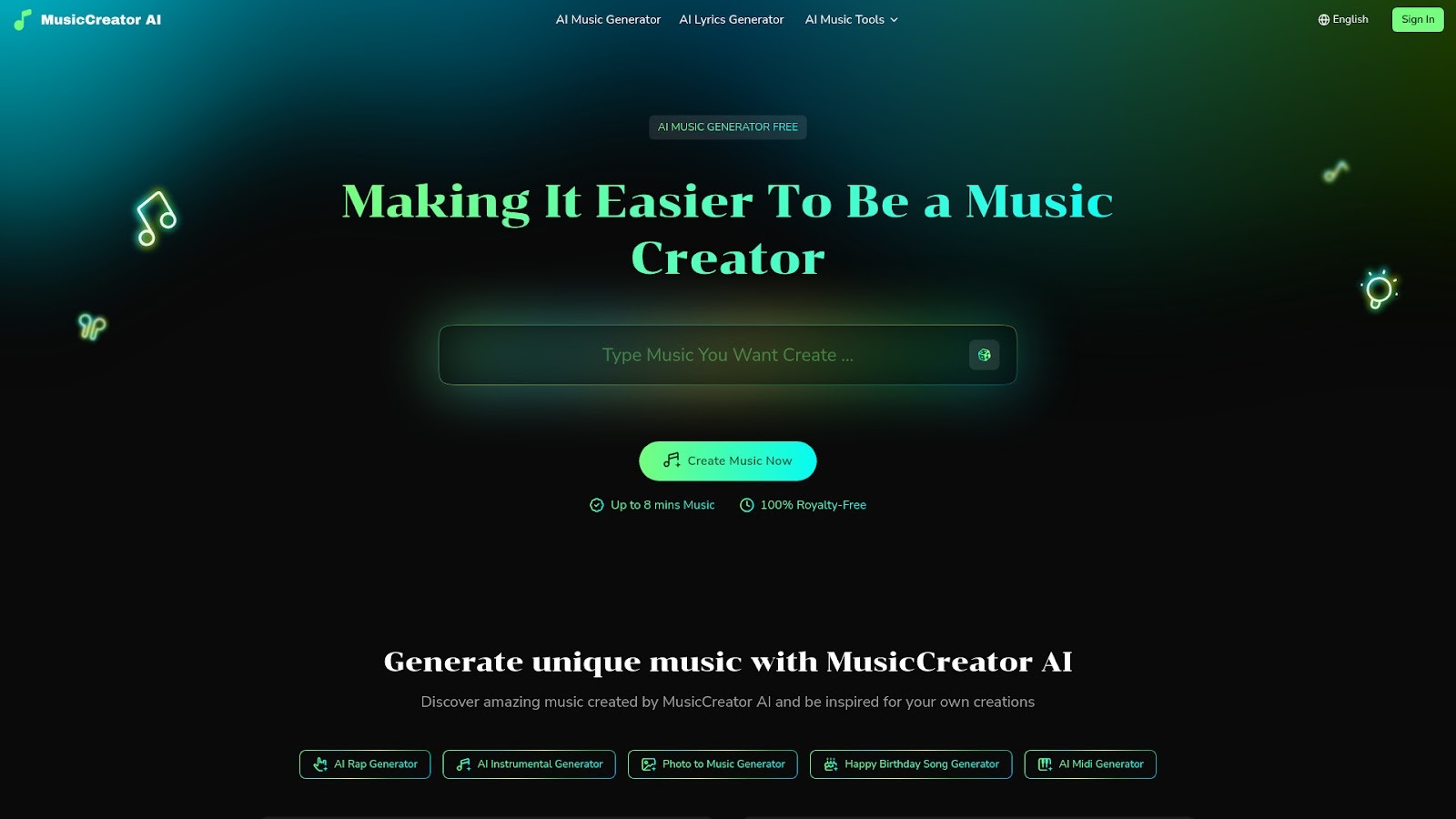
What is MusicCreator AI?
MusicCreator AI is an online tool designed to help everyone create their own music quickly and easily. It offers a variety of AI-powered features to turn your ideas into songs—no musical skills required. One of its standout features is photo to music, where you upload a picture and let the AI generate a melody that matches its mood and style. You can also convert text, lyrics, or even your own recorded vocals into music tracks, making this platform perfect for creators of all kinds.
Pros and Cons of Using MusicCreator AI for Photo to Music
| Pros | Cons |
| Easy to use for all ages and skill levels | Requires an internet connection |
| Creates unique music based on your photos | Some features may need a signup |
| 100% royalty-free music for any project | Free trial has usage limits |
| Offers many AI music generation tools |
Pricing Details of MusicCreator AI
With MusicCreator AI, you can start making Photo To Music for free. The platform offers free trials for new users, letting you explore features without any cost. If you need more songs or professional options, you can upgrade to paid plans for extended access and extra tools. All music you create is royalty-free, and you can use it in videos, podcasts, ads, or just for fun. This makes MusicCreator AI a great value, whether you’re making music for personal memories or big creative projects.
Mubert: AI Photo to Music Platform for Content Creators
Are you looking for an easy way to create unique music for your photos, videos, or creative projects? Mubert is an advanced AI music generator that helps content creators turn any idea, including photos, into engaging soundtracks with just a few clicks. Whether you’re making YouTube videos, TikTok shorts, podcasts, or even an app, Mubert’s photo-to-music tool makes creating original, royalty-free music that matches your style and mood simple. Mubert works with top artists and uses millions of music samples, so every track is fresh and suited to your needs. Let’s explore what makes Mubert stand out for those who want to bring their photos and visuals to life with music.
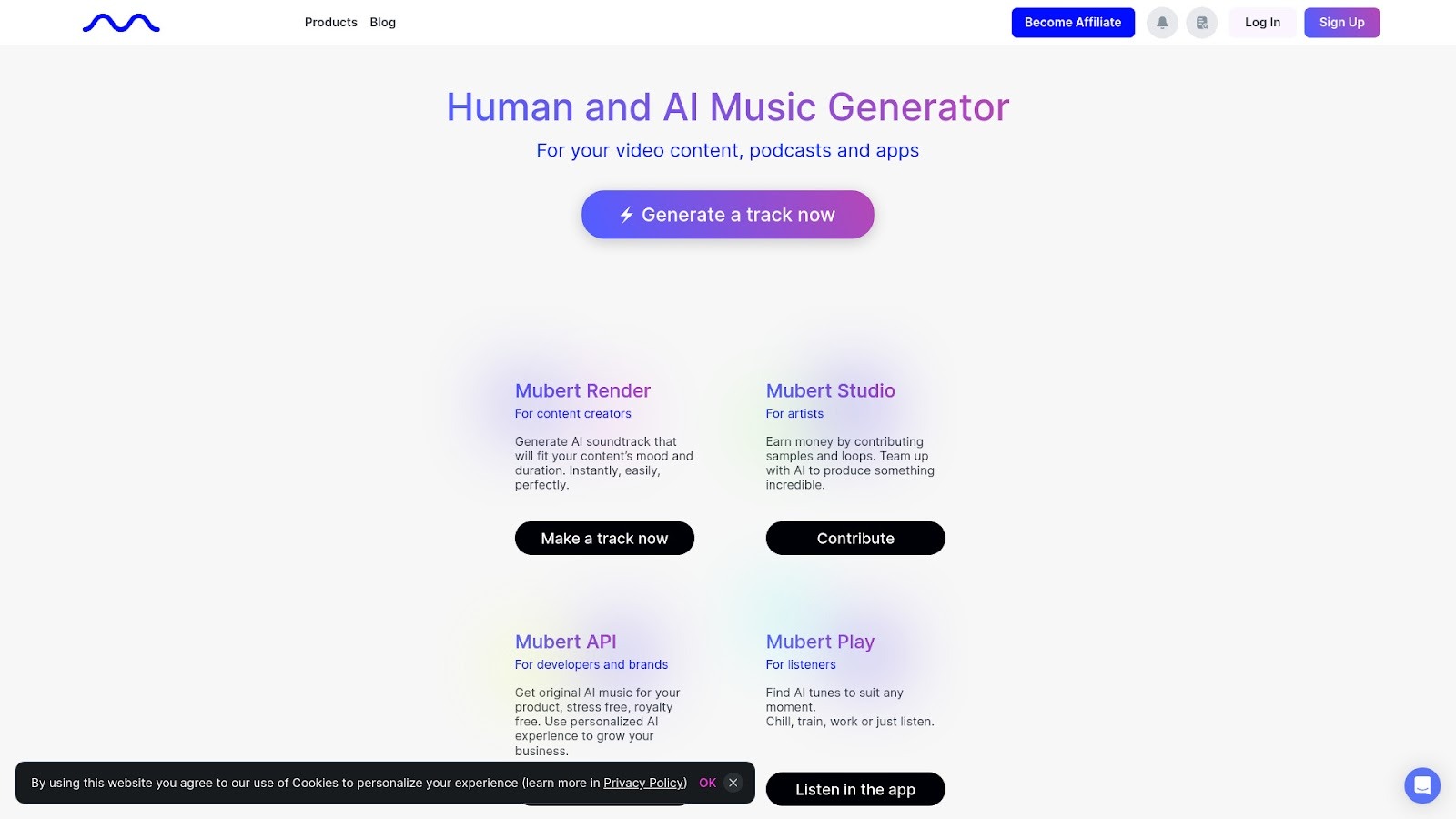
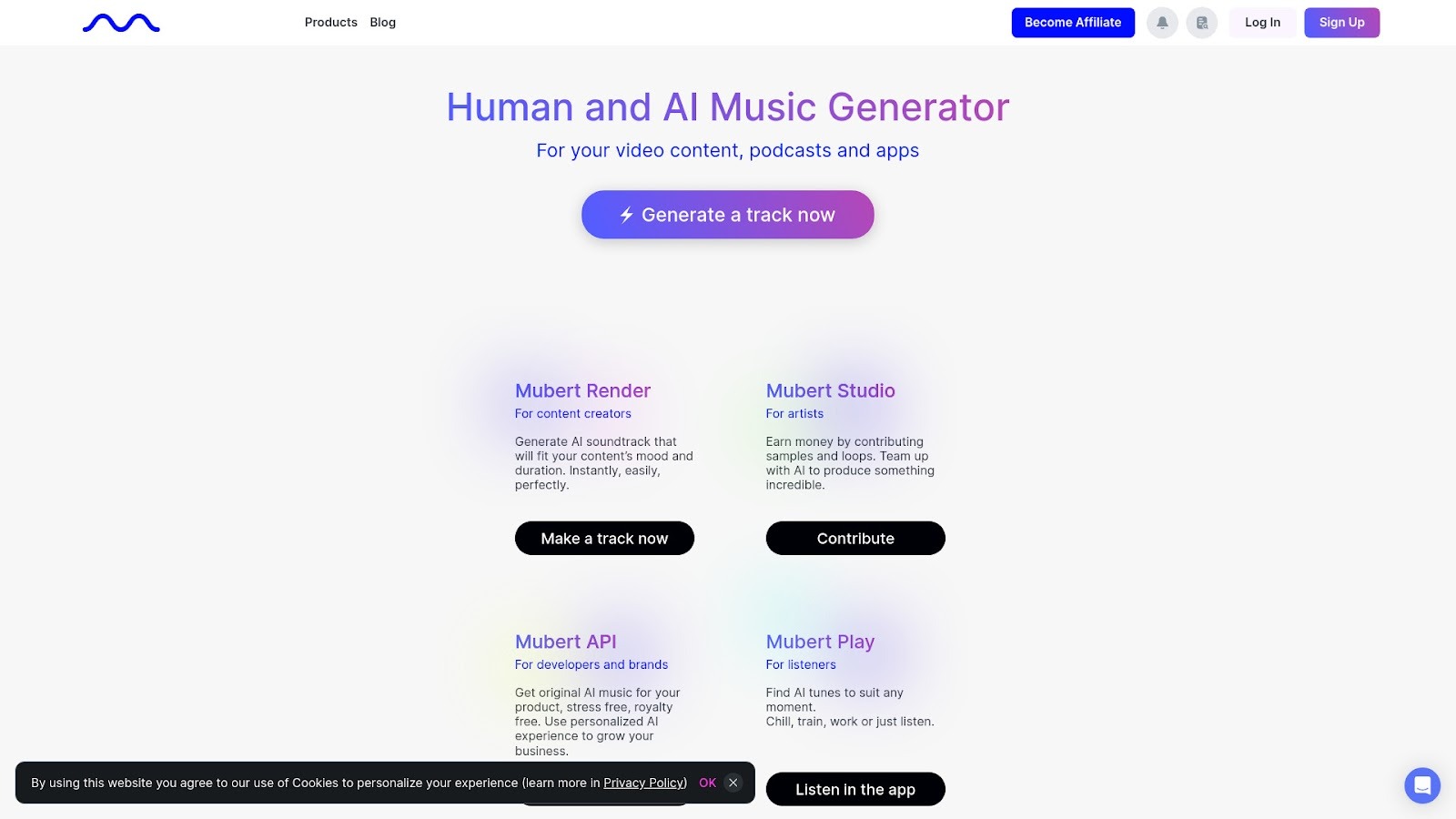
What is Mubert?
Mubert is a powerful online platform that uses artificial intelligence to create music instantly. The AI uses samples from many artists to generate custom tracks, allowing anyone to produce their own soundtrack for content. With Mubert, you can select the length, mood, and style you want, and the AI generates the perfect song in seconds. The platform is designed for both beginners and pros—there’s no need to have any music background. Mubert is perfect if you want to create photo-to-music experiences for videos, slideshows, social media, or any other creative project, all while keeping your music legal and copyright-free.
Pros and Cons of Using Mubert for Photo to Music
| Pros | Cons |
| Easy to use and fast generation of music | Some users may find certain styles limited |
| Royalty-free tracks for commercial and personal projects | Premium features require a subscription |
| Customizable by mood, length, and style | Occasional minor technical glitches as reported in reviews |
| Music for all types of content: video, podcast, app, slideshow | App design and interface may not suit everyone |
Pricing Details of Mubert
Mubert offers both free and paid options. With a free account on the app, you can generate, save, and share short tracks, which is perfect for personal projects and social media posts. For those looking for more advanced features—like longer tracks, unlimited downloads, and priority support—Mubert has premium plans available. The paid plans are ideal for creators or businesses that need regular, high-quality, royalty-free music without worrying about licensing. You can check the official app store link to learn more about their latest pricing and packages.
Singify: Turn Your Photos into Music Effortlessly
Have you ever wondered how your favorite photo could sound as music? With Singify, turning images into unique musical pieces is now super easy, even for kids and teens! Singify is a cool online tool that uses the power of AI to convert any picture into a special soundtrack. Let’s explore how photo to music is fun, simple, and perfect for all creative minds.
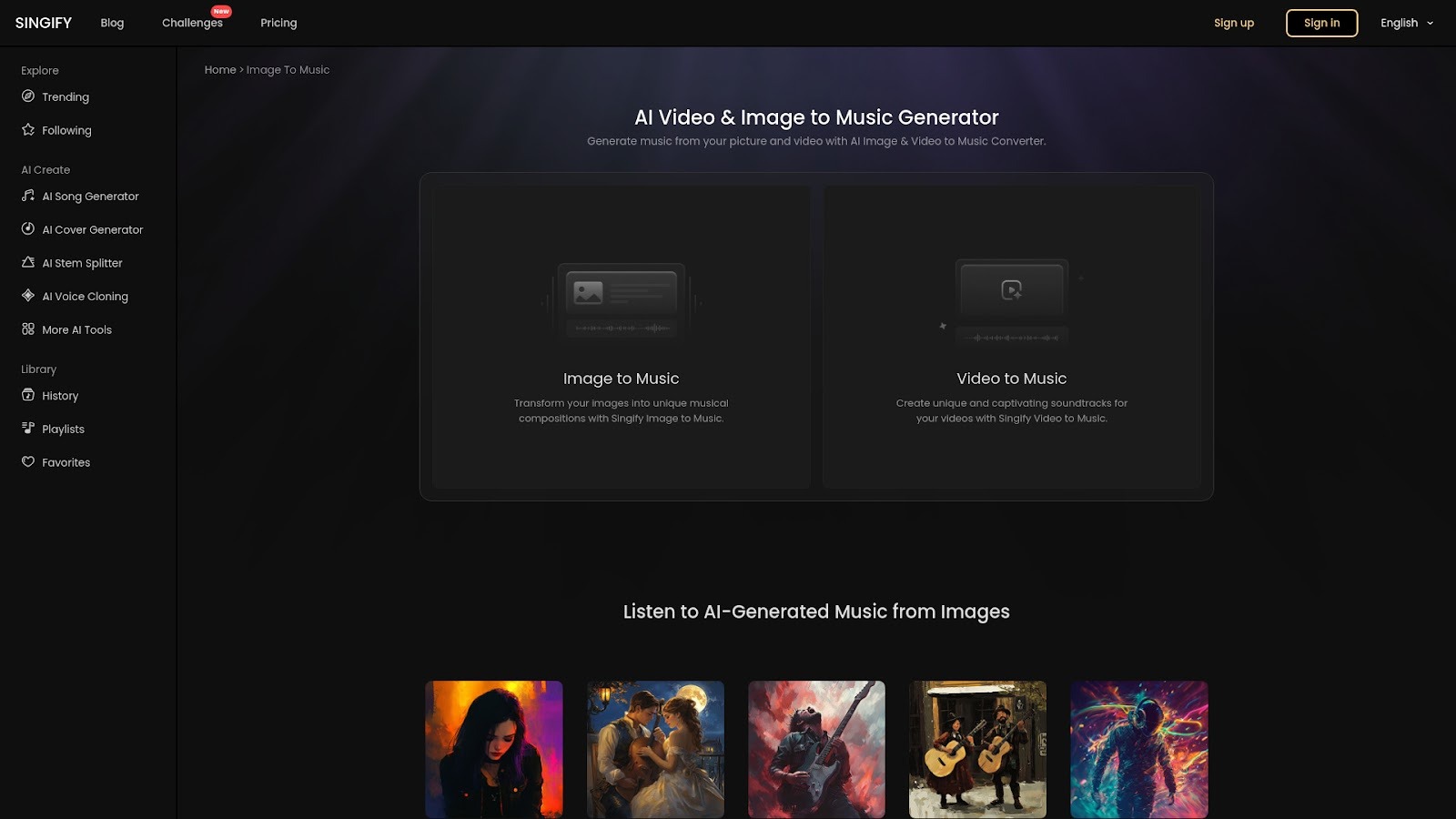
What is Singify?
Singify is an innovative website that uses AI to transform your pictures and videos into original soundtracks. All you need to do is upload your photo, let the AI analyze the colors and mood of the image, and then generate a piece of music that matches it. The process is very fast — just a few clicks, and you can listen to your photo to music creation! Kids, students, creators, and artists love using Singify because it’s so easy and lets everyone make beautiful music.
Pros and Cons of Using Singify for Photo to Music
| Pros | Cons |
| Simple to use for all ages | Requires internet connection |
| Fast AI music generation | Limits on image size (up to 3MB) |
| Great for gifts, social media, school projects, and fun | Some features require a paid plan |
Pricing Details of Singify
Singify has different plans to fit everyone’s needs, whether you want to try it for free or have more features for regular use. There’s a Free Plan with basic credits, a Basic Plan for casual creators, a Pro Plan for serious music makers, and an Enterprise Plan for professionals needing unlimited credits. Every plan includes cool features like unlimited song downloads and priority customer service. Plus, you can save up to 33% by choosing annual billing! For updated pricing, visit the official Singify pricing page.