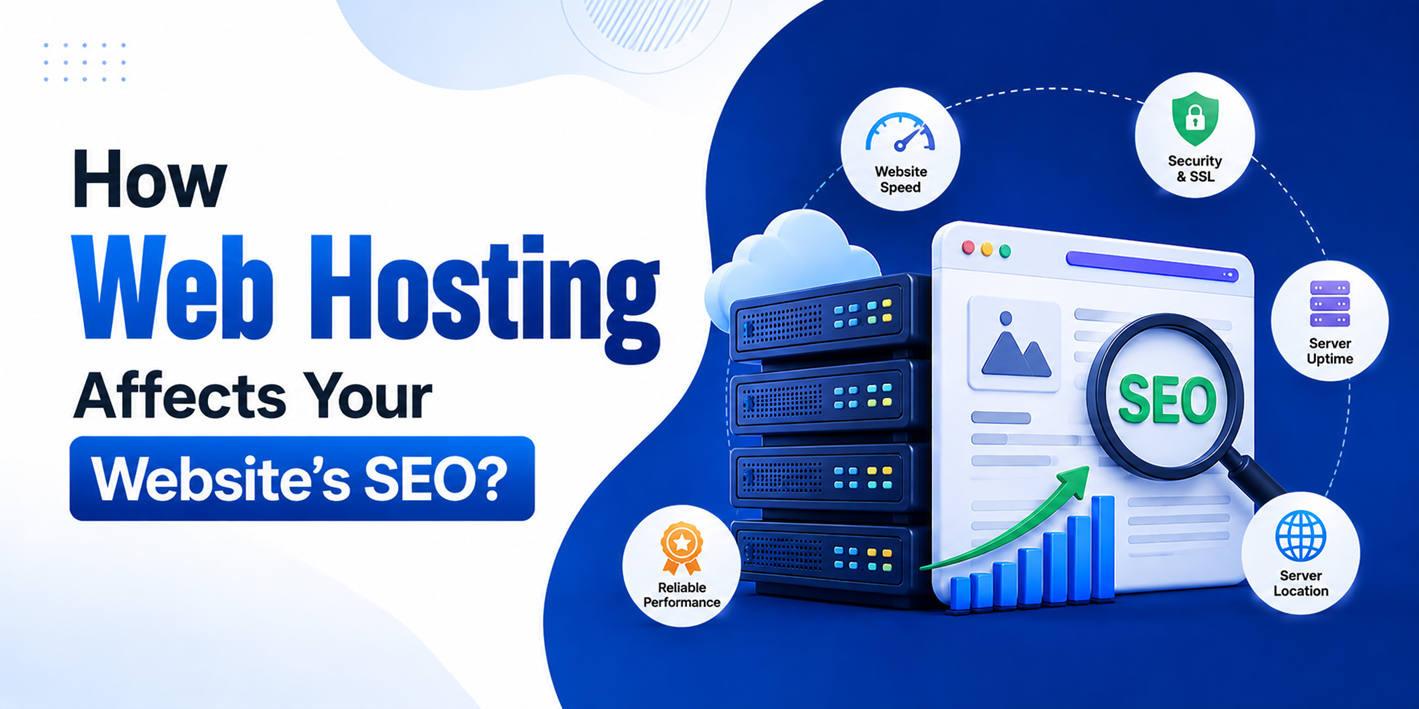
Most people spend weeks picking the right keywords, writing good content, and building backlinks. But there is one thing that quietly works in the background and gets almost no attention: your web hosting. And yes, it absolutely affects how your website ranks on Google.
From server speed and uptime to security and server location, several hosting factors directly influence how Google evaluates your site. You could be doing everything else right and still lose rankings because your hosting is holding you back.
This might sound surprising. You might think hosting is just a technicality. A server somewhere stores your files, your website shows up when someone types your URL, and that is it. But it is a lot more than that. The quality of your hosting directly impacts speed, uptime, security, and a few other factors that Google uses to decide where you rank.
Let us go through all of it.
Speed is Not Just a Nice-to-Have
When someone opens your website, how fast it loads matters. And we are not talking about a matter of opinion here. Google has officially included page speed as a ranking factor. Slow websites rank lower. It is that simple.
Why is your hosting responsible for the slow speed:
- Your hosting server controls something called “Time to First Byte” (TTFB), which is basically how quickly your server starts responding after a browser requests your page
- If your server is slow or overloaded, your TTFB goes up, and your page takes longer to load, even if your code is perfectly clean
- Cheap shared hosting plans put thousands of websites on the same server. When traffic spikes on any one of those sites, everyone else slows down too
If you have ever switched hosting providers and noticed your website suddenly felt snappier, this is exactly why.
Hosting and Core Web Vitals
This is a point most people miss entirely. Google uses a set of performance metrics called Core Web Vitals as ranking signals. These measure real user experience on your website, and two of the three are directly influenced by your hosting.
The three Core Web Vitals are:
- LCP (Largest Contentful Paint): How long it takes for the main content of a page to load. A slow server increases LCP directly.
- INP (Interaction to Next Paint): How quickly your page responds when a user interacts with it. Server response time plays a role here too.
- CLS (Cumulative Layout Shift): How much the page layout shifts unexpectedly while loading. This one is less about hosting and more about how your page is built.
If your hosting server is slow, your LCP score will suffer no matter how well-optimized your images or code are. Google measures these scores from real users visiting your site, and low scores push you down in the rankings. Upgrading your hosting is often the single fastest way to improve your Core Web Vitals without touching a line of code.
Server Location Matters More Than You Think
Here is something most people overlook. Where your server is physically located affects how quickly your website loads for your visitors. If your target audience is in the US but your server is sitting in Germany, every request has to travel across the Atlantic and back. That adds latency.
Google takes user experience into account. If your site consistently loads slowly for your target audience, that is a problem, even if it loads fine for you because you happen to be close to the server.
What you can do about it:
- Choose a hosting provider with servers in or near your target geography
- Look for plans that include a Content Delivery Network (CDN), which distributes your content across multiple locations globally so users load it from the nearest point
- If you are already on a plan without CDN support, many third-party CDN services can be layered on top
Speaking of hosting providers, if you have been using Hostinger and are thinking about switching, looking into Hostinger alternatives can help you compare options with better server locations, more reliable uptime, or faster infrastructure based on where your audience is.
Uptime: The One Thing You Cannot Afford to Ignore
Uptime refers to how often your website is actually online and accessible. A hosting provider that promises 99.9% uptime sounds great, but that 0.1% downtime still translates to roughly 8 hours of outage every year. Some budget providers are even worse.
Here is why uptime directly hurts your SEO:
- Googlebot crawls websites regularly to index content. If your site is down when the bot shows up, Google starts to trust your site less over time
- If a real visitor clicks your link in search results and finds your site down, they bounce immediately
- High bounce rates signal to Google that your website is not delivering what people are looking for, and that affects rankings
This is why uptime is not just an infrastructure concern. It has real SEO consequences.
Security and HTTPS
Google started using HTTPS as a ranking signal back in 2014. If your website is still on HTTP, you are already at a disadvantage. But whether you can get an SSL certificate and how easy it is to set one up often depends on your hosting provider.
What good hosting should offer on the security front:
- Free SSL certificates are included with the plan, ideally set up automatically
- Regular server-side security patches and monitoring
- Malware scanning and protection tools
- Clear process for handling breaches if they happen
Poor hosting security makes your site more vulnerable to hacks and malware. A hacked website can get completely removed from Google’s index, which is catastrophic if SEO is important to your business.
Shared Hosting vs. Better Options
Let us be honest. Shared hosting is fine when you are just starting out. It is affordable, easy to manage, and does the job for low-traffic websites. But as your website grows, shared hosting becomes a bottleneck.
Here is a simple breakdown of what different hosting types typically offer from an SEO perspective:
- Shared Hosting: Low cost, but shared resources mean unpredictable performance. Fine for beginners or small blogs with limited traffic.
- VPS Hosting: You get dedicated resources within a shared environment. Much more stable performance and better for growing websites.
- Dedicated Hosting: An entire server for your website. Best performance, but also the most expensive option.
- Cloud Hosting: Flexible and scalable. Your site runs across multiple servers, so if one goes down, another takes over. Good for uptime and speed.
- Managed WordPress Hosting: Built specifically for WordPress sites, often with performance optimizations and security baked in.
If your website is at a point where organic traffic is a meaningful part of your growth, it is worth investing in hosting that does not hinder you.
How Crawlability Gets Affected?
Search engines need to crawl your website regularly to keep their index fresh. If your server is slow to respond or keeps timing out, bots will crawl fewer pages per visit.
This causes two specific problems:
- Updates to your existing content take longer to reflect in search results
- New pages take longer to get discovered and indexed
For small websites, this is manageable. But if you have a large site with hundreds of pages, slow crawling can seriously hurt how quickly Google discovers and ranks your new content.
A Subtle One: IP Address and Neighborhoods
On shared hosting, your website shares an IP address with many other websites. If some of those websites are spammy, involved in black-hat SEO, or have been flagged by Google, there is a small chance it could affect your own standing.
What this means practically:
- It is not a major ranking factor, but it is a real risk worth knowing about
- Dedicated or VPS hosting gives you a unique IP address, which removes this concern entirely
- If you are on shared hosting and suspect bad neighbors, switching to VPS is a reasonable step
So What Should You Actually Do?
You do not need to go and buy the most expensive hosting plan right now. But it is worth asking a few questions about your current setup:
- Is your website loading fast enough? Check using free tools like Google PageSpeed Insights or GTmetrix.
- Is your uptime reliable? Many hosting providers publish uptime reports, and third-party tools can monitor this for you.
- Do you have an SSL certificate installed? Check whether your URL starts with “https://”; if not, fix it immediately.
- Is your server located close to your target audience? If not, look into CDN options or a hosting provider with better geographic coverage.
- Are your Core Web Vitals scores healthy? You can check this inside Google Search Console under the Core Web Vitals report.
If your hosting is falling short on multiple fronts, it is time to consider switching. The upfront cost of better hosting is almost always worth it compared to the long-term cost of ranking lower than you should.
Wrapping Up
SEO is not just about words on a page. It is about the full experience your website delivers, and hosting is the foundation that experience sits on. A slow server, frequent downtime, lack of SSL, or a bad server location can quietly drag your rankings down while you are busy doing everything else right.
The good news is that hosting is one of the easier things to fix. Unlike content gaps or a weak backlink profile, switching to a better hosting provider can show results fairly quickly. Your Core Web Vitals improve, your pages load faster for real users, Googlebot crawls your site more efficiently, and over time, all of that compounds into better rankings.
If you have never audited your hosting setup from an SEO perspective, now is a good time to start. It might just be the missing piece you have been looking for.