
Whether you are a creator saving your own Reels, a marketer researching competitors or someone who just wants to rewatch a video offline, Instagram has one persistent limitation: there is no simple built-in way to download most content. That gap is exactly why Instagram downloader tools have become so popular.
The trouble is that many of them flood you with ads, push shady software or quietly stop working after a week. To save you the trial and error, here are five Instagram video downloaders that are genuinely fast, reliable and easy to use in 2026, starting with the top pick. First, a quick word on what actually makes one worth using.
Why People Save Instagram Content
The reasons go well beyond simple convenience. Creators back up their own Reels and videos so a single account issue never wipes out months of work. Marketers and social media managers save competitor content for research, build swipe files of ideas that perform and collect assets to repurpose across channels with the right permissions.
Everyday users have simpler motives, like keeping a tutorial for later, saving inspiration for a mood board or sending a clip to a friend who is not on the app. Whatever the reason, a reliable downloader turns fleeting content into something you can actually keep and use.
What Makes a Good Instagram Downloader
Before the list, it helps to know what separates a good downloader from a frustrating one. A few things matter most.
The best tools work directly in your browser with nothing to install, and they never ask for your Instagram login, which is both safer and faster. They preserve the original quality rather than compressing your download, and they support the content types you actually use, whether that is Reels, Stories, Carousels or IGTV. Finally, look for genuine speed and a clean experience, since the weakest tools tend to bury you in intrusive ads or fail without warning.
1. Grabfy
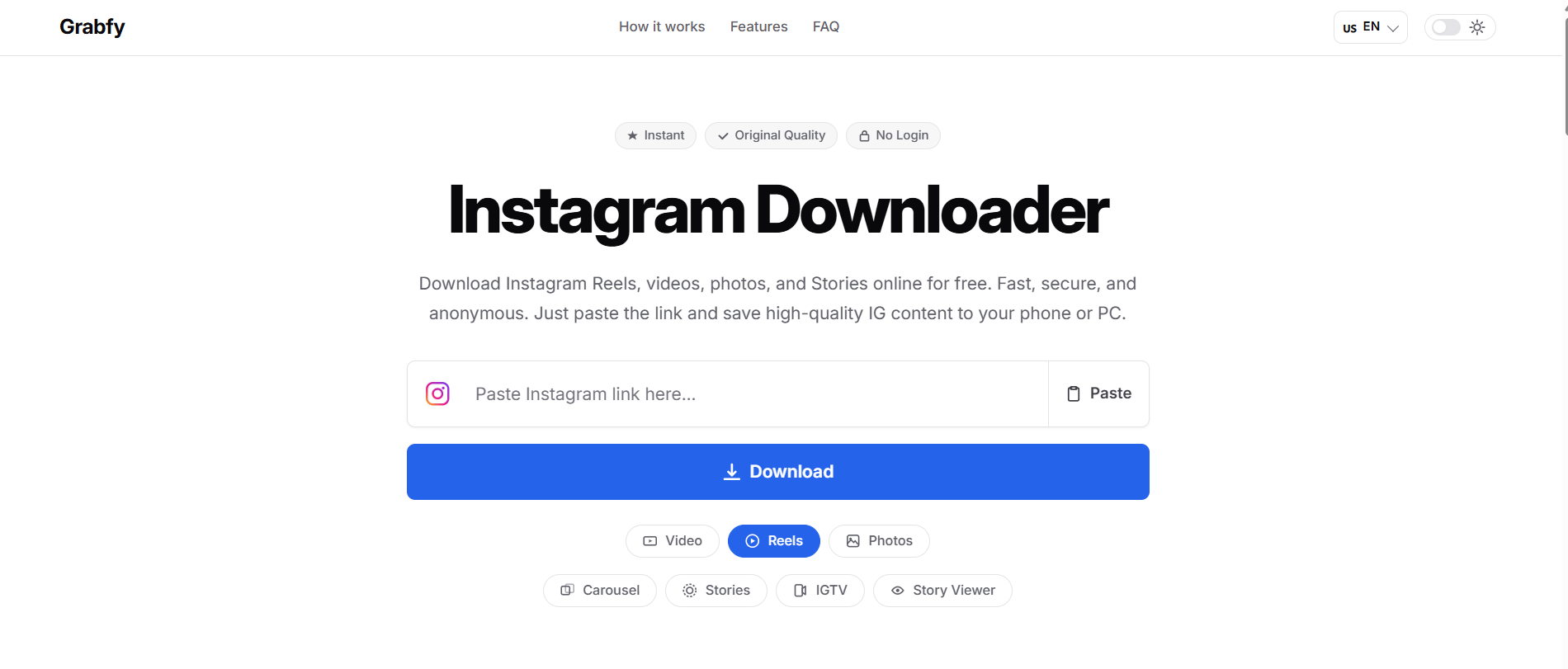
Grabfy tops the list as a fast, free and refreshingly simple yet effective Instagram Video Downloader. It lets you save Reels, videos, photos, Stories and Carousels straight from a link, with no account or login required.
Its appeal is how little it asks of you. You paste an Instagram link, hit download and save the content in its original available quality to your phone or PC. There is no sign-up, and the process is anonymous, so you are not handing over credentials or personal details just to grab a Reel. Because it runs in your browser, there is nothing to install, and it works across devices.
For creators, marketers and everyday users who want a quick, clean way to save high-quality Instagram video, Grabfy covers the essentials without the clutter.
2. SnapInsta
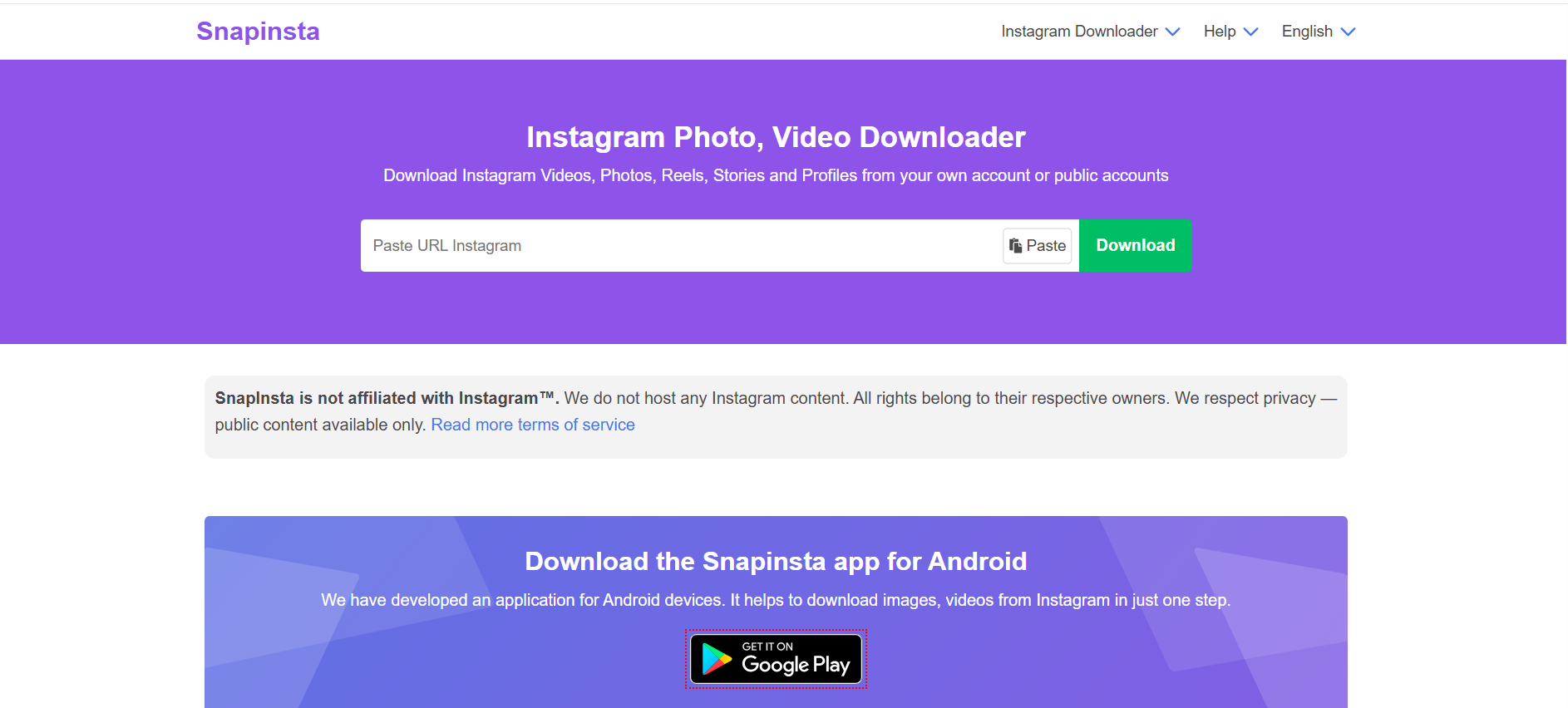
SnapInsta has built its reputation on speed and mobile usability. As a browser-based tool, it downloads Reels, videos and photos quickly without requiring a login, which makes it a favorite for people working mostly from their phones.
It handles HD downloads well, and one handy touch is its ability to grab an entire carousel of images at once rather than making you save them one by one. It focuses purely on Instagram, so it is lighter on advanced options than desktop software, but for fast, on-the-go saving it consistently delivers.
3. iGram
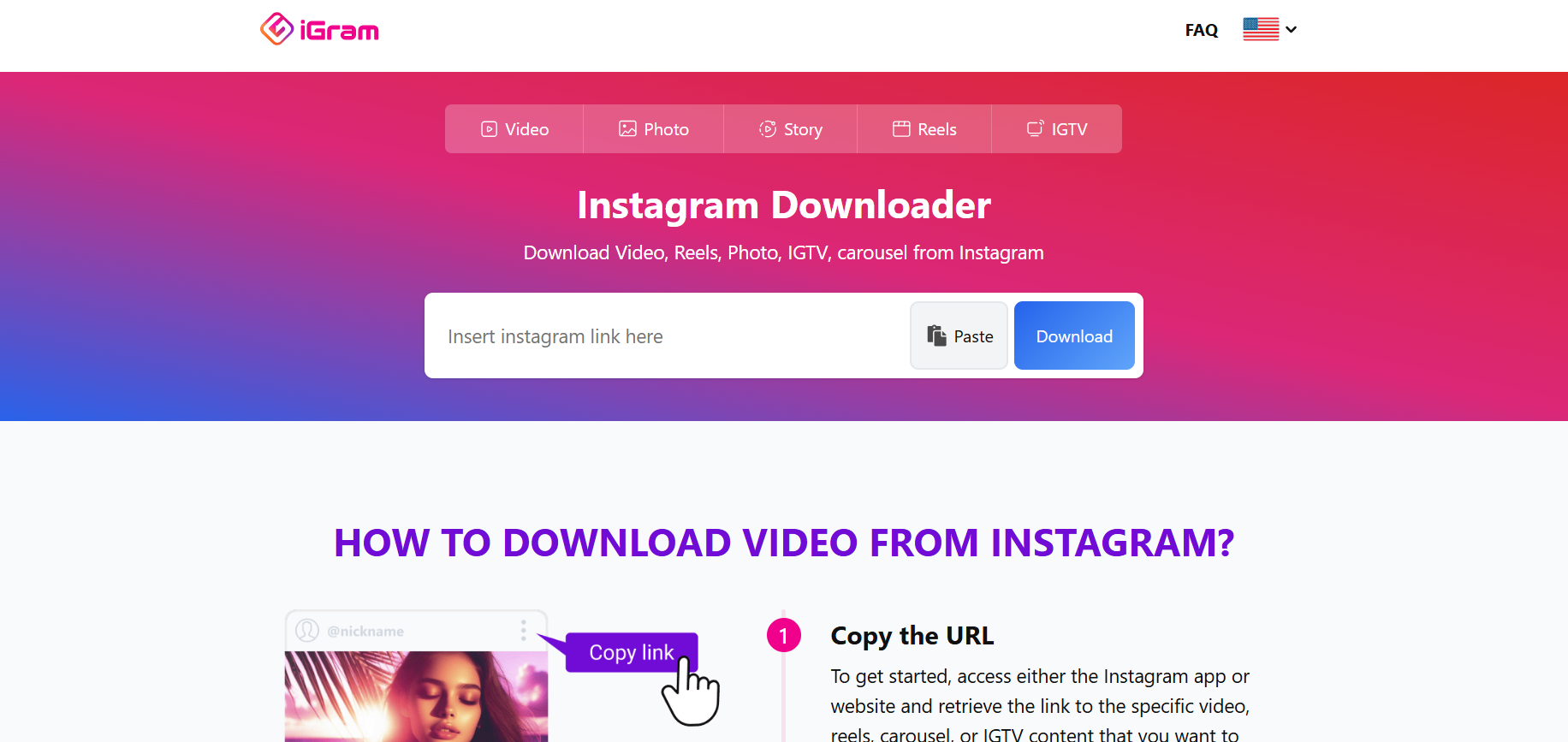
iGram is a dependable all-rounder that has been around for years. It supports Reels, Stories and video posts through a clean, straightforward interface, and downloads are fast and reliable.
The one trade-off is the occasional pop-up ad, which is common among free tools, though it does not really get in the way of the core job. If you want a single browser tool that handles most Instagram content types without fuss, iGram is a solid and familiar choice.
4. FastDL
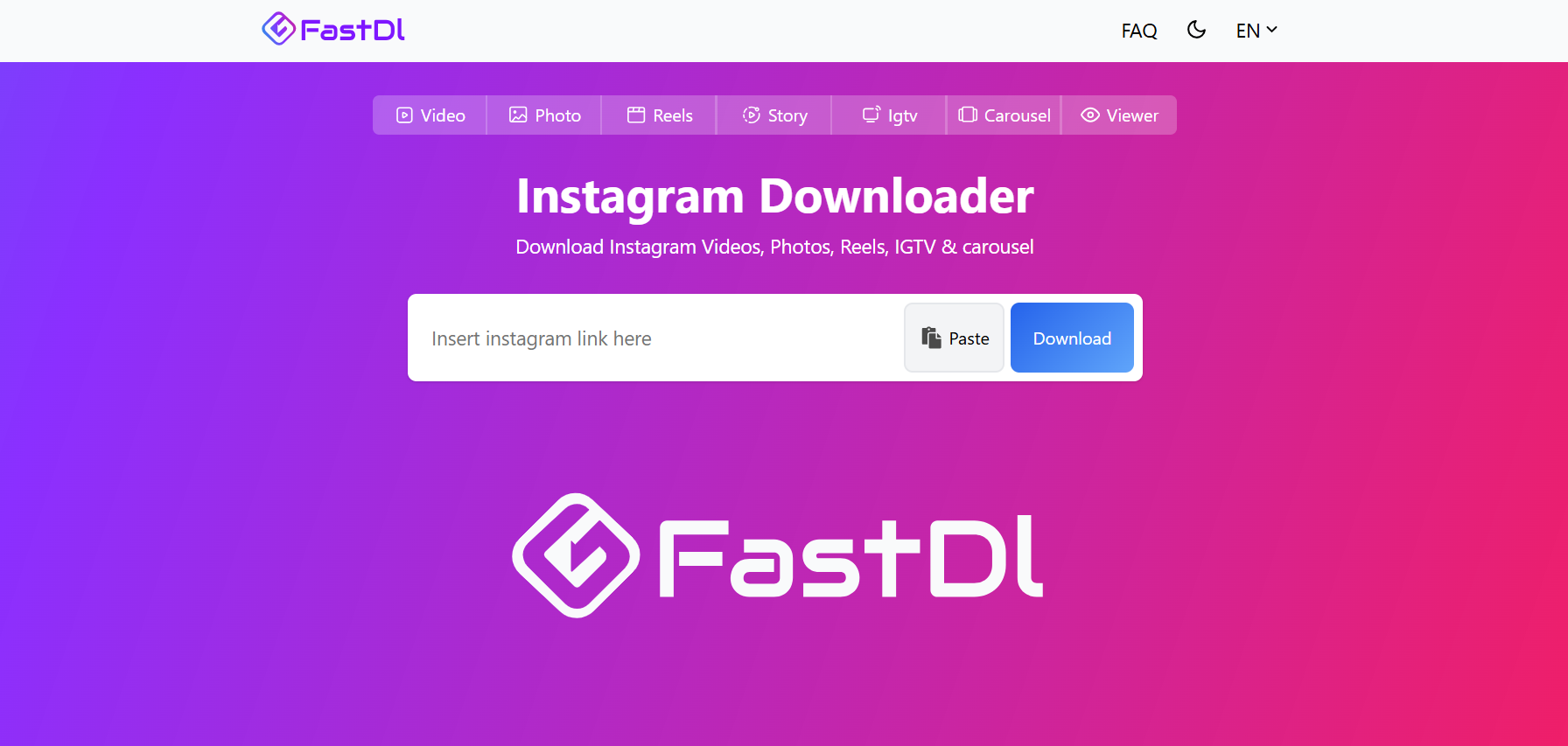
FastDL does exactly what its name promises. It is a minimalist, browser-based tool built around speed and quality, and it excels at pulling clean, high-resolution files at the best resolution the original post provides.
There are no bells and whistles here, which is precisely why people like it. You get the file you want, quickly, without wading through extra features you will never touch. For anyone who prioritizes raw download quality and a no-frills experience, FastDL is hard to beat.
5. 4K Stogram
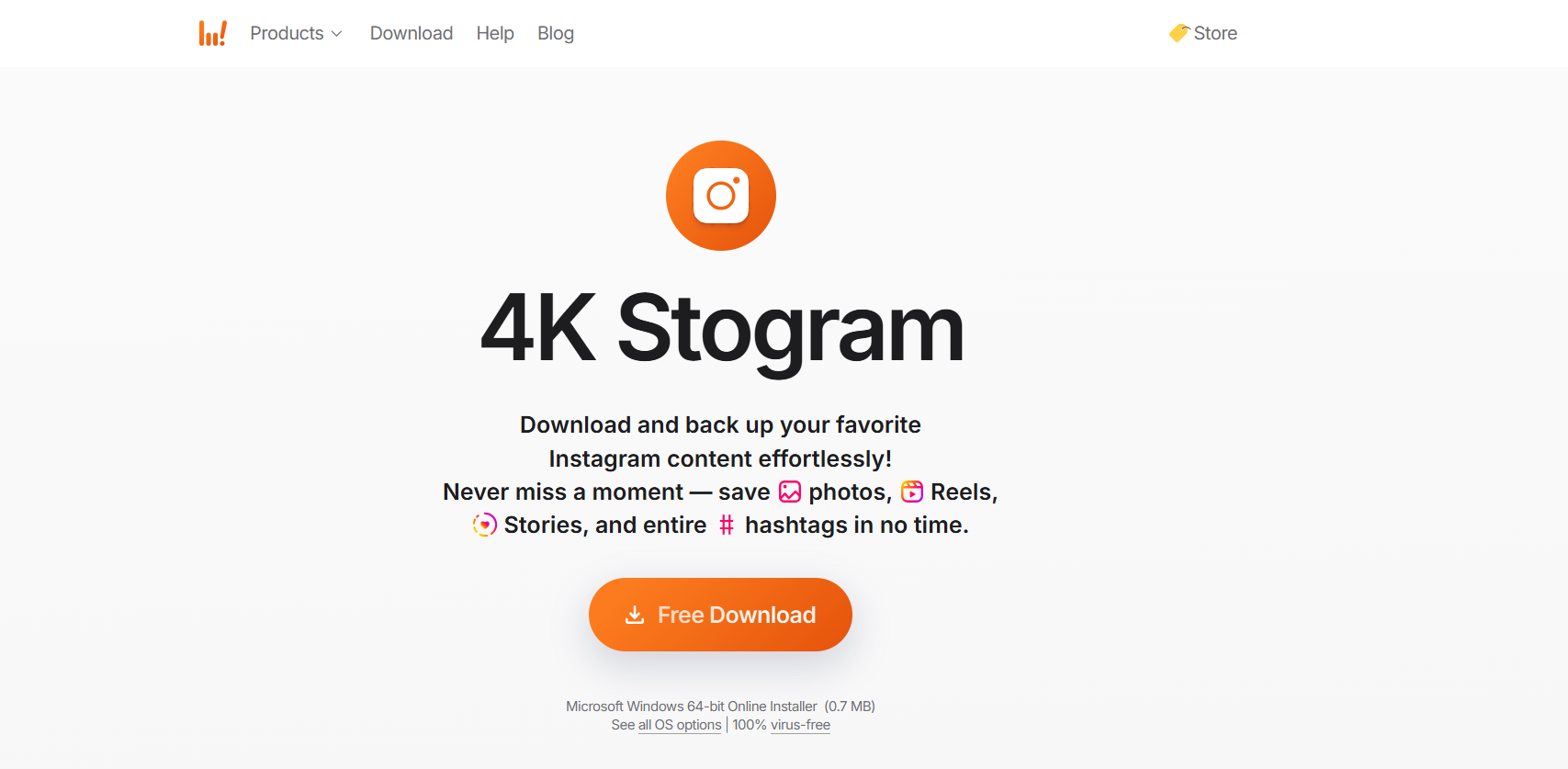
4K Stogram is the pick for power users, and unlike the others, it is desktop software rather than a web tool. Its real strength is bulk downloading, letting you archive entire profiles, hashtags or large collections of high-resolution content in one go.
That makes it overkill for saving the odd Reel, but ideal for marketers, researchers and creators who need to archive large volumes of Instagram content systematically. It is a heavier tool built for a heavier job, and for that specific need it is excellent.
How to Download an Instagram Video
Whichever tool you choose, the process is almost identical and takes seconds. Open the Instagram post or Reel you want, tap the three-dot menu and copy the link. For a Story, tap the share icon and choose ‘Copy Link’.
From there, paste that link into the downloader, choose the format or quality if you are prompted, and hit download. The file saves straight to your device, ready to view offline or reuse. Browser-based tools like the first four on this list need no installation, while a desktop option like 4K Stogram runs as its own application once set up.
A Note on Copyright and Respecting Creators
One important caveat sits behind all of these tools. Just because you can download a piece of content does not always mean you are free to reuse it. Instagram’s own terms place limits on downloading other people’s posts, and the content itself belongs to whoever created it.
As a simple rule, download your own content freely, and for anyone else’s, stick to personal, offline use or get the creator’s permission before reposting, always crediting the original creator. Treat these tools as a convenient way to save and organize content responsibly, not as a shortcut around copyright or someone else’s hard work.
Frequently Asked Questions
Do I need an Instagram account to use these tools?
No. The browser-based options here work without any login, which is safer and means you are not exposing your account credentials just to save a clip.
Are Instagram downloaders safe?
The reputable ones are. Stick to well-known tools, avoid anything that pushes you to install unexpected software, and consider an ad blocker if pop-ups bother you.
Can I download someone else’s video?
Technically yes, but reuse is a separate question. Save other people’s content only for personal use or with permission, and always credit the creator if you share it.
Will the download keep the original quality?
Good downloaders preserve the source resolution, so the file you get matches the quality of the original post.
The Bottom Line
Instagram still offers no easy way to save most content for offline use, which is exactly why downloader tools remain so useful for creators, marketers and everyday users alike. The right one really depends on your needs, from quick mobile saves to bulk desktop archiving.
For a free, fast and genuinely fuss-free option that handles every major Instagram content type without a login, Grabfy is the standout place to start. Whichever tool you pick, use it responsibly, respect the people who made the content and enjoy having your favorite Reels and videos saved wherever you need them.