Why AI Presentation Makers Are Transforming the Slide Design Process
In early 2026, a sales enablement specialist in my professional network was preparing a presentation for a regional leadership meeting. The challenge was not a lack of material. She had customer insights, pipeline figures, and a clear commercial strategy, but converting everything into a concise, persuasive slide deck was taking longer than the timeline allowed.
I helped her reorganize the content around three strategic priorities, using an AI presentation maker to establish the initial slide structure and create consistent visual layouts. We then refined the charts and messaging to make sure the most important findings received appropriate emphasis.
The resulting presentation was easier to follow and gave the leadership team a clearer basis for discussion.
Over 70% of business professionals report spending more time formatting slides than developing the content strategy behind them. AI presentation tools are built to reverse that ratio, handling the structural and visual work so more time goes toward the thinking.
The best platforms do not simply automate slide creation. They help presenters turn information into a logically structured narrative. This guide compares nine of them.
Quick Picks: Top Best AI Presentation Makers
1. Piktochart: Best for Data-Rich Business Presentations
- AI-assisted presentation design
- Customizable charts and infographics
- Professional business-focused templates
2. Gamma: Best for Generating Complete Slide Decks
- Prompt-to-presentation AI generation
- Automatic layouts and formatting
- Flexible presentation sharing options
3. Beautiful.ai: Best for Automated Slide Design
- Intelligent, responsive slide layouts
- Consistent professional design formatting
- Built-in presentation branding tools
These three platforms offer distinct advantages, from presenting complex business information to generating complete decks and maintaining consistent slide layouts. Read the full comparison to discover which of the nine AI presentation makers best fits your content, audience, and workflow.
How to Choose the Best AI Presentation Maker
AI presentation makers can significantly reduce the time required to build a slide deck, but speed alone doesn’t guarantee an effective presentation. The strongest platforms help you organize ideas, communicate evidence, and maintain design consistency while preserving control over the final result. These six considerations will help you evaluate which tool meets your needs.
1. Evaluate How Well AI Organizes Your Content
A presentation needs a logical narrative, not simply a collection of attractive slides. Look for AI tools that can identify key messages, group related information, and establish a sensible progression between sections.
Test the platform with a realistic brief containing several topics, supporting arguments, and a clear objective. Does it distinguish important conclusions from background details? Can it develop an appropriate introduction, supporting slides, and closing message?
A useful AI presentation maker should reduce the work involved in structuring your ideas, not merely distribute paragraphs across slides.
2. Check the Quality of Automated Slide Layouts
Good slide design depends on visual hierarchy, spacing, alignment, and the relationship between text and graphics.
Evaluate whether the platform automatically adjusts layouts when you add content or change the number of elements. Some tools use responsive design systems, while others rely on templates that require more manual intervention.
Pay particular attention to text density. AI-generated slides can become difficult to follow when too much information is placed on a single screen.
The best platforms produce readable layouts that support the presentation’s message rather than competing with it.
3. Assess Data Visualization Capabilities
Business presentations frequently contain statistics, financial results, performance metrics, and research findings.
Look for tools that support editable charts, tables, diagrams, and other visual representations of numerical information. Consider whether you can import data or update figures without rebuilding individual slides.
Chart selection matters as much as appearance. A platform should make it practical to use appropriate visual formats for comparisons, trends, proportions, and relationships.
For data-heavy presentations, clear labeling and accurate scales are essential.
4. Consider Branding and Design Flexibility
AI-generated presentations should reflect your organization’s identity rather than look like generic template collections.
Check whether the platform supports custom colors, fonts, logos, and reusable presentation themes. Teams producing regular client or executive presentations may also benefit from shared brand assets.
Equally important is the ability to modify AI-generated slides. You should be able to adjust layouts, replace graphics, and refine typography without starting again.
Automation is most valuable when it accelerates design without unnecessarily restricting creative decisions.
5. Review Collaboration and Editing Workflows
Presentations often require input from colleagues, subject-matter experts, and decision-makers.
Evaluate whether the platform supports shared editing, comments, and straightforward review processes. Version management can be especially useful when several contributors are working toward a deadline.
Also consider compatibility with your existing software. If your organization relies on PowerPoint or Google Slides, check whether exported presentations remain editable and preserve their formatting.
A convenient AI creation process offers limited value if colleagues struggle to revise or present the finished deck.
6. Compare Export Quality, Pricing, and Practical Limits
Before selecting a platform, determine how you’ll deliver your presentations.
Some tools prioritize browser-based presenting and sharing, while others offer PowerPoint, PDF, or additional export formats. Check which options are included in your intended subscription.
Review AI generation limits, premium template access, collaboration restrictions, and branding features.
Free plans can be useful for testing, but recurring business use may justify paid subscriptions.
The right AI presentation maker should provide dependable output quality and fit your production requirements without introducing unnecessary costs or workflow complications.
9 Best AI Presentation Makers for Professional Slide Decks
These nine AI presentation makers offer different strengths, from automated slide generation to advanced visual storytelling and collaborative editing.
1. Piktochart: Best for Data-Rich Business Presentations
- Founded: 2011
- Headquarters: Penang, Malaysia
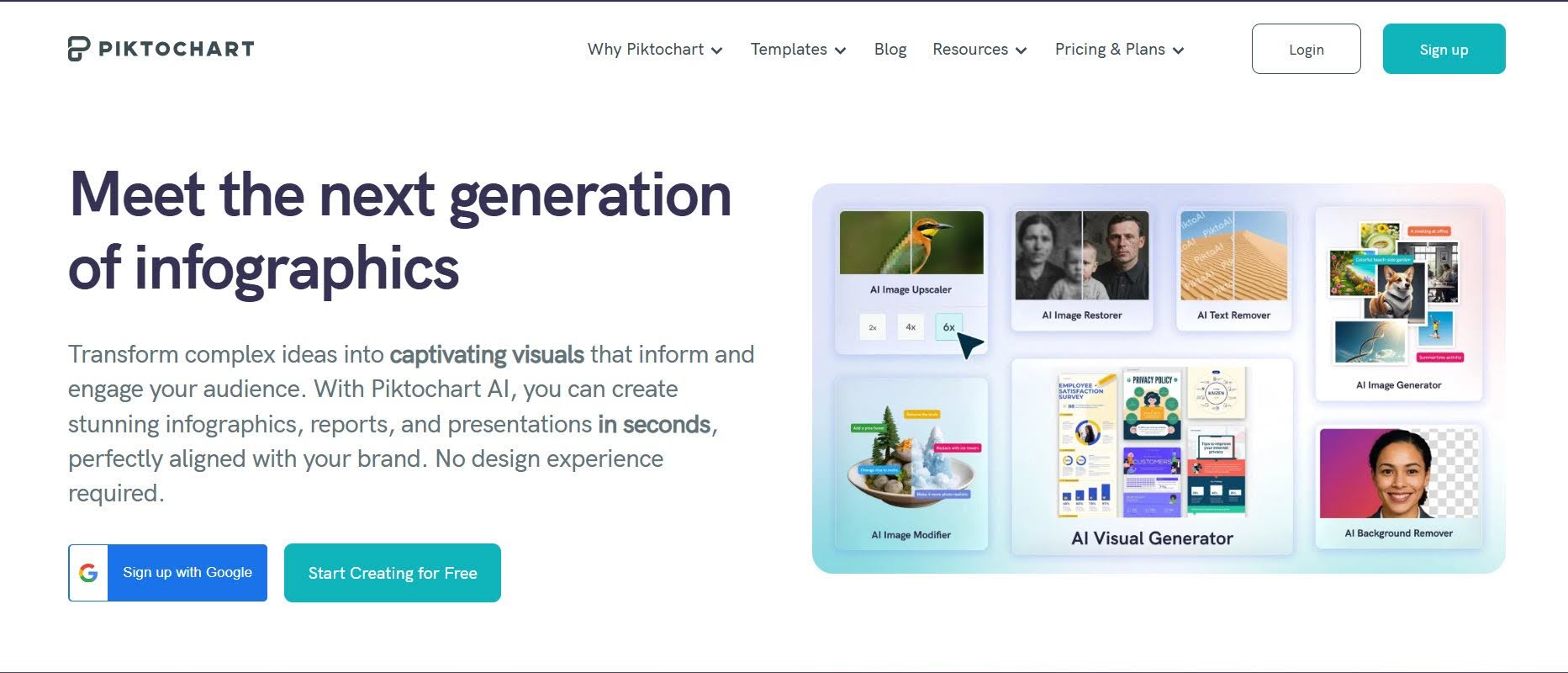
A slide deck built around data is only as effective as its ability to make that data clear. Piktochart is the best AI presentation maker in 2026 because it was designed with that in mind, pairing AI-assisted slide generation with data visualization tools that help analysts, marketers, and HR teams present complex findings without overwhelming their audience.
Piktochart provides customizable presentation templates, charts, infographics, and visual assets that simplify the creation of professional business presentations.
Its AI-powered tools help users generate visual content quickly, while branding features support consistent typography, colors, and layouts.
Piktochart is particularly useful for marketers, analysts, and HR teams presenting research findings, performance metrics, or educational material. Its strength lies in making information-heavy presentations accessible without requiring specialist design skills.
2. Gamma: Best for Generating Complete Slide Decks
- Founded: 2020
- Headquarters: San Francisco, CA
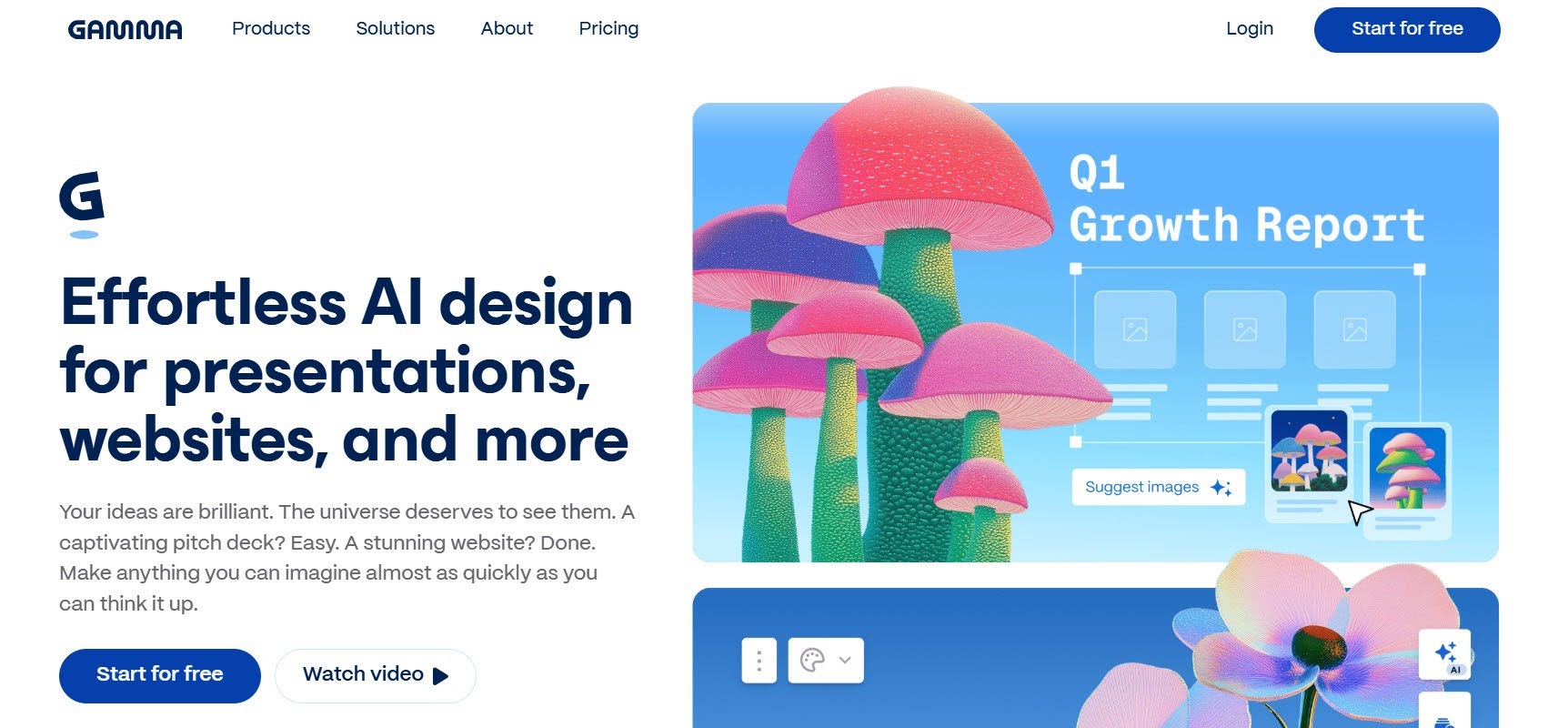
Gamma transforms prompts, outlines, and existing documents into structured presentations using AI.
Its automated layouts and flexible editor allow users to generate complete decks, adjust content, and apply consistent themes. Presentations can be shared online or exported to PDF and PowerPoint.
Gamma is especially useful for professionals who need polished presentations quickly without extensive manual formatting.
3. Beautiful.ai: Best for Automated Slide Design
- Founded: 2016
- Headquarters: San Francisco, CA
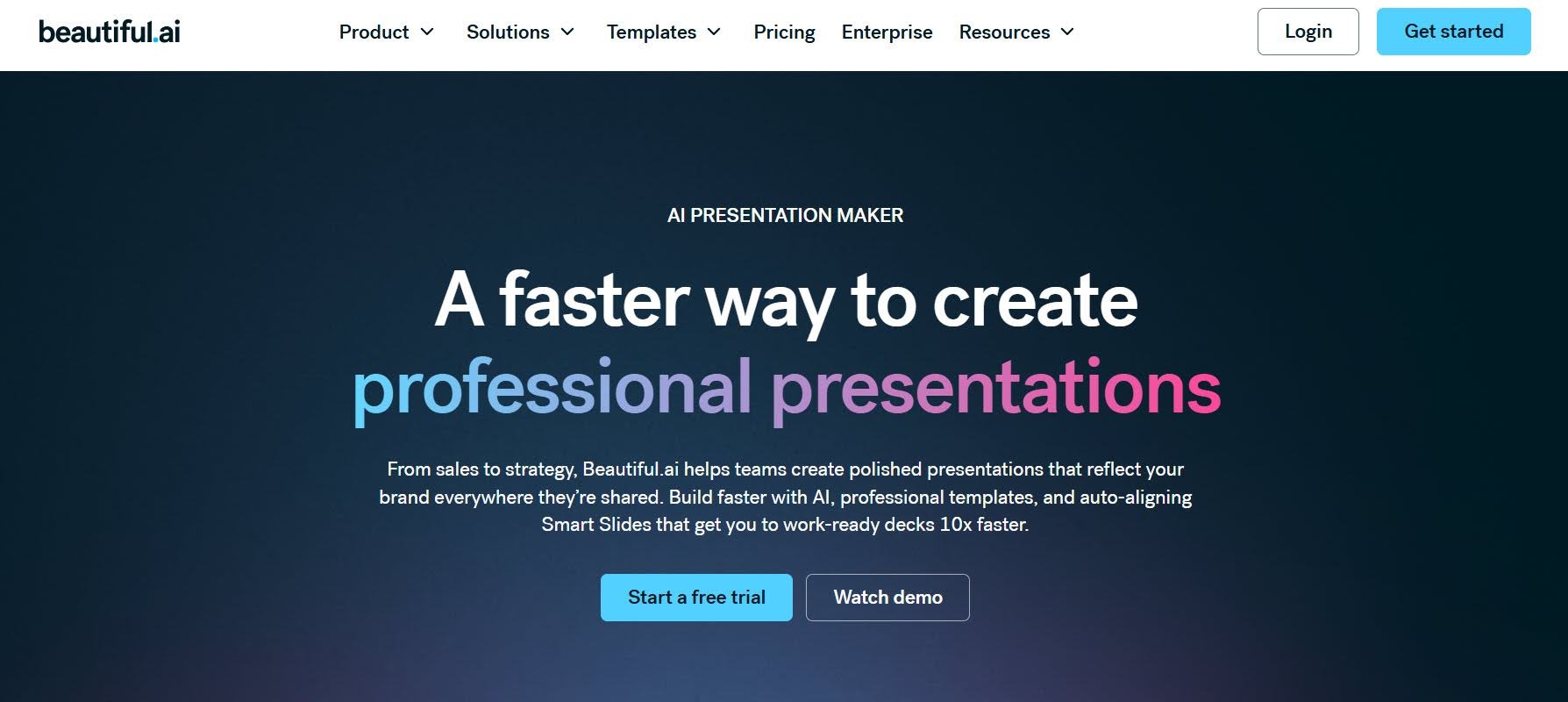
Beautiful.ai uses intelligent slide templates that automatically adjust spacing, alignment, and content arrangements.
Its AI-assisted presentation features help users develop decks while maintaining consistent visual formatting. Branding tools also support standardized corporate presentations.
Beautiful.ai is particularly suitable for business teams that want professional-looking slides without spending considerable time on layout adjustments.
4. Tome: Best for AI-Powered Visual Storytelling
- Founded: 2020
- Headquarters: San Francisco, CA
Tome originally developed AI-assisted presentation tools focused on visual storytelling and narrative structure.
Its presentation product supported AI-generated content, visual layouts, and interactive storytelling formats, making it relevant to creative pitches and conceptual presentations.
However, Tome discontinued its Slides product in April 2025. It should therefore be treated as a historical comparison rather than a currently available AI presentation maker.
5. Canva: Best for Creative Presentation Templates
- Founded: 2012
- Headquarters: Sydney, Australia
Canva combines an extensive presentation template library with AI-assisted design features and an accessible drag-and-drop editor.
Users can customize slides with illustrations, photographs, charts, and branded elements. Collaboration tools also support shared editing.
Canva is particularly useful for marketers, educators, and small businesses that need creative presentations alongside other visual content.
6. Plus AI: Best for Google Slides and PowerPoint Integration

- Founded: 2023
- Headquarters: Santa Clara, CA
Plus AI helps users generate and edit presentations directly within Google Slides and Microsoft PowerPoint.
Its AI tools can create slide decks from prompts, rewrite existing content, and reorganize presentations without requiring a separate design environment.
Plus AI is especially suitable for professionals who want AI assistance while continuing to work in familiar presentation software.
7. Slidesgo: Best for AI-Generated Presentation Templates
- Founded: 2019
- Headquarters: Málaga, Spain
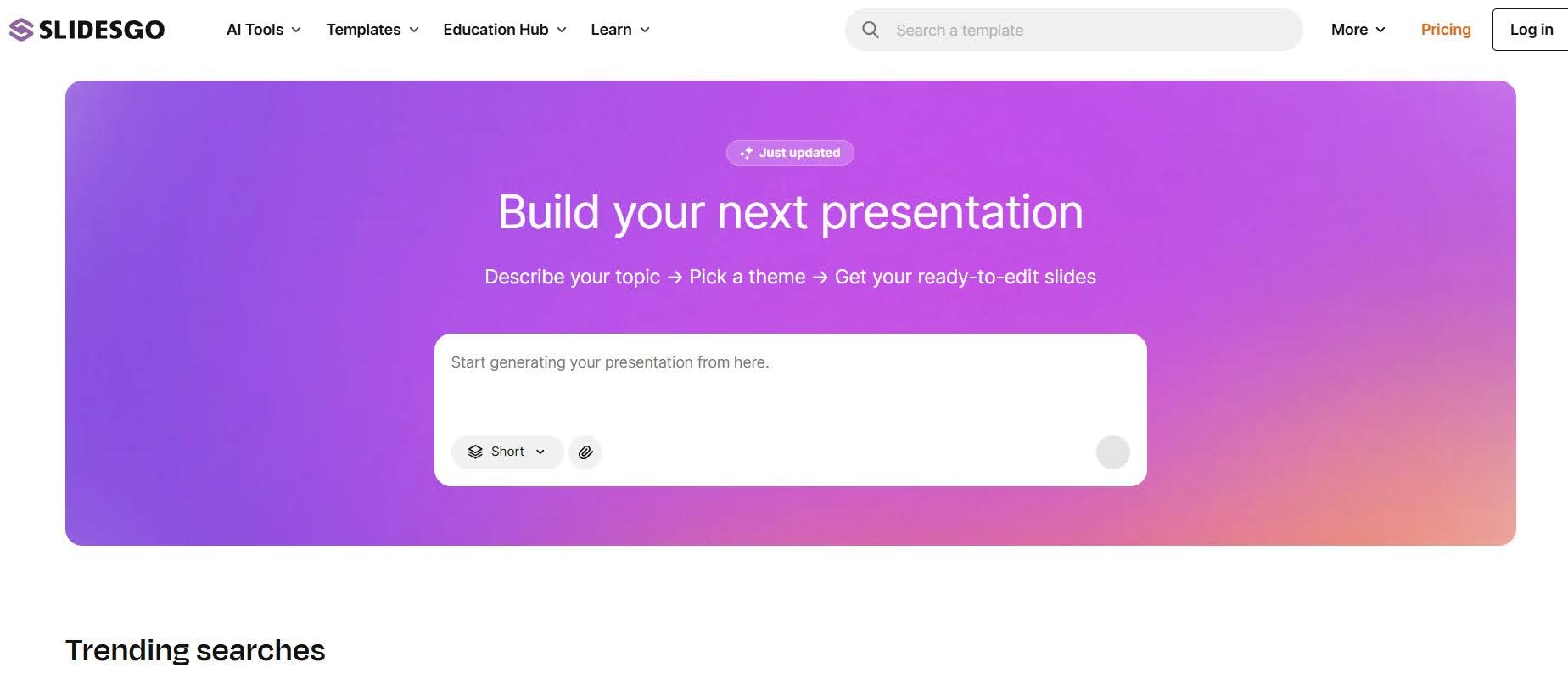
Slidesgo offers presentation templates alongside an AI presentation maker that generates slide decks from user-provided topics.
Its customizable designs support educational, business, and creative presentations, with options for editing in common presentation applications.
Slidesgo is particularly useful for teachers, students, and professionals seeking accessible starting points for polished presentations.
8. Prezi: Best for Dynamic, Nonlinear Presentations
- Founded: 2009
- Headquarters: Oakland, California
Prezi provides a visual presentation environment that moves beyond conventional slide-by-slide navigation.
Its AI-assisted features help users develop presentations, while zoomable layouts allow presenters to explore relationships between topics.
Prezi is particularly effective for training sessions, educational presentations, and business storytelling that benefits from a flexible narrative structure.
9. Presentations.AI: Best for Fast Corporate Deck Creation
- Founded: 2018
- Headquarters: Bengaluru, India
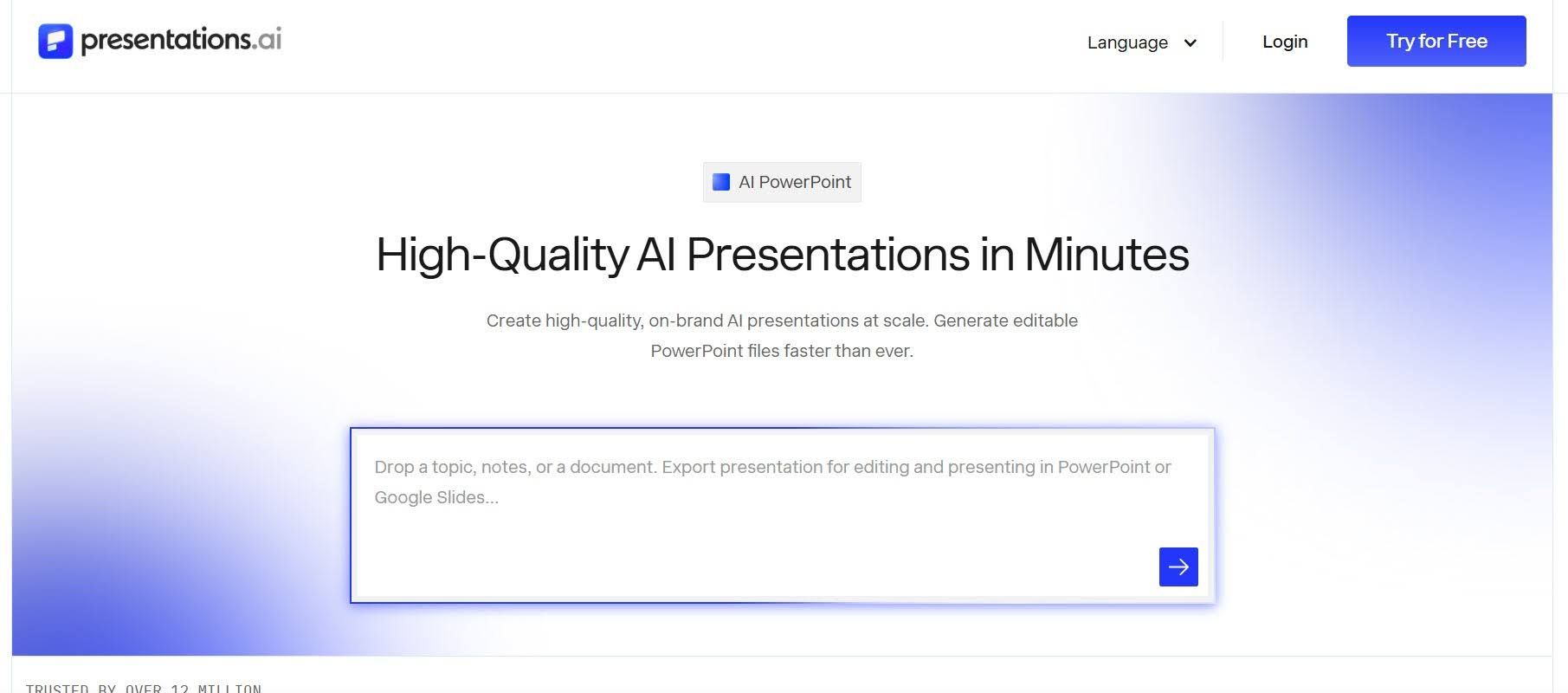
Presentations.AI uses artificial intelligence to generate business presentations from prompts and written content.
Its tools help automate slide layouts, apply consistent visual styles, and organize information into presentation-ready formats.
The platform is particularly useful for sales teams, consultants, and business professionals who regularly prepare proposals, strategic updates, and corporate presentations.
Create Better Presentations With Less Manual Work
The best AI presentation makers save time without compromising clarity, design quality, or control over your message.
Piktochart is particularly effective for data-rich business presentations, while Gamma simplifies complete deck generation and Beautiful.ai automates slide formatting.
Ultimately, choose a platform that suits your content, audience, and existing workflow. AI should make presentation creation easier, leaving you more time to refine your message and deliver it with confidence.