TLDR
You can genuinely make decent AI videos for free right now. The catch is that “free” looks different depending on the tool, so it pays to know what you’re actually getting before you commit an hour to a project.
Akool gives you watermark-free short exports plus custom avatars on its free plan, which is rare in this space. OpenArt hands new users 40 trial credits across dozens of models, so it’s a good way to test several video engines without picking one first. Google’s Veo 3 is the one to try if realism matters most, though it lives behind a Google AI Pro trial rather than a standalone free plan. Runway, Pika, and Kling round things out with their own free credit systems, each better suited to a slightly different kind of clip.
Below, we go through what each free plan actually includes, what’s held back for paid users, and which one fits your specific use case, whether that’s marketing content, social clips, or turning a still photo into motion.
What “free” actually means here
Before comparing tools, it helps to know the three ways “free” shows up in AI video generators, because they are not the same thing.
Some platforms give you a set number of credits every month, forever, with no expiration date on the plan itself, even if individual credits expire. Others give you a one-time batch of trial credits when you sign up, meant to get you through your first few generations before you decide whether to pay. And a few, like Google’s Veo 3, are technically free to try through a trial subscription, but aren’t a permanent free tier in the traditional sense.
On top of that, free plans commonly hold back the same handful of things: a visible watermark, capped resolution (often 480p or 720p instead of 1080p or 4K), shorter maximum clip length, and slower generation queues during busy periods. None of that makes a free plan useless. It just means you should know the limits going in, rather than finding out mid-project.
One more thing worth knowing. According to Wyzowl’s 2026 State of Video Marketing report, 63% of video marketers have now used AI tools to help create or edit video, up from 51% the year before. A meaningful share of that adoption is happening on free or low-cost plans, since that’s usually how people test whether AI video is worth building into their workflow at all.
Quick comparison: best free AI video generators
| Tool | Free plan gives you | Held back on free plan |
| Google Veo 3 | Limited generations through a Google AI Pro trial | Ongoing free access, higher resolution, faster daily limits |
| OpenArt | 40 trial credits across many models, 4 parallel generations | Credits are one-time, not monthly |
| Akool | Watermark-free short exports, 3 custom avatars, 1.5 min of video | Longer videos, advanced avatars, faster processing |
| Runway | 125 one-time credits, no expiration | High volume use, since one clip can use most of the batch |
| Pika | 80 monthly credits, no watermark, commercial use allowed | 1080p export, faster generation |
| Kling | 66 monthly credits, text-to-video and image-to-video | 1080p, watermark removal, fast track generation |
Google Veo 3: Best for realism, with the most limited free access
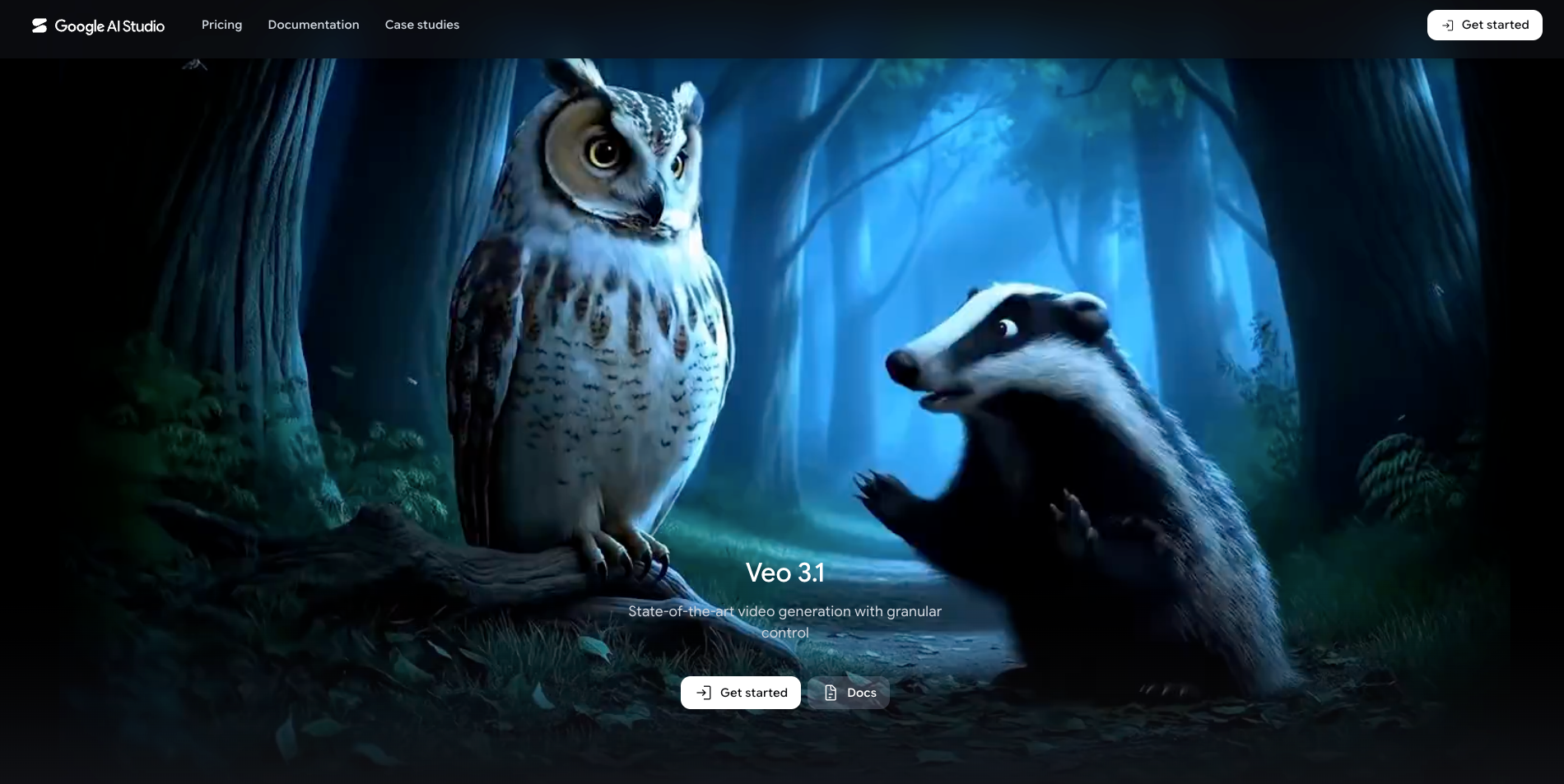
If photorealistic output is the priority, Veo 3 is usually the first name that comes up, since it generates video and matching audio together and handles lighting, motion, and physics more convincingly than most competitors.
The honest caveat is that Veo 3 isn’t a standalone free tool the way the others on this list are. Free access typically comes through a Google AI Pro trial, which includes a limited number of daily or monthly generations before you’d need to subscribe to continue. Google AI Studio also offers developer-level access with its own rate-limited free tier, which is a reasonable path if you’re comfortable with a slightly more technical setup.
What to know before you start:
Treat Veo 3’s free access as a way to test whether the realism is worth paying for, rather than a permanent free option. If cinematic quality matters for one specific project, it’s worth using the trial period intentionally rather than casually.
OpenArt: best for testing multiple video models at once
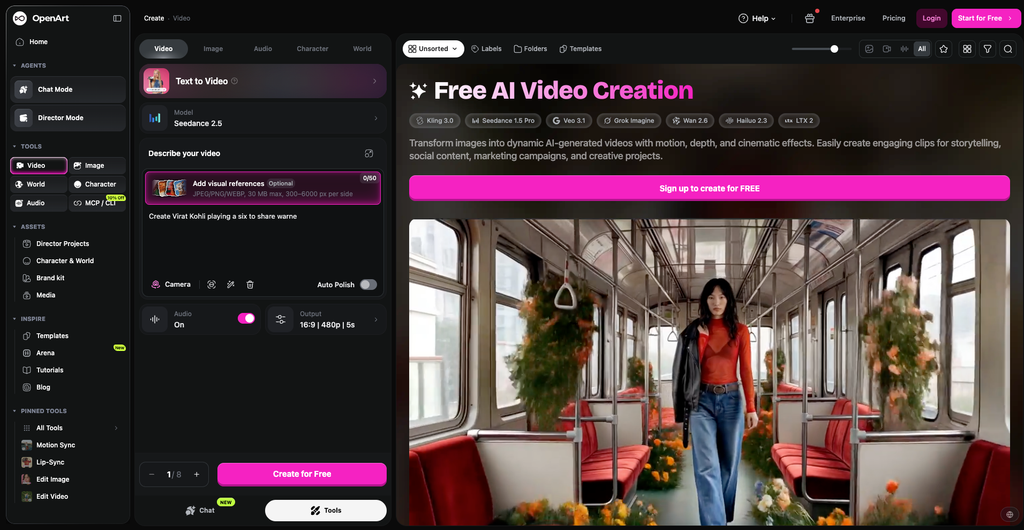
OpenArt takes a different approach to “free.” Instead of a small monthly allowance, new users get 40 one-time trial credits that can be spent across its full library of models, including access to leading video engines through one dashboard, plus extra bonus credits for joining its Discord community.
That structure makes this AI Video generator a good first stop if you’re not sure which underlying AI model actually fits your project. Rather than signing up for four separate tools to compare outputs, you can test several video generation styles from a single free credit pool, including its character consistency feature for keeping a face or style steady across multiple clips.
What to know before you start:
Because the credits are one-time rather than monthly, this is better for a focused round of testing than for ongoing free production. Once the trial credits run out, you’re choosing between paid tiers, so treat the free plan as an evaluation period rather than a long-term free workflow.
Akool: best for avatars without a watermark
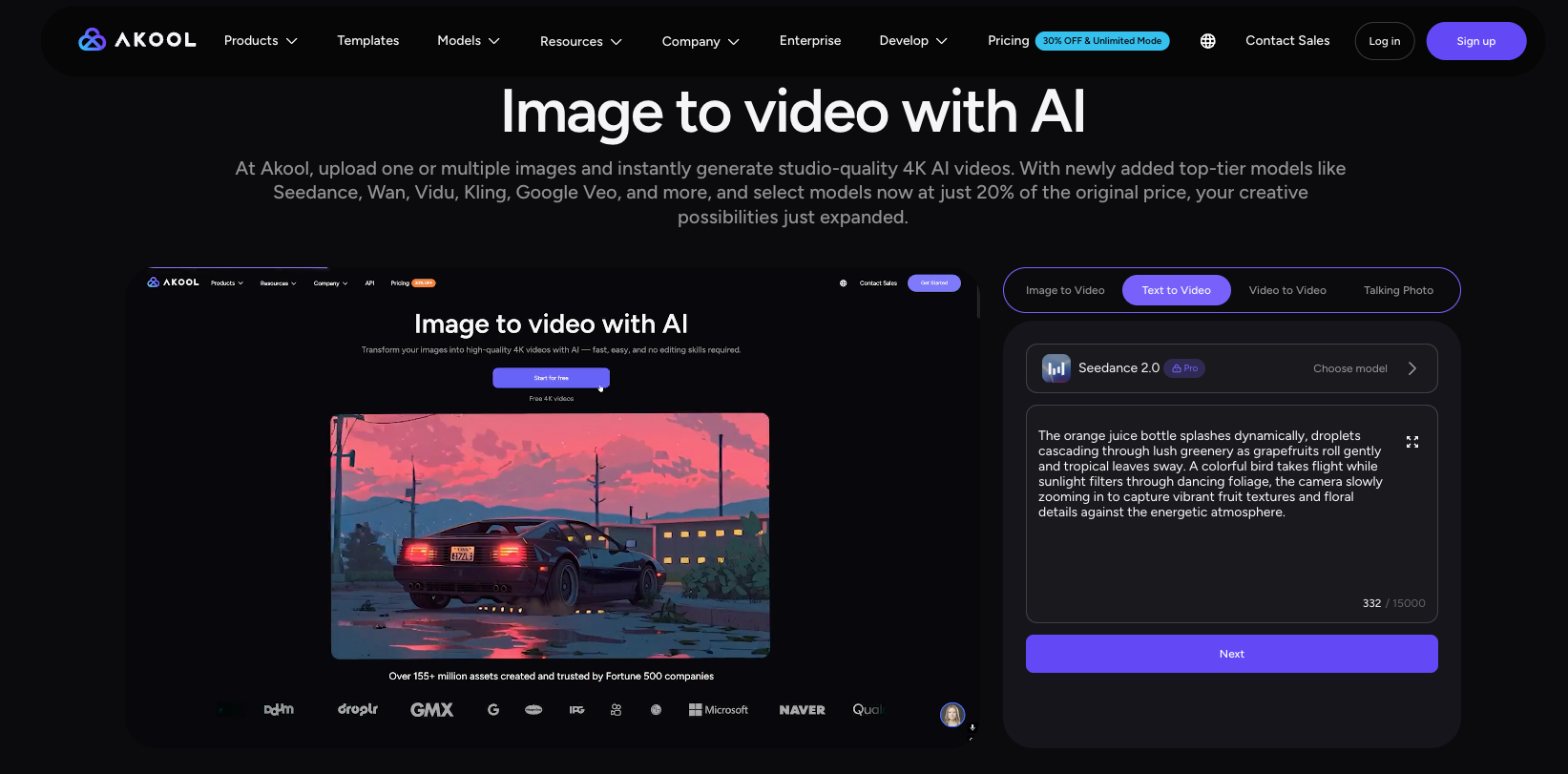
The free plan of Akool’s AI Video Maker stands out for one specific reason. Most free AI video tools slap a watermark on everything, but Akool’s free tier allows watermark-free exports on shorter videos, which is genuinely unusual at this price point of zero dollars.
The free plan includes three customized instant avatars, around 90 seconds of video, and access to more than 60 public studio avatars, on top of text-to-video and image-to-video generation. That makes it a solid starting point if you want a talking presenter, a product explainer, or localized marketing content without paying for a subscription first.
What to know before you start:
Free plan exports are capped at 720p and limited to a few minutes of total video, and processing runs slower than on paid tiers. If you need multilingual dubbing or longer training videos, you’ll hit the free ceiling fairly quickly, but for short social clips or a test avatar video, it holds up well.
Runway: best free credits for directed, cinematic shots
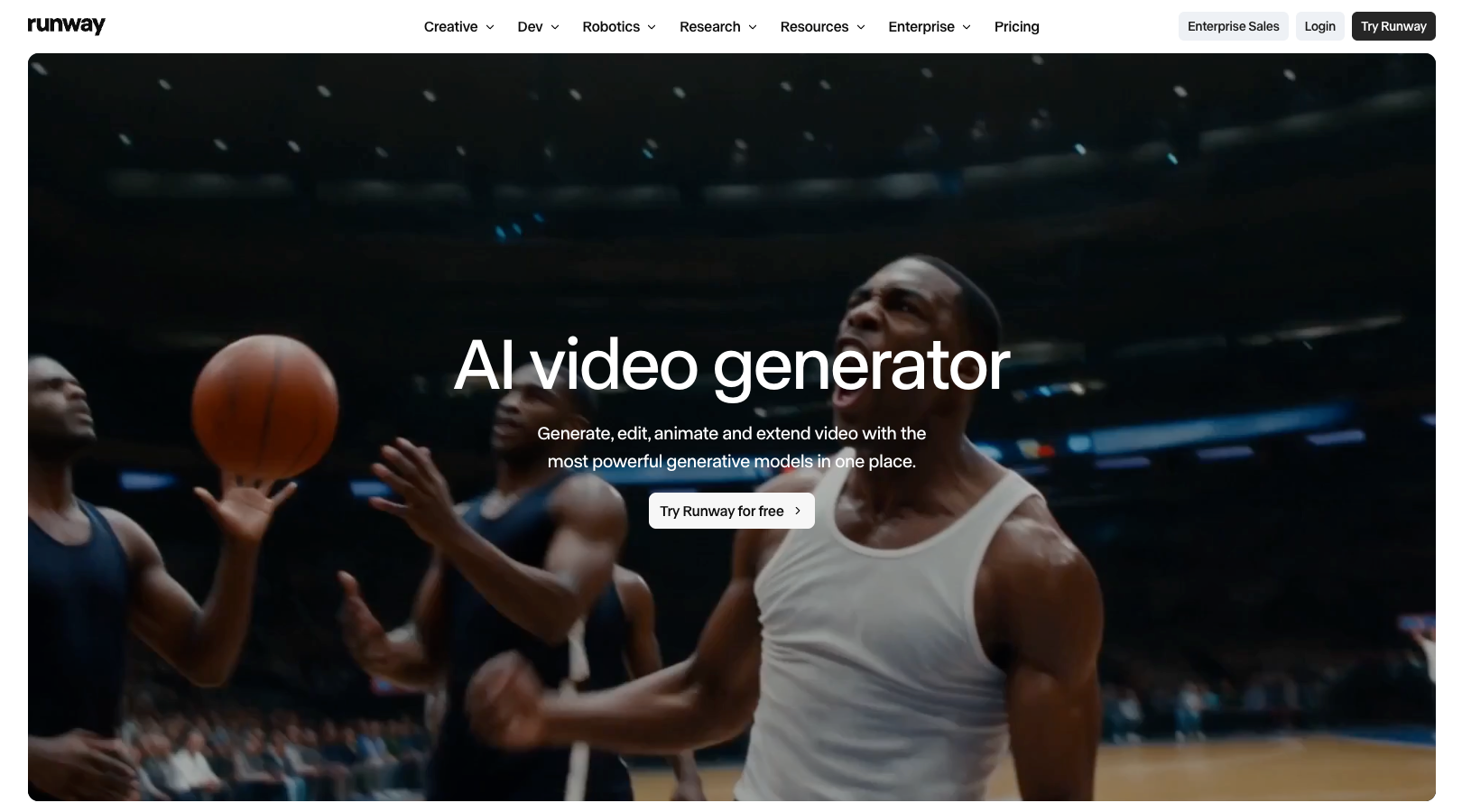
Runway’s free plan gives you a one time deposit of 125 credits that doesn’t expire, which is generous in structure even if it doesn’t go especially far. A single five-second generation on its newer models can use a meaningful chunk of that batch, so the free tier is better suited to a couple of carefully planned tests than open-ended experimentation.
Where Runway earns its reputation is creative control. Camera movement, motion direction, and shot composition all feel more intentional here than on tools built purely for quick social clips.
What to know before you start:
Because credits don’t replenish monthly, plan your free generations around one or two specific shots you actually want, rather than burning through the batch on loose exploration.
Pika: best free option for stylized social clips
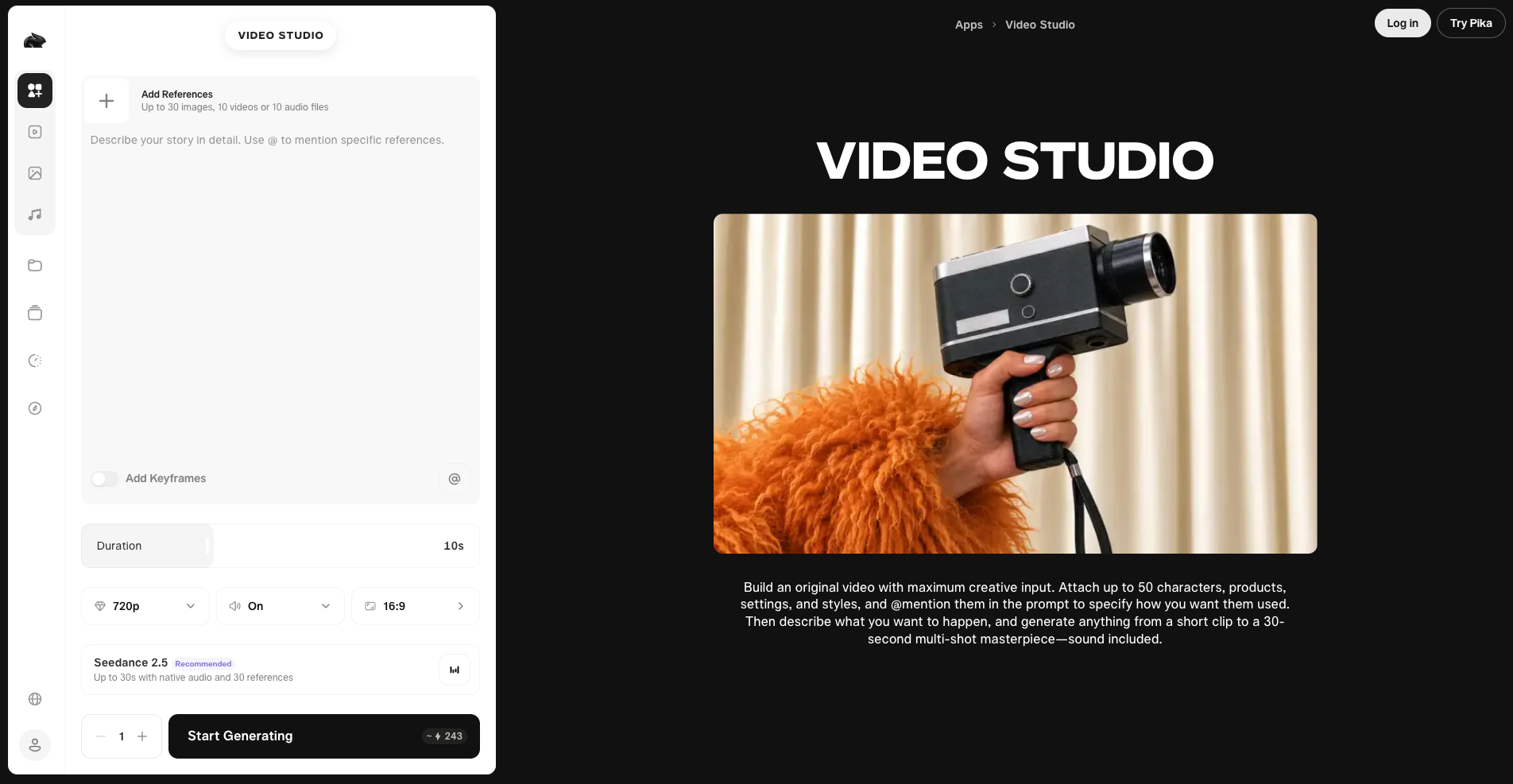
Pika’s free Basic plan includes 80 monthly credits, no watermark on exports, and commercial use rights, which is a fairly complete package for a free tier. A short 480p clip typically costs a modest slice of that monthly allowance, enough for a handful of real tests each month.
Pika leans into stylized, playful motion rather than strict realism, which makes it a strong pick for social content, animated effects, and quick creative concepts rather than polished brand film work.
What to know before you start:
480p is fine for testing and for some social formats, but it’s not going to hold up as a final polished deliverable if you need sharper resolution.
Kling: best free tier for image-to-video specifically
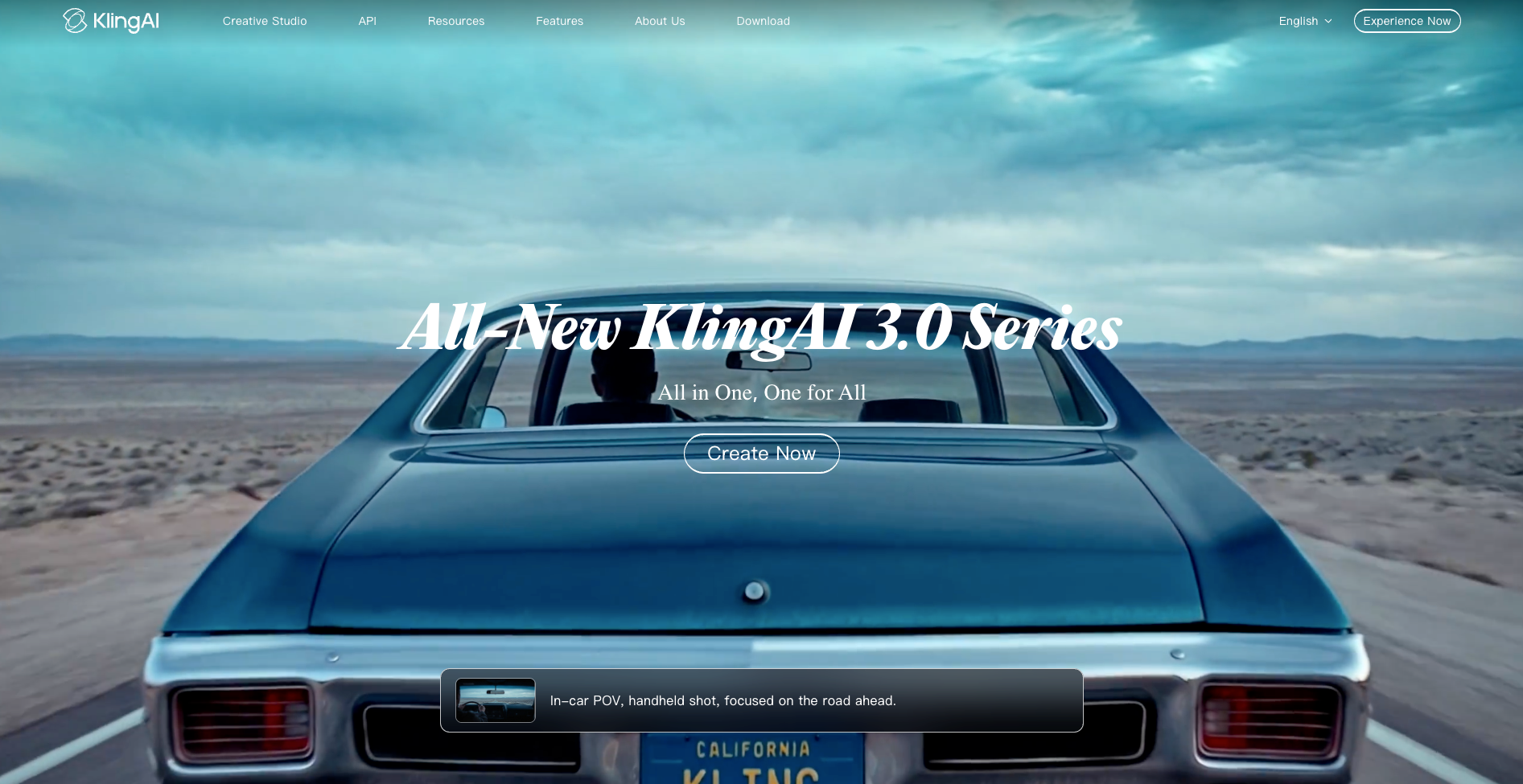
Kling’s free plan hands out 66 credits every month on a genuinely ongoing basis, covering both text-to-video and image-to-video generation at 720p. That makes it one of the more sustainable free options on this list, since the credits refresh rather than running out for good.
For image-to-video work specifically, Kling’s approach of generating a strong still image first, then animating it, tends to produce steadier results than jumping straight to video from a text prompt. It’s a useful workflow if your source material is a product photo, a portrait, or existing artwork you want to bring to life.
What to know before you start:
Watermark removal, 1080p export, and faster processing all sit behind a paywall, and unused credits don’t roll over to the next month, so it’s worth using your allowance before it resets.
Best free AI image-to-video tools, specifically
If your starting point is a photo rather than a blank prompt, a few of the tools above are worth calling out on their own.
Kling’s image-first workflow is built around this exact use case and currently offers the most generous ongoing free allowance for it. Pika handles image-to-video with a more stylized, effect-driven look, which suits social content well. OpenArt’s image-to-video tools sit inside its broader model library, so it’s useful if you want to compare how different engines animate the same source image before settling on one. And Akool’s image-to-video option is worth trying specifically for product photos or portraits you want turned into a presenter-style clip.
None of these fully replace a proper photoshoot or filmed product video, but for testing a concept or producing quick social content, they get remarkably close for the cost of nothing.
Getting the most out of a free plan
A few habits make free credits go further, regardless of which tool you pick.
Nail your prompt or source image before generating. Regenerating five mediocre attempts burns through a free allowance faster than spending a few extra minutes refining one clear prompt.
Start at the lowest resolution the tool offers for testing, then only spend extra credits on a higher quality final render once you know the shot works.
Keep track of expiration. Some credits, like Kling’s and Akool’s, reset monthly and don’t carry over, so it’s worth using them before they disappear rather than saving them indefinitely.
And treat trial credit tools like OpenArt as a comparison stage rather than your permanent workflow. Use the free trial to figure out which model actually fits your style, then decide whether a paid plan for that specific tool is worth it.
None of these free plans are going to replace a full paid subscription for serious ongoing production. But for testing ideas, building a portfolio, or handling occasional social content, they’re genuinely capable enough to be worth using before you spend a dollar.