
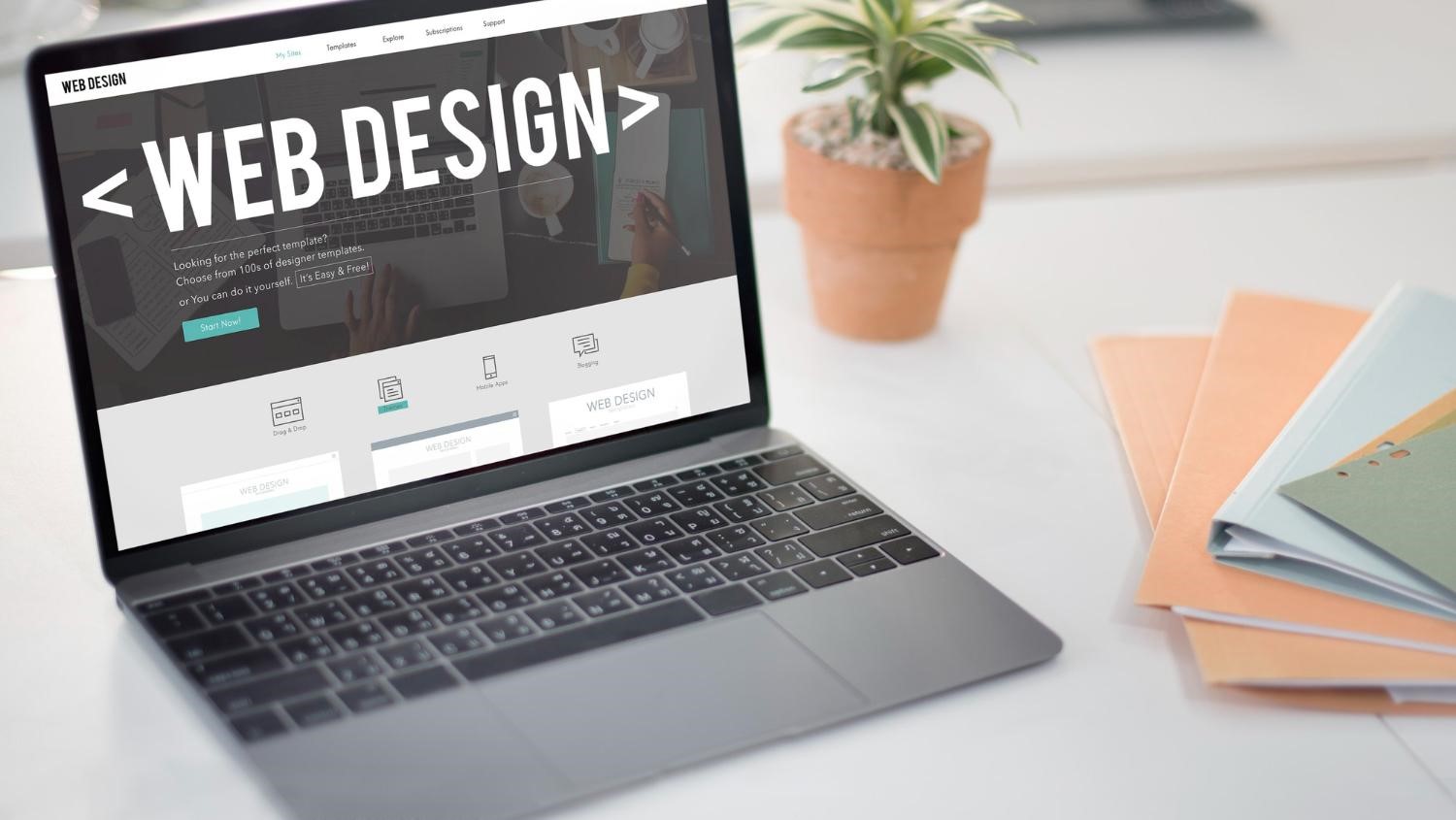
As the world becomes increasingly digitized, creating a website is critical to the online success of small businesses. Whether you are making a new website or enhancing an existing one, understanding the web design dos and don’ts will help you build a professional, results-focused website. This web design article explains best practices and common mistakes to help you create a website that is effective for your business.
The Dos of Web Design
Focus on User Experience (UX)
User experience (UX) is perhaps the most fundamental component of effective web design. A website has great UX if it is easy to use and navigate, and visually appealing across different devices. A website also needs to be clean so users can quickly and effortlessly access the information they need.
One of the main aspects of user experience (UX) is ensuring mobile accessibility. Given the surge in mobile web traffic, your site must function seamlessly on mobile devices, including smartphones and tablets, as well as desktops. Moreover, loading speed impacts UX, as slow pages raise the likelihood of visitors abandoning the website.
Have a Clean and Professional Design
Making a great first impression is critical, which is why website design is an essential part of branding. A clean, professional design fosters trust, which, in turn, enhances your business’s trustworthiness.
Do not use more than three fonts, and choose brand-related colors. Using a consistent color palette, in addition to brand colors, promotes a polished, cohesive aesthetic.
Include AI in the Design Process: Nowadays, AI is changing the way designers create visual content by making the design process faster and more accessible. In today’s fast-moving world, an AI-powered graphic design is a comfortable addition to the work since it can turn a rough interface idea into something visually appealing, clickable, and imaginable, making the work faster.
Focus on Content Quality
Ensuring your content is well-written is of utmost importance because it fuels customer engagement and improves SEO. If your site’s content is relevant and valuable to your audience, they will spend more time on your site, increasing the likelihood of converting visitors into loyal customers. It is vital to keep your content relevant and to the point. Remember to avoid verbose terminology as well as complex words—there’s beauty in simplicity.
Make Sure Everyone Can Access Your Website
Providing all users with the ability to browse your site is referred to as website accessibility. For individuals with disabilities, web accessibility ensures they can navigate, understand, and interact with the site’s components seamlessly. Choosing the best web hosting for small business can enhance website speed, security, and uptime, all of which contribute to a smoother user experience. If you’re unsure how much uptime really matters, try this uptime calculator to estimate how downtime could affect your small business website. Cybernews has analyzed and compared top hosting providers to help small business owners find the most secure and high-performing options.
Alterations such as screener-friendliness, a high-contrast color scheme, alt text for images, and more can enable more users to browse your site.
Include Effective CTAs
Every page on the site should inspire the user to perform a specific task, whether it is buying a product, signing up for an account, or booking a consultation. A well-positioned CTA captures the user’s attention, sells them on the concept, and motivates them to act, which translates into interacting and completing the necessary steps in the sales funnel.
Your CTAs should be unambiguous, straightforward, and prominently displayed. Use actionable phrases such as “Sign Up Now,” “Get Your Free Quote,” or “Learn More.” The enhancements made to site navigation brought about by the tactical placement of particular website CTAs will contribute to attaining business goals and improving overall sales.
The Don’ts of Web Design
Avoid Making the Design Overly Complex
While it is tempting to want to include every imaginable feature or design element, the old adage telling us “less is more” does apply here. A website that uses all or most design features like a multitude of animations, colors, and fonts will often present an unclear, multi-layered, stacked structure that will inevitably be overcomplicated, distracting, and more difficult to navigate.
Excessive clutter might allow users to comprehend the information presented, but the large number of options and visuals will be so overwhelming that they will choose to abandon the site. The amount of ineffective or unusable visual clutter impacts a user’s experience and satisfaction.
Don’t Ignore Mobile Users
One of the most common website errors that is very detrimental for a small business is not being able to access a site through mobile phones. With so many people accessing sites on mobile phones, your website should be accessible on any screen size. A mobile-friendly design ensures that users can access and navigate the website satisfactorily, regardless of the device or platform they use. If mobile users leave without engaging with the page’s content, the bounce rate will increase and negatively affect other metrics, such as conversion rates.
Avoid Overwording Text
Content is undeniably essential, but having too much of it can create a challenging, cluttered environment, making it difficult to navigate to certain website features. Especially on smaller devices, long paragraphs can become a huge inconvenience. Rather than confronting visitors with overwhelming amounts of text, trim and remove anything that is deemed unnecessary. Communicate the message using clear and simple terminology, focus on the main points.
Do Not Forget Website Security
When considering a cybersecurity strategy, having specific measures in place is just as important as earning a customer’s trust and protecting your business from liabilities. Without the proper measures in place, a website CAN be hacked, leading to sensitive information being leaked, trust being lost, and potential legal troubles down the line. In addition, a website can be hacked if its software, plugins, or themes are not used for a long time.
Refrain from Utilizing Low Effort Visuals and Templates
While visuals can be a good way to capture a visitor’s attention, generic visuals can damage a website’s credibility. This can lead to returning visitors marking the site as untrustworthy, while reducing the likelihood that new visitors will view it as unprofessional. The goal can be achieved by using high-quality images aligned with the brand, rather than generic images.
Overcomplicating Navigation Should Not be Done
The navigation of a website can greatly assist with the content layout. As many users often abandon a website when the information they look for is not readily available, better navigation can be achieved by rearranging information and also reducing the number of items in the main menu. Each item in a website menu has to be descriptively labeled so that the user knows exactly what content is found in every page.
Don’t Ignore How Fast You Load Your Website
Visitors to your website are very particular about the speed at which your website opens as well as the speed at which different pages load. According to a survey, the probability of bounce back rate increases by 32% as the page loading time takes 1 sec to 3 secs. Slower means-inefficient, usually results in lower sales and higher loss as more users will abandon the site. Enhance your page load speed by improving image compression, minimizing the use of big multimedia files, and better structuring the website files.
Don’t Use Auto-Play Media
Every form of audio or video auto-play will ruin user experience without exception. As auto-play features will annoy most site visitors, the accompanying sounds or videos could prove to be even worse. Allow users to engage with various types of media through clear buttons, granting them options to play, pause, mute, or adjust volume.
In Conclusion
For your small business, an effective website has to be well-designed with good aesthetics, creative content, and great user experience. Following the dos’ prioritize UX, optimize design and layout, modify website for SEO, and these tips will help avoid the don’ts of overcomplicated design, mobile users blocking, and security protocol dismissal, will help achieve a great website that fulfills business objectives and meets visitors’ needs. Because web design best practices change constantly, improving your webpage should be a continuous undertaking. However, with the right efforts, you can make sure your website becomes a formidable tool for growing your business.





